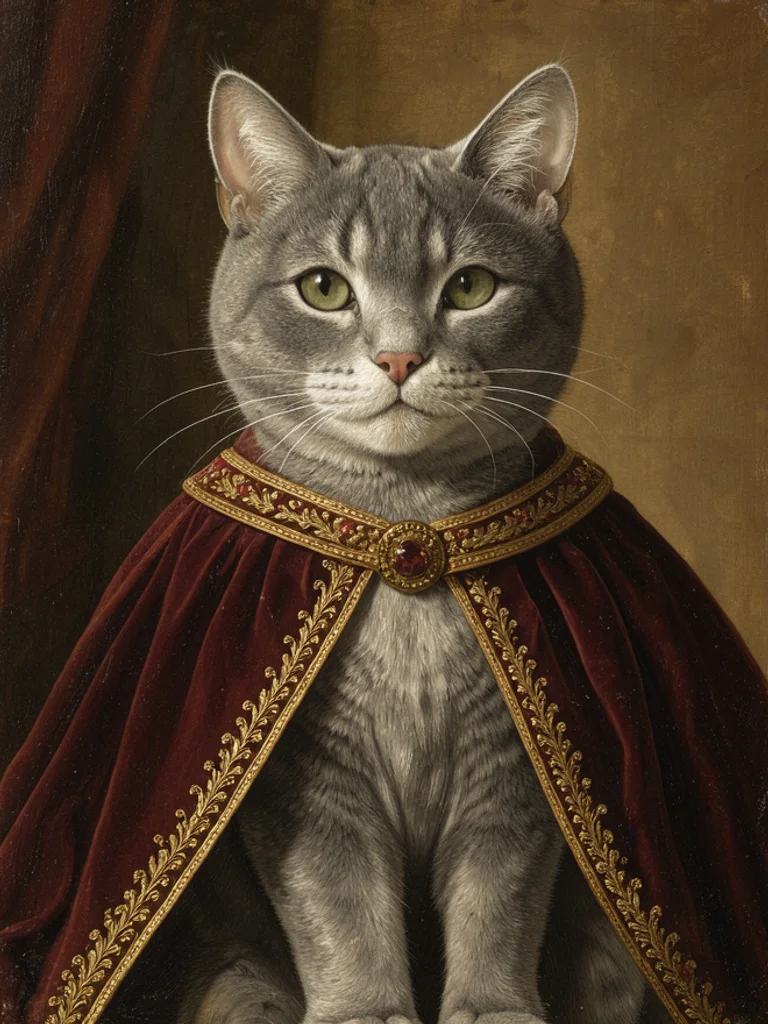
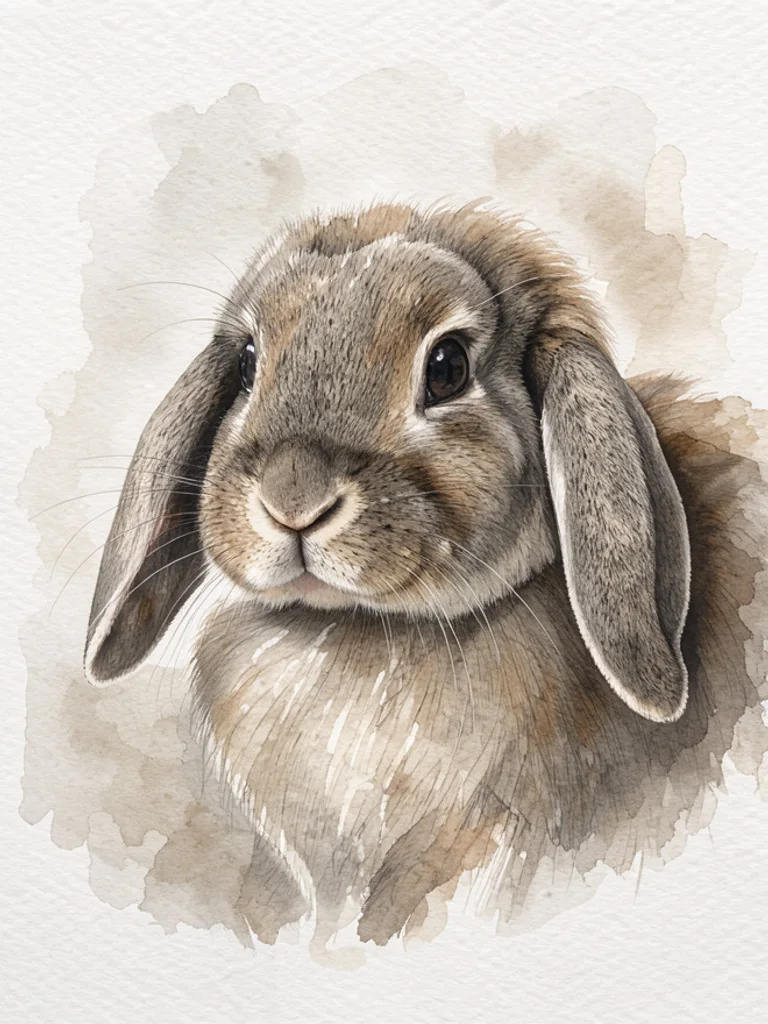
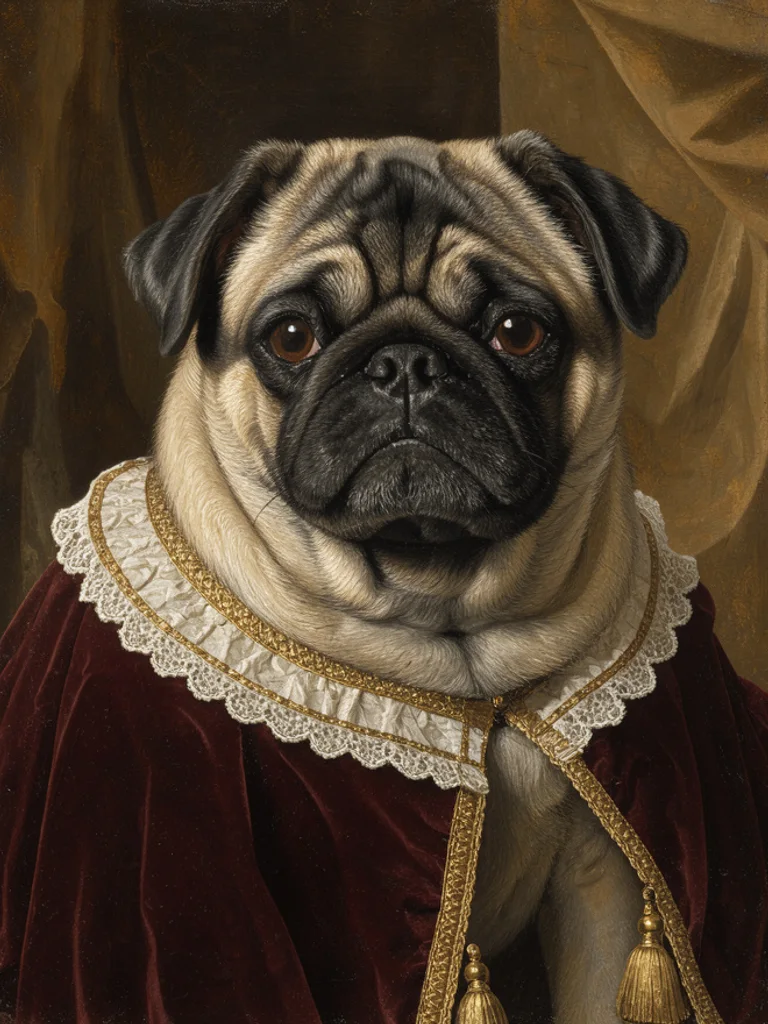
You describe the animal and the pose: a golden retriever sitting in a garden, a grey cat on a velvet cushion, a corgi looking up. Then you choose a painting style. Behind the box, a fixed instruction adds the things a portrait needs, such as a simple background, a head-and-shoulders crop and light coming from one side, so the result reads as a painting rather than a photo with a filter over it.
Uploading a photo usually gives the closest likeness. Press the plus button or paste a PNG, JPG or WEBP file up to 10 MB, then write what should change: the style, the background, the pose. The Free AI Pet Portrait Generator keeps the markings and the shape of the head from your reference, which is why a plain phone photo in daylight beats a posed studio shot with strange shadows.
Describe the details you would mention to a painter: the white blaze, the one floppy ear, the collar, the colour of the eyes. Then name the treatment, such as loose brushwork or soft graphite. If the first attempt turns the animal into a different breed, put the breed at the start of the sentence and remove whatever else you asked for; long descriptions are the usual reason a portrait drifts.
The output is an ordinary image file, roughly 1,000 pixels on the long side. It is not a print-ready file and not a layered painting, so upscale it before ordering a large canvas, and expect the model to simplify whiskers and small patterns. Most people use the result as the artwork itself, or as a reference for a human artist who paints the final piece.







 AI Avatar Generator
 AI Character Generator
 AI Face Generator
 AI Headshot Generator
 AI Portrait Generator
 AI Human Generator