
Product photos for online stores
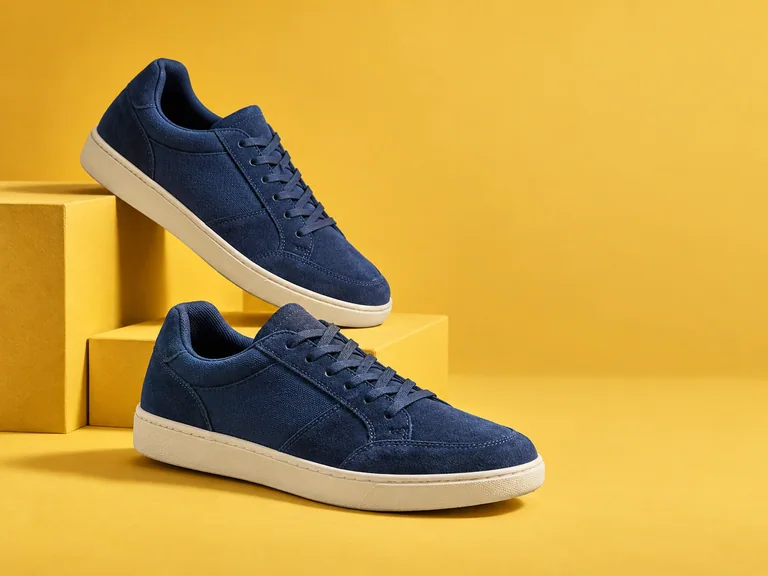
Make product edges, materials and surface details easier to see in listings and catalogs. Enhance a soft supplier photo or a quick product shot before adding it to your store.
Your processed image will appear here
FreeAIImage helps you refine a photo’s edges, brightness, contrast and color. Upload an image, choose your output size and adjustments, then download the result without a complicated editing workflow.
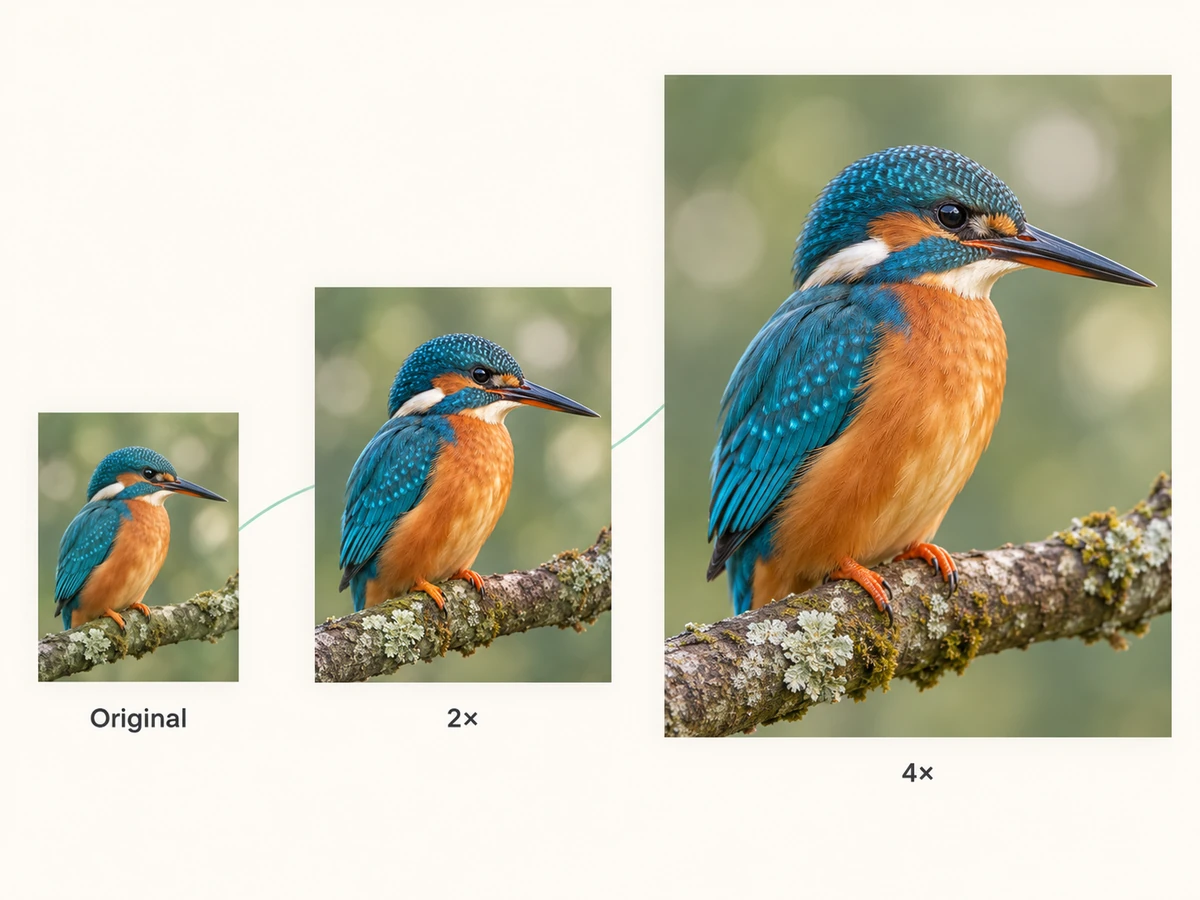
Original size applies sharpening and color adjustments. Choose 2× or 4× to add AI detail reconstruction while enlarging the image for a product listing, social post or design project.
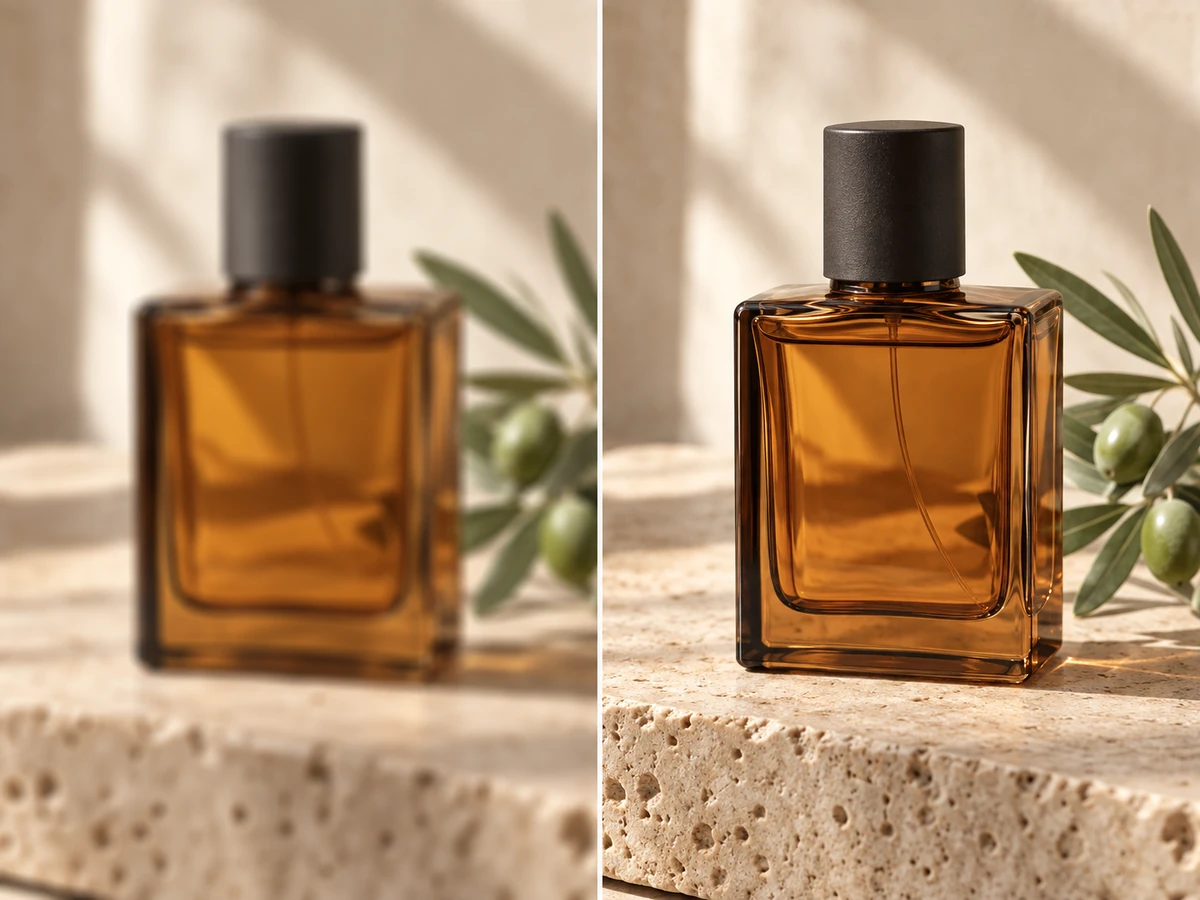
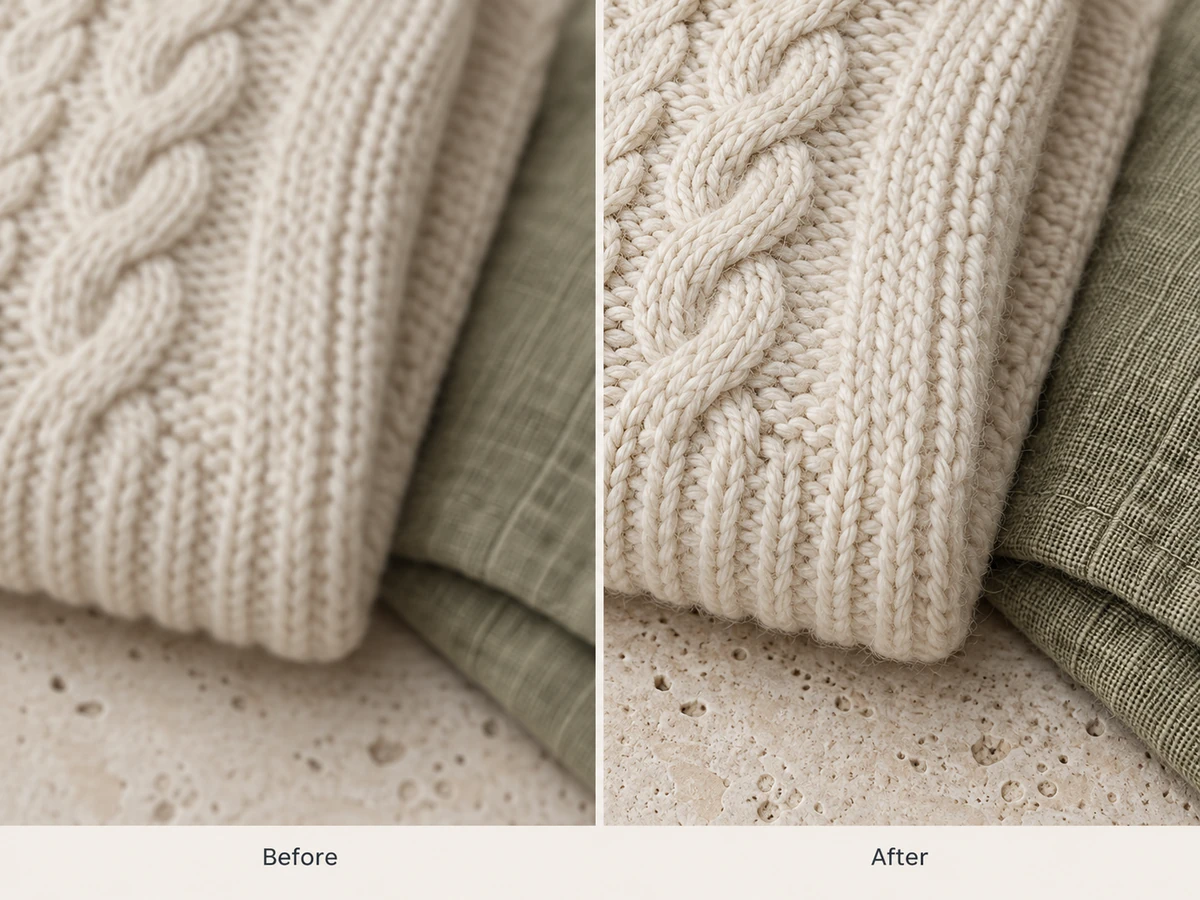
Apply gentle sharpening to give outlines and fine textures more definition. Sharpen at the original image size, or combine it with AI enlargement when you need a bigger version.
Lighten a dark photo or reduce the brightness of an overly bright image. Start from the neutral 100% setting and choose how light you want the result to be.
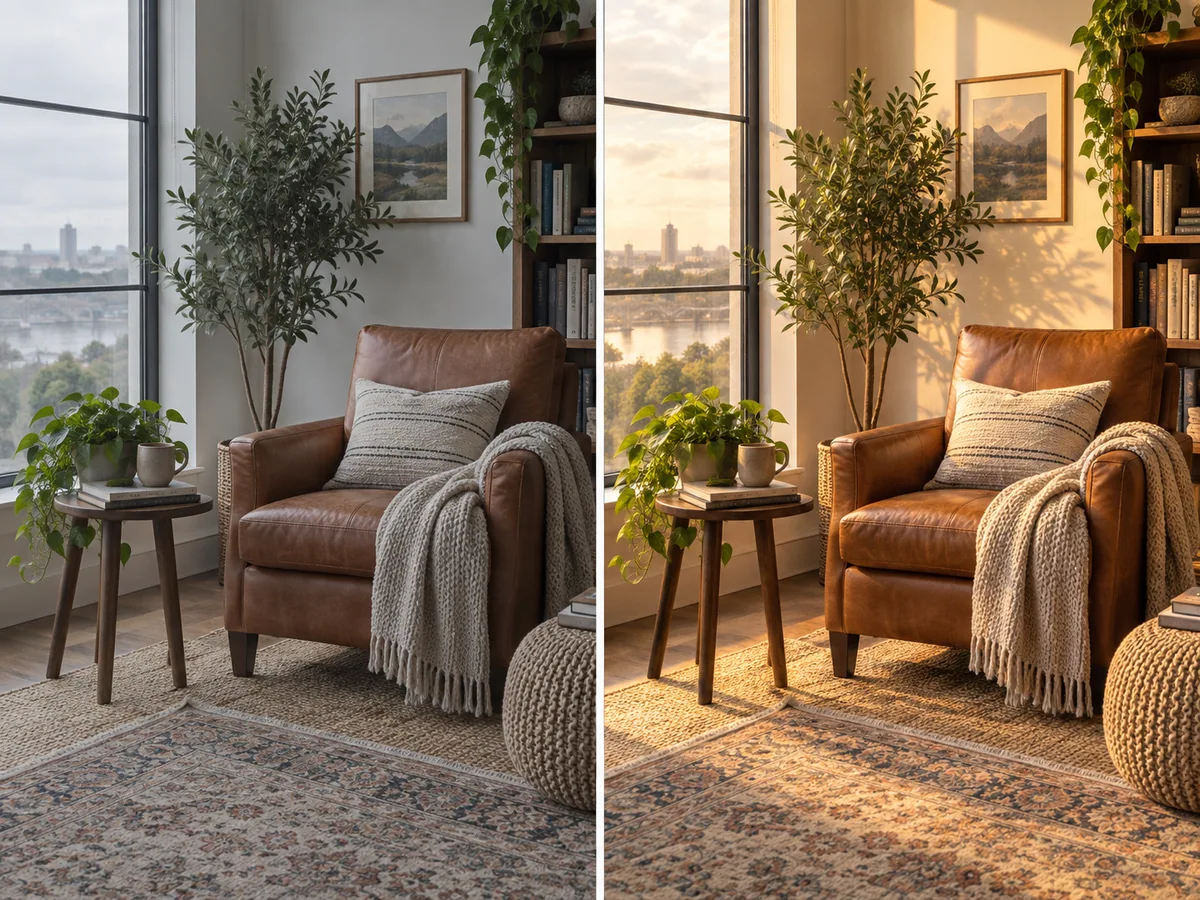
Adjust the difference between light and dark areas. Increase contrast for stronger separation, or lower it to soften harsh tonal differences in the photo.
Choose PNG for lossless encoding of the processed result, or JPG for a convenient sharing format. Download your finished image without an added brand watermark.
Make muted colors more vivid or tone down an overly colorful photo. Set saturation from 0% to 200%; choose 0% for a grayscale image.
When you need a larger image, AI reconstructs detail as it increases the width and height. Both enlargement options preserve the original aspect ratio. Choose Original size when you only need sharpening and color adjustments.
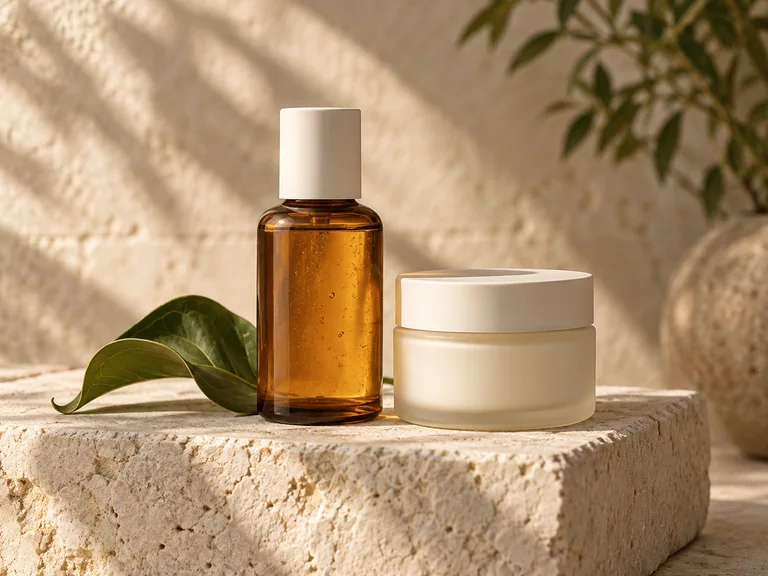
Make product edges, materials and surface details easier to see in listings and catalogs. Enhance a soft supplier photo or a quick product shot before adding it to your store.
Give a soft selfie or portrait more definition for LinkedIn, a personal website or a social profile. Keep attention on the face with clearer eyes, hair and visible detail.
Improve the clarity of small, grainy or faded family pictures for a digital album. Make faces and existing details easier to see before sharing the photo with relatives.
Prepare sharper photos for Instagram posts, Facebook updates and YouTube thumbnails. Improve edge definition and contrast so the subject remains easy to recognize on a small screen.
Refine soft edges and textures in AI-generated images, illustrations and artwork. Increase resolution when your finished image needs more detail for a portfolio, wallpaper or larger display.
Improve low-resolution assets for a presentation, flyer, poster or landing page. Create a clearer version to place in your design, with enough pixels for the size you plan to use.
Choose a JPG, PNG or WebP photo from your device. Start with the clearest original copy available.
Choose 2× or 4× for AI enlargement, or Original size for sharpening. Adjust brightness, contrast and saturation if needed, then start processing.
Compare the result with your original, then download a PNG or JPG for your project.
Answers about enhancement, image formats, free use and downloads.
Give your photo a clearer finish
Upload a photo, refine its edges, lighting and color, or enlarge it with AI for your next project.
Enhance Image for Free