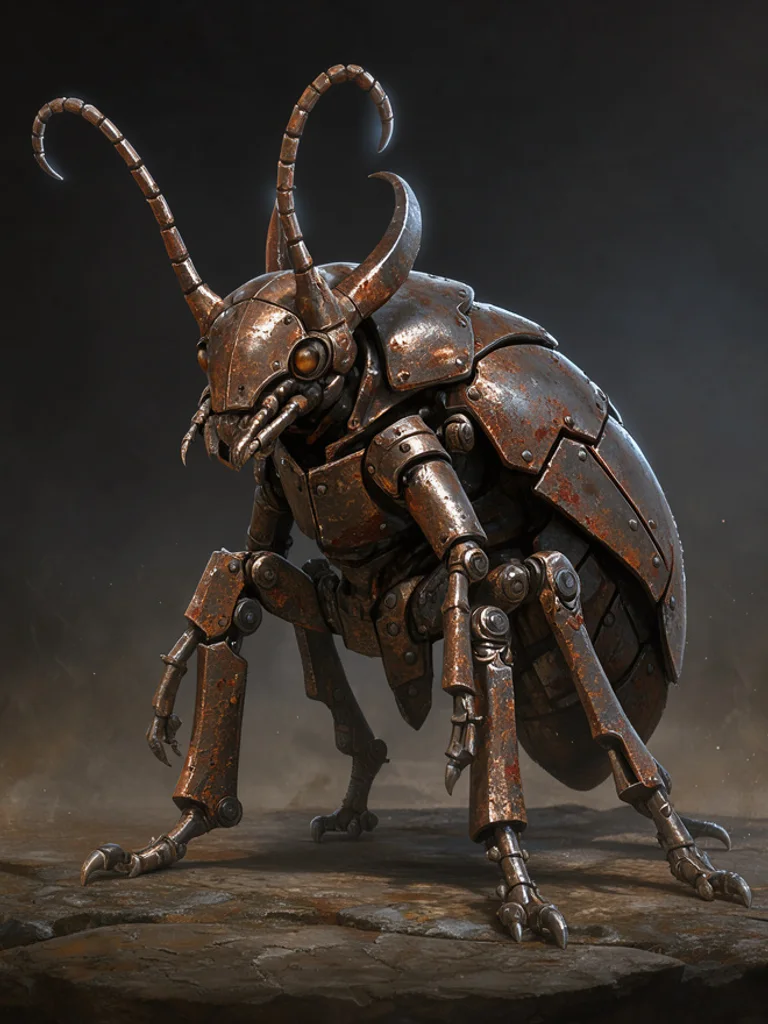
You describe three things: what the creature is, what it is made of, and where it lives. A beetle the size of a car, plated in rusted iron, standing in a flooded street. Then you pick a look. The hidden instruction adds the parts a creature sheet needs, such as a full body in frame, a readable silhouette and light that separates it from the background.
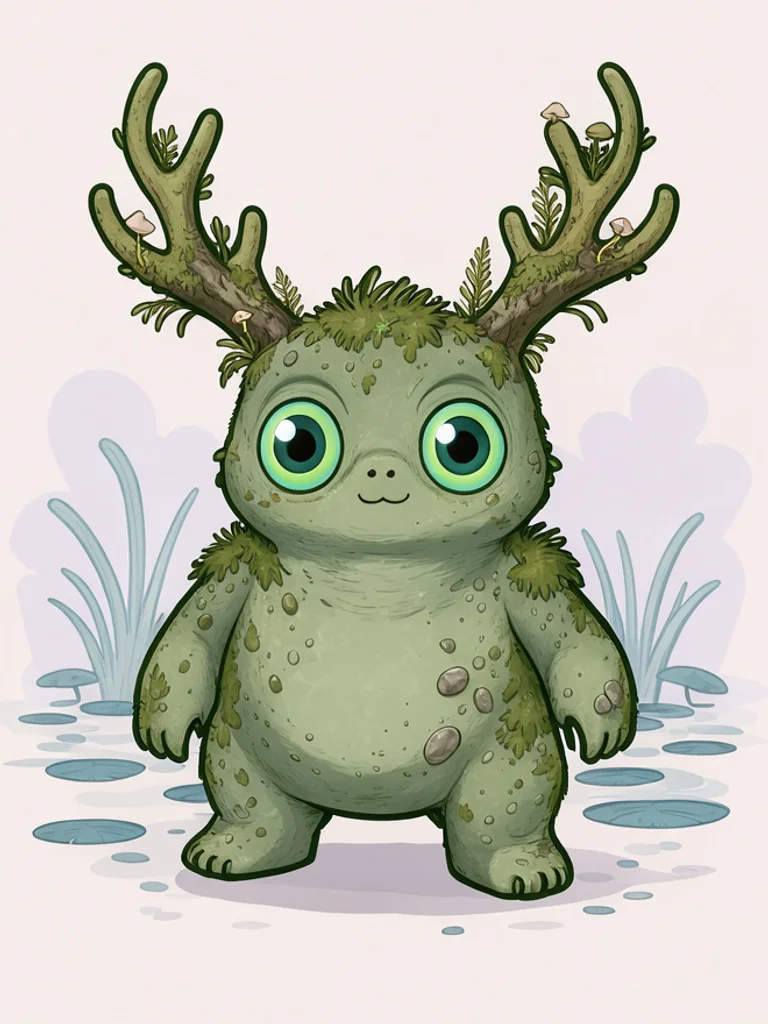
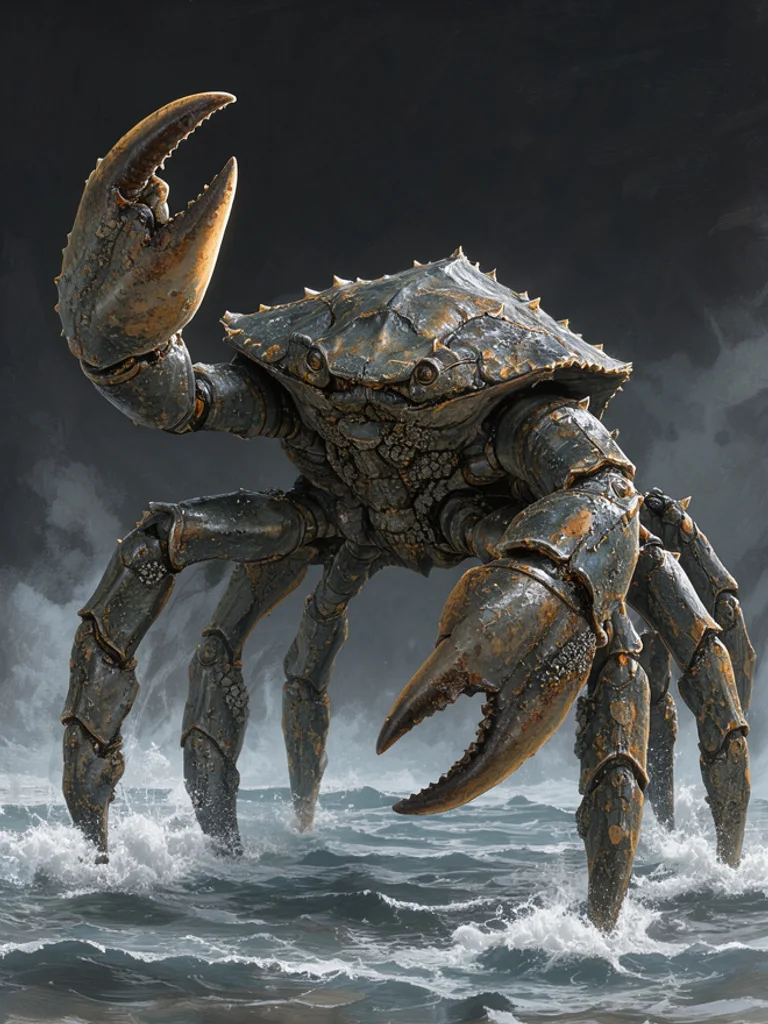
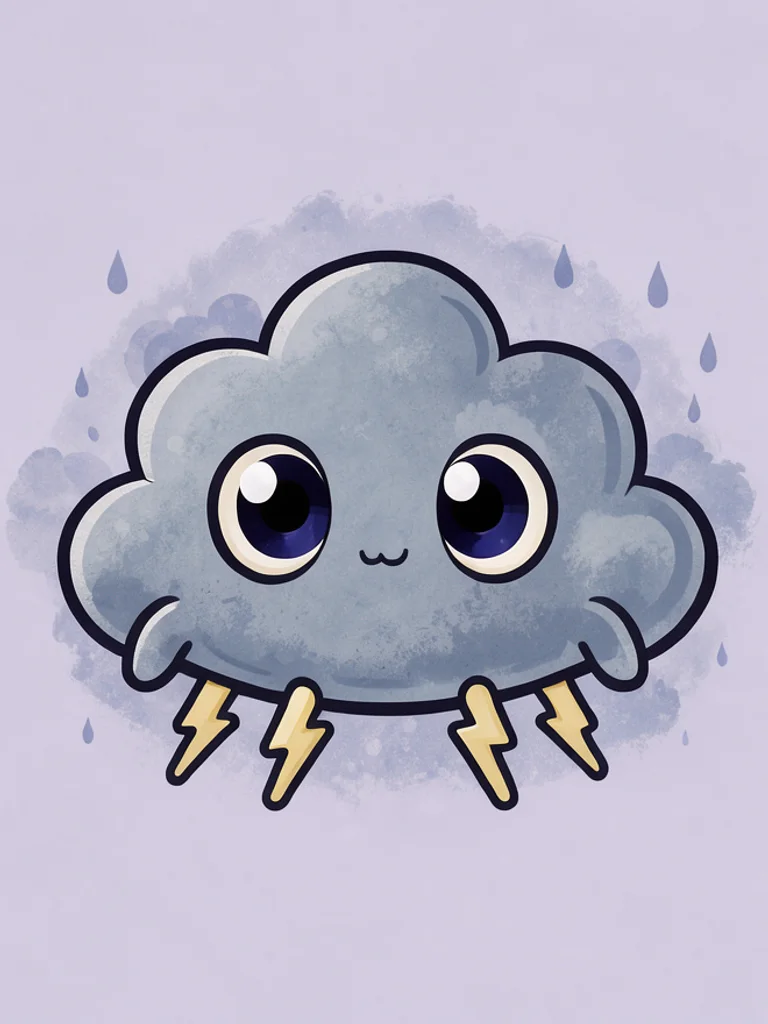
The Free AI Monster Generator is built for iteration, because creature design is mostly discarding ideas. Generate the same description in concept art and in a cute style, and you learn immediately whether the concept depends on menace or works as a character. Change one material or one limb per retry instead of rewriting the whole sentence. A material change moves the AI Monster Generator further than another adjective about how scary the creature is.
The most common mistake is describing a monster that already exists. If the result looks like a famous film creature, change the material and the proportion rather than adding detail. A creature built from bone and iron wire reads as original, while a creature with the same silhouette as a known kaiju will always feel borrowed, no matter how many horns you add.
You get a normal image around 1,000 pixels on the long side, not a 3D model and not a layered file. It cannot be rotated or rigged, and any name or stat block you want on the image has to be added in another tool, because lettering comes out garbled. Use it as a design reference, a mood board image or a page in a campaign document. When a design has to survive several sessions, the AI Monster Generator is best used to lock the material and the silhouette first.







 AI Anime Generator
 AI Cartoon Generator
 AI Clip Art Generator
 AI Coloring Page Generator
 AI Pixel Art Generator
 AI Tattoo Generator