Product listings and online stores
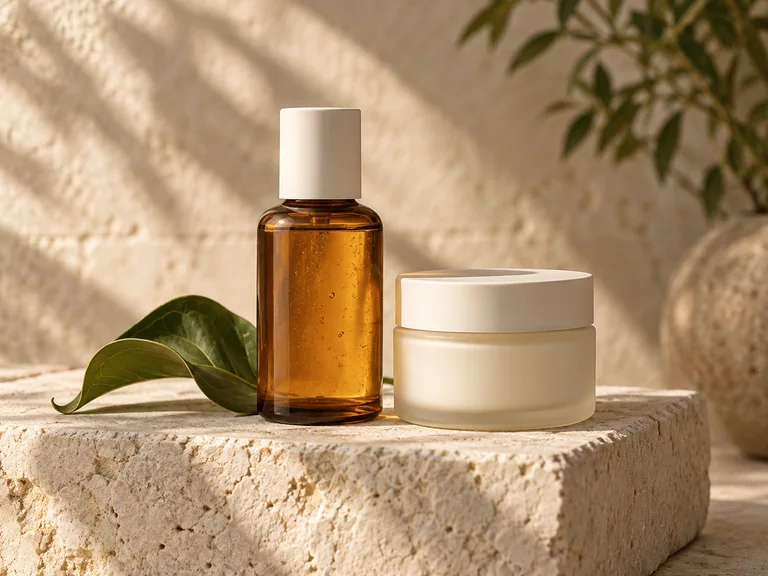
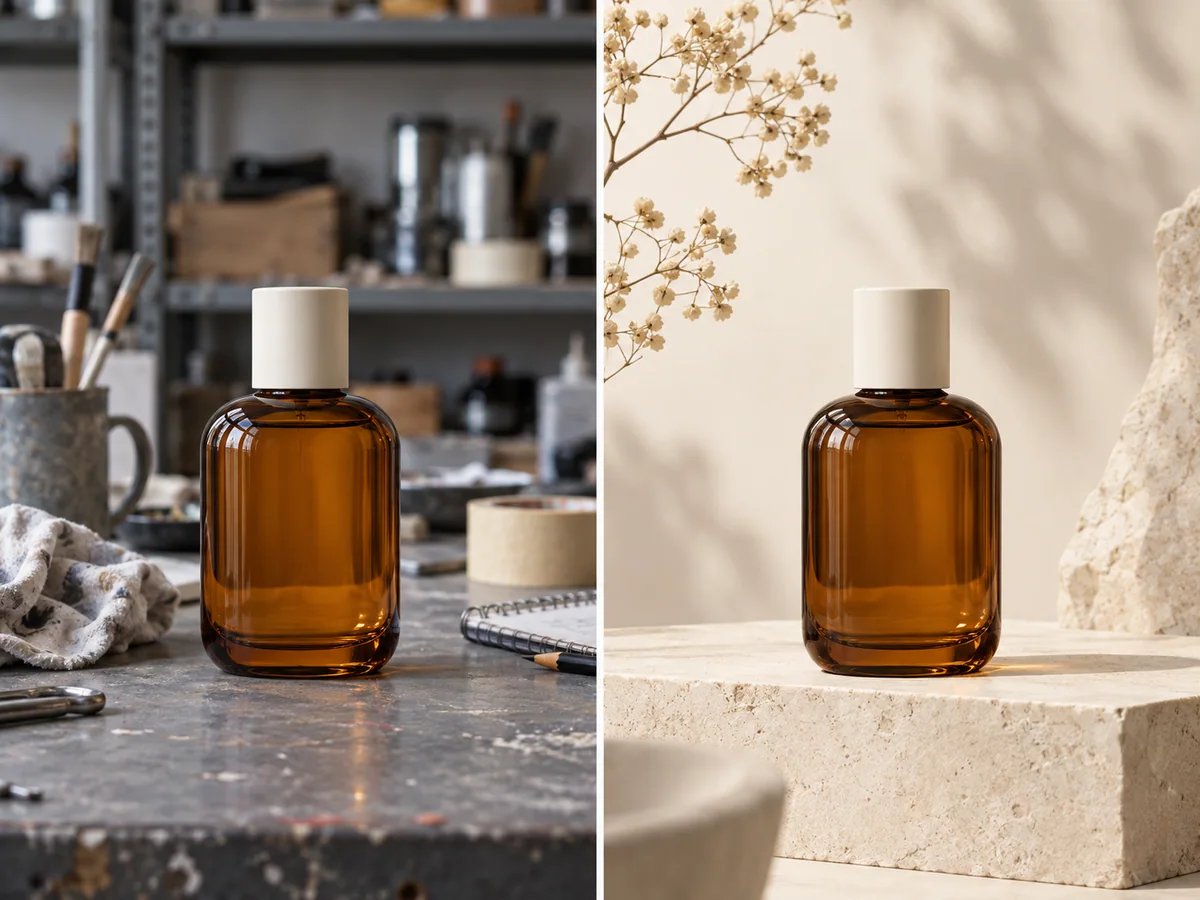
Turn ordinary product shots into clean listing images. Replace distracting backgrounds, balance the lighting, and keep a consistent visual style across a collection.
Your AI generated image will appear here
A good photo can still have the wrong background, distracting clutter, or lighting that misses the mood. Our free AI image editor turns a written instruction into a new version of your picture. Upload a photo, describe what to change, and use AI to clean it up or take it in a different creative direction. Edit product shots, portraits, travel photos, and everyday images directly in your browser.
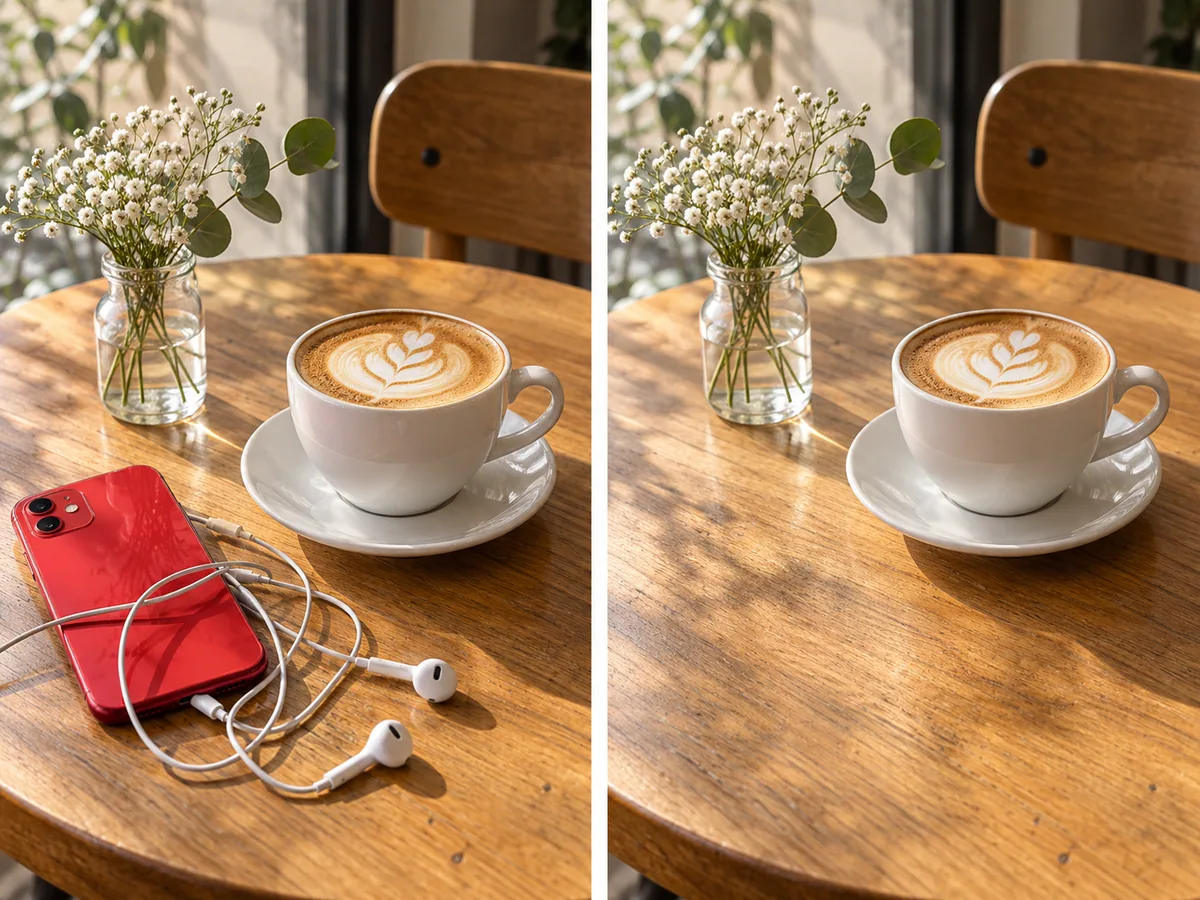
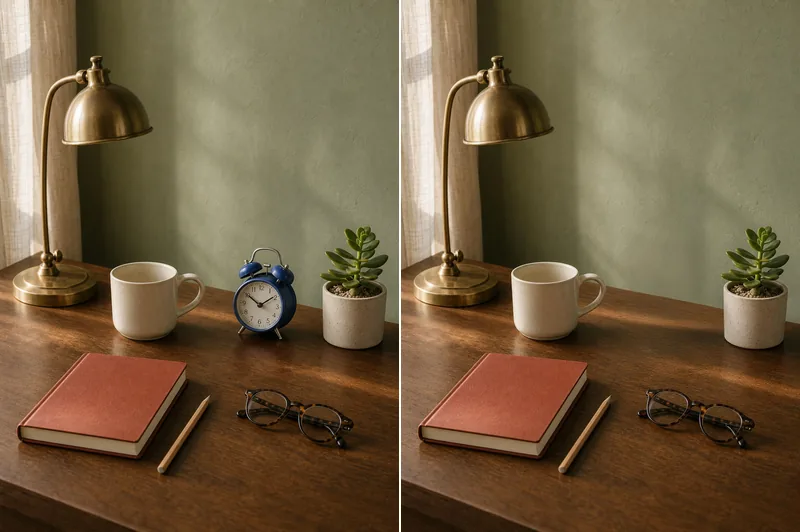
Clean up a photo by removing a stray cable, a photobomber, or clutter on a table. Replace a selected object with something new and let AI blend the edited area with the surrounding textures, perspective, and shadows.
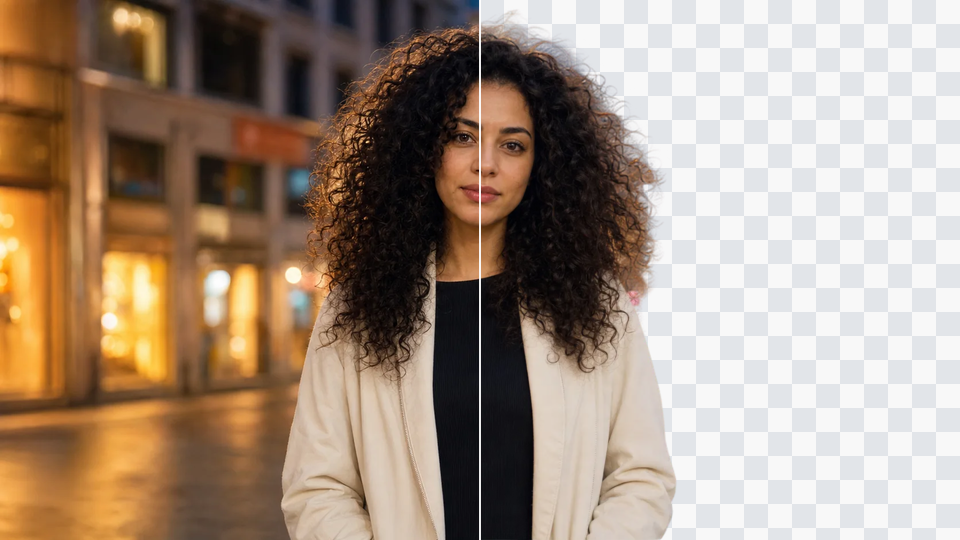
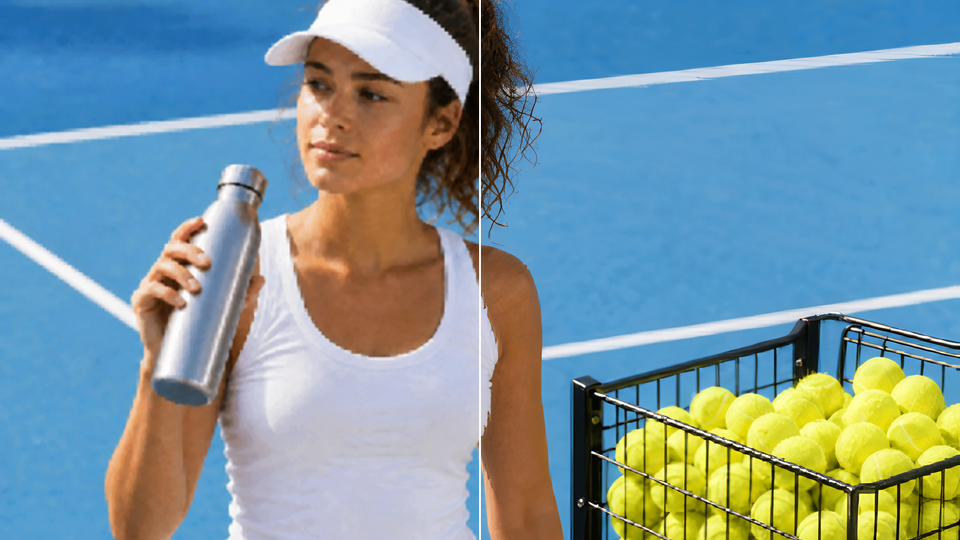
Move a product onto a clean studio backdrop or place a portrait in a different setting. Describe the background you want, and AI builds a new scene around your subject with matching light, edges, and perspective.
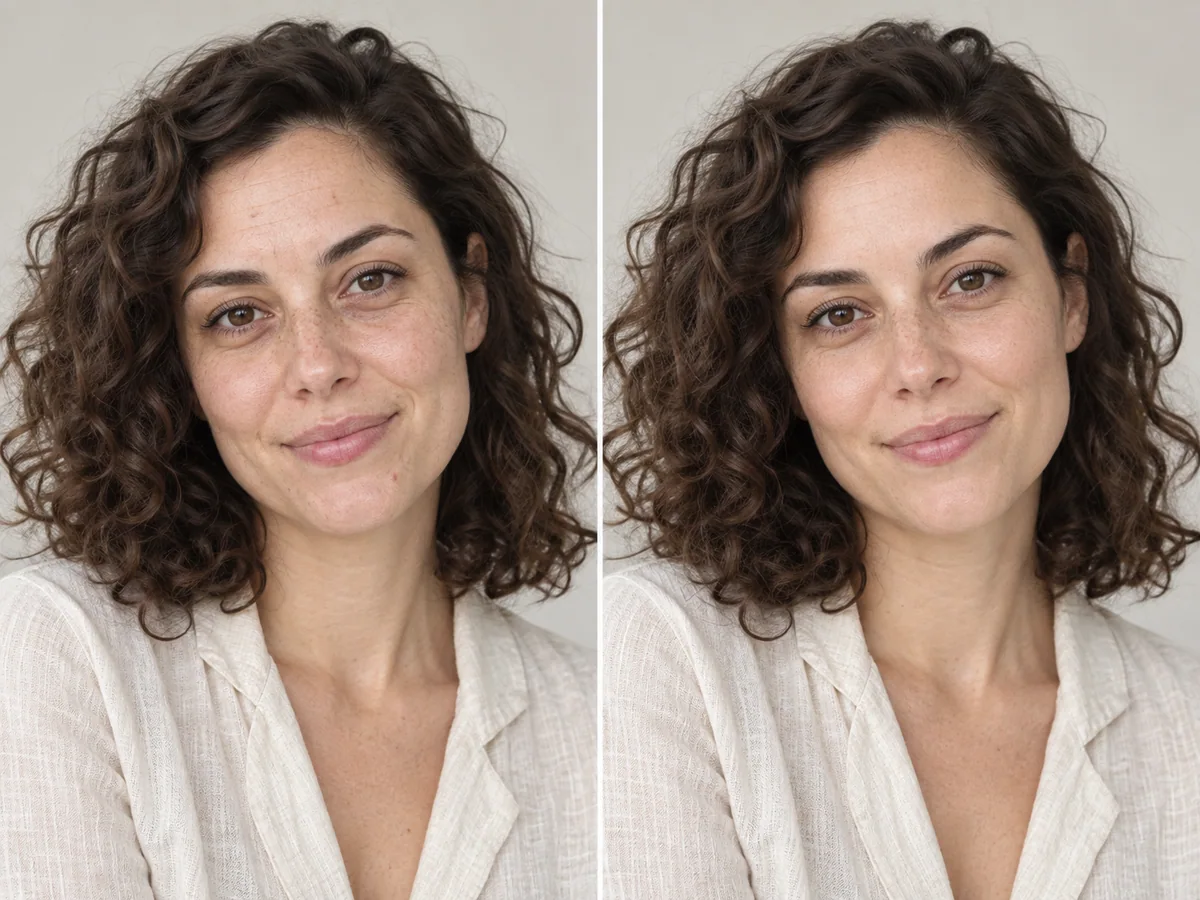
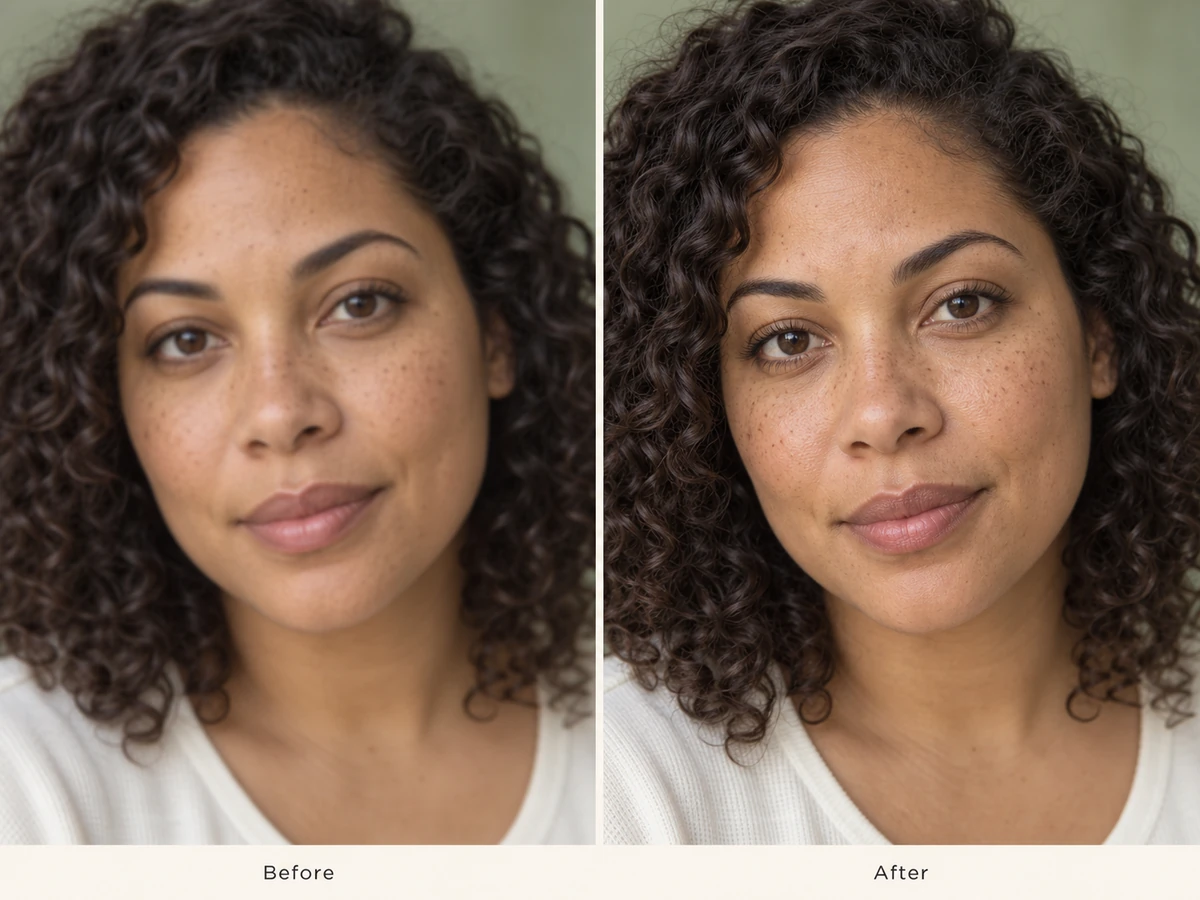
Soften minor blemishes, reduce harsh shadows, and refine facial details without losing the person in the photo. Use a specific instruction to improve a selfie or headshot while retaining recognizable features and natural skin texture.
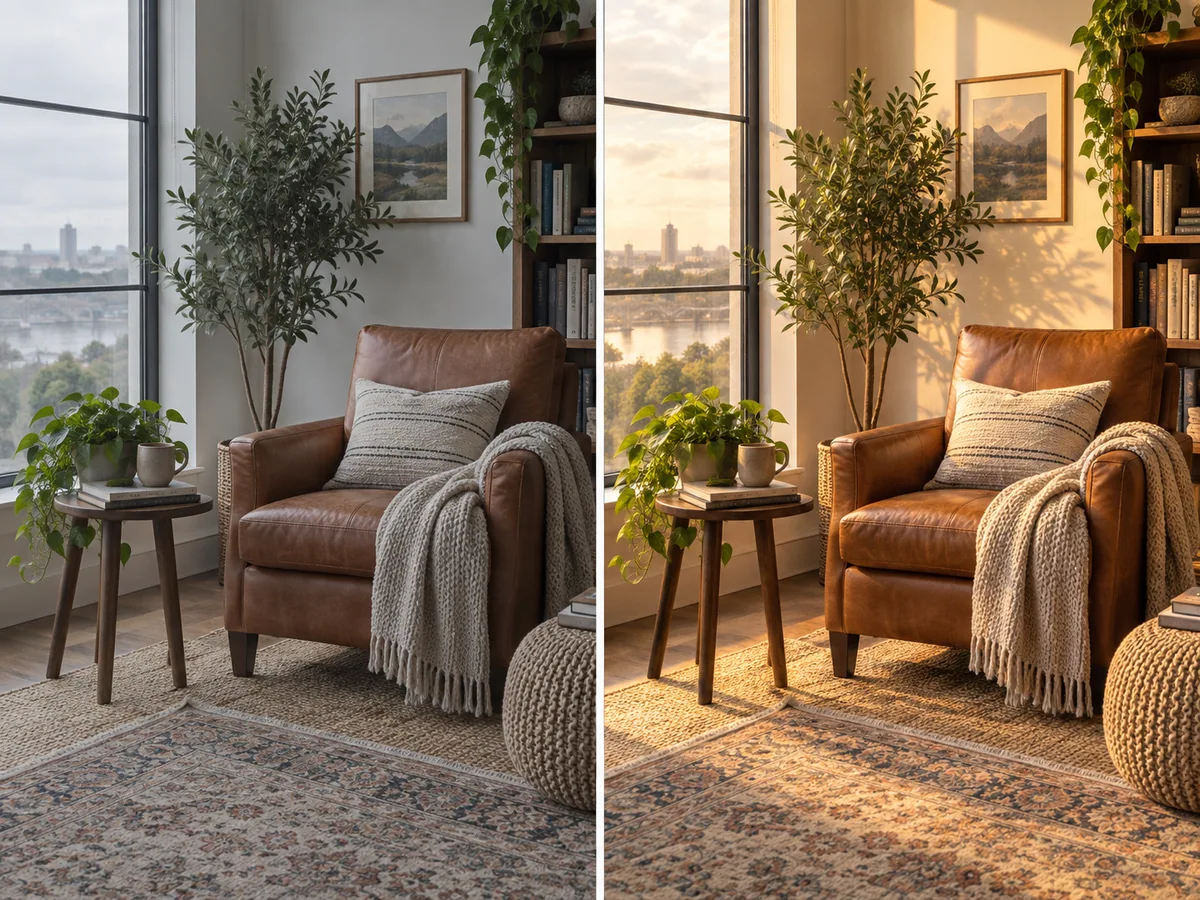
Brighten a dim room, balance an unwanted color cast, or add the warmth of late-afternoon light. Guide the edit with a prompt to adjust exposure, shadows, and color across the scene or focus on a particular detail.
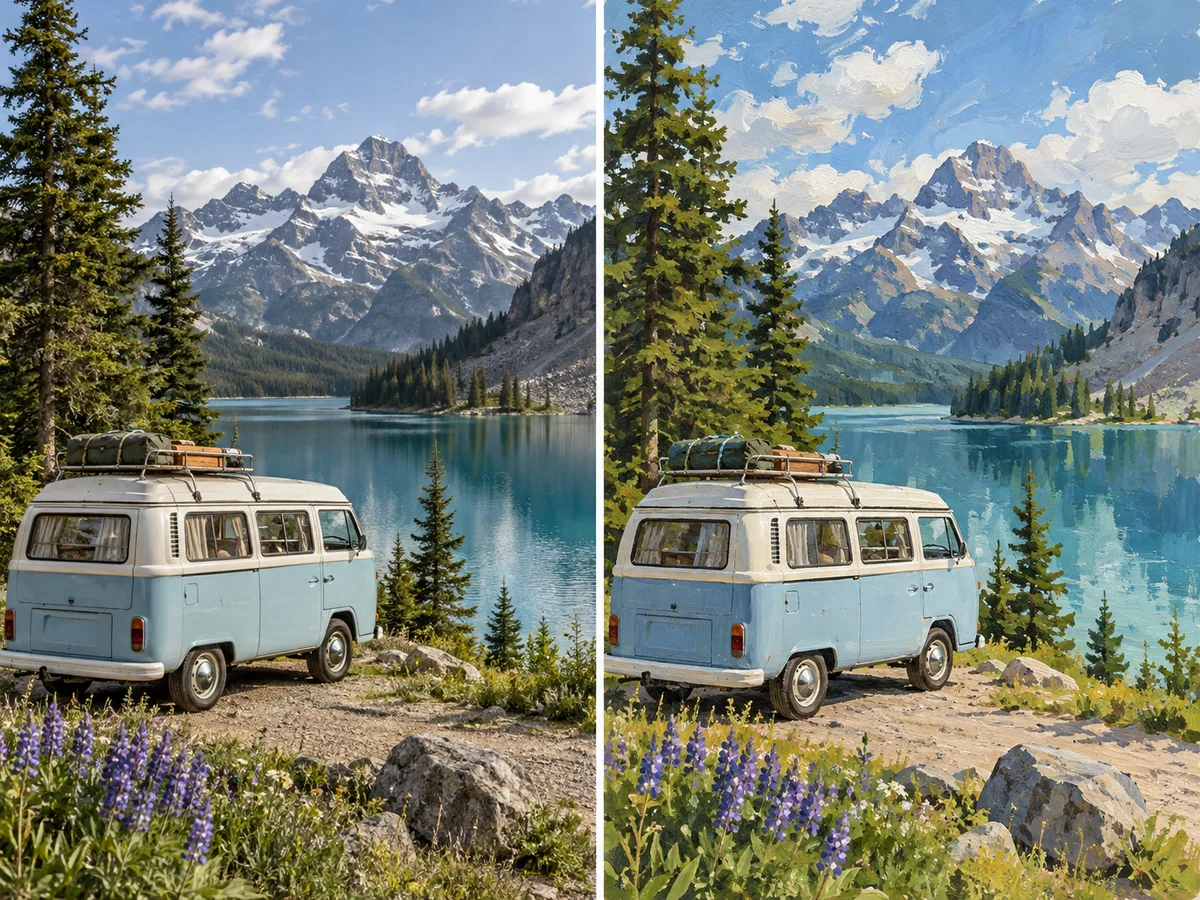
Reimagine a favorite image as a sketch, watercolor, gouache painting, or cinematic portrait. AI style transfer changes the visual treatment while keeping the main subject and composition recognizable, giving you new creative directions from the same starting photo.
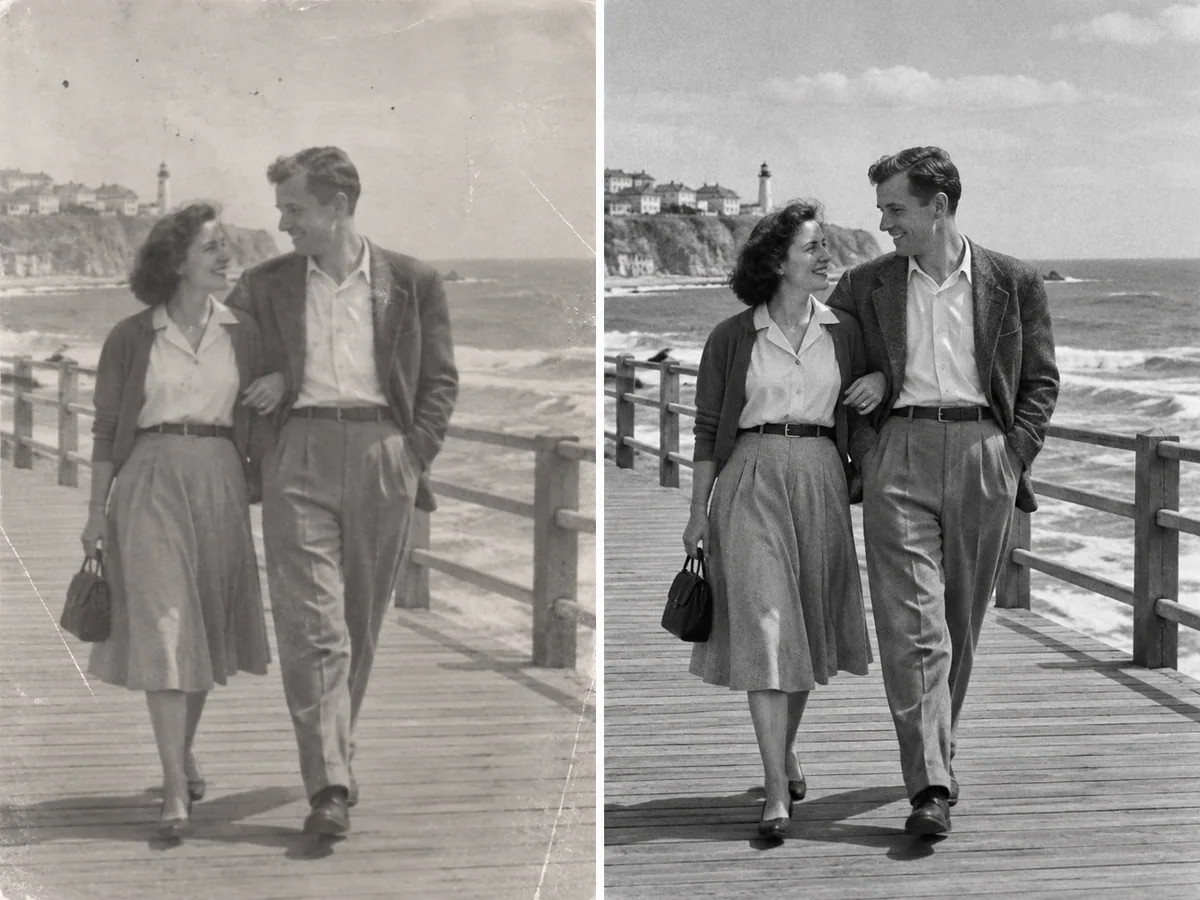
Bring clearer detail and balanced contrast to blurry, noisy, or faded pictures. Repair visible scratches, improve softness, and recover a more readable image for sharing or printing. Start with the best original you have so the AI has more detail to work with.
Turn ordinary product shots into clean listing images. Replace distracting backgrounds, balance the lighting, and keep a consistent visual style across a collection.
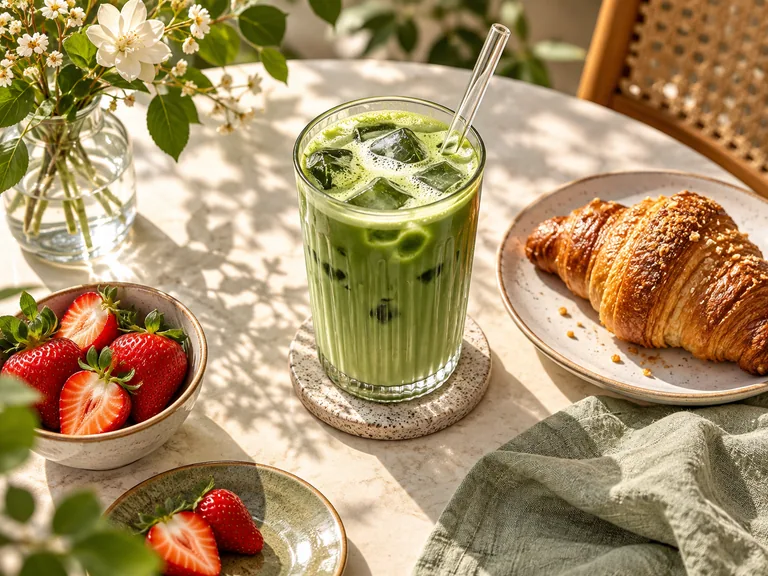
Refresh food photos, daily snapshots, and branded posts with a different mood or style. Create variations that fit your feed without starting with a new photo every time.
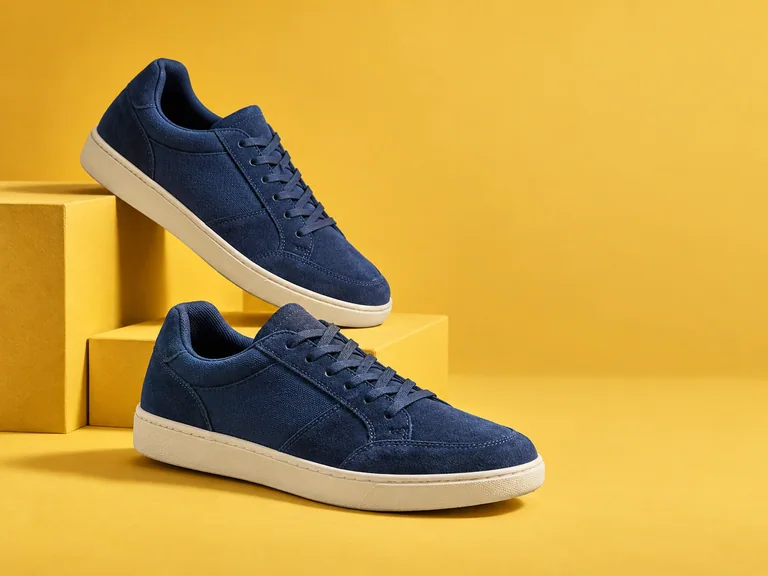
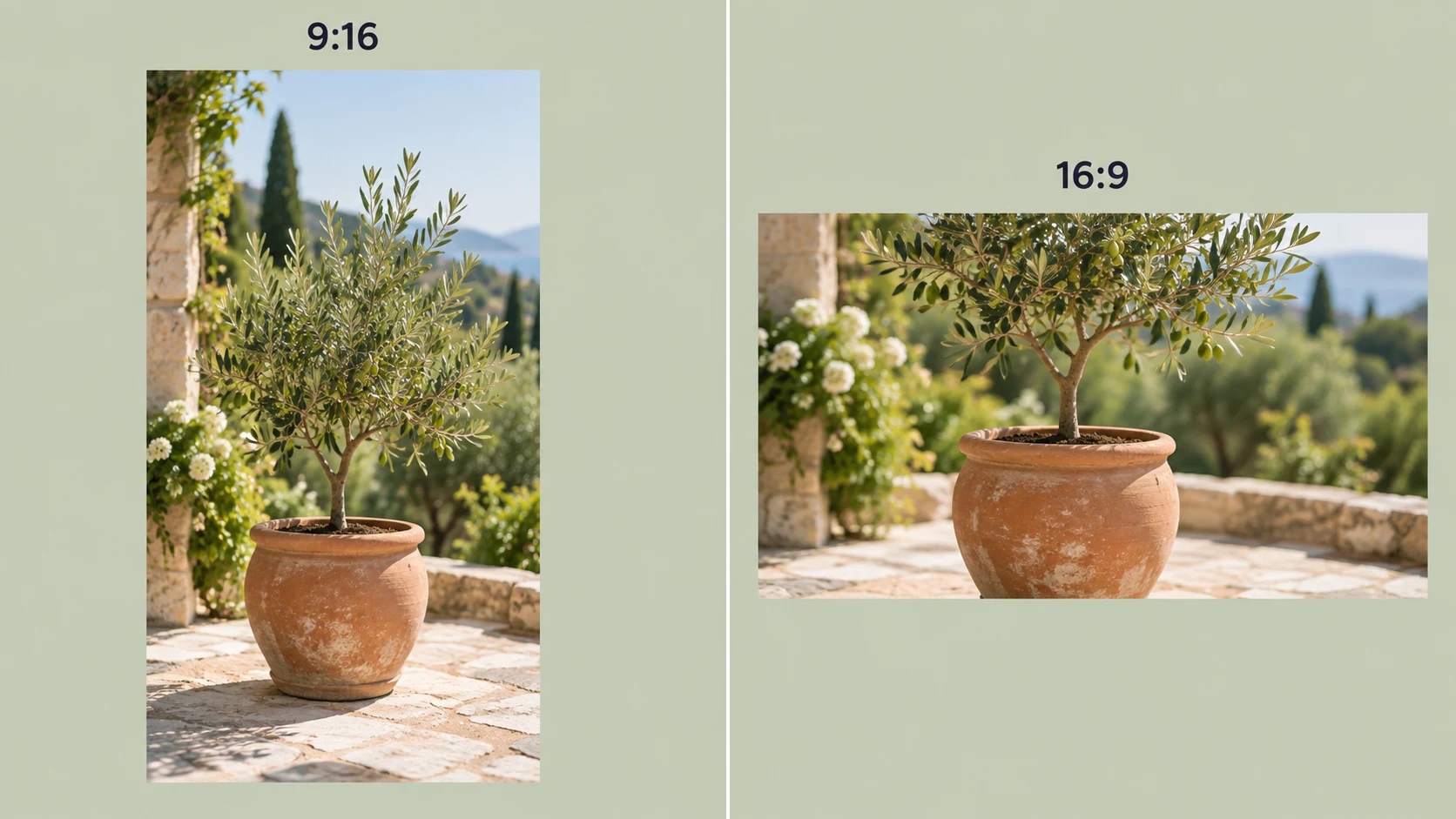
Adapt a product or lifestyle photo for a new campaign. Try another setting, color direction, or creative treatment to develop matching visuals for ads, banners, and promotions.
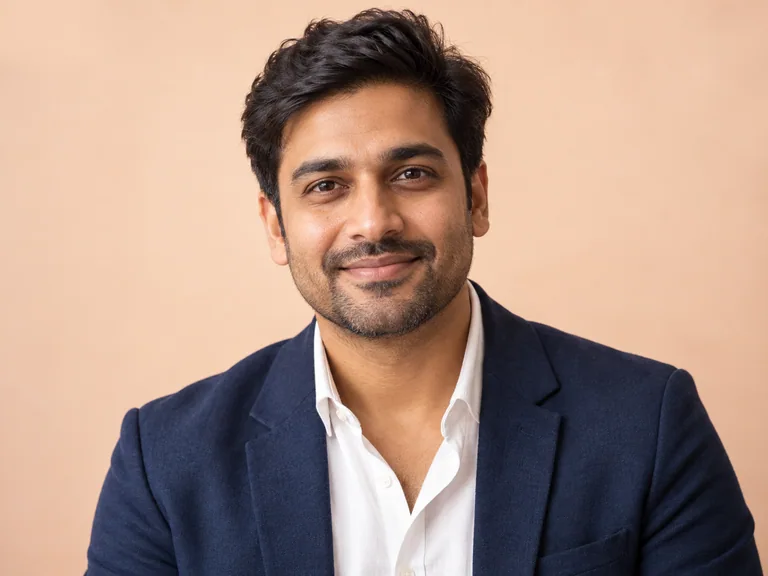
Refine a portrait for LinkedIn, a portfolio, or a team profile. Clean up the background and lighting, then make subtle adjustments that keep the person recognizable.
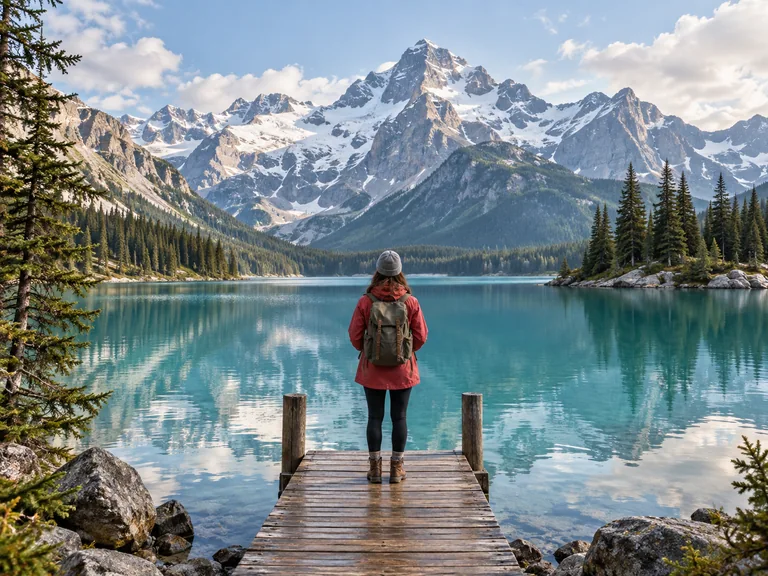
Remove distractions from a favorite trip photo, improve a dull sky, or bring a scene closer to how you remember it. Keep the focus on the people and places that matter.
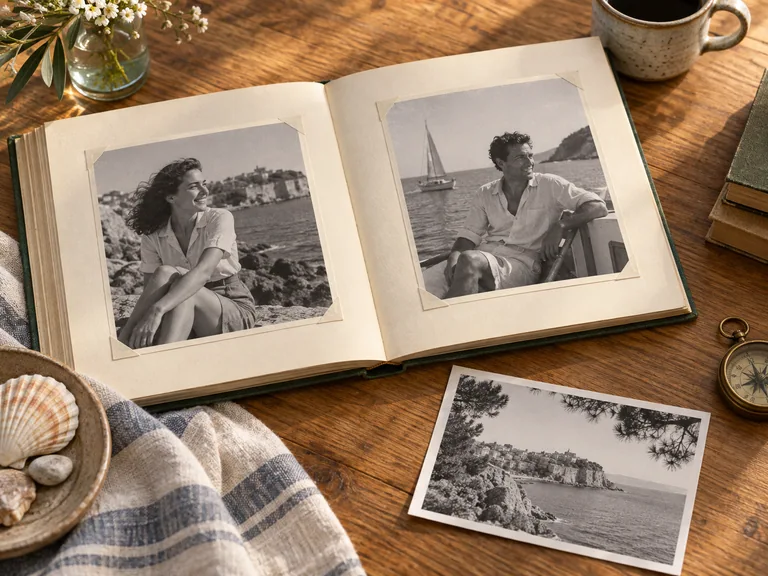
Give faded prints and scanned photos a clearer appearance before sharing them with family. Repair visible damage, improve contrast, and prepare a fresh version for an album or frame.
Start with your image and explain the result you want.
Choose a JPG, PNG, or WebP photo. Use a clear original to give the AI useful detail for the edit.
Write a specific instruction, such as “replace the background with a warm studio setting.” Mention the details you want to keep, then generate your edit.
Compare the edited version with your original. Refine the prompt for another version if needed, then download the image for your project.
Free AI Image Editor is an online tool that changes existing photos using written instructions. Upload an image and describe what to remove, replace, retouch, relight, or restyle. The AI uses the original picture as the starting point for your edit.
Yes. You can start editing photos online for free. Upload a picture, describe your change, and generate an edited version. Free access can be subject to usage limits; it does not mean every request or every editing session is unlimited.
Name the change, where it should happen, and what should stay the same. For example: “Remove the phone beside the coffee cup and keep the cup, flowers, and lighting unchanged.” Clear instructions give the AI more useful direction than a broad request such as “make it better.”
Use a JPG, PNG, or WebP image. A clear original photo usually gives the AI more useful detail than a compressed screenshot. The upload area shows the file requirements for your request.
Yes. Describe the new setting and ask the AI to preserve the person or product, including its shape, pose, and colors. Background editing creates a new scene around the subject. Check fine details such as hair, edges, and small lettering in the finished version.
Yes. Ask it to remove a distraction or replace an object with something else. For a natural result, identify the object clearly and describe the desired replacement. AI rebuilds the edited area using the surrounding scene as context.
Yes. AI editing can sharpen soft details, reduce noise, improve faded contrast, and repair visible scratches. The result depends on the source image: enhancement can improve its appearance, but it cannot reliably recover detail that was never captured.
No advanced editing skills or software installation are needed. Use the editor in your browser on a computer, tablet, or phone, upload your image, and explain the change in everyday language.
Yes. Change your instruction to explore another background, lighting treatment, or art style. Reuse a consistent prompt across a series when you want a similar look, and refine each version until the result fits your project.
Your uploads and edited results are private. For details about how files are processed, stored, and deleted, refer to our Privacy Policy. Only upload photos you own or have permission to edit, especially when they include other people.
Make the Edit You Have in Mind
Upload your photo and turn a simple instruction into a new background, a cleaner image, or a completely different look.
Edit Your Image Free