Product photos for shops and marketplaces
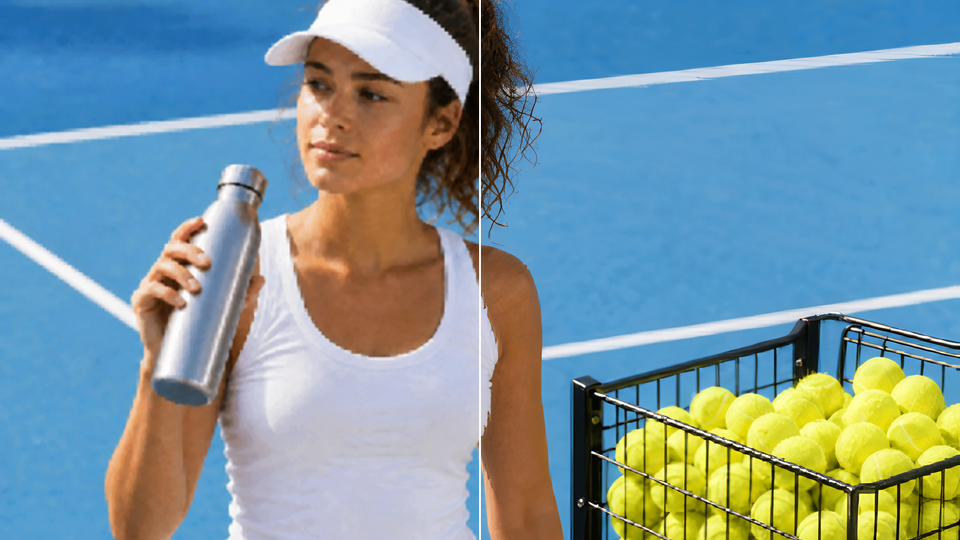
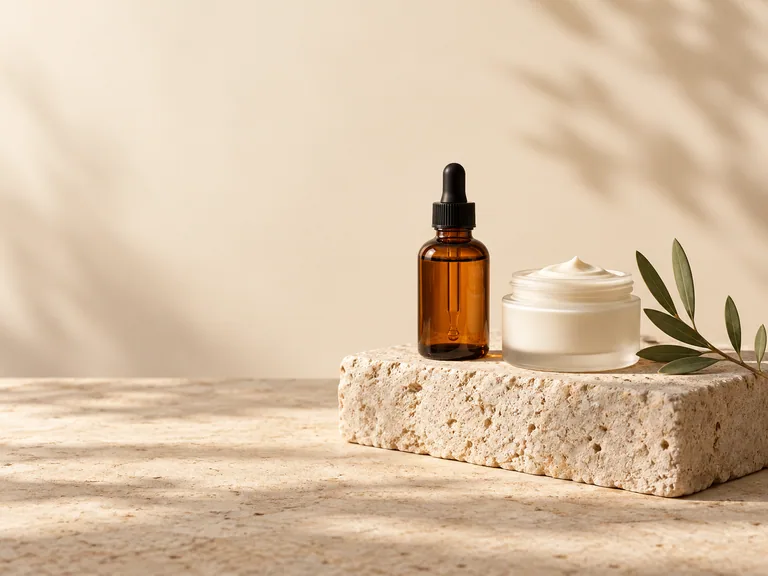
Expand product backgrounds to fit store banners, listing layouts, and promotional graphics. Keep the item fully in view and add space for a price, product name, or offer.
Your processed image will appear here
A great photo does not always fit the space you need. Expand its borders with AI to create a wider background, a taller frame, or room for a headline without cropping away the subject. Our online image extender uses AI outpainting to continue the scene beyond its original edges. Reframe product photos, portraits, and landscapes for social posts, website banners, presentations, and creative layouts.
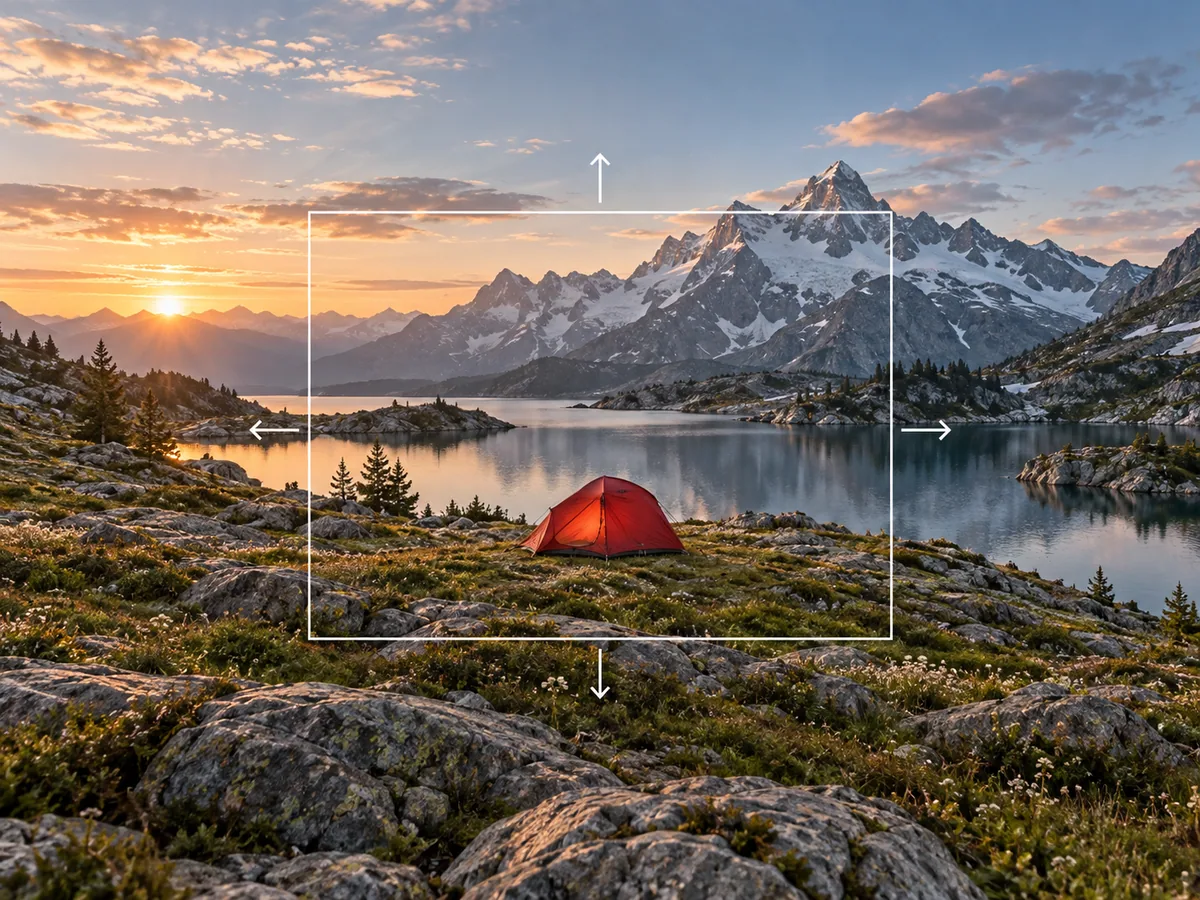
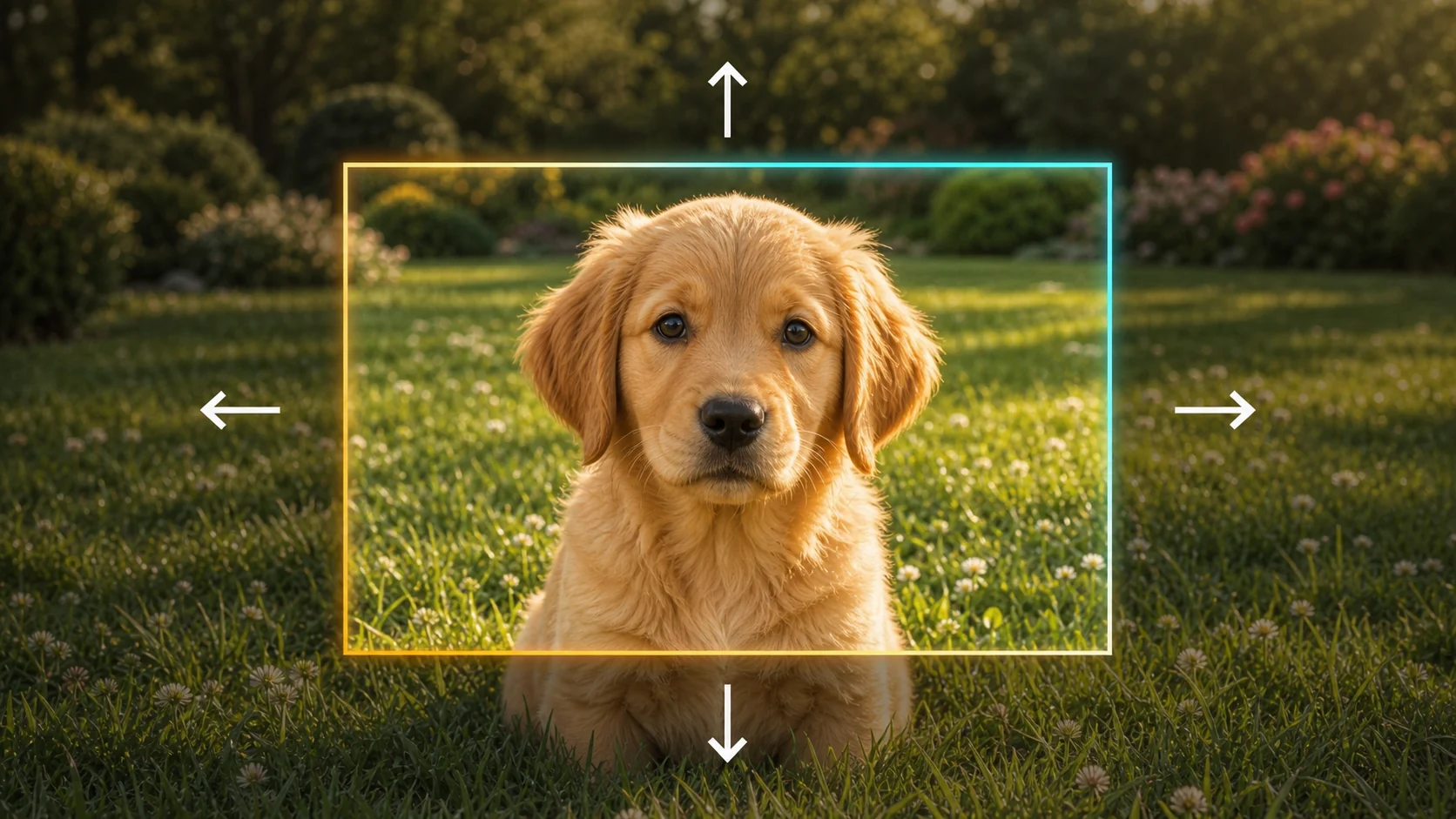
Add room above, below, or beside your photo. Directional expansion lets you open up a tight crop, extend a horizon, or add headroom while keeping the composition centered on what matters.
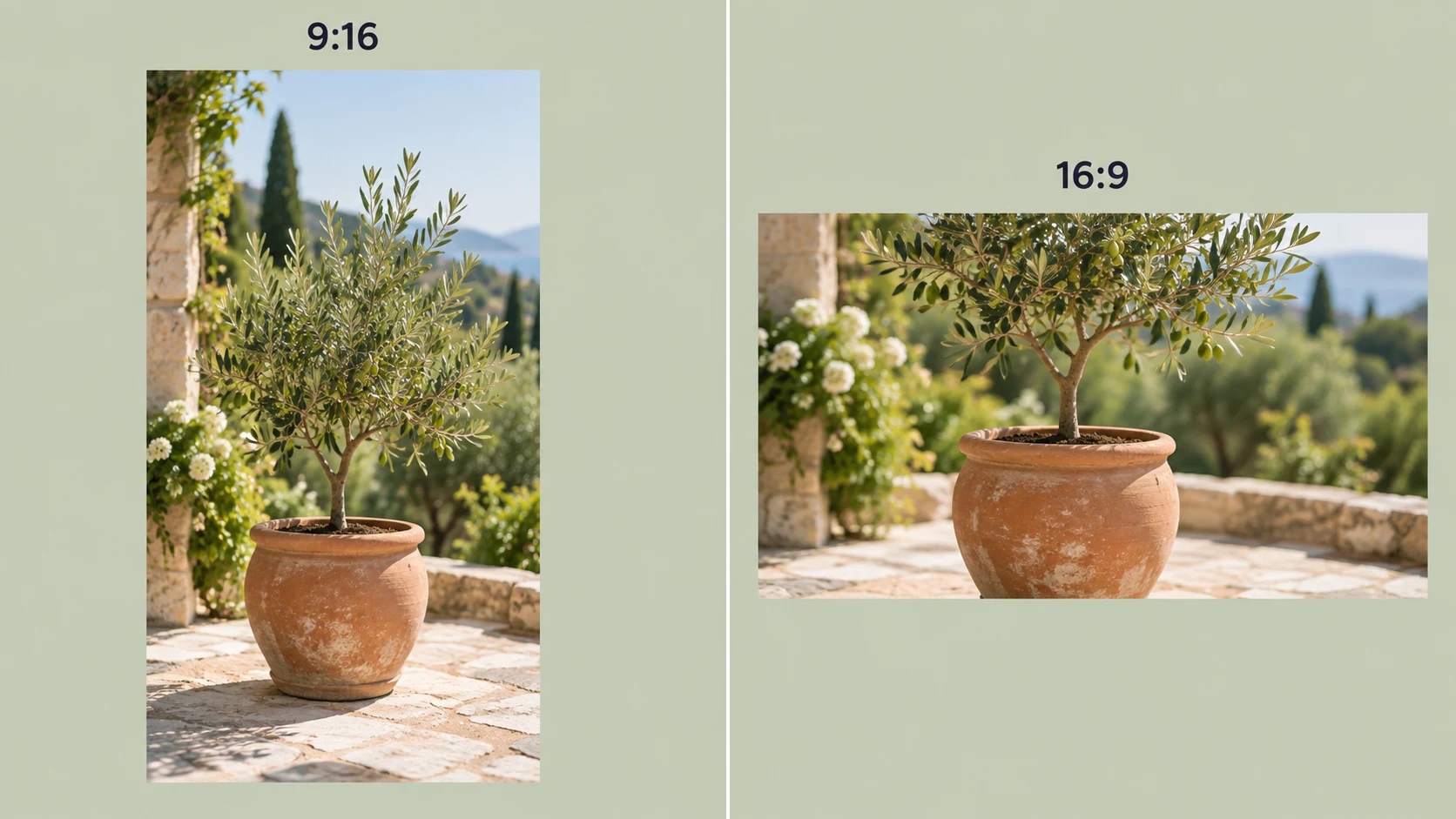
Turn a portrait into a landscape, a square into a widescreen image, or a horizontal shot into a vertical post. The AI image expander fills the extra canvas so your photo fits the new frame without squeezing or stretching it.
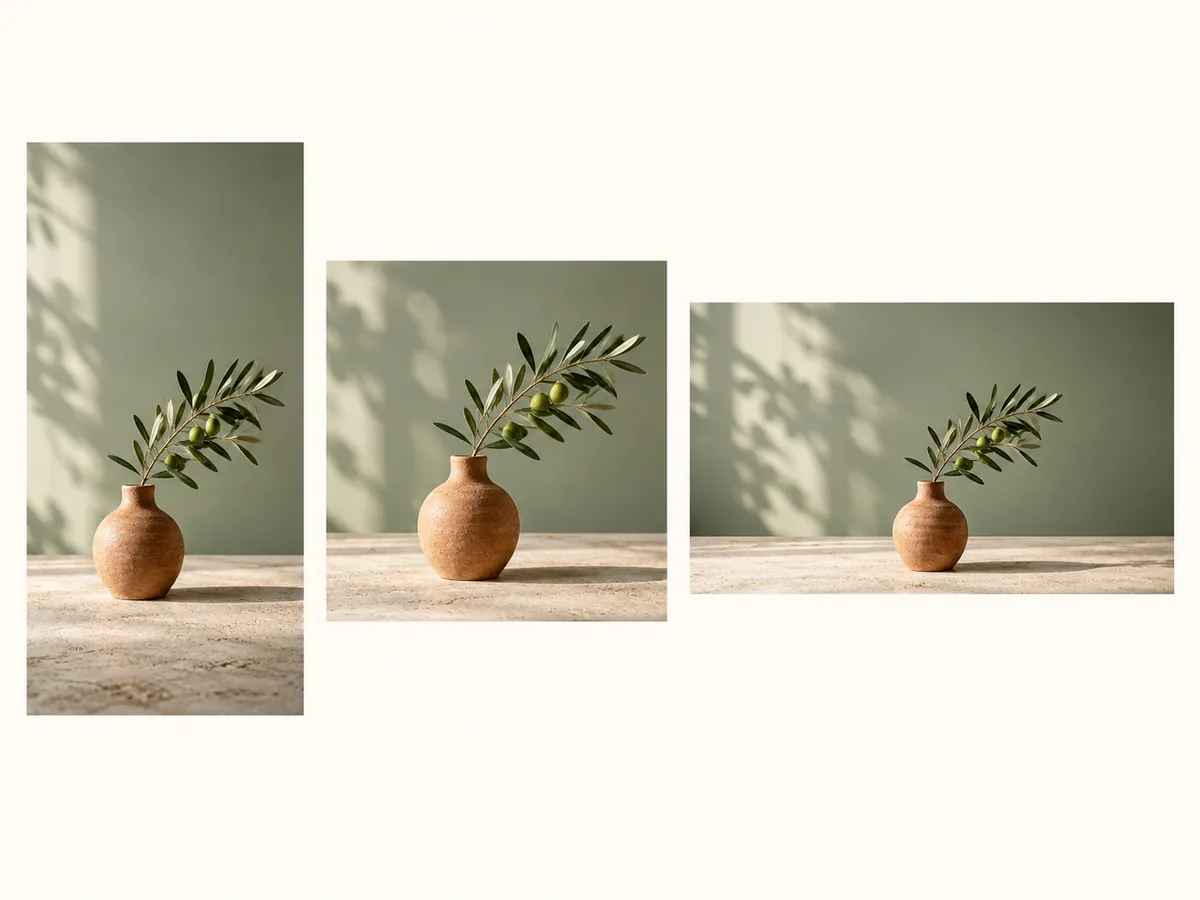
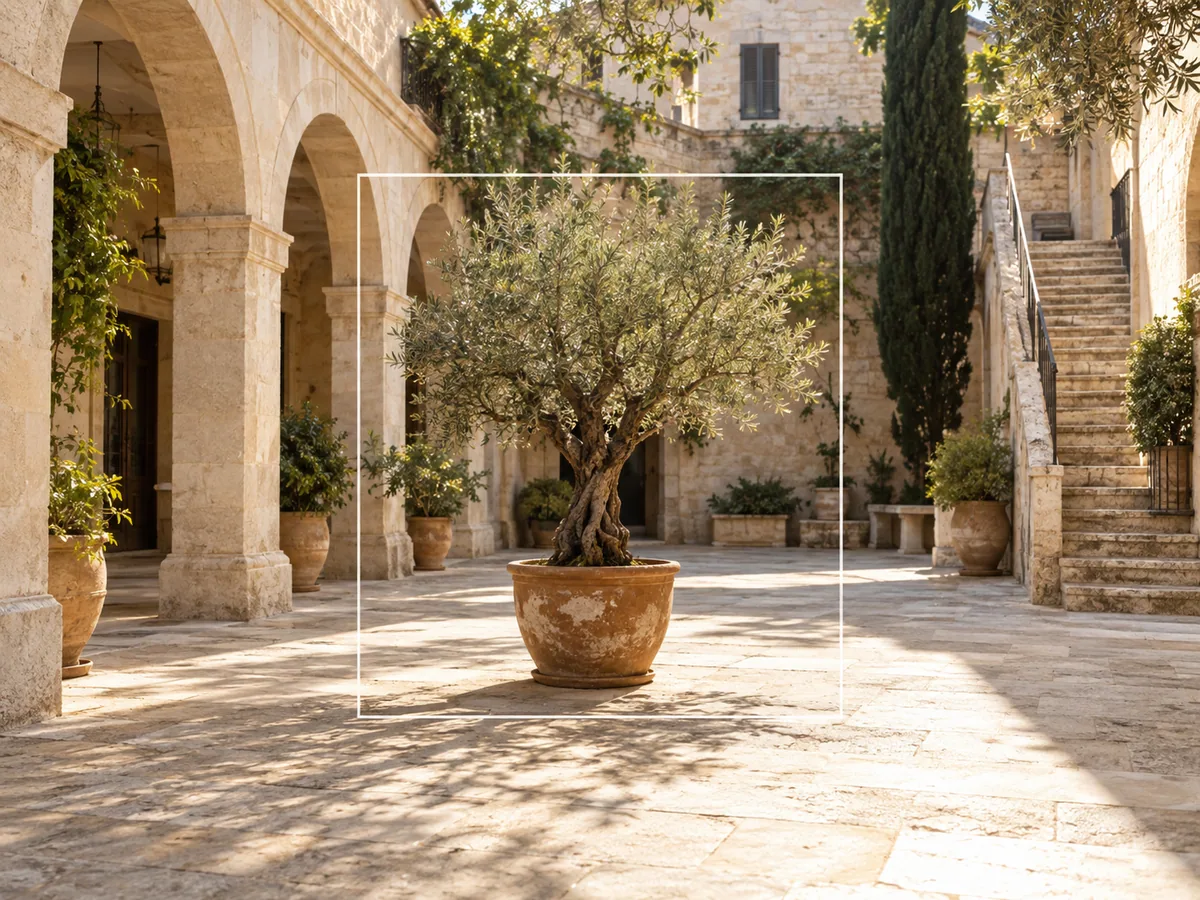
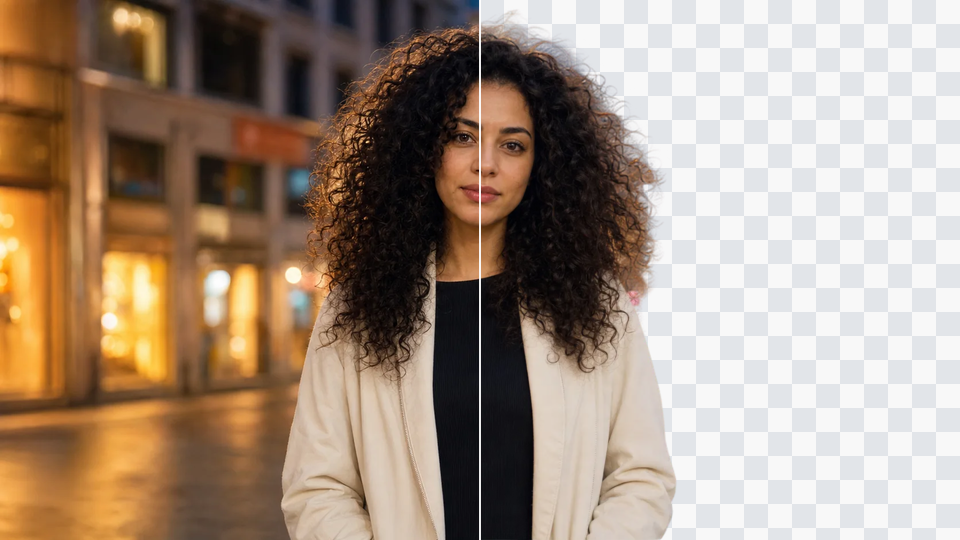
AI outpainting reads the colors, lighting, textures, and perspective in your photo, then generates surroundings that belong in the same scene. Extend skies, walls, landscapes, and product backgrounds with smooth transitions at the original edges.
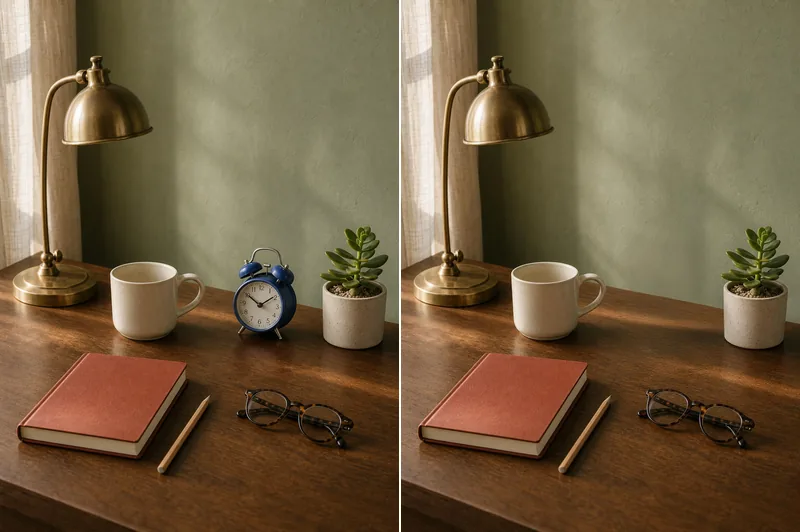
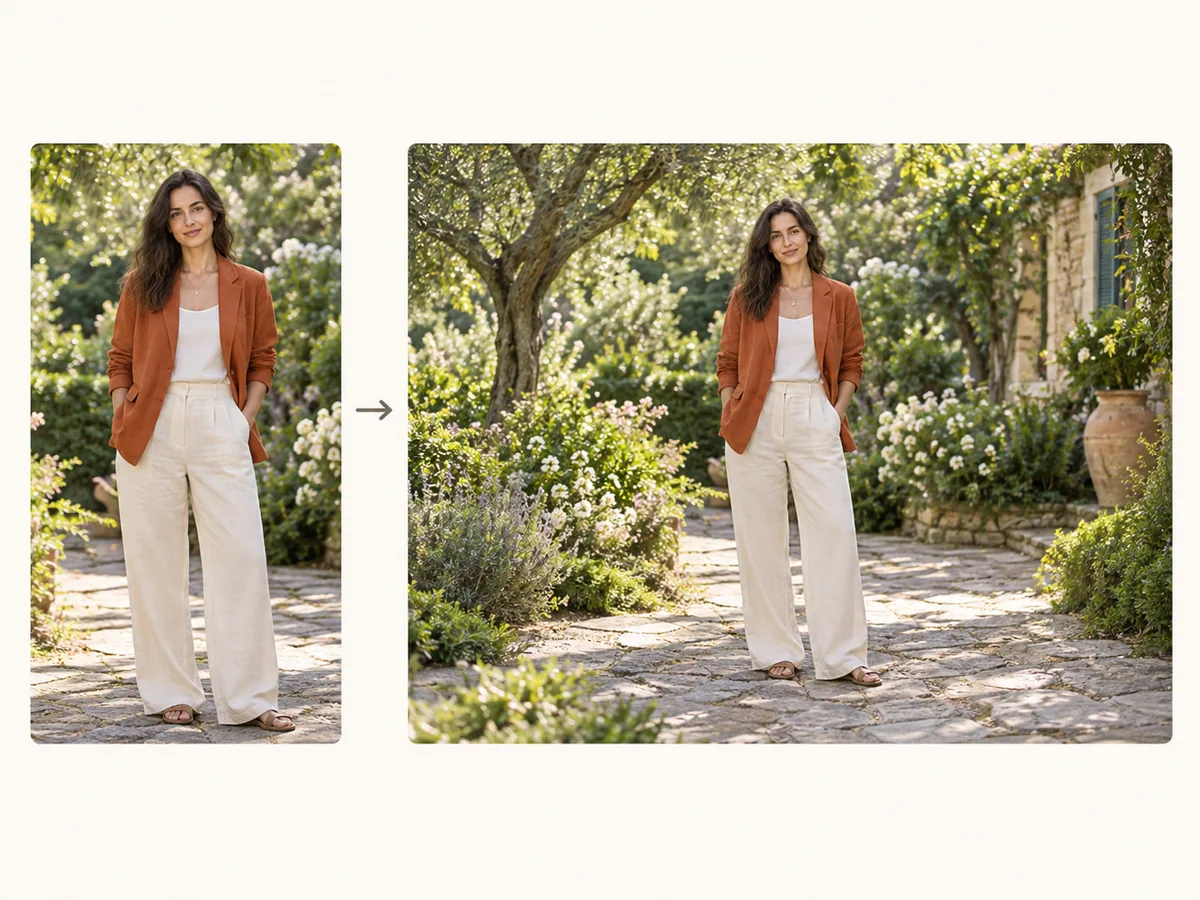
Expand the scene around the person, product, or object you already have. Subject preservation keeps the focus and proportions of the original photo while new background content creates a wider or taller composition.
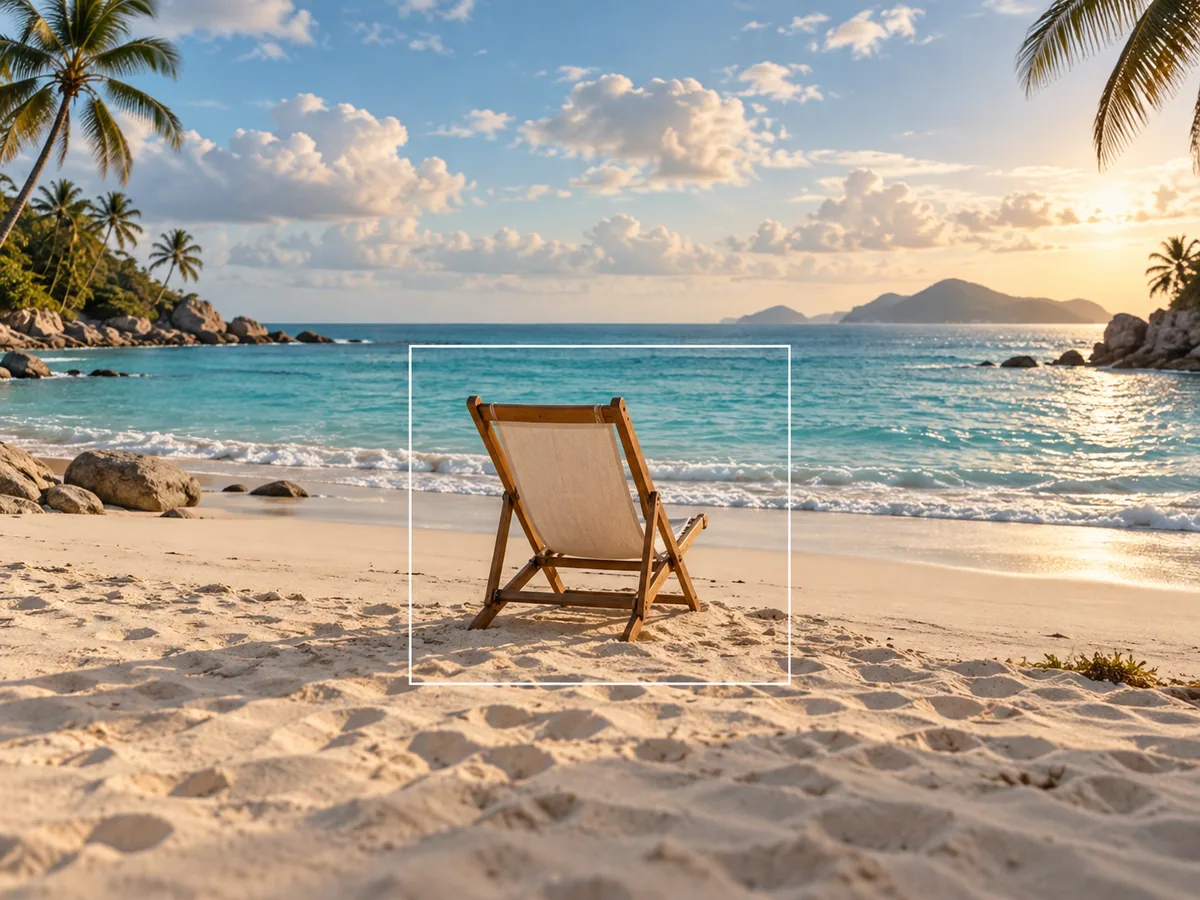
Describe what you want to appear beyond the frame, such as more blue sky, a sandy beach, or a longer studio backdrop. Use an optional prompt for a specific direction, or let AI continue the existing scene automatically.
Explore a different continuation of the same photo when the first result is not the right fit. Regenerating gives you another arrangement of the added details, so you can choose the background and composition that work for your image.
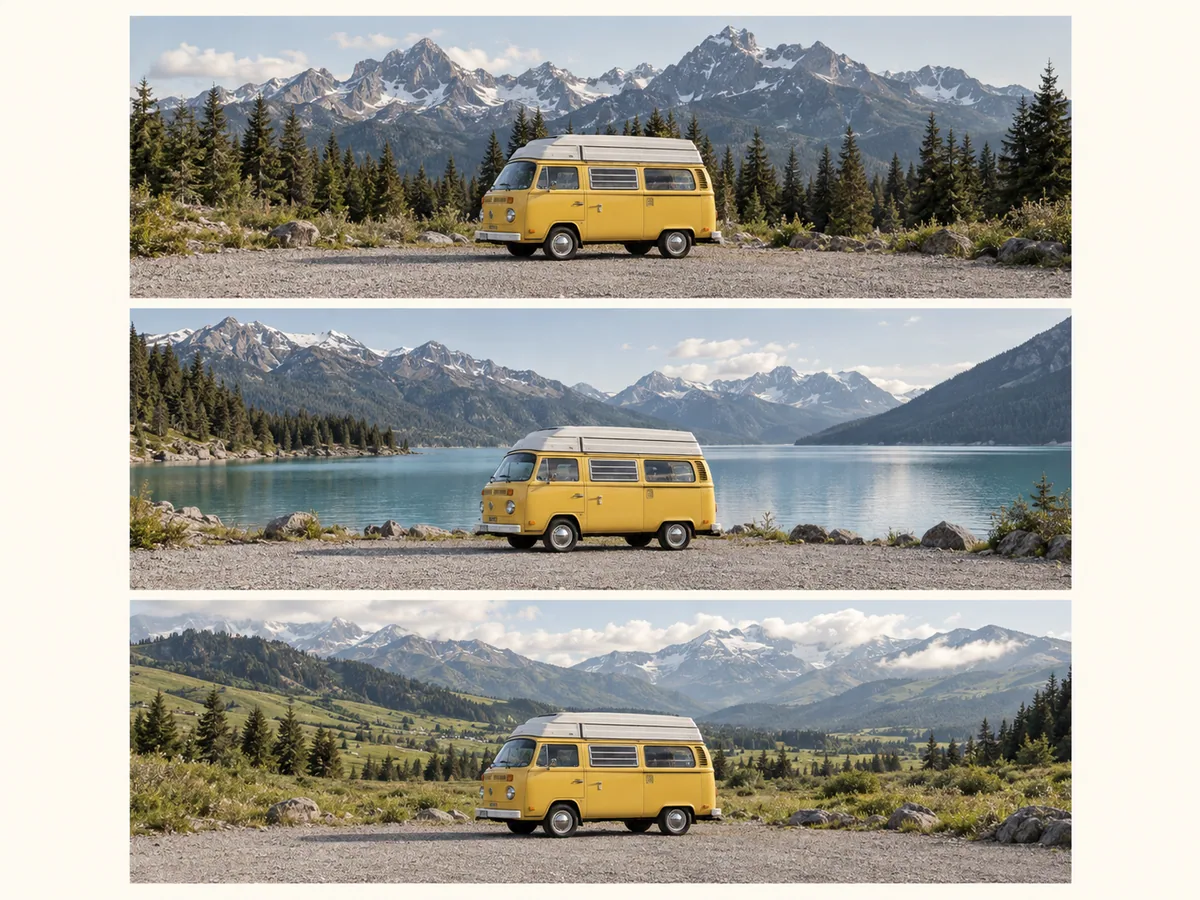
Expand product backgrounds to fit store banners, listing layouts, and promotional graphics. Keep the item fully in view and add space for a price, product name, or offer.
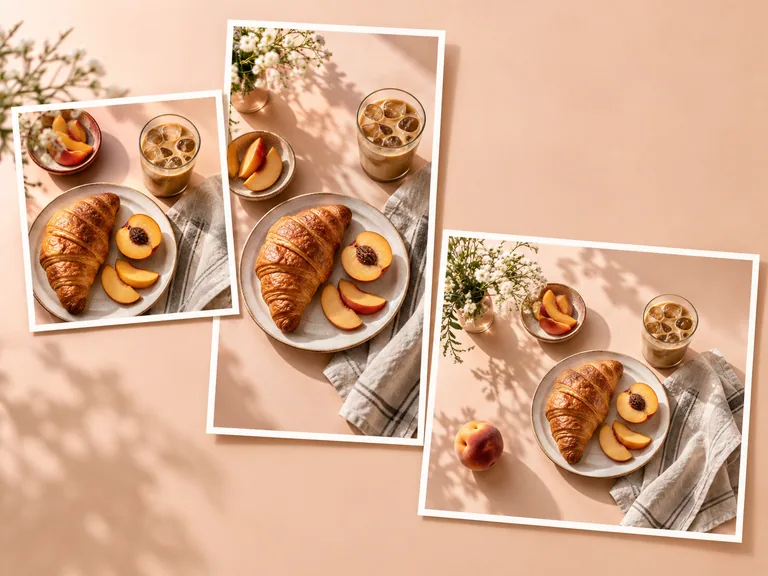
Reuse one photo across square posts, vertical Stories, and widescreen thumbnails. Extend the background to suit each format while keeping the subject in the frame.
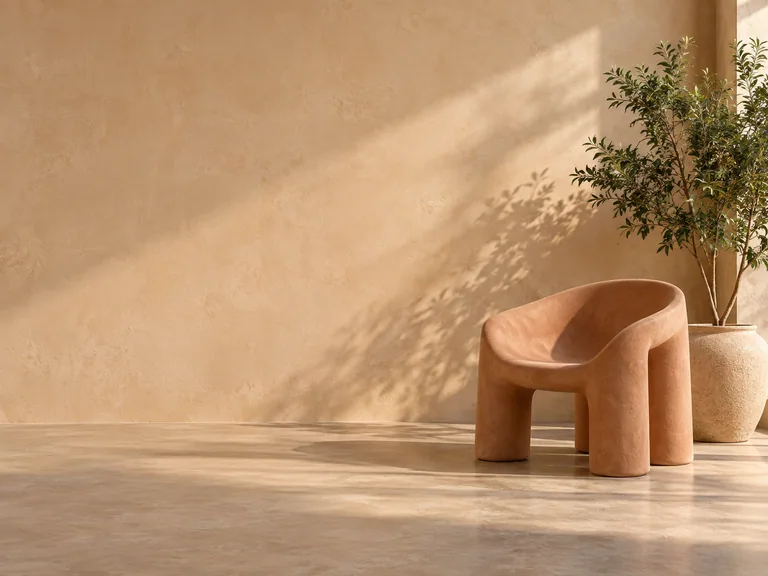
Give tightly framed images room for headlines, logos, and buttons. Create the negative space a hero banner or display ad needs without covering the main subject.
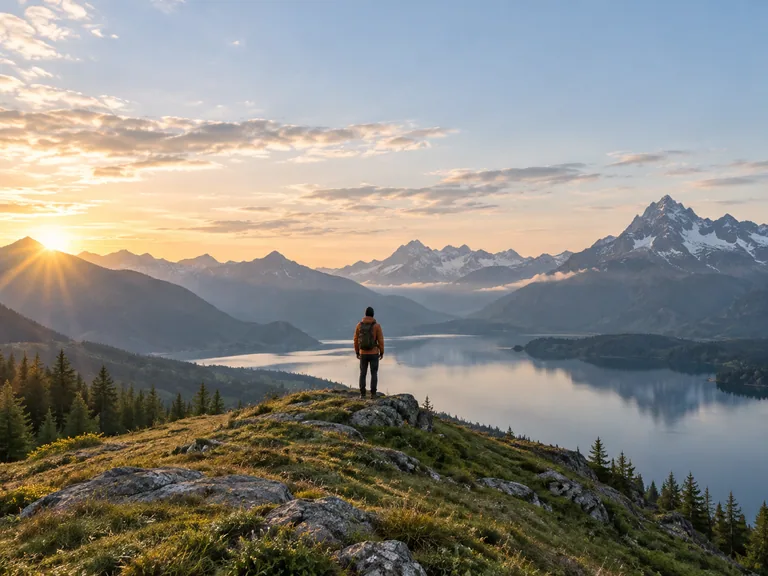
Reframe a portrait with more headroom or open up the sides of a landscape. Continue the scene beyond a tight crop and give the composition more room to breathe.
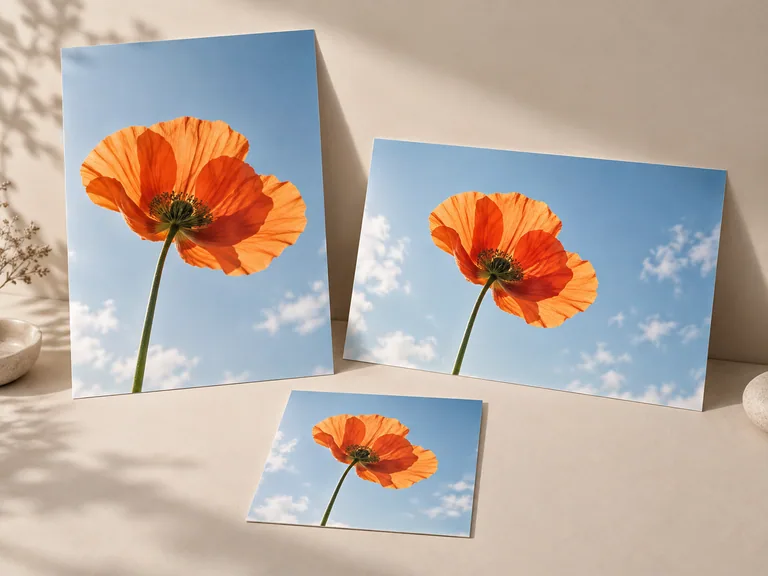
Adapt an image to a slide, poster, or wide campaign layout. Extend the composition to the intended shape and leave room for typography before preparing the final design.
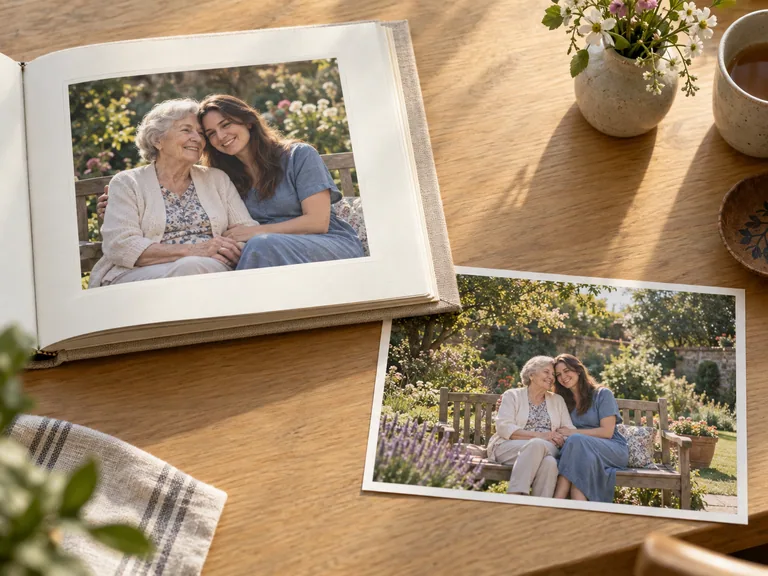
Uncrop a favorite photo or add breathing room around a scanned picture. AI creates a plausible continuation of the scene so the image can fit a new album layout, wallpaper, or frame.
Go from a tightly framed photo to a composition that fits your next project.
Choose a clear JPG, PNG, or WebP image. Start with the original photo so the AI has the surrounding detail it needs to build from.
Select the target aspect ratio and decide where you need more space. Add an optional prompt if you want to guide the extended background.
Create the expanded image, compare the new edges with the original scene, and download your result. Generate another version to explore a different continuation.
A free AI image extender adds new content beyond the borders of an existing photo. It uses AI outpainting to build a wider or taller scene, making it useful when you need more background or a different aspect ratio.
Resizing changes an image’s dimensions, and upscaling adds resolution to the existing picture. AI expansion adds new visual content outside the original frame. Use it when you need more scene around the subject or a different composition.
Yes. You can expand an image and download the result for free. Upload your photo and choose the frame you need to get started.
No. You can use the image extender online without creating an account or installing software. Open the page in your browser, upload a photo, and start expanding.
Upload a photo, choose the output aspect ratio, and set the composition. Add an optional prompt to guide the new surroundings, generate the expanded image, and download the version you want to use.
Yes. Choose a wider aspect ratio, such as 16:9, and expand the sides of the photo. AI fills the added canvas with new background content so you can retain the subject in a horizontal layout.
Yes. Add a short prompt describing the surroundings you want, such as “continue the white studio background” or “extend the sky and mountains.” Leave the prompt empty when you want AI to continue the scene automatically.
AI outpainting creates new content around the photo instead of stretching the subject to fill a larger frame. It keeps the subject’s proportions while extending the surroundings into the new composition.
AI can generate a plausible continuation of a cropped scene, but it cannot establish what the missing original pixels contained. Treat the added area as newly generated content, especially when extending faces, text, buildings, or other precise details.
Start with a clear photo that includes enough background for the AI to understand the scene. Skies, walls, studio backdrops, and landscapes often provide useful context. Detailed patterns and crowded edges can produce more variable results.
Use a JPG, PNG, or WebP image. Choose the clearest version of your photo available so the AI has useful color, texture, and edge detail to continue.
Image expansion typically takes seconds, although larger files and more complex scenes can take longer. After generation, check the added edges, lighting, and repeated details before downloading.
Yes. Use the tool in your phone’s browser to upload a photo, choose the new frame, and download the expanded image. You can also use the same browser workflow on a desktop computer.
Generate another version to explore a different continuation. A clearer source image, a smaller extension, or a more specific prompt can help you get a composition that fits the original scene.
Give Your Photo More Room
Expand a background, open up a tight crop, or create the frame your next project needs.
Extend an Image for Free