
GPT Image 2: Create High-Quality AI Images and Edits
- 100% Free
- No Login Required
- Text & Image to Image
Create High-Quality Visuals with GPT Image 2
GPT Image 2 helps turn clear prompts into polished images for product scenes, marketing concepts, social graphics, posters, UI mockups, and creative artwork. It is designed for users who need more than a quick draft: stronger visual detail, cleaner composition, better prompt following, and results that feel useful for real content workflows.
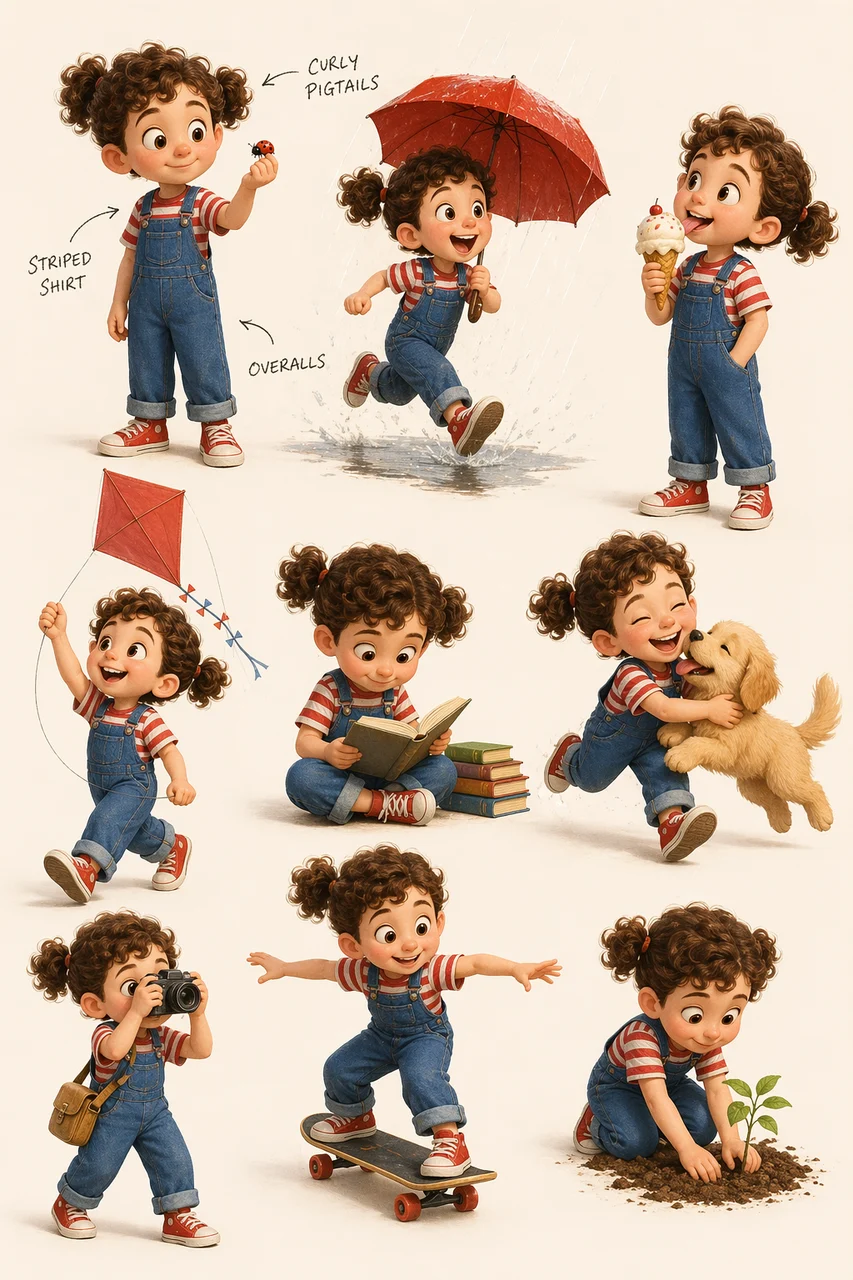
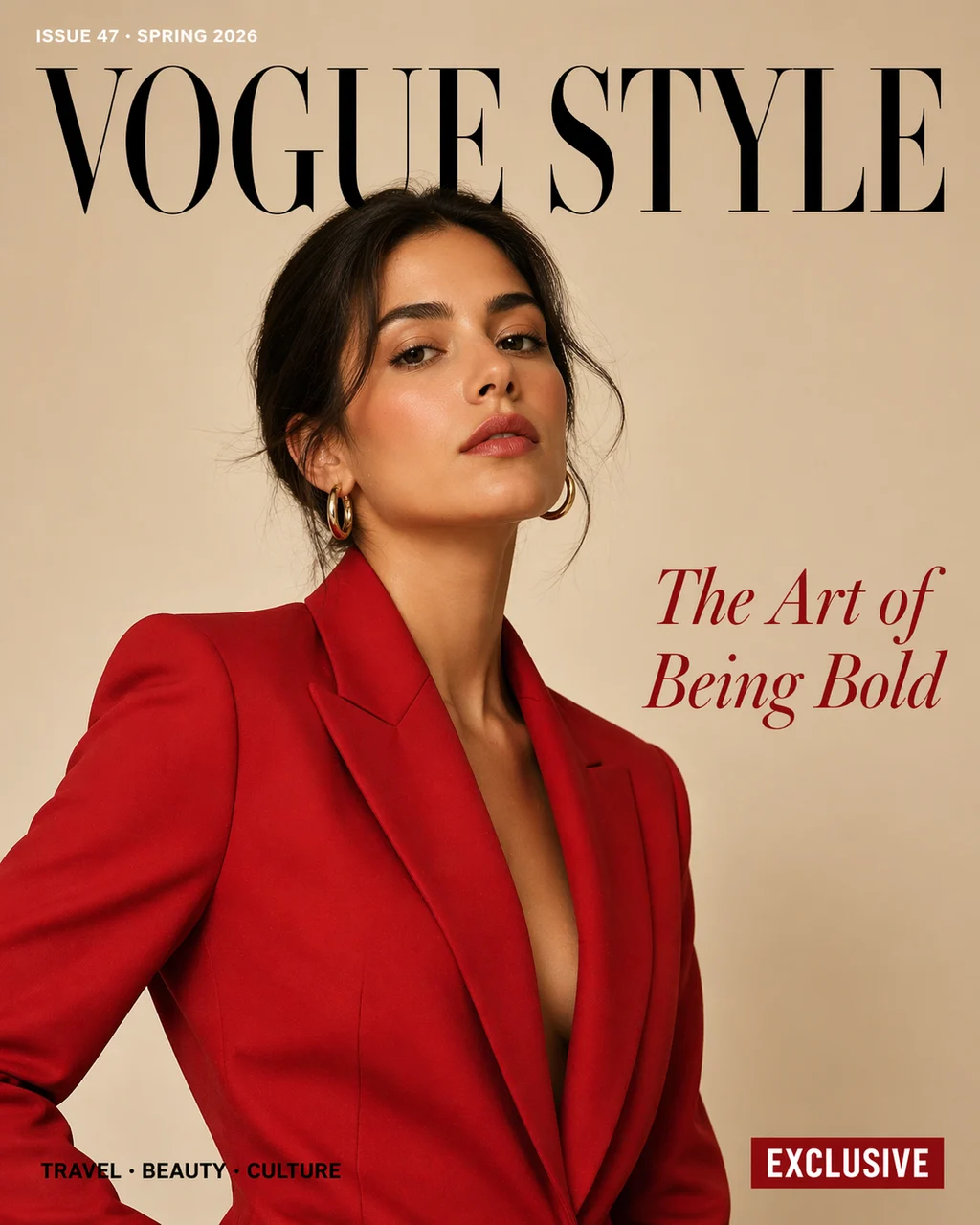
Render Clear Text in Posters, Covers, and Graphics
The demo shows GPT Image 2 handling multilingual poster text, magazine-cover typography, different font styles, color hierarchy, and precise text placement. That makes it useful for graphics where readable words matter, including event posters, menus, social ads, banners, editorial covers, and branded campaign visuals.
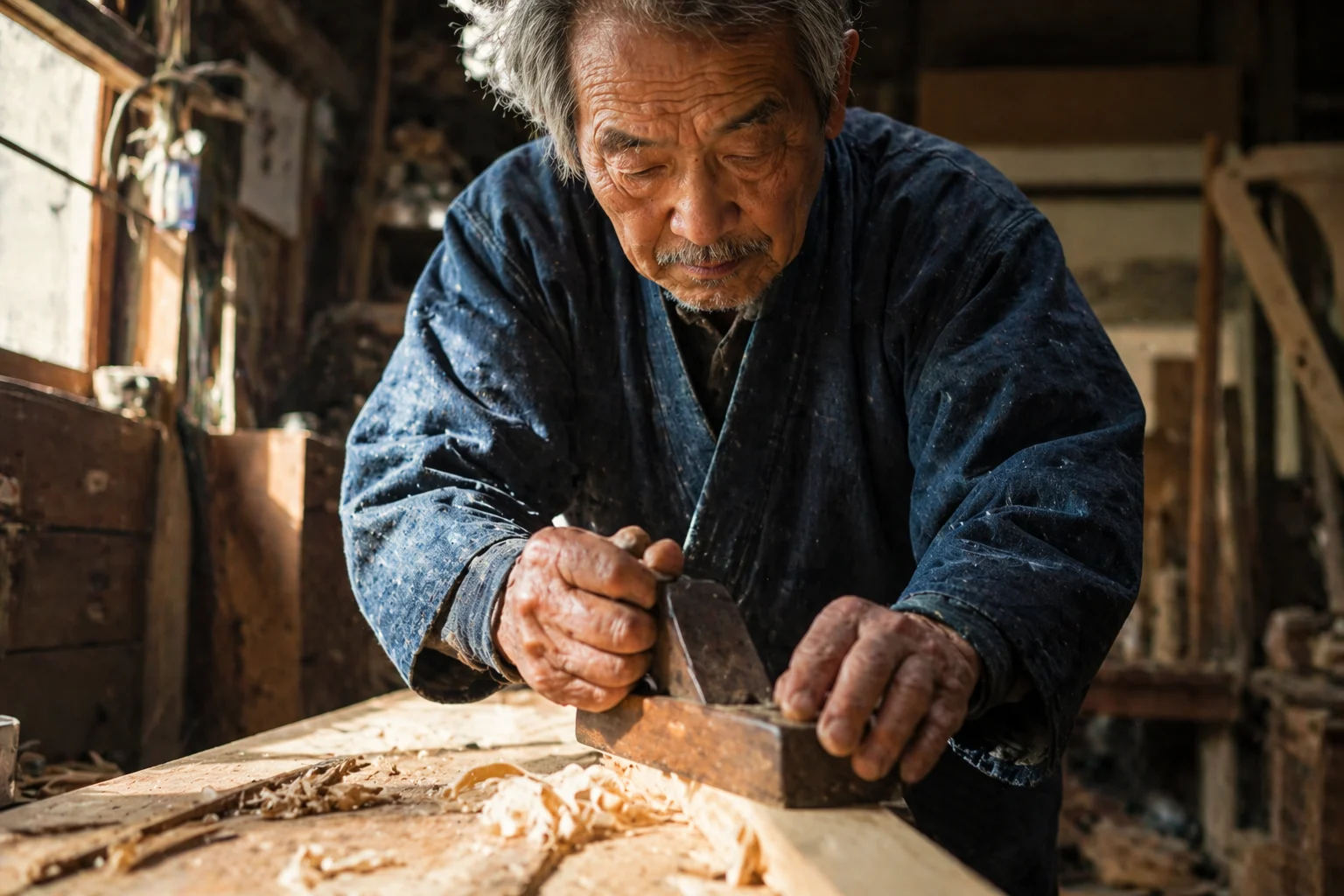
Control Photorealistic Detail, Materials, and Lighting
In the photorealistic test, GPT Image 2 follows detailed instructions for skin texture, fabric weave, wood grain, directional window light, shallow depth of field, and natural documentary framing. This is the kind of control that helps product shots, lifestyle scenes, portraits, and editorial visuals feel less generic and more camera-real.
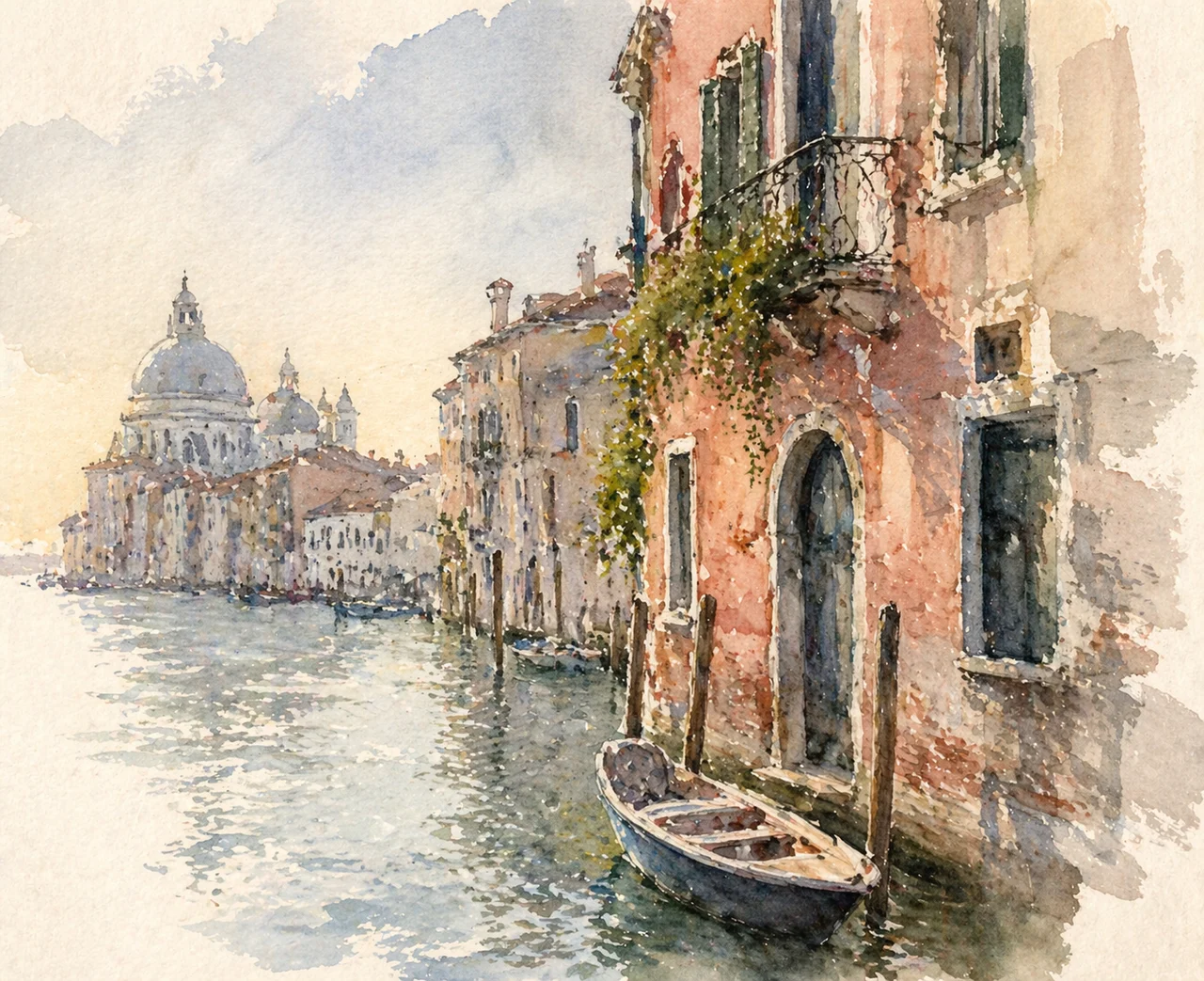
Switch Between Watercolor, Clay, Pixel Art, and Vector Styles
The tests cover watercolor, 3D claymation, 16-bit pixel art, and flat vector illustration. GPT Image 2 can follow the small details that define each style, such as pigment bleeding, visible clay fingerprints, strict pixel grids, or clean geometric vector shapes. That gives creators more reliable style direction from the prompt.
Make Targeted Edits Without Rebuilding the Whole Image
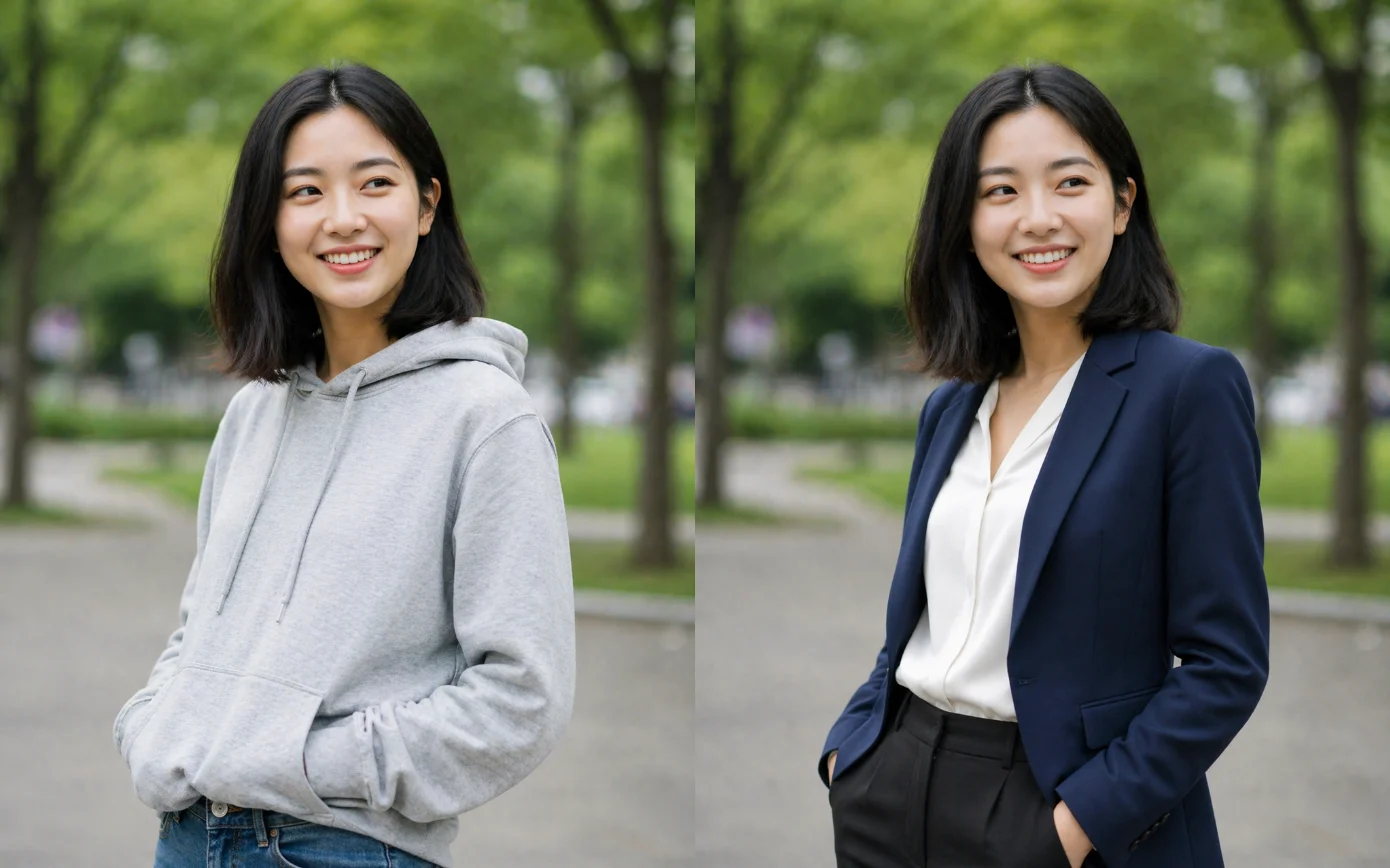
The editing tests show GPT Image 2 removing objects and shadows, adding new objects with matching light, replacing backgrounds, changing clothing while preserving the person, and updating text on a sign. This makes it useful when you need to fix one part of an image while keeping the subject, composition, and surrounding details stable.
Combine Multiple References into One Coherent Image
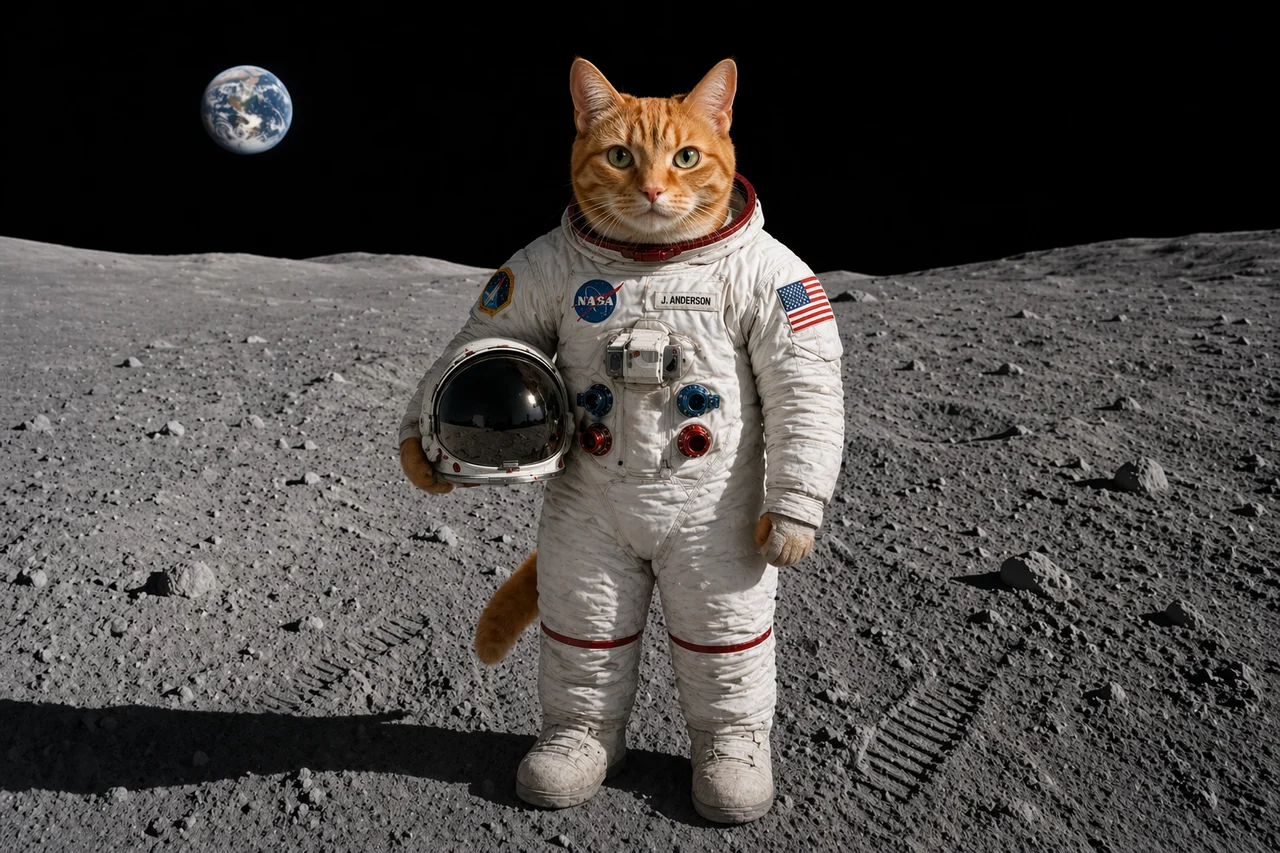
The multi-reference test combines a cat, an astronaut suit, and a moon surface into one believable scene. GPT Image 2 can use reference images to preserve important subject details while changing the setting, outfit, or context. That is valuable for product composites, campaign concepts, character scenes, and creative image variations.
Start creating with GPT Image 2
Choose GPT Image 2 in the studio, describe the image you want, or upload a reference image to begin a more controlled edit.
FAQs About GPT Image 2
Common questions about creating and editing images with GPT Image 2.