Free AI Image Your free image tools for the AI era.
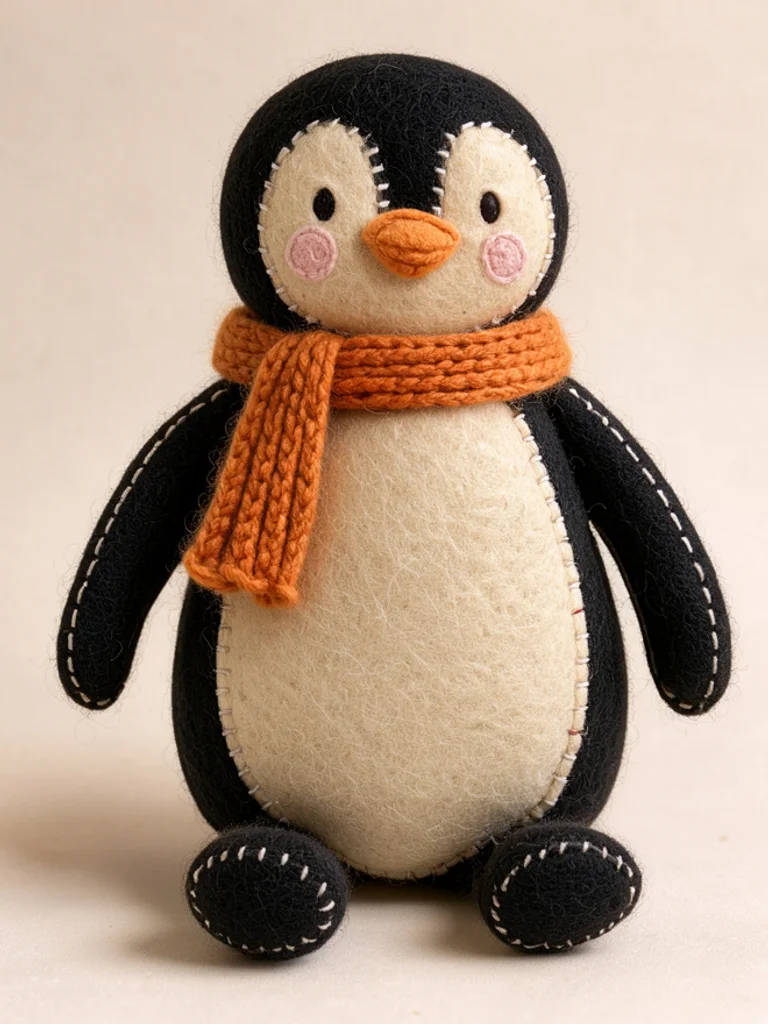
Studio photo of a seated shiba inu plush toy with stitched eyesCrochet doll of an orange fox with visible yarn stitchesFelt plush penguin with blanket stitching and a tiny scarf

Free AI Plush Toy Generator

Stuffed toys made from a photo or a few words. Free, no sign-up.

0 / 1,205
Aspect Ratio
Advanced

Available with credits. See pricing

Images per run

Output format

No idea? Try one:

Plushies that look sewn, stuffed and photographed

Studio plush

Short fur, embroidered eyes, a seated pose on a plain backdrop. This is the look of a soft toy photographed for a shop page, and it is the safest choice when the image has to look like a real product.

Studio photo of a seated shiba inu plush toy with stitched eyes
“a shiba inu puppy sitting upright”
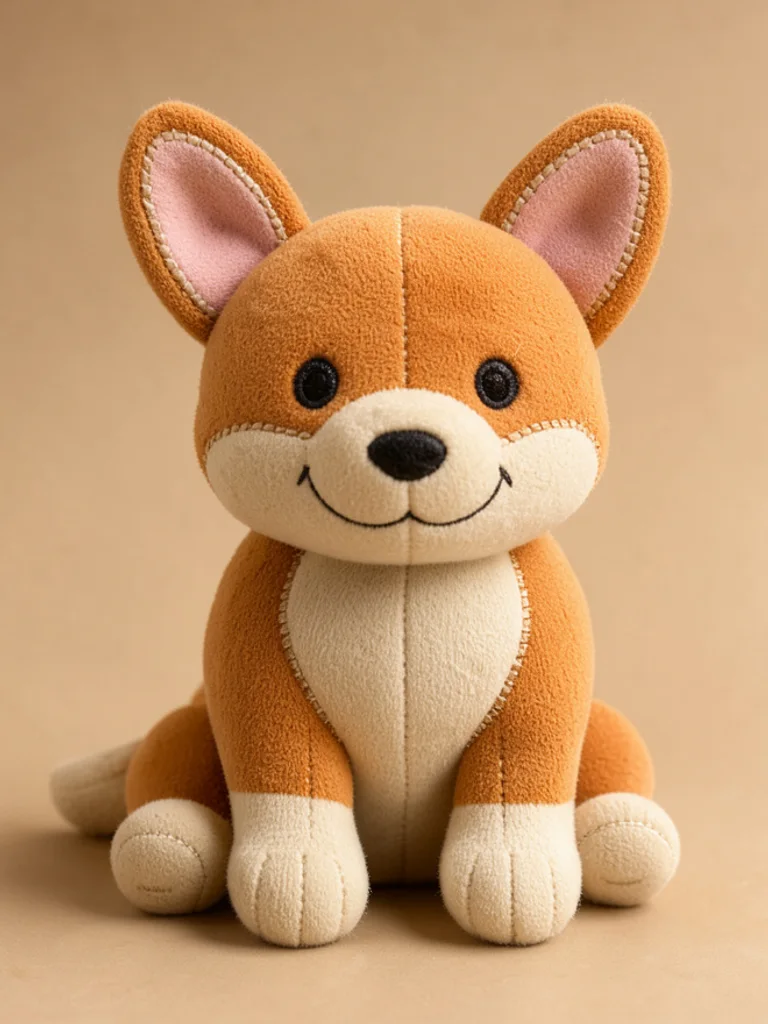
Studio photo of a corgi plush toy sitting on a beige backdrop
“a corgi with a wide smile sitting on a beige backdrop”

Images powered by our free model

How the Free AI Plush Toy Generator works

You describe the toy, not the animal: a shiba inu puppy sitting upright, cream fur, small black nose. Then pick a material. The hidden instruction adds the parts that make a plush believable, such as short pile fabric, visible seams, thread eyes, a seated pose and a soft shadow under the body.

Photos give the closest match. Upload one PNG, JPG or WEBP file up to 10 MB with the plus button, then say what the toy should keep and what it should change. The Free AI Plush Toy Generator carries over fur colour, markings and ear shape, which is why a pet photo taken in daylight beats a dark snapshot where the pattern is hard to read.

The trick with plush prompts is to describe sewing, not drawing. Words like stitched, stuffed, embroidered, patchwork and visible seam do more than fluffy or cute, which the model turns into a cartoon. Say where the toy is sitting as well, because a soft background and a slight shadow below the body sell the weight of the object.

What you get is a normal image around 1,000 pixels on the long side, not a sewing pattern and not a 3D file. The result cannot be manufactured from, and small details such as whiskers or tiny logos will be simplified. Use it as a gift image, a concept for a maker, or a reference when you order a real custom plush.

Studio photo of a brown bear plush wearing a knitted jumper

Why choose us

Faces made of thread

Say embroidered eyes, a stitched nose and a small thread smile, and the face stops looking like a cartoon drawing pasted onto fabric. Those three details are what make a plush read as something a person sewed rather than something a computer painted.

Start from a photo of the real thing

Upload one clear photo of a pet, a person or a favourite toy, and the plush keeps the colours, the ear shape and the markings that make it recognisable. It is the fastest route to a gift image that the recipient actually recognises.

One animal, three handmade materials

The same shiba inu comes back as a soft studio plush, a crocheted doll and a felt figure. Materials change what a character feels like: studio plush reads as a product, crochet reads as a gift, felt reads as something made at a kitchen table.

Free, with no account to create

Generating and downloading cost nothing, there is no sign-up, and the images carry no watermark. Try a few different ideas and keep the one you like without paying or logging in.

What you can make with the Free AI Plush Toy Generator

  • Plush cat sitting inside a pastel gift box with tissue paper

    A personalised gift image

    Turn a friend's dog or a child's drawing into a plush and print it on a card or a framed photo. The studio style is the one that reads as a real product, which matters when the picture is the gift itself.

  • Crochet doll of a cream bunny with long floppy ears

    A concept for a custom maker

    Plush makers ask for references. A crochet or felt version shows the material and the proportions clearly, and a maker can price the work from a picture far more accurately than from a paragraph of description.

  • Studio photo of a corgi plush toy sitting on a beige backdrop

    Product ideas for a small shop

    A row of plushies in one material reads as a collection. Keep the same backdrop and pose, change only the animal, and the set looks like a range rather than six unrelated pictures.

  • Felt plush mushroom with embroidered spots and a smiling face

    Nursery art and party decorations

    A felt plush on a plain background crops cleanly into a name card, a cake topper design or a wall print. Generate it square, keep the background pale, and it will sit next to almost any colour scheme.

How to use the Free AI Plush Toy Generator

Create your first image in under a minute. No design skills, no sign-up.

  1. STEP 1

    Describe your idea or add a photo

    Write what you want in plain words, the way you would tell a friend. Already have a picture? Click + or paste it with Ctrl+V, and the Free AI Plush Toy Generator uses it as a reference.

  2. STEP 2

    Pick a style and generate

    Choose a style and aspect ratio if you like, then press Generate. Your free image is ready in a few seconds, with no account and no watermark.

  3. STEP 3

    Download your image

    Save the result with one click, or generate again with a tweak to the prompt. Downloads come without a watermark.

FAQs about the Free AI Plush Toy Generator

What is an AI plush toy generator?

It is a tool that turns a photo or a written description into an image of a soft toy, complete with fabric, stitching and a studio setting. People use it for gift images, product concepts and references for custom plush makers.

Is the Free AI Plush Toy Generator better than Imgstyler or Media.io?

For most people starting out, yes, it is the best place to begin. Free AI Image gives you 4 ready-made styles, lets you start from your own photo or sketch, and hands you a clean download with no watermark and no account. That makes it the best value when you want to try an idea before paying for anything.

Is the Free AI Plush Toy Generator really free?

Yes. Generating and downloading plush images costs nothing, no account is required and the file has no watermark. There is no credit card step before the first toy.

Can I use more advanced AI models for a better plush toy?

Yes. After you buy credits, a model menu appears in the workspace and you can switch to a Pro model such as GPT Image 2 or Nano Banana Pro. They hold stitching, fur direction and small props more reliably, and each image costs credits while the free model stays free.

How do I write a good prompt for a plush toy?

Describe the toy as an object and use sewing words. A round fox plush sitting upright, orange yarn, stitched eyes, visible seam works better than a cute fox. Add where it sits and what it wears, and leave out the art style, because the material dropdown already sets it.

Can I turn my pet into a plush toy?

Yes. Upload a clear photo of your dog, cat or rabbit, then describe the material you want. The plush keeps the fur colours, the markings and the shape of the ears, which is what makes the result recognisable to whoever knows the animal.

What plush styles can I create?

The dropdown offers Studio plush, Crochet doll, Felt doll and Gift box, or describe another material in the prompt. Studio suits shop pages, crochet suits handmade gifts, felt suits cards and nursery art, and Gift box suits present mockups.

Can I actually have the plush made?

Not from the image directly, because it is a picture rather than a pattern. A custom plush maker can work from it as a reference and will quote their own price, so treat the image as the design brief rather than the finished product.

Can I use plush toy images commercially?

Yes, the terms of service allow commercial use without attribution, including listings and marketing images. Only upload photos you have the right to use, and do not put a brand name or a licensed character on the toy.

How do I download my plush image?

Use the Download button under the result. If you want a matching set, keep the description and the material, change only the animal, and the toys will look like they came from the same collection.