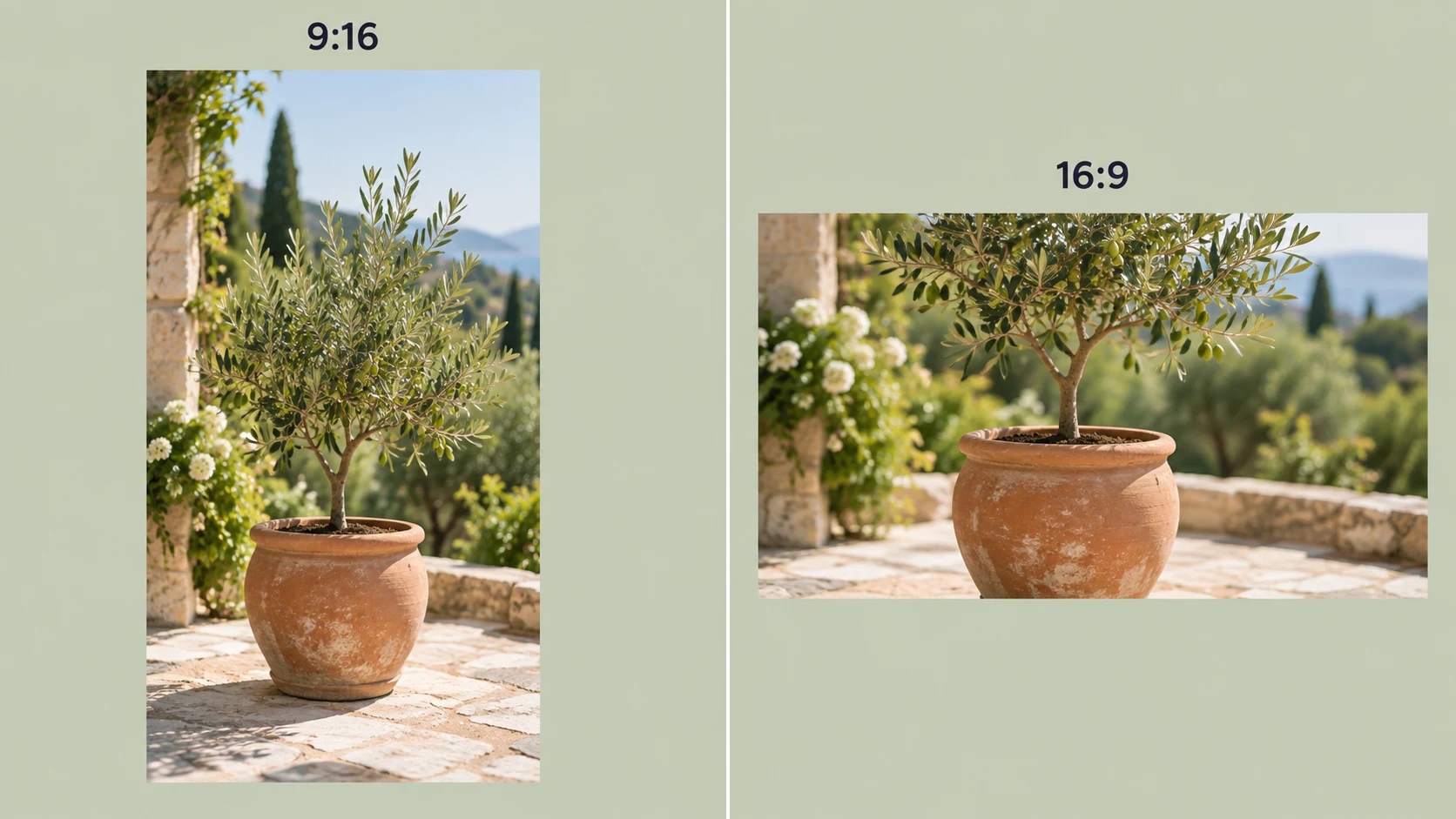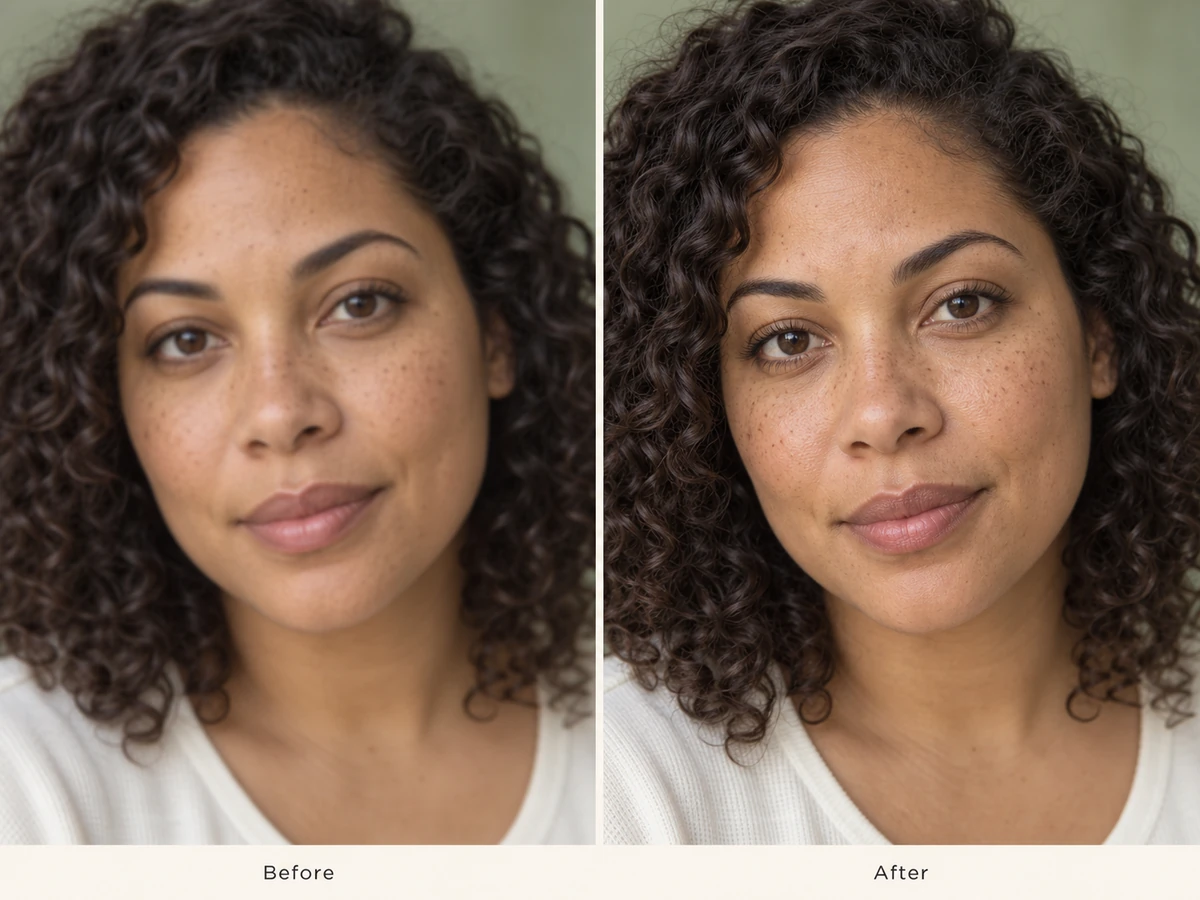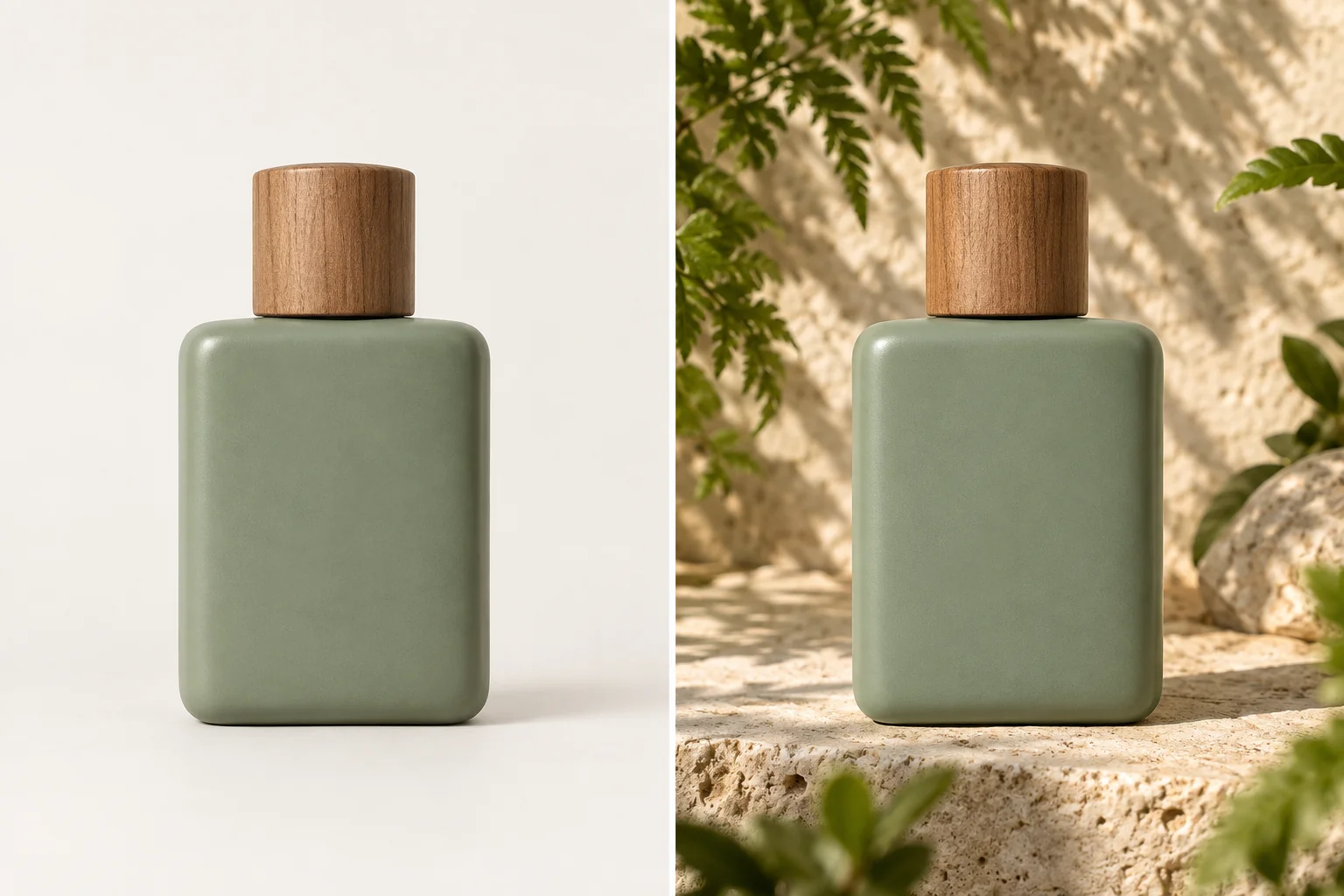
Product photos and campaign visuals
Turn one product shot into clean catalog imagery, seasonal promotions, and lifestyle scenes for your shop, ads, or launch campaign.
Your AI generated image will appear here
AI IMAGE TO IMAGE
Start with a photo, sketch, or illustration and describe what you want to change. Our free AI image-to-image generator uses your reference to create new styles, scenes, and variations while keeping the parts that make the image yours.
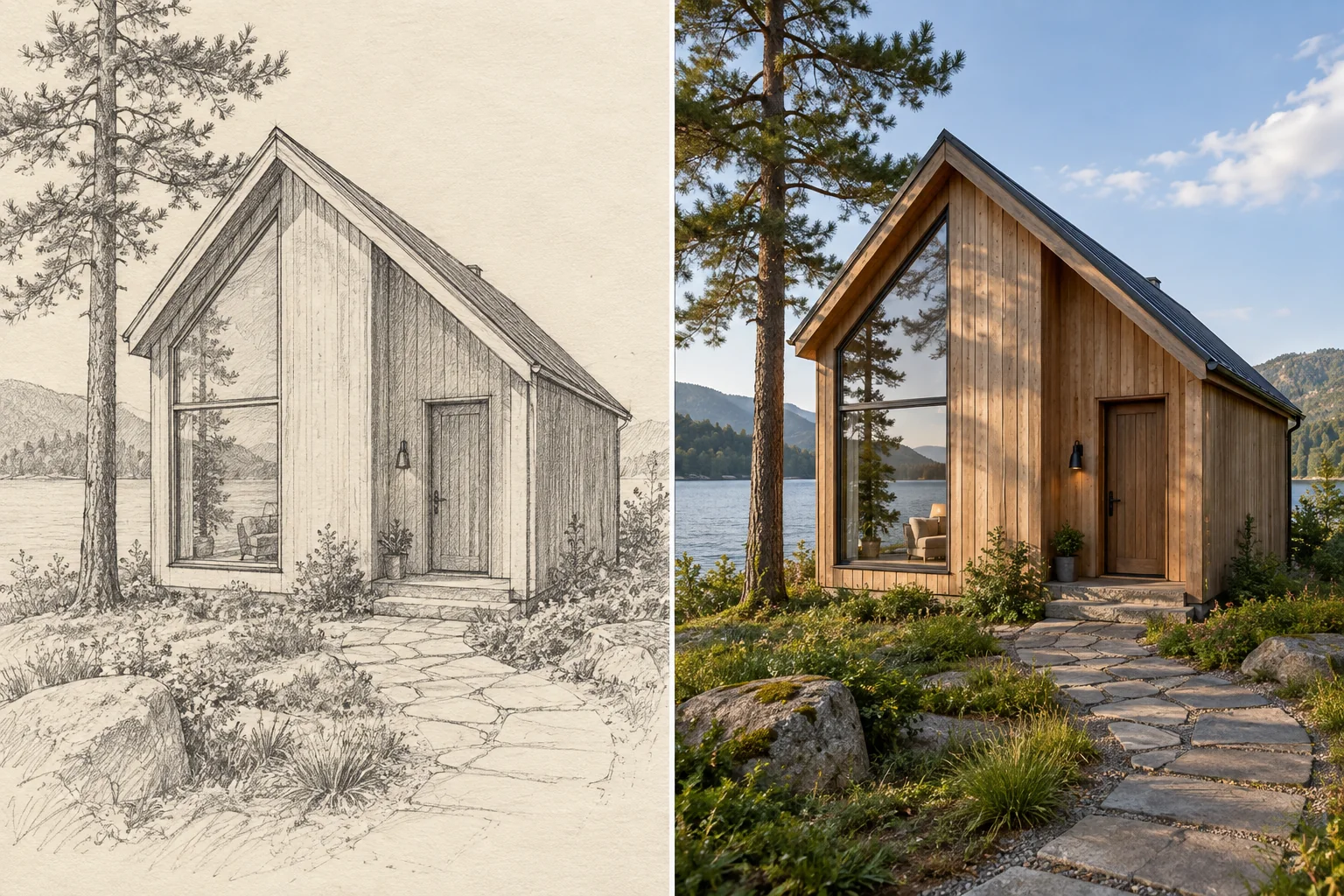
Use your reference image to guide the layout, perspective, and placement of the main subject. Turn a rough sketch into a finished visual or reimagine a photograph while carrying its structure into the new image.
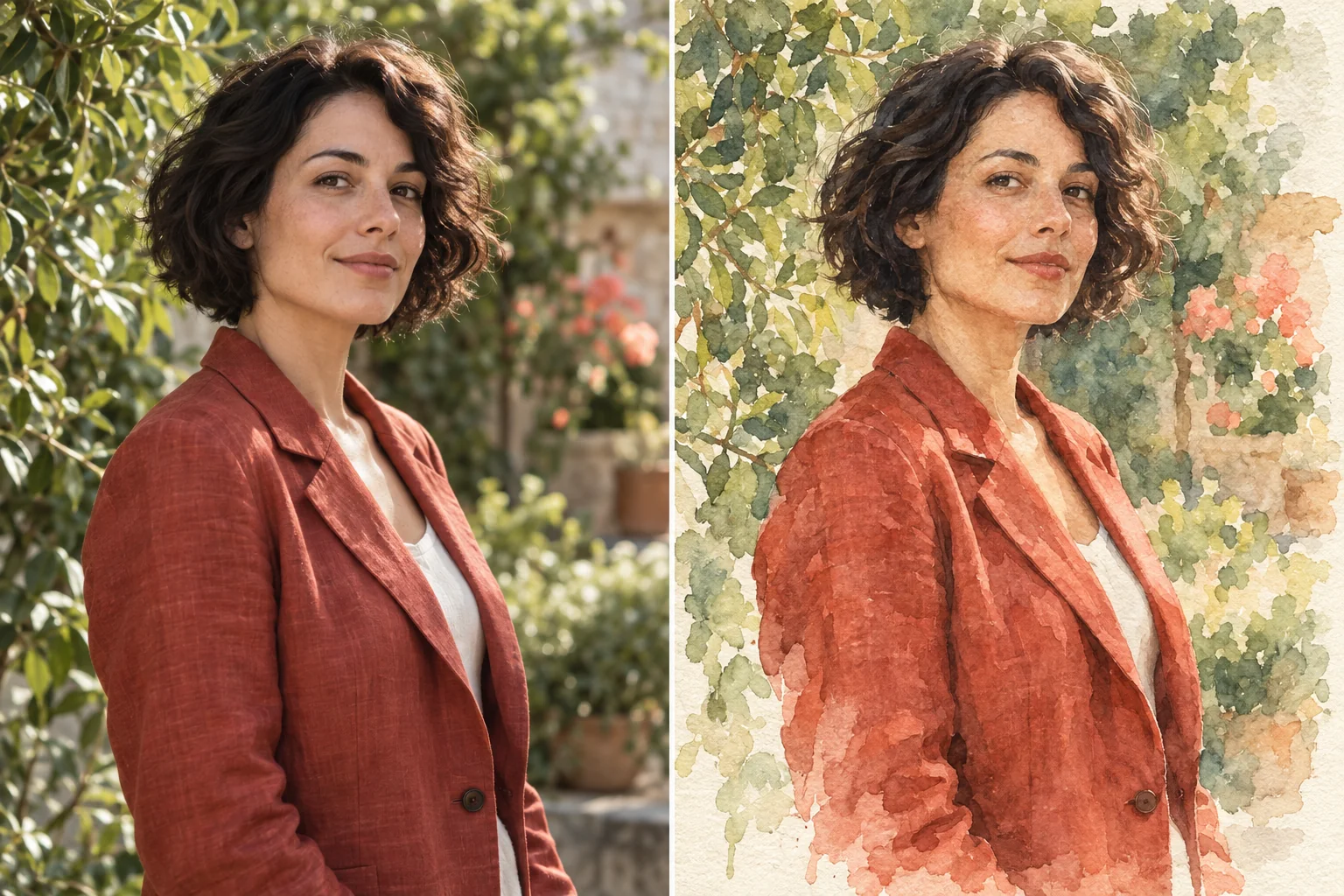
Restyle a photo as watercolor, anime, a pencil sketch, or a 3D illustration. Describe the medium, colors, and textures you want, and the image-to-image AI applies a new aesthetic to your original subject.
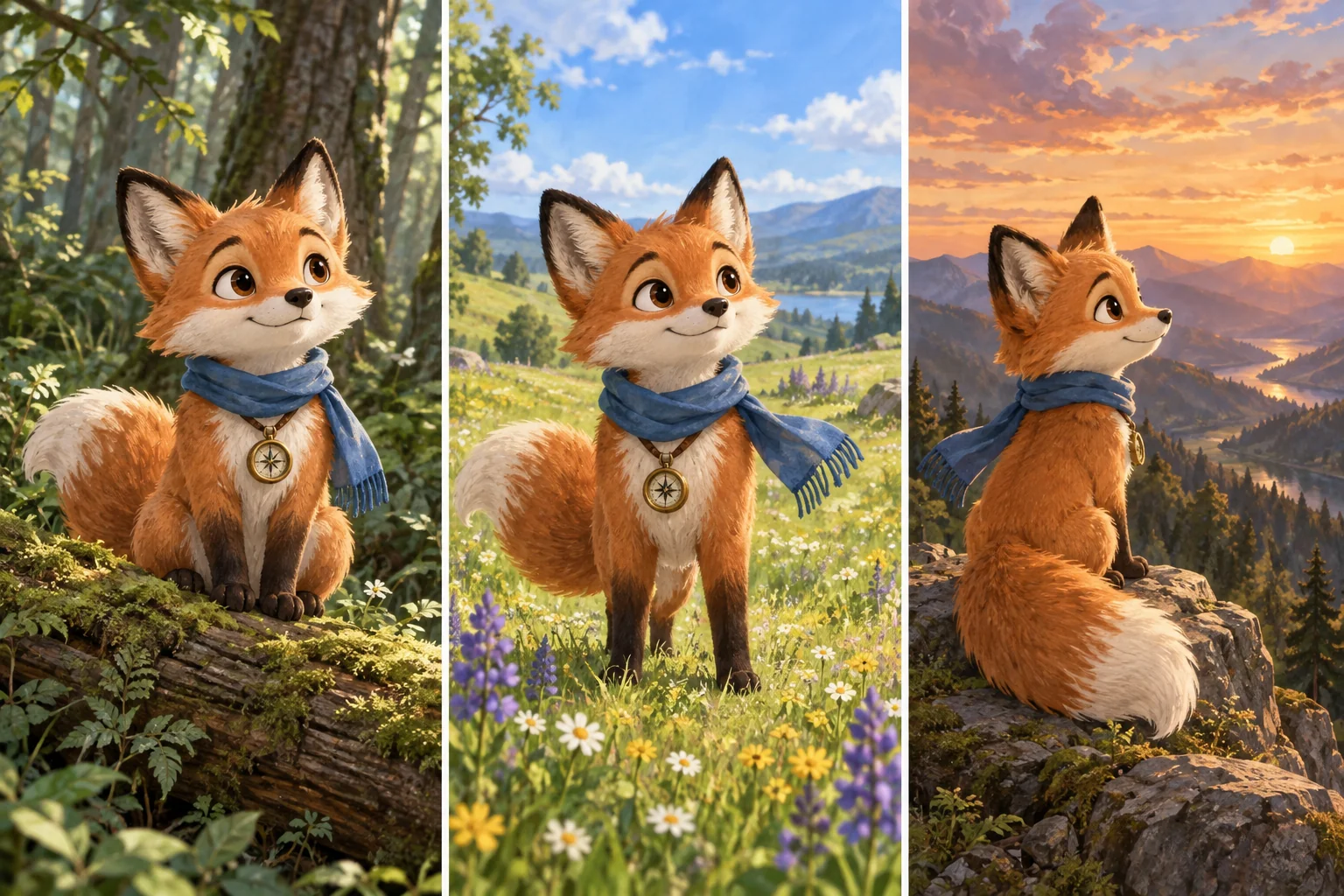
Carry a character’s facial features, outfit, or a product’s distinctive shape into new images. Change the setting, pose, or visual treatment while using the same reference to keep a coherent identity across the series.
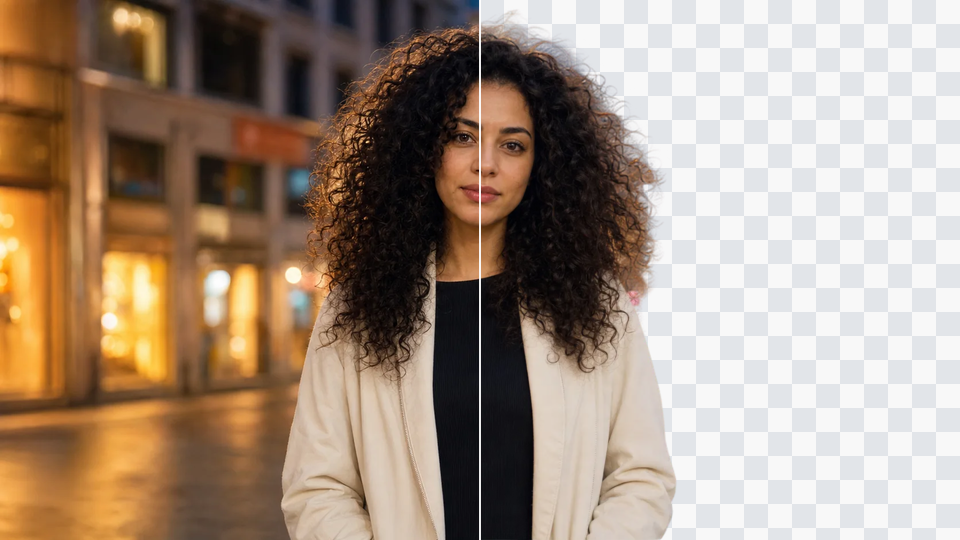
Move a product from a plain studio backdrop into a lifestyle scene, or give a portrait an entirely different setting. Describe the new environment and keep the subject as your visual anchor for a cohesive result.
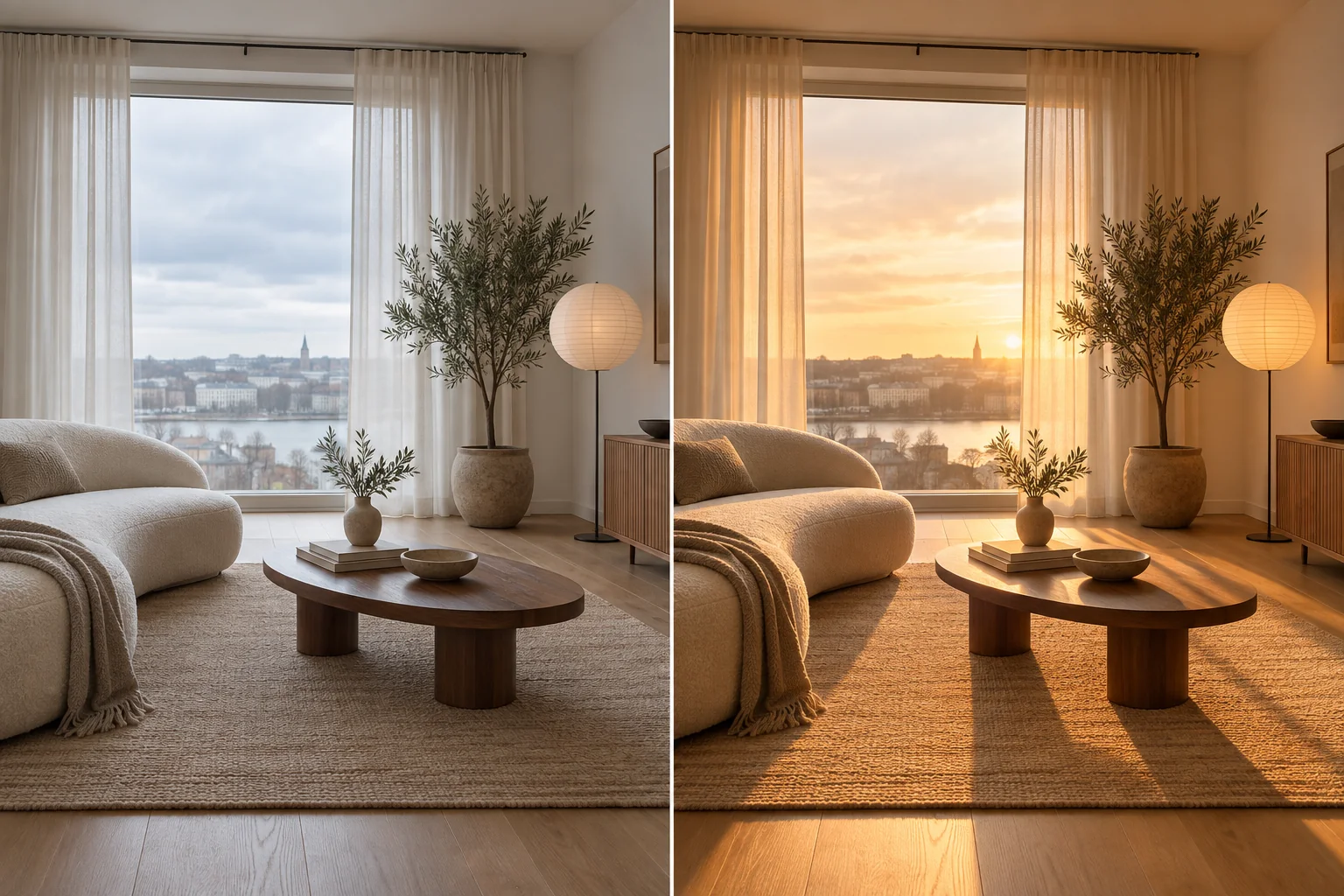
Reimagine cloudy daylight as golden hour, soften a harsh scene, or explore a new color palette. Guide light direction, warmth, and atmosphere with your prompt to create a different mood from the same starting image.
Generate fresh variations of an existing photo or design by changing the prompt, scene, or style. Develop a set of visual options from one reference image for a campaign, a concept review, or your next creative project.
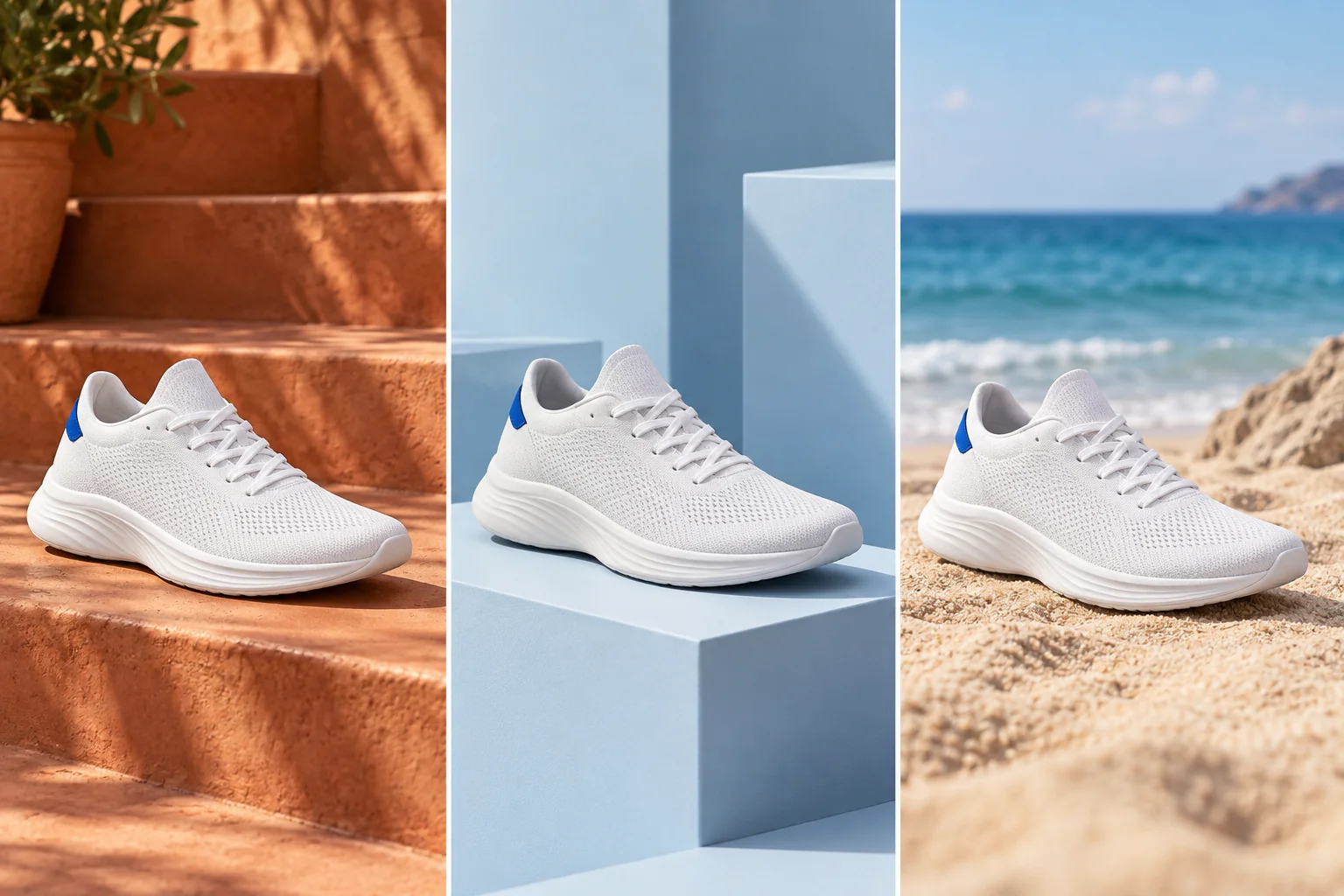
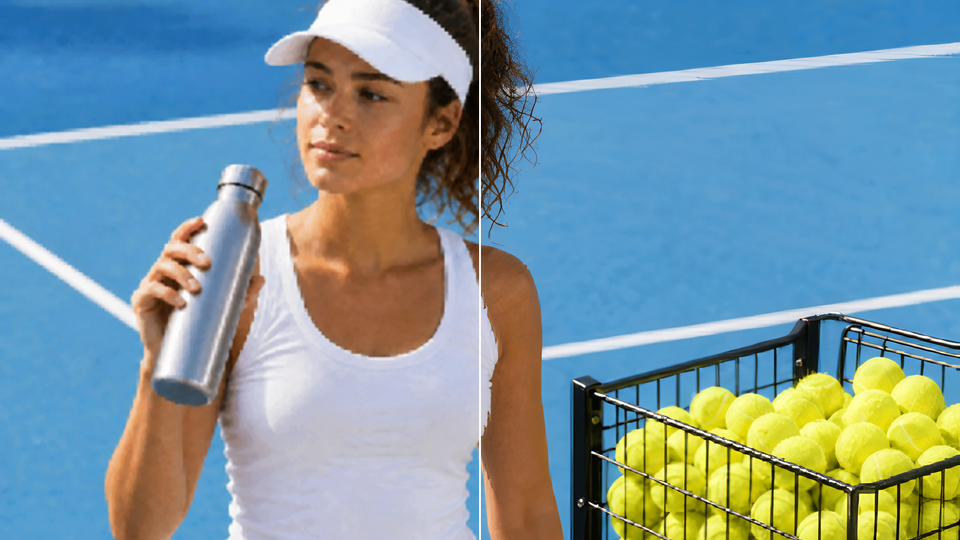
Turn one product shot into clean catalog imagery, seasonal promotions, and lifestyle scenes for your shop, ads, or launch campaign.
Give existing photos a fresh style for profile pictures, thumbnails, and social content. Explore a consistent look across a series of posts.
Develop sketches into finished concepts and create new scenes around a recognizable character for illustrations, games, or visual storytelling.
01
Choose a clear photo, sketch, or illustration. The reference gives the AI a starting point for the subject, composition, and visual details.
02
Say what to change and what to keep. Try: “Keep the same bottle and camera angle. Replace the plain background with a sunlit botanical scene.”
03
Generate a new version, then adjust your prompt to explore another style or scene. Download the image that fits your project.
An AI image-to-image generator creates a new image from an existing picture. Your reference supplies the visual starting point, and a prompt describes changes such as a new art style, background, lighting, or scene.
Yes. You can start with your own reference image and generate a new version for free. Upload a picture, describe the transformation you want, and create your image online.
Image-to-image starts with an uploaded picture that guides the subject, layout, or style. Text-to-image starts from a written description alone. Use image-to-image when you already have a visual direction you want to develop.
Compare how well it follows your reference, keeps the subject recognizable, and applies the changes you describe. Style control, composition, output quality, free-use limits, and the ease of refining a result all matter. The best fit depends on the images you need to make.
Yes. Use the image as a structural reference and describe the new style, such as watercolor, anime, oil painting, or a 3D render. Include the layout and subject details you want to retain so the transformation has a clear direction.
Use the same reference and describe the details that define the subject: facial features, hairstyle, clothing, product shape, or colors. Specify a new scene or pose while asking the AI to preserve those recognizable details.
Name the change first, then describe what should stay the same. For example: “Turn this portrait into a watercolor painting. Keep the same face, pose, and red jacket, with soft green foliage in the background.” Clear details about lighting, colors, and texture help guide the result.
Yes. Upload a sketch and describe the materials, lighting, colors, and setting you want in the finished image. The sketch can guide the composition while the AI develops it into a realistic rendering or a more detailed illustration.
Yes. Describe the setting or lighting you want, such as a clean studio backdrop, a garden scene, or warm sunset light. State that the main subject and composition should remain so the changes focus on the surrounding scene and atmosphere.
Start with photos, portraits, product shots, illustrations, or sketches. PNG, JPG, and WebP are common choices. A clear reference makes the subject and composition easier to follow, especially when you want recognizable details in the new image.
Yes. Reuse your reference and change the prompt to explore different styles, backgrounds, or moods. This helps you compare creative directions for a product campaign, a character, or a design concept.
Yes. Use the tool in your mobile browser, upload a photo from your device, and describe the transformation. You can create and download image variations online without installing desktop editing software.
Give your image its next look.
Upload a reference, describe your idea, and turn an existing picture into something new.
Generate from your image