

A few words is enough
Name the clothes and the expression. The generator frames the head and shoulders, so a line like a woman in a navy blazer already reads as a headshot. You do not have to describe a studio or a camera.
Corporate, casual and creative headshots from text or a photo. Free, no sign-up.
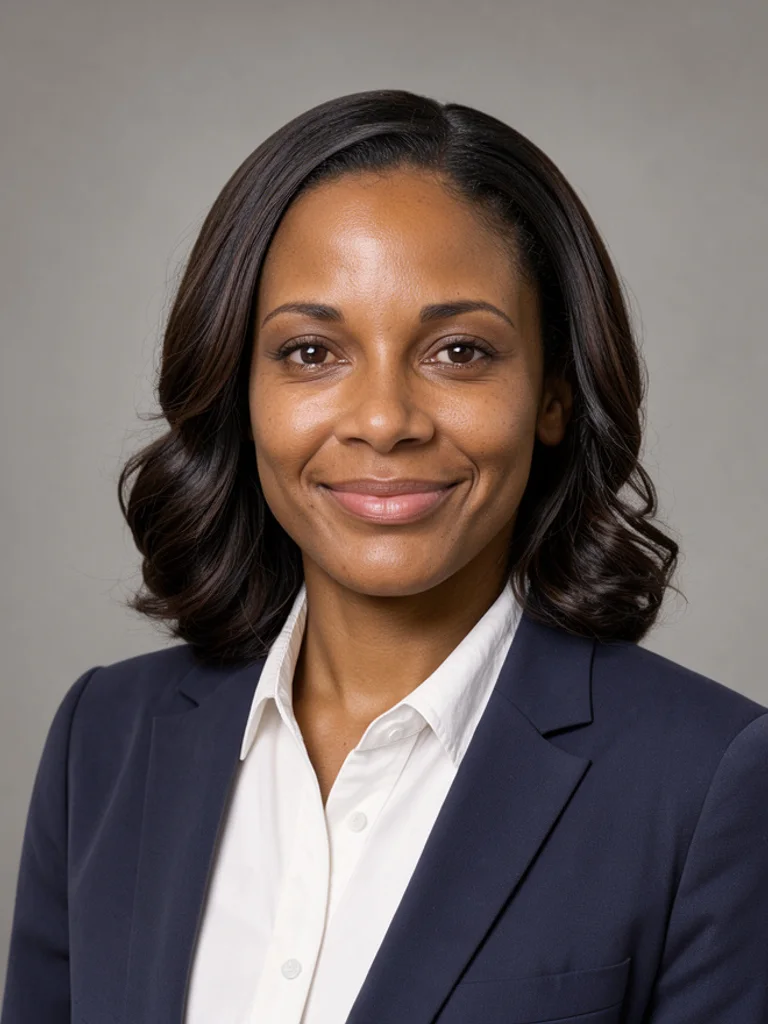
A collared shirt or a blazer, even light, and a plain ground. Use it for a company page, a resume corner, or any place that should look like an office sitting.
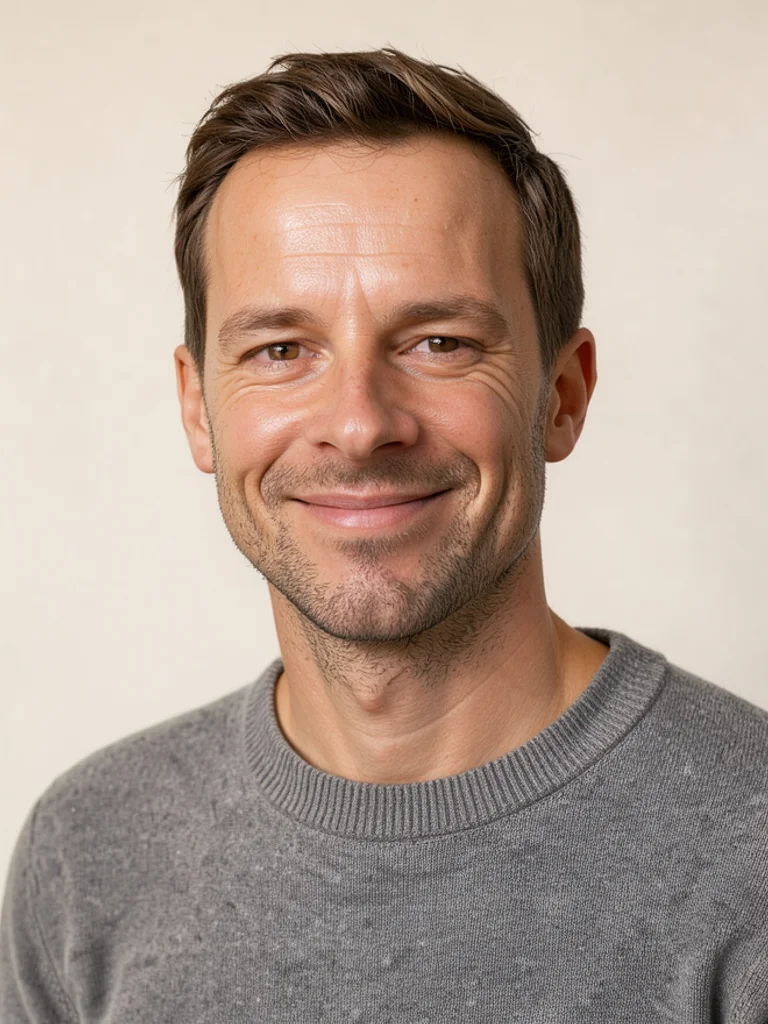
A knit, a soft shirt, and a friendlier expression. Use it when the profile should feel approachable rather than formal.
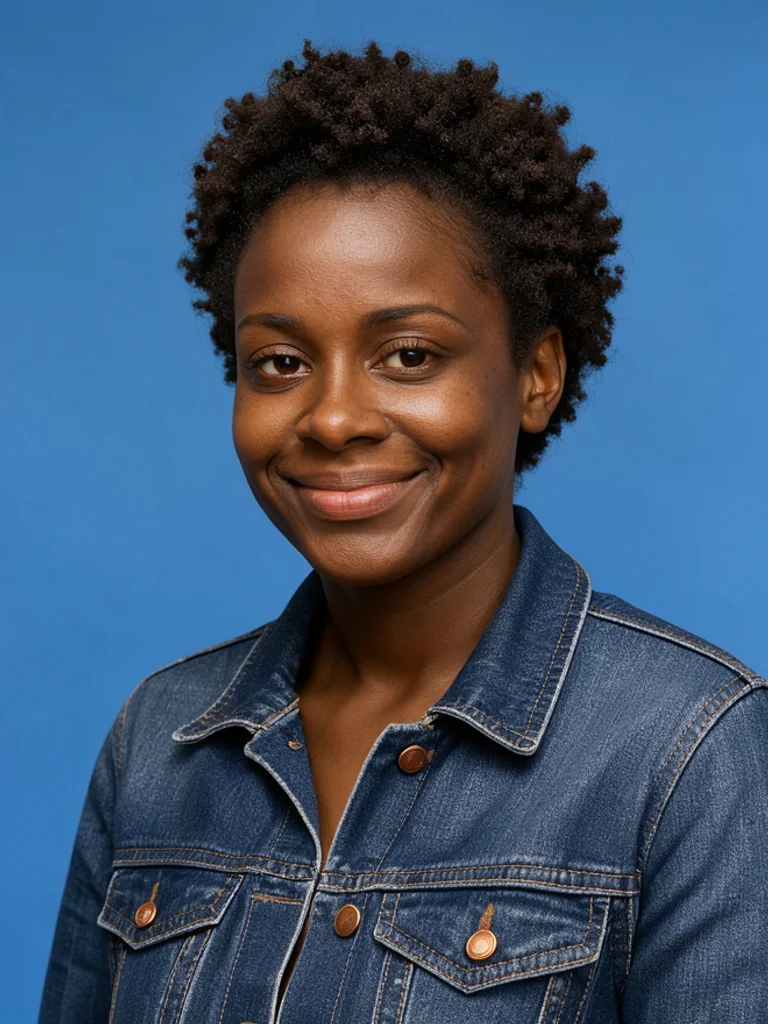
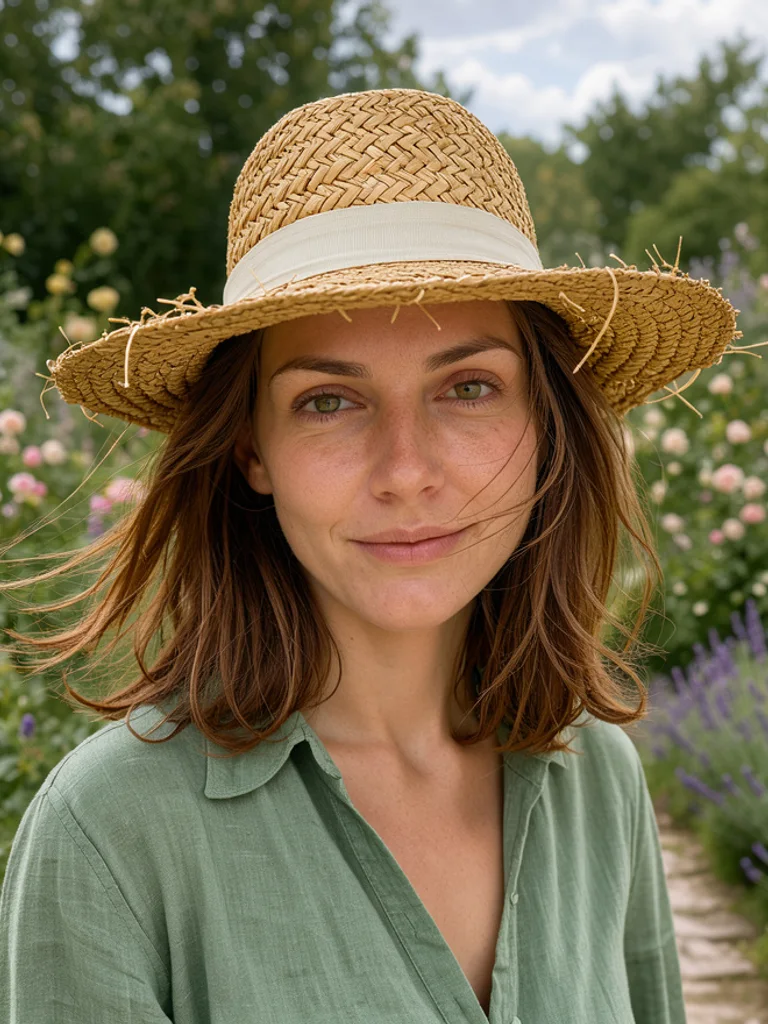
A stronger color or a less formal jacket, still framed as head and shoulders. Use it for a portfolio or a studio profile that should not look like a bank photo.
Images powered by our free model
Type the clothes and the expression, such as a navy blazer and a slight smile, and choose corporate, casual, or creative. The Free AI Headshot Generator frames the head and shoulders on a plain ground, with no letters on the picture. A short line then reads as a headshot rather than a casual vacation photo that someone cropped by accident.
You can also start from one photo you already have. Click + or paste a single selfie, pick a look, and the AI Headshot Generator follows that face while it changes the shirt and the light. Change one word or switch from corporate to casual and generate again. Keep the version you would actually put on a public work profile.
A useful prompt names the shirt, the expression, and whether glasses stay on. Say a plain grey ground if the background matters. Skip company names, job titles printed on the image, and requests for a set of ten files. This makes one picture, and the next one will not lock that face. If the collar or the ears look wrong, simplify the clothes and generate once more with the AI Headshot Generator.
What you download is one ordinary picture, about 1,000 pixels on the long side. It is not a square pack, a print file, or a folder of outfits. The AI Headshot Generator will not remember this person, and it will not resize the file for a specific website. Crop it yourself if a profile wants a square, then use the picture where a normal photo would go.
Name the clothes and the expression. The generator frames the head and shoulders, so a line like a woman in a navy blazer already reads as a headshot. You do not have to describe a studio or a camera.
Add one clear selfie or portrait and the headshot follows that face. It is a single new frame from that photo, not a pack of outfits, and the next picture will not lock the same face.
The same person can wear a blazer, a knit, or a less formal jacket. Corporate keeps the ground plain and the clothes office-ready. Casual softens the shirt and the expression. Creative allows a stronger color while the frame stays head and shoulders. Generate them together and keep the one that fits the profile.
Generating and downloading cost nothing, there is no sign-up, and the images carry no watermark. Try a few different ideas and keep the one you like without paying or logging in.

Describe a shirt and a calm expression when a profile needs a face today. The AI Headshot Generator gives you one frame to crop, not a set of outfits.
Upload one clear selfie and pick a look. The face stays close to the photo. It is not a model trained on many pictures of you.

Use casual when a blazer feels too stiff for the team page. The AI Headshot Generator still keeps the frame at head and shoulders.
Use creative when the picture should show a jacket or a color without turning into a fashion shoot. Crop it after download if the site wants a square.
Create your first image in under a minute. No design skills, no sign-up.
STEP 1
Write what you want in plain words, the way you would tell a friend. Already have a picture? Click + or paste it with Ctrl+V, and the Free AI Headshot Generator uses it as a reference.
STEP 2
Choose a style and aspect ratio if you like, then press Generate. Your free image is ready in a few seconds, with no account and no watermark.
STEP 3
Save the result with one click, or generate again with a tweak to the prompt. Downloads come without a watermark.
An AI headshot generator turns a short description into one head-and-shoulders picture meant for a profile or a resume. People use it when they need a posed face without a studio visit.
For most people starting out, yes, it is the best place to begin. Free AI Image gives you 3 ready-made styles, lets you start from your own photo or sketch, and hands you a clean download with no watermark and no account. That makes it the best value when you want to try an idea before paying for anything.
Yes. You can generate and download headshots for free, without signing up and without a watermark. Save the picture from the result, then change the prompt if you want another frame.
Yes. After you buy credits on the pricing page, a model menu appears in the generator and you can switch to Pro models such as GPT Image 2 or Nano Banana Pro for finer detail and closer prompt following. Each Pro image uses credits. The free model stays free.
Name the shirt, the expression, and whether glasses stay on. Say a plain ground if the background matters. Leave out job titles and company names. The AI Headshot Generator frames one head and shoulders.
Yes. Click + or press Ctrl+V to add one PNG, JPG, or WEBP up to 10 MB. One selfie steers the face. You do not upload a folder of photos, and the look you pick sets the clothes and the light.
Corporate, Casual, and Creative, or describe another shirt in the prompt. Corporate is a blazer or a tie. Casual is a knit or a soft shirt. Creative is a less formal jacket. The AI Headshot Generator starts on Corporate.
No. Each generation is a new picture, and the face will not stay locked. Upload the same photo again, or repeat the description, if you want another attempt.
Yes. You can use the images commercially under the site terms, and you do not have to add a credit line. Do not copy someone else's logo, trademark, or likeness. You are responsible for the rights in any photo you upload.
Use Download under the result. You can generate again or edit the prompt if you want another version. The AI Headshot Generator saves a normal image. Crop it yourself if a site wants a square.

 AI Avatar Generator
 AI Character Generator
 AI Face Generator
 AI Portrait Generator
 AI Human Generator
 AI Influencer Generator