Free AI Image Your free image tools for the AI era.
Anime character of a forest ranger in a green cloakRealistic character of a chef with flour on a dark apronFantasy character of a mage in a blue cloak with a staff

Free AI Character Generator

Anime, realistic and cartoon characters from text or a photo. Free, no sign-up.

0 / 1,309
Aspect Ratio
Advanced

Available with credits. See pricing

Images per run

Output format

No idea? Try one:

Characters that look ready to draw, from one line

Anime

Clean lines, cel shading, and a readable face. Use it for original leads, pilots, and rangers when you want a drawn character rather than a photograph.

Anime character of a forest ranger in a green cloak
“a forest ranger in a green cloak with a staff”
Anime character of a pilot in a worn leather jacket
“a pilot in a worn leather jacket”

Images powered by our free model

How the Free AI Character Generator works

Type a person, their clothes, and one prop, such as a ranger in a green cloak or a chef with a floured apron, and choose anime, realistic, cartoon, or fantasy. The Free AI Character Generator adds a centered figure and a plain ground, with no letters on the picture. A short line then reads as a character design rather than a snapshot of a stranger in a crowd.

You can also start from a photo you already have. Click + or paste one portrait, pick a look, and the AI Character Generator follows that face and pose while it changes the clothes and the rendering. Change one word or switch from anime to realistic and generate again. Keep the version whose outfit and light match the person you are designing.

A useful prompt names age in plain words if it matters, then hair, clothes, and one object. Say full figure or bust if the crop matters, and name the expression if the face carries the design. Skip the names of existing games, comics, and actors. Skip requests for a turnaround sheet or the same face in six poses. This makes one picture, and the next picture will not lock that face. If a hand looks wrong, simplify the prop and generate once more with the AI Character Generator.

What you download is one ordinary picture, about 1,000 pixels on the long side. It is not a character sheet, a 3D model, or a video. The AI Character Generator will not save this person for the next generation, and it will not draw a lineup of angles. Use the picture as a design note, then draw the version you want to keep using.

Anime character of a forest ranger in a green cloak

Why choose us

A few words is enough

Name the person, the clothes, and one prop. The generator adds a plain ground and a centered figure, so a line like a ranger in a green cloak already reads as a character design. You do not have to write a backstory or a stat block.

Start from your own photo

Add a portrait and the picture follows that face and pose while the clothes and the rendering change. It is one reading of the photo, useful when you want to test a costume before you draw a final version.

One idea, three kinds of character

The same inventor can be an anime drawing, a realistic portrait, or a cartoon. Anime keeps clean lines and large eyes. Realistic uses photographic light and ordinary cloth. Cartoon simplifies the shapes so the person reads at a glance. Generate them together and keep the rendering that fits the project.

Free, with no account to create

Generating and downloading cost nothing, there is no sign-up, and the images carry no watermark. Try a few different ideas and keep the one you like without paying or logging in.

What you can make with the Free AI Character Generator

  • Anime character of a pilot in a worn leather jacket

    A lead for a story

    Describe hair, clothes, and one prop when the cast is still a sentence. The AI Character Generator gives you a single portrait to react to, not a sheet of views.

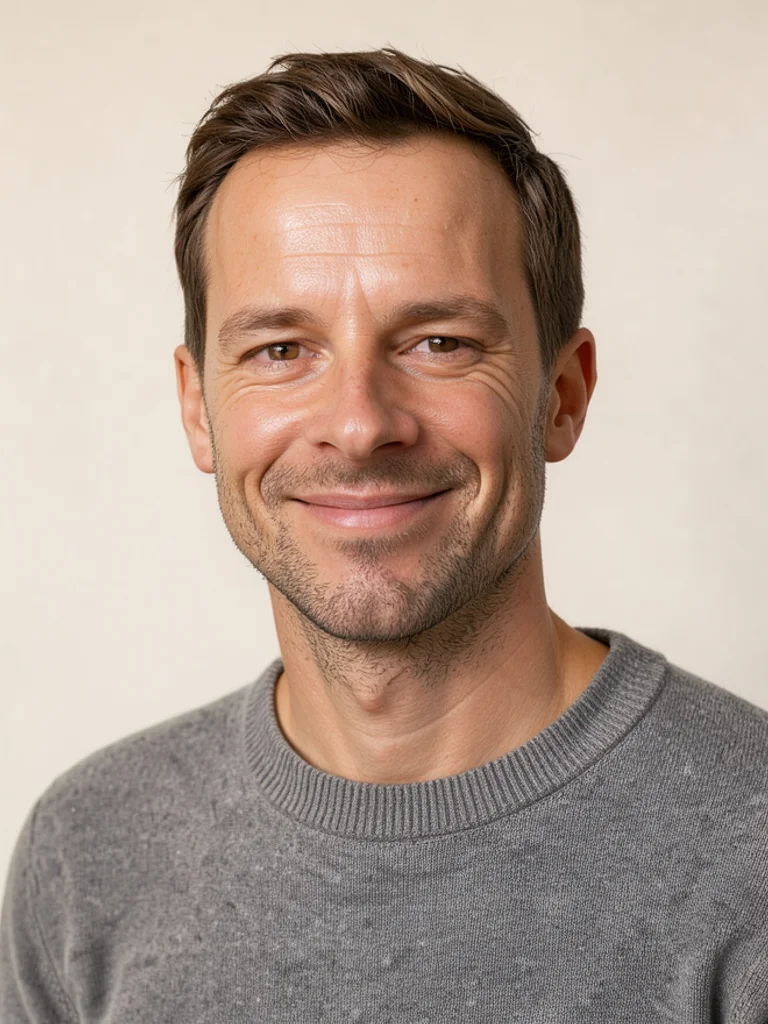
  • Realistic character of a chef with flour on a dark apron

    A photo in a new costume

    Upload a clear portrait and pick a look. The pose stays close to your photo, which helps when you want to test clothes without inventing a new face from nothing.

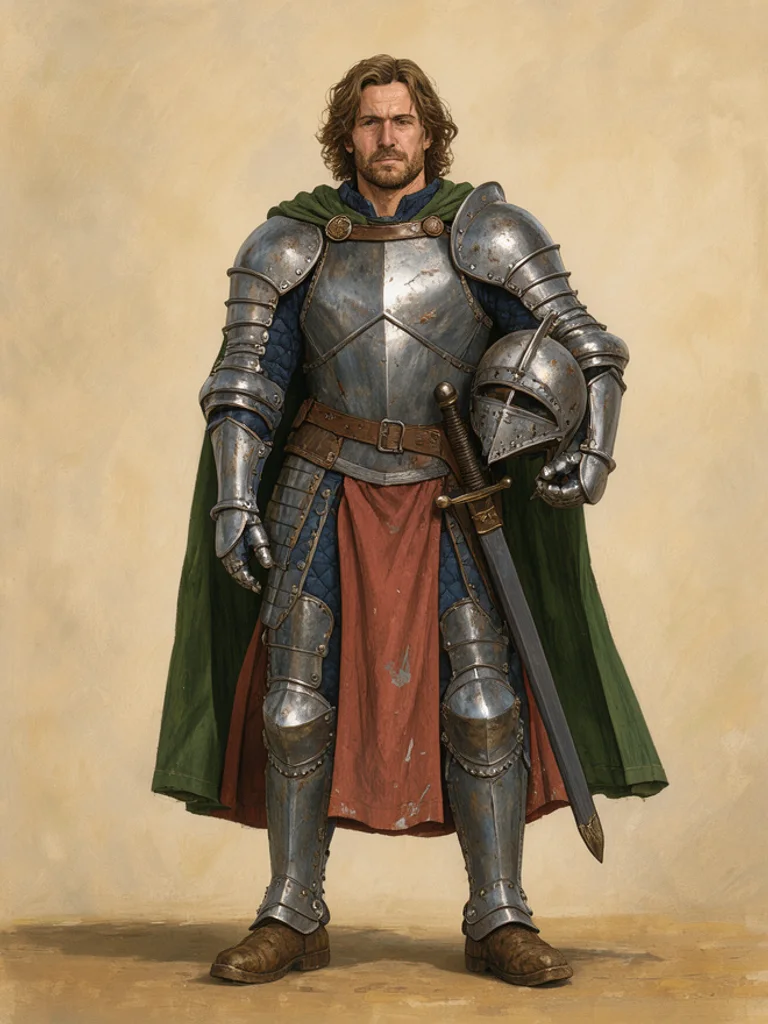
  • Fantasy character of a knight holding a dented helmet

    A full figure for a game

    Ask for the whole person and name the outfit down to the shoes if the crop matters. The AI Character Generator is one concept frame, not a rig or a sprite sheet.

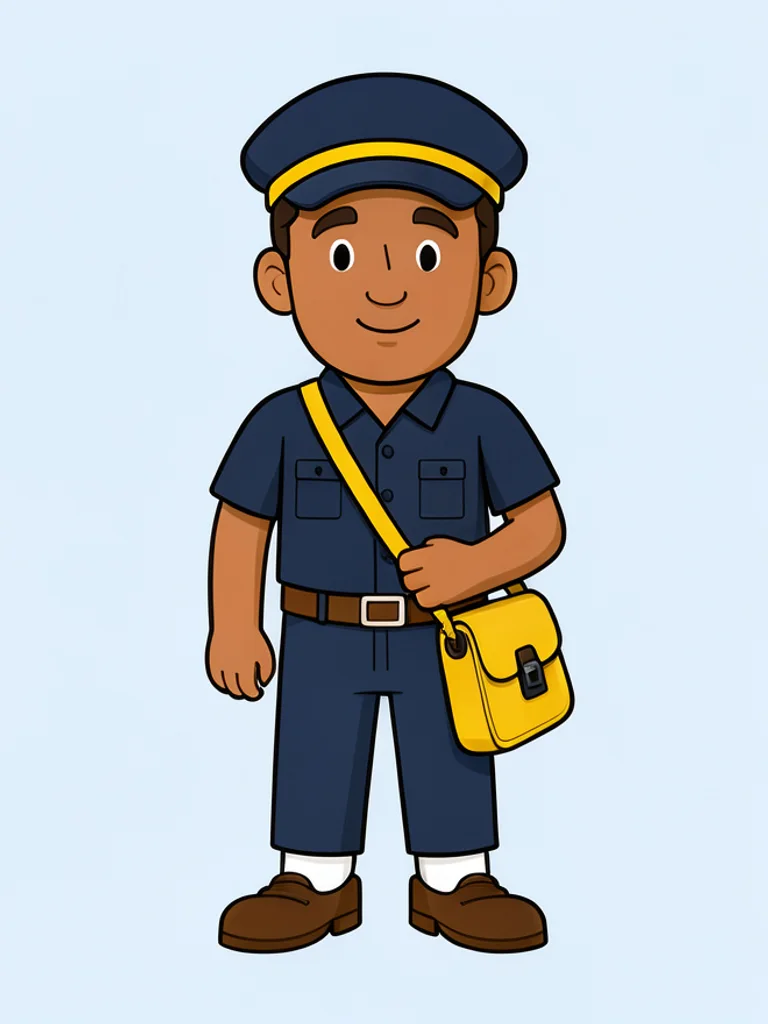
  • Cartoon character of a librarian holding a stack of books

    A friendly cartoon person

    Use simple clothes and one prop, such as a satchel or a stack of books, when the character should read at a small size on a page or a poster.

How to use the Free AI Character Generator

Create your first image in under a minute. No design skills, no sign-up.

  1. STEP 1

    Describe your idea or add a photo

    Write what you want in plain words, the way you would tell a friend. Already have a picture? Click + or paste it with Ctrl+V, and the Free AI Character Generator uses it as a reference.

  2. STEP 2

    Pick a style and generate

    Choose a style and aspect ratio if you like, then press Generate. Your free image is ready in a few seconds, with no account and no watermark.

  3. STEP 3

    Download your image

    Save the result with one click, or generate again with a tweak to the prompt. Downloads come without a watermark.

FAQs about the Free AI Character Generator

What is an AI character generator?

An AI character generator turns a short description into one picture of an original person, with clothes and a pose. People use the pictures as story leads, costume studies, and game concepts.

Is the Free AI Character Generator better than OpenArt or PicLumen?

For most people starting out, yes, it is the best place to begin. Free AI Image gives you 4 ready-made styles, lets you start from your own photo or sketch, and hands you a clean download with no watermark and no account. That makes it the best value when you want to try an idea before paying for anything.

Is the Free AI Character Generator really free?

Yes. You can generate and download characters for free, without signing up and without a watermark. Save the picture from the result, then change the prompt if you want another person.

Can I use more advanced AI models for better characters?

Yes. After you buy credits on the pricing page, a model menu appears in the generator and you can switch to Pro models such as GPT Image 2 or Nano Banana Pro for finer detail and closer prompt following. Each Pro image uses credits. The free model stays free.

How do I write a good prompt for an AI character?

Name hair, clothes, and one prop, and say full figure or bust if the crop matters. Add an expression if the face carries the design. Leave out existing games, comics, and actors. The AI Character Generator draws one original person.

Can I turn my own photo or sketch into a character?

Yes. Click + or press Ctrl+V to add one PNG, JPG, or WEBP up to 10 MB. The reference steers the face and the pose, and the look you pick decides whether the result is anime, realistic, cartoon, or fantasy.

What character styles can I create?

Anime, Realistic, Cartoon, and Fantasy, or describe another look in the prompt. Anime is clean and drawn. Realistic is photographic. Cartoon is simple and bold. Fantasy is a costume piece. The AI Character Generator starts on Anime.

Will the same character come back in the next picture?

No. Each generation is a new picture, and the face will not stay locked. Describe the person again, or upload the same photo, if you want another attempt at a similar idea.

Can I use AI characters commercially?

Yes. You can use the images commercially under the site terms, and you do not have to add a credit line. Do not copy someone else's logo, trademark, or characters. You are responsible for the rights in any photo you upload.

How do I download my character?

Use Download under the result. You can generate again or edit the prompt if you want another version. The AI Character Generator saves a normal image, not a turnaround sheet or a 3D model.