Free AI Image Your free image tools for the AI era.

Free AI Image Object Remover

  • 100% Free
  • No Login Required
  • Brush to Remove Objects

Paint over the object, or draw a closed selection around it. Include shadows you want to remove.

Selection tools

Upload an image to select an area here

Free AI Image Object Remover

Remove unwanted objects, people, clutter, and distractions from photos you own or have permission to edit. Upload an image, highlight the area, and review a cleaner result before downloading.

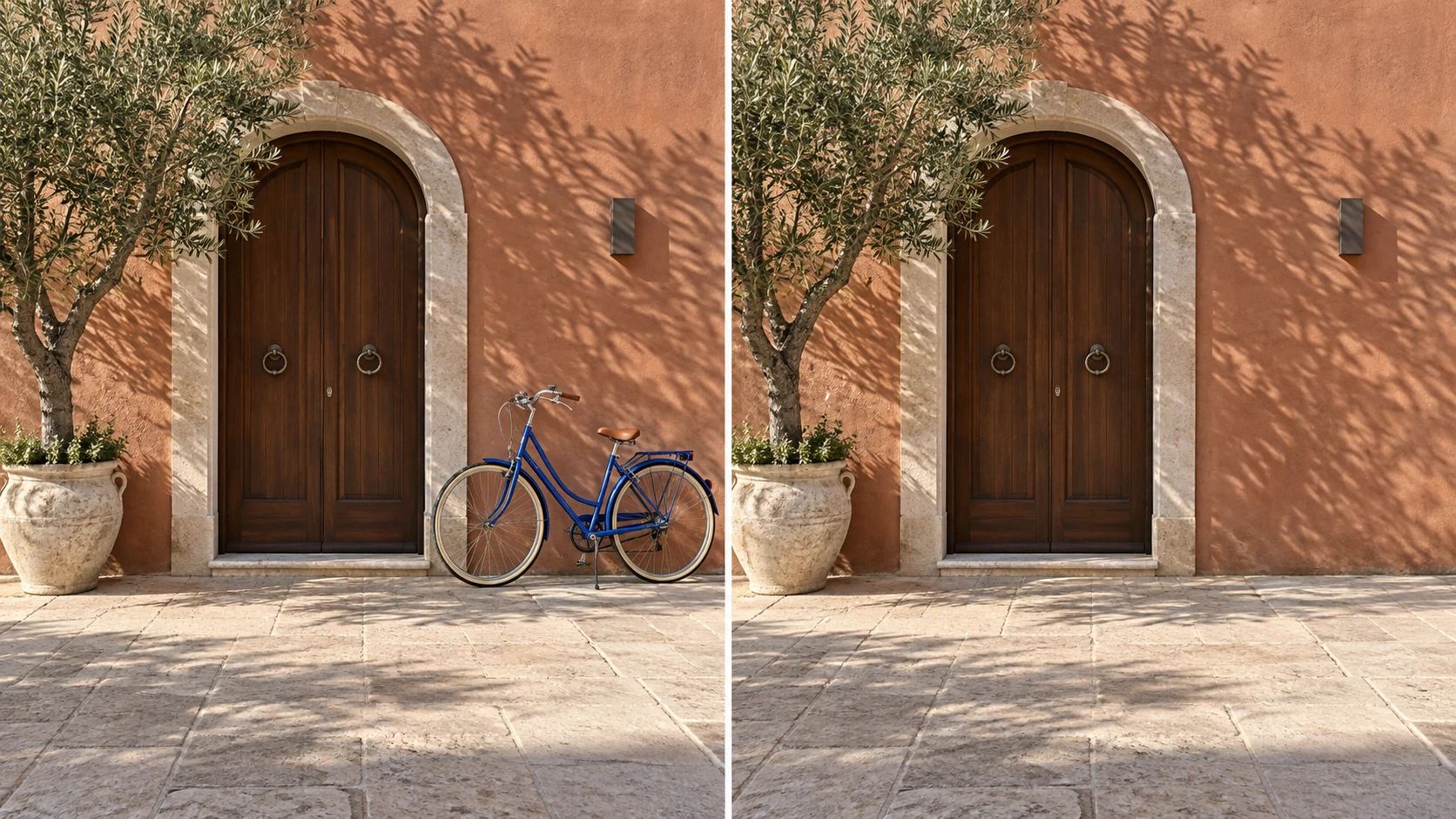
Remove Objects from Photos
AI-generated comparison: a blue bicycle outside an arched doorway on the left, and the same entrance with the bicycle removed on the right

What You Can Do with Image Object Remover

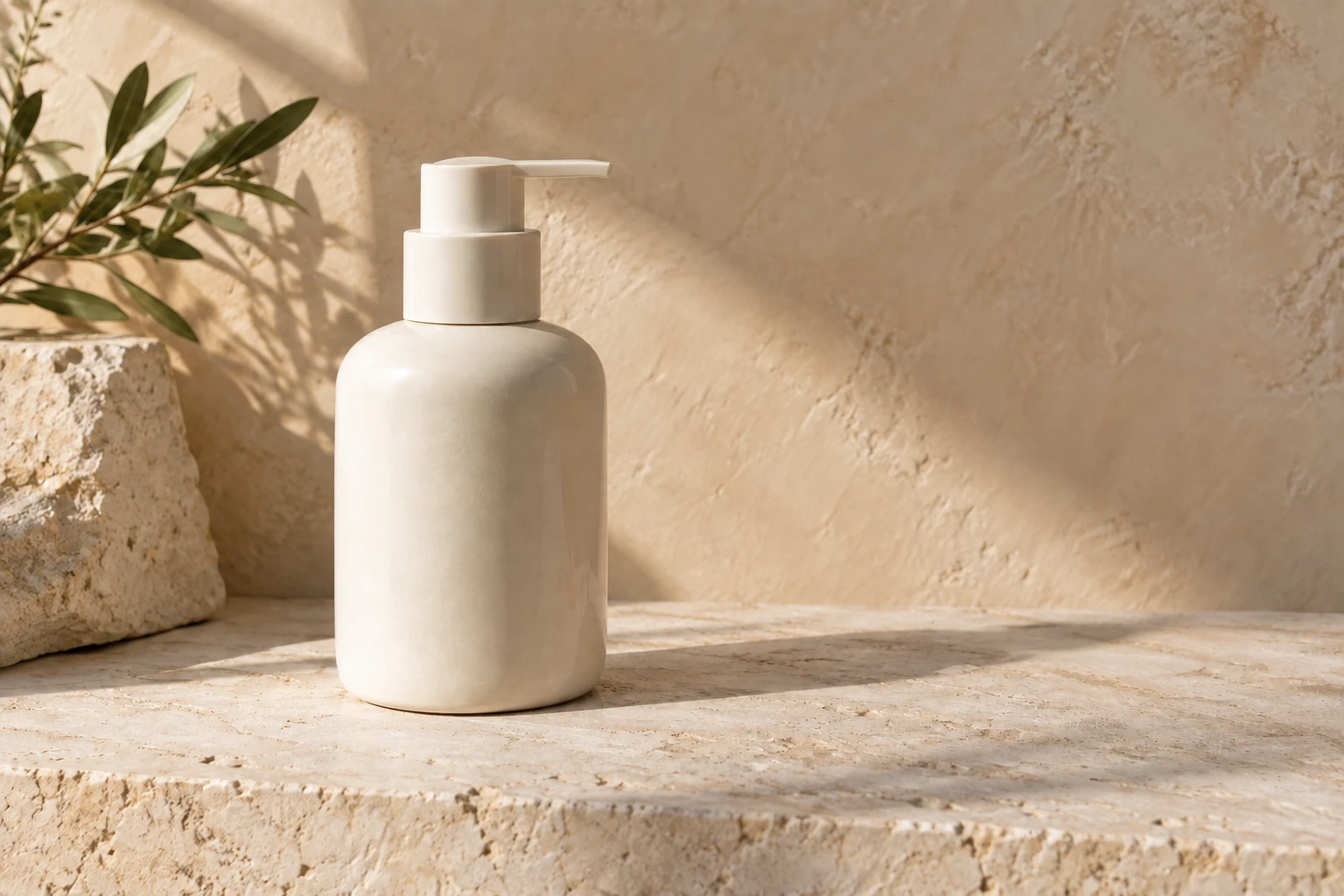
Enhance Product Photos

Messy props, cables, dust, or background clutter can make product photos feel less polished.

Mark the distractions you want to remove, and the AI object remover cleans them from the scene.

Create cleaner product visuals for stores, ads, catalogs, and marketplace listings.
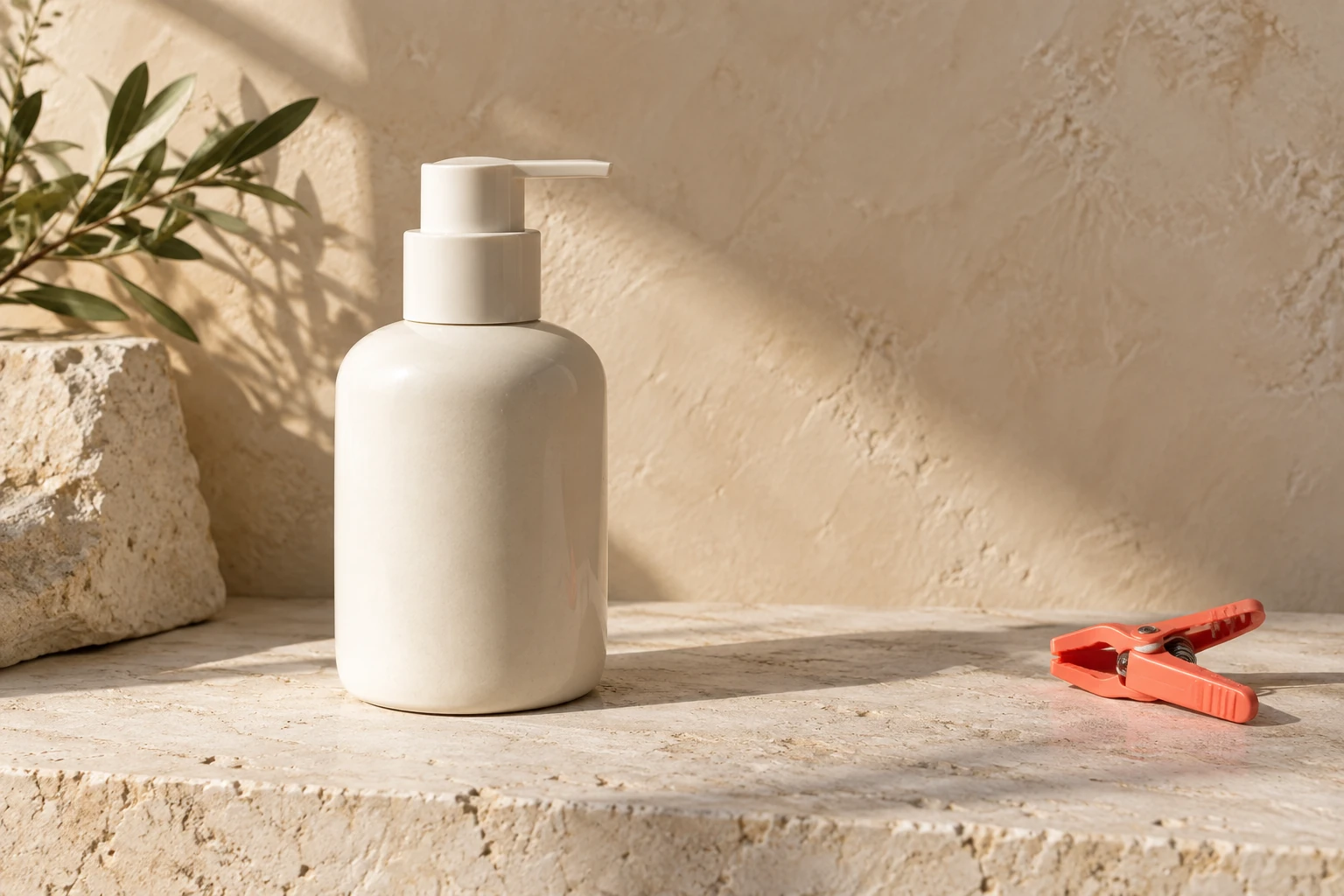
Clean Up Product Images
AI-generated example: Ivory pump bottle beside an orange clamp on a stone tabletop
AI-generated example: Ivory pump bottle with the clamp removed and stone texture filled
Before · AI exampleAfter · AI example

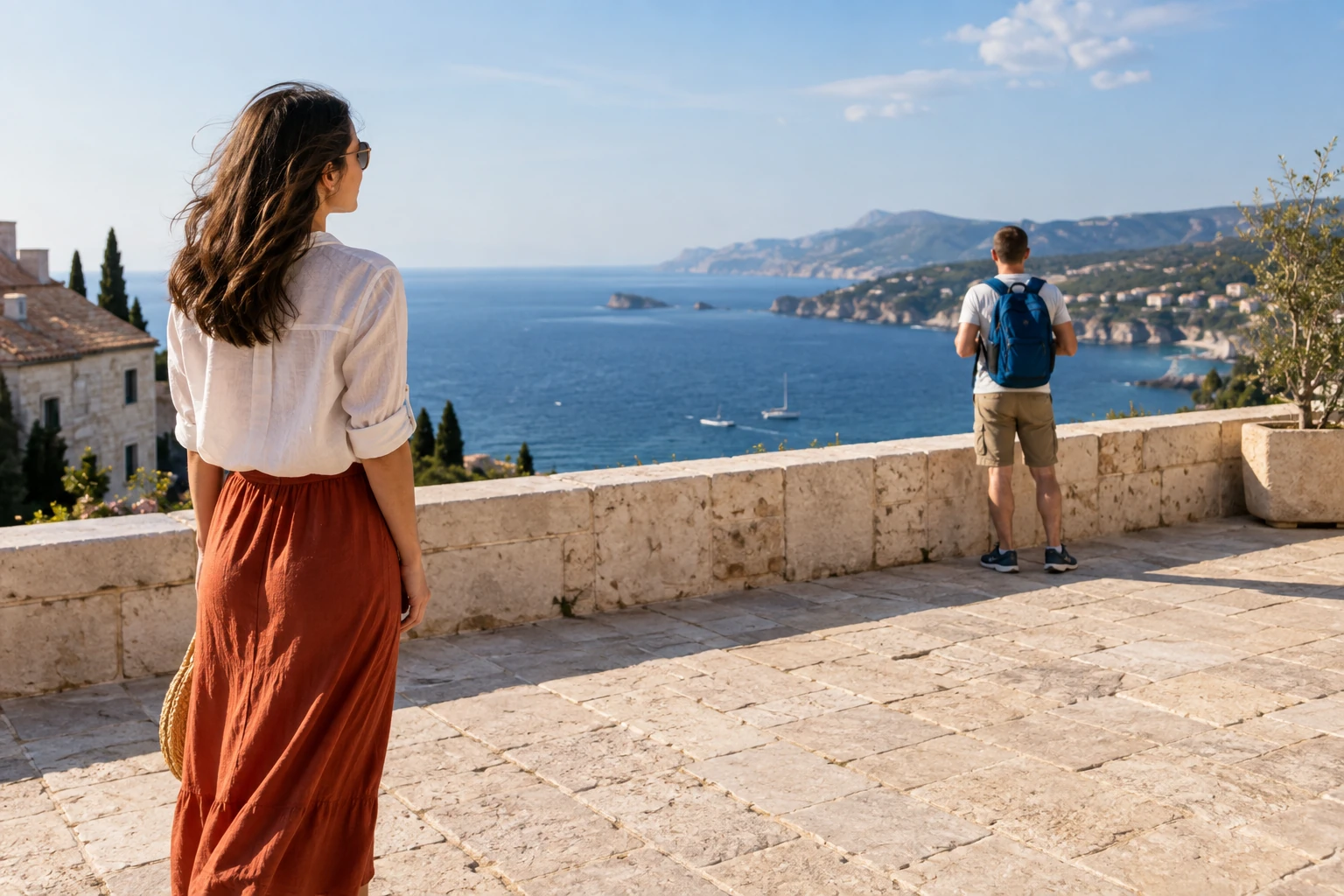
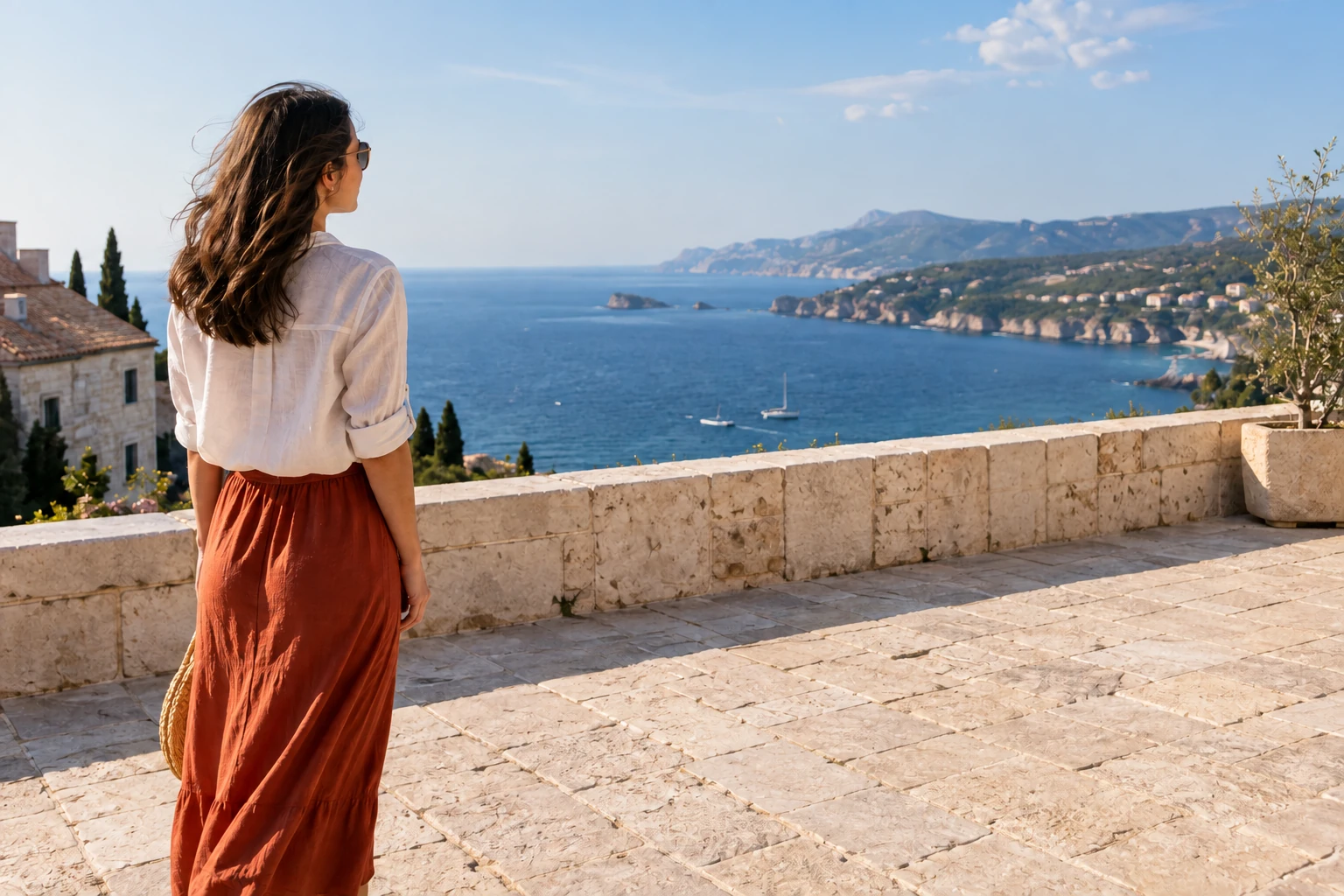
Erase Photobombers and Distractions

Unwanted people, clutter, or stray objects can ruin an otherwise clean photo.

Highlight the distraction, and the object remover cleans it from the image.

Preserve the background's natural look while keeping your photo focused and sharp.

Remove Objects from Photos
AI-generated example: Coastal portrait with a backpacked tourist in the background
AI-generated example: Coastal portrait with the background tourist removed
Before · AI exampleAfter · AI example

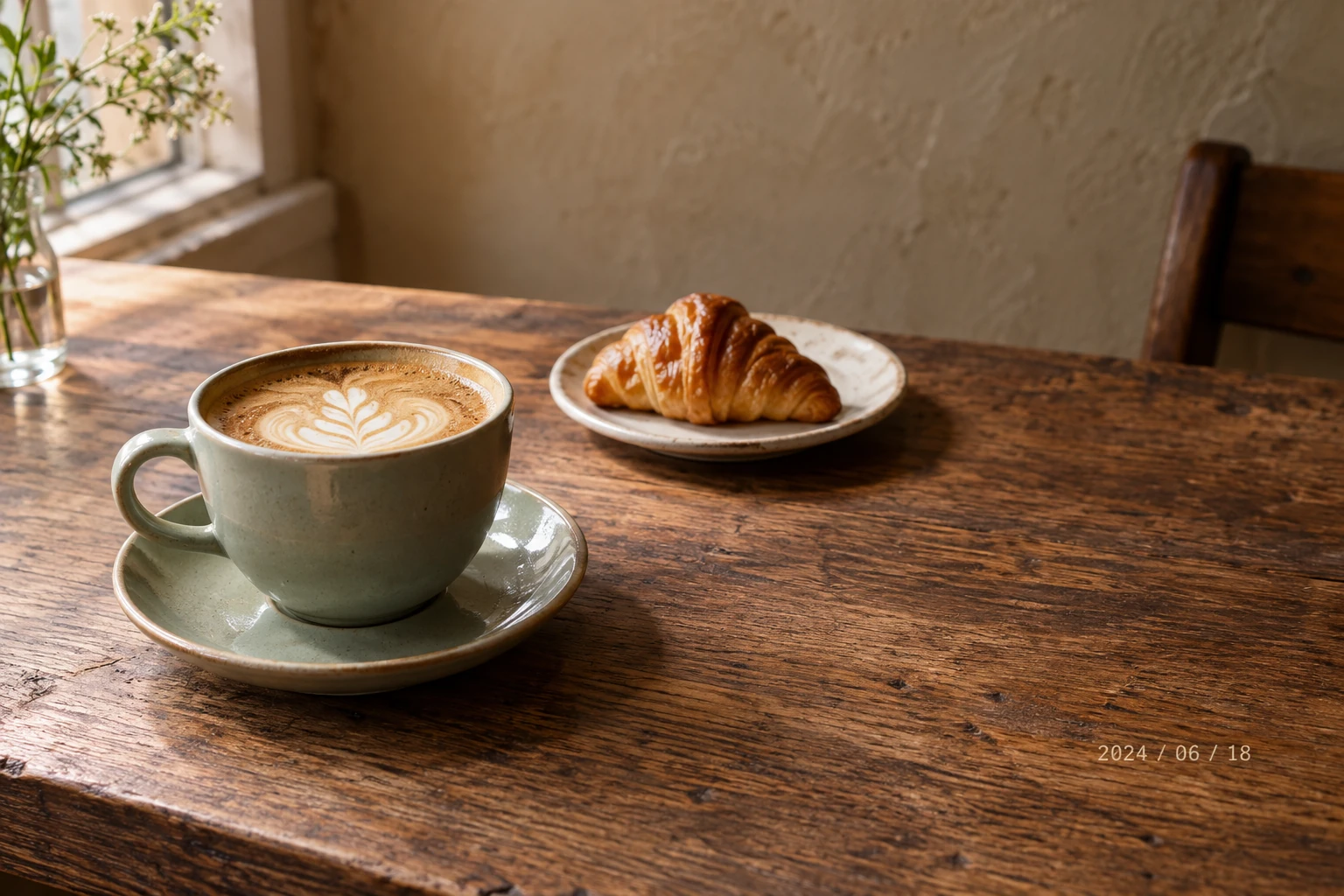
Fix Unwanted Text in Images

Old captions, labels, notes, or text marks you have permission to edit can distract from the main subject.

Select the text area, and the cleanup workflow repairs the surrounding pixels.

Restore a cleaner image for scans, product photos, social posts, and design drafts.

Fix Text in Images
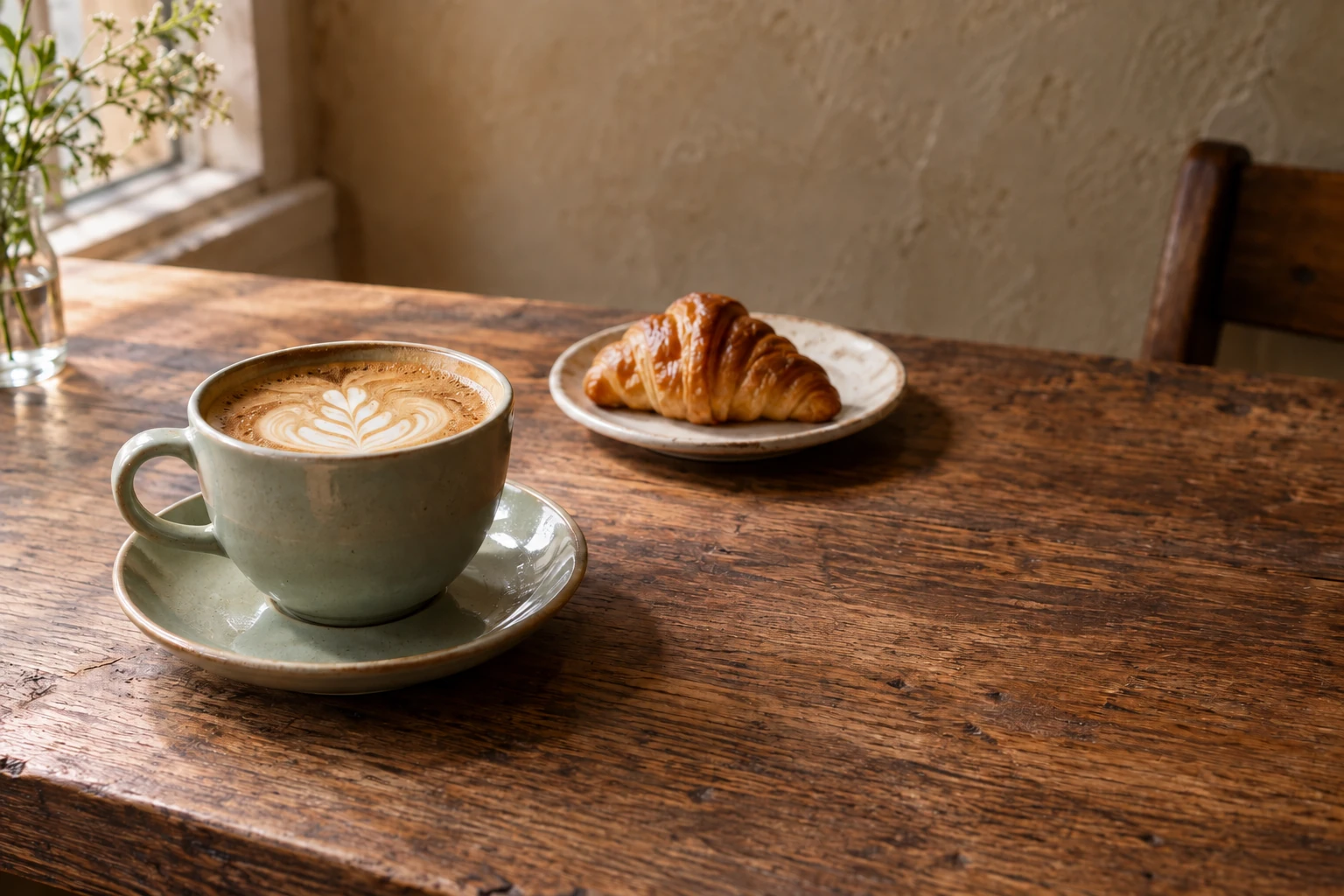
AI-generated example: Cafe photo with a date stamp over the wooden tabletop
AI-generated example: Cafe photo with the date stamp removed and wood grain filled
Before · AI exampleAfter · AI example

Make Social Media Photos Cleaner

Stickers, background clutter, or small distractions can pull attention away from the moment you want to share.

Remove the unwanted detail and keep the subject, framing, and mood of the original photo.

Prepare cleaner visuals for posts, stories, thumbnails, and campaign creatives.

Clean Up Social Photos
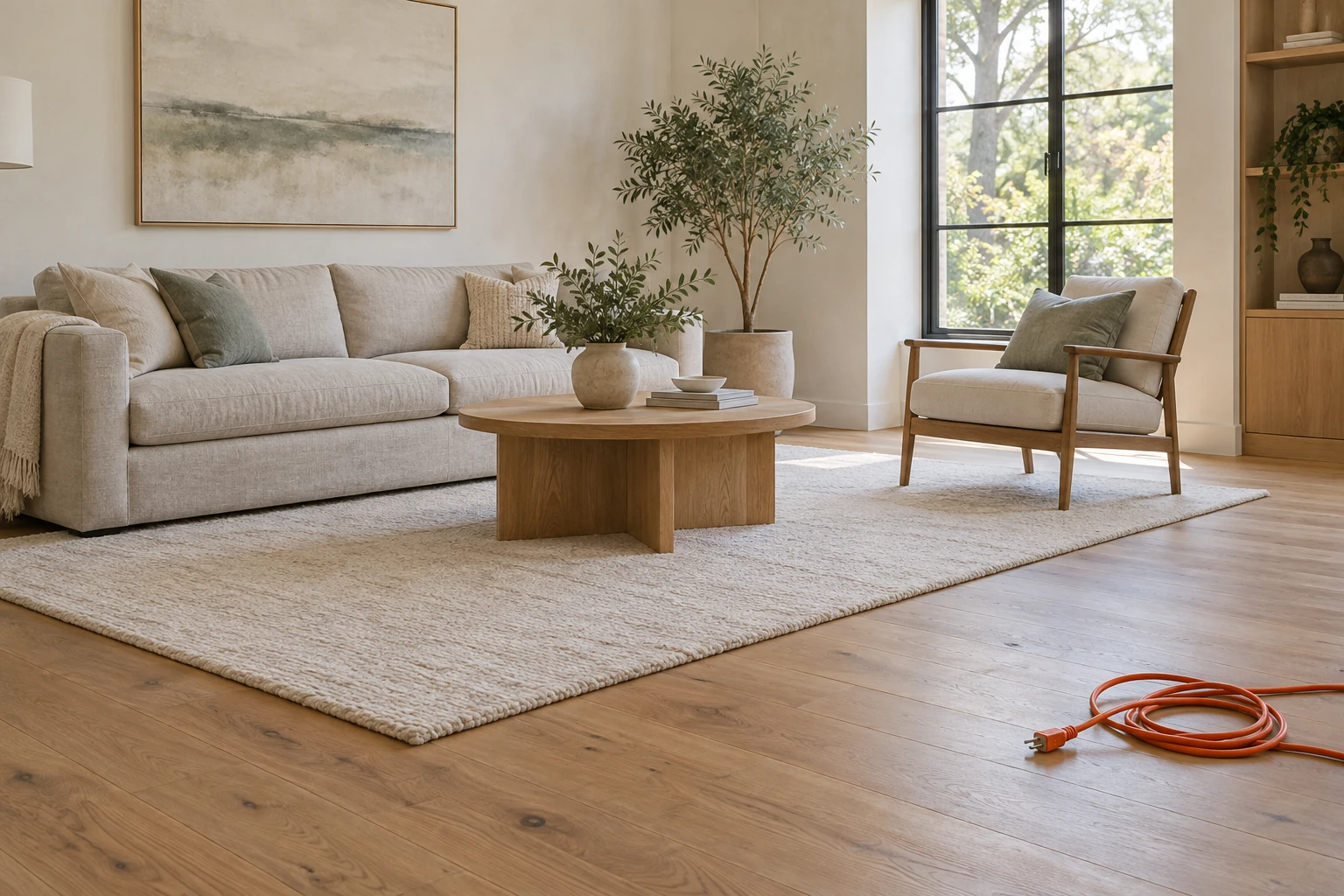
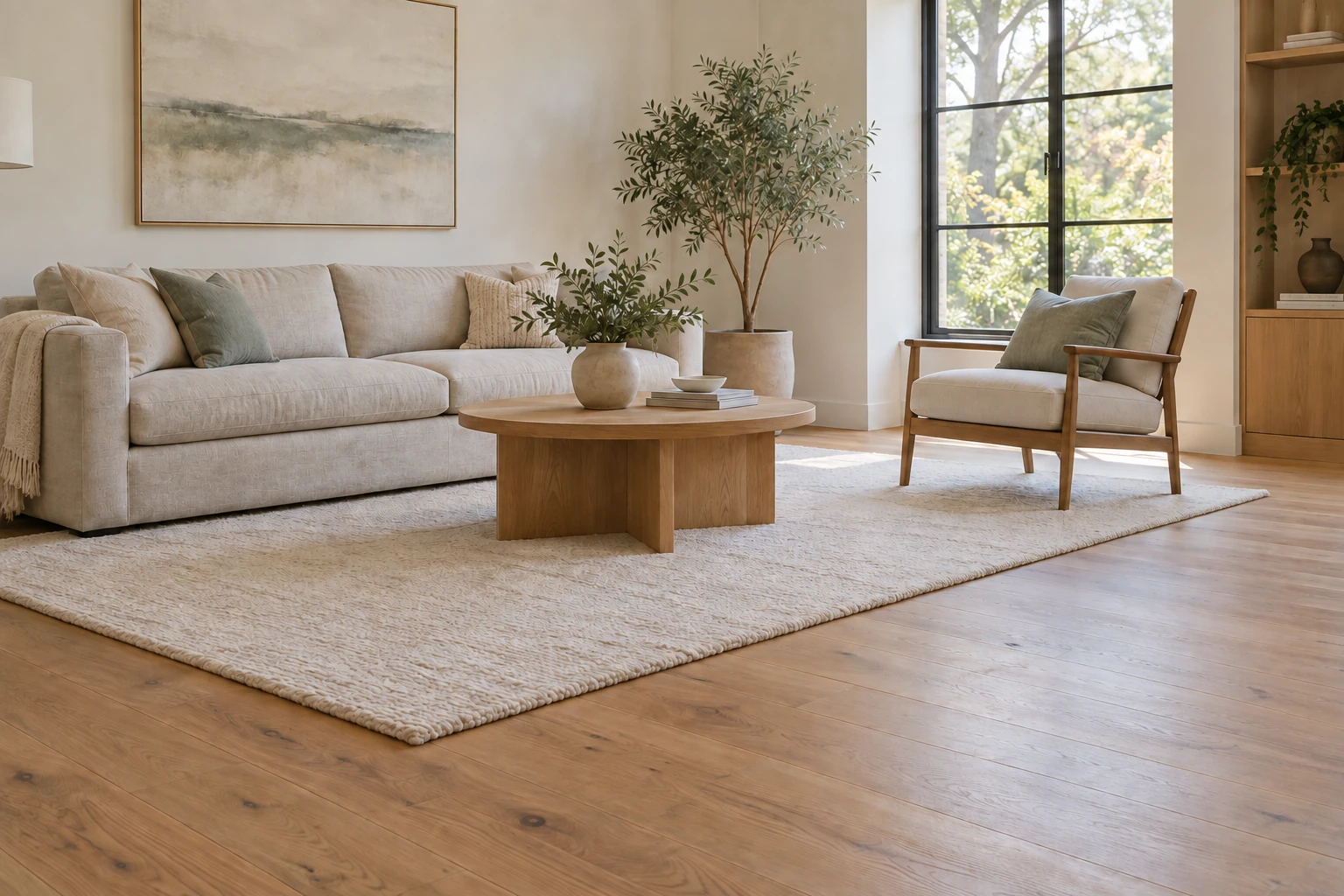
AI-generated example: Living room with an orange extension cable on the oak floor
AI-generated example: Living room with the extension cable removed from the oak floor
Before · AI exampleAfter · AI example

How to Remove Objects from Photos

1

Upload your image

Choose a JPG, PNG, or WebP image with the unwanted object clearly visible.

2

Highlight the unwanted object

Brush over the full distraction without covering too much surrounding background.

3

Preview and download

Review the repaired area, run another pass if needed, then download the cleaned image or continue editing.

Use Image Object Remover for Real Photo Cleanup

Start with these common object-removal cases when you want a cleaner image without rebuilding the whole photo.

Remove people from travel photos

Clean up strangers, passersby, or small background distractions while keeping the scene and composition intact.

Clean up product photos

Remove props, dust, cables, or background clutter so product images look cleaner for stores, ads, and marketplaces.

Fix room and real estate images

Erase small distractions from rooms, desks, and property photos before publishing listings, portfolios, or social posts.

Who is it made for?

Creators

Cleaner visuals for posts and thumbnails

Remove distracting objects before publishing images in posts, covers, videos, stories, and content updates.

Ecommerce

Product photos without distracting clutter

Clean up product scenes for marketplace listings, storefronts, ads, catalogs, and comparison layouts.

Designers

Cleaner source images for layouts

Prepare source images for web sections, decks, campaign assets, mockups, and AI image edits.

Why Choose Our Image Object Remover?

Built for focused photo cleanup, this tool helps remove local distractions without forcing you into a complex editing workflow.

Focused object cleanup

Unlike cropping or full background removal, this workflow targets only the distraction you mark. You can keep the original composition while cleaning the part that pulls attention away.

Simple upload-first workflow

You do not need to open a complex editor just to remove one object. Upload an image, highlight the unwanted area, and review the result in the same workspace.

Clear editing boundaries

The page is written for images you own or have permission to edit. It avoids unsupported promises and sets realistic expectations for complex textures, shadows, and hidden details.

FAQs about Free AI Image Object Remover

What is Free AI Image Object Remover?

Free AI Image Object Remover removes selected objects from a photo and fills the area using the surrounding scene. Mark the unwanted content with a brush or a closed selection.

What is the best AI image object remover?

The best object remover depends on the object and the background around it. Free AI Image Object Remover gives you brush and selection controls so you can choose the area to clean up and inspect the repair.

Is Free AI Image Object Remover free to use?

Yes. You can remove selected objects and download the results for free without spending Credits.

What can I use Free AI Image Object Remover for?

Use it to clean up distracting people, objects, clutter, or unwanted text in travel photos, product scenes, and social images. Work with images you own or have permission to edit.

How do I use Free AI Image Object Remover?

Upload a photo and paint over the object or draw a closed selection around it. Click Remove selected objects, inspect the repaired area, and download the PNG.

What image formats and file sizes does Free AI Image Object Remover support?

Upload one PNG, JPG, or WebP image up to 10MB, with each side within 4096 pixels. Draw the removal area in the editor; no separate mask file is needed.

Do I need to sign in to use Free AI Image Object Remover?

No. You can select and remove objects without signing in.

Can I remove people, text, or other unwanted objects from a photo?

Yes. Mark the person, text, or object you want to remove, including its shadow when needed. Small, clearly selected areas are easier to review than a large section of a complex scene.

What should I check in the object-removed image?

Check the repaired boundary, shadows, straight lines, and repeating textures. If pieces of the object remain or the fill looks out of place, adjust your selection and try again.

Are there any limits on how many objects or images I can remove?

You can mark multiple areas in one photo, but each request processes a single image. Usage limits apply, so complete the active removal before submitting another request.