
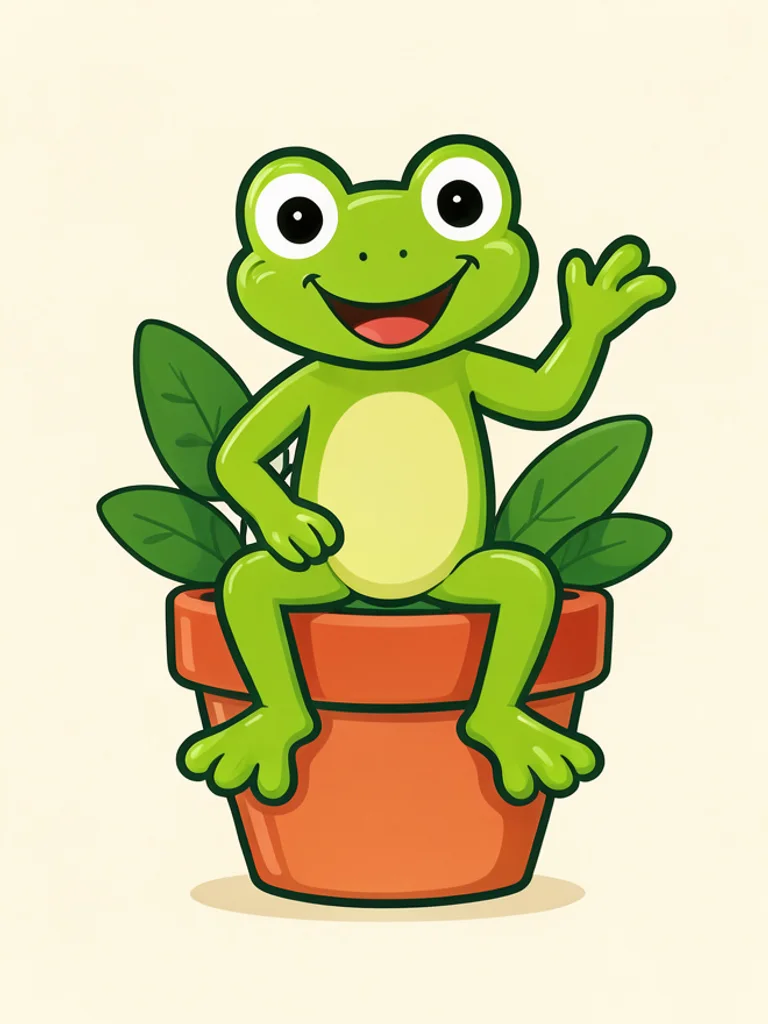


Drawn to work at avatar size
Every mascot comes out with a bold outline, simple shapes and a clear face, so it still reads when it shrinks to a profile picture, a favicon or a patch on a jersey.
Brand mascots drawn from a few words, flat or glossy. Free, no sign-up.
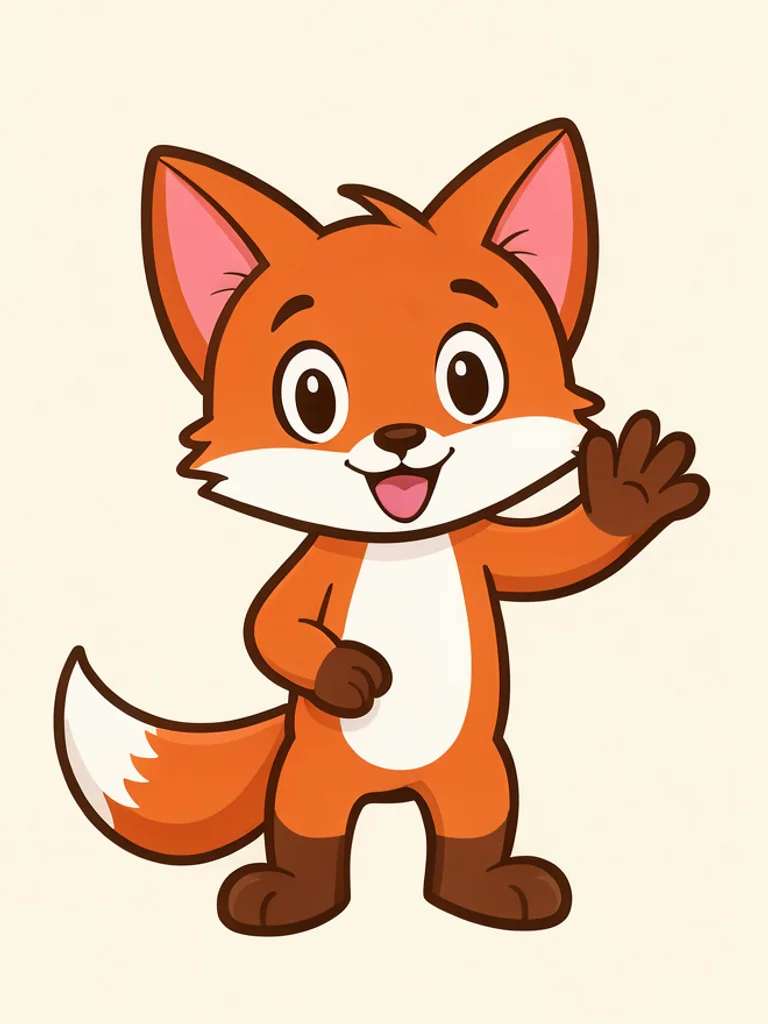
Thick outlines, simple shapes, a face that reads from across a room. This is the safe pick for packaging, signage and social posts, because the character still works when it is printed small or cropped into an avatar.
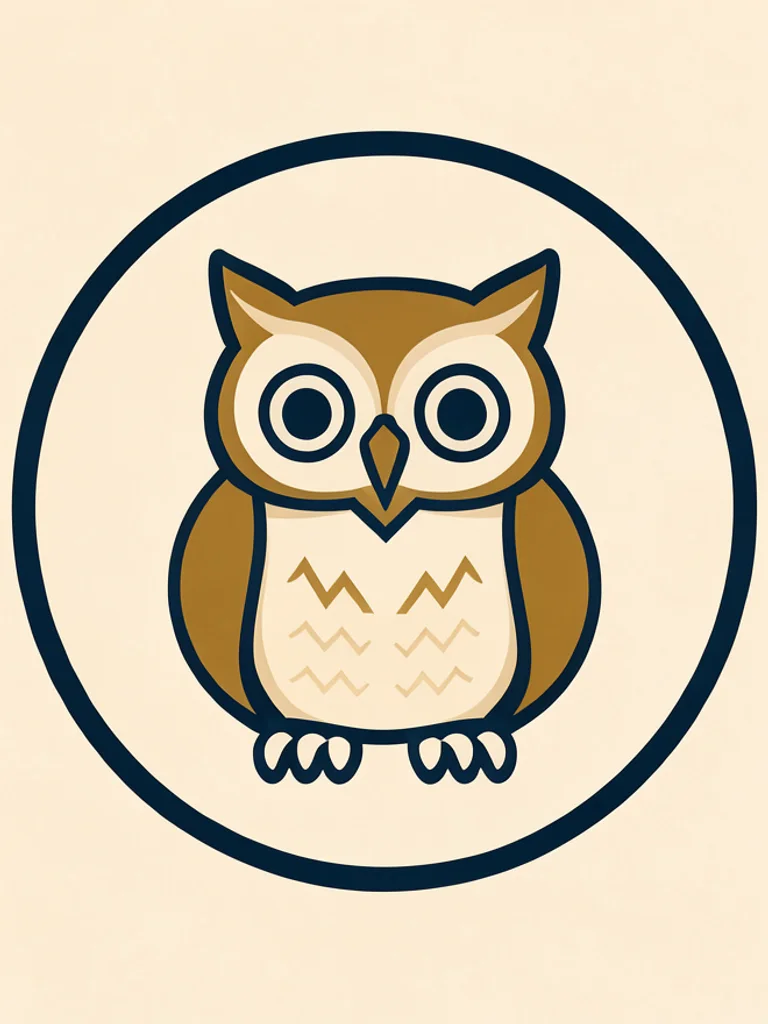
Few colours, straight edges, a silhouette that survives being shrunk to a favicon. It looks like a logo rather than an illustration, which is what most teams want on invoices, jerseys and app icons.
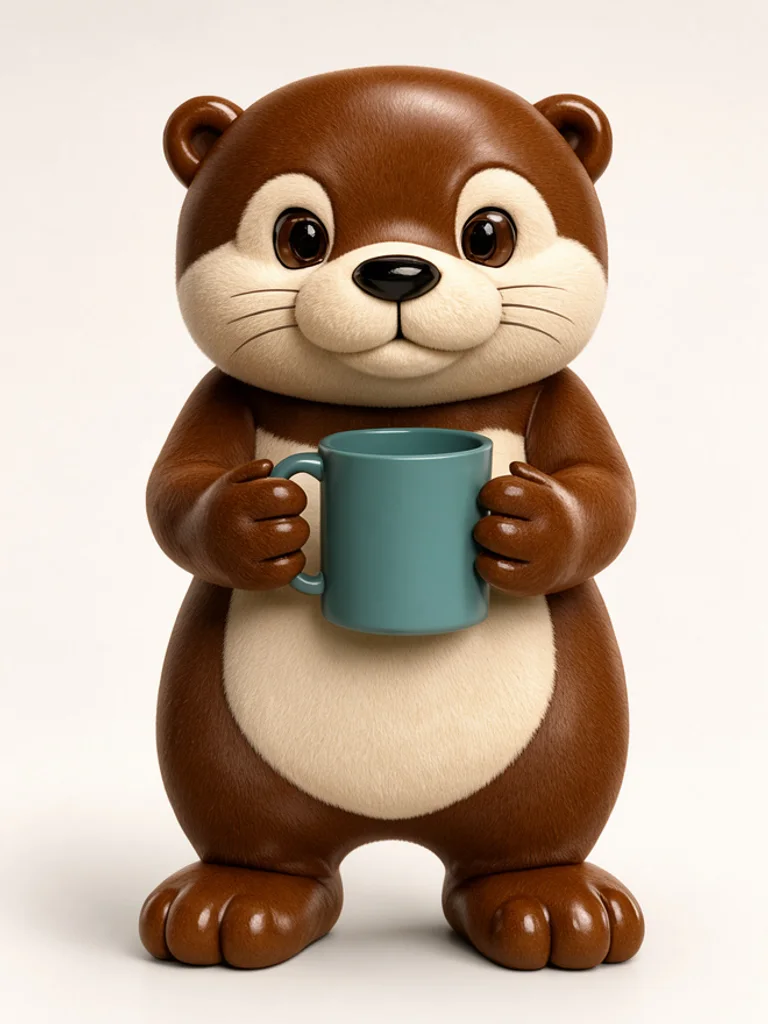
Soft studio light, rounded plastic or plush materials, a little reflection under the feet. Use it for app icons, launch videos and any place where a flat drawing would look thin next to a rendered product.
A big head, tiny body, two dots for eyes. Chibi mascots work as stickers, emotes and loading screens, and they forgive a simple description because the proportions carry most of the charm.
Images powered by our free model
You type what the character is and what it is doing: an otter holding a mug, a bear in an apron, a fox waving. Pick one of the four looks and generate. The hidden instruction adds the parts a mascot needs to survive real use, such as a strong outline, a centred pose and a background plain enough to cut the character out of later.
Because a mascot is usually a colour decision as much as a drawing decision, describe the palette in words you would use with a printer rather than a designer. Forest green, mustard, off white and charcoal all land; brand colour does not. If the first pass is close, keep the description and switch the style instead, which shows you the same character as a logo and as a figure. Most teams use the AI Mascot Generator to choose a direction, then hand the chosen drawing to an illustrator for the final file.
The Free AI Mascot Generator is most useful before the artwork exists, when nobody agrees yet on whether the brand should look friendly or competitive. Generate a soft round version and a sharp angular one, then put them side by side. It is faster to react to two drawings than to describe the difference in a meeting.
The result is a normal image around 1,000 pixels wide, not a vector file and not a layered document. It cannot be scaled to a billboard without softening, and any lettering you ask for will come out garbled, so add the company name in a design tool afterwards. Treat each image as a direction to react to, not a finished logo. A short brief is enough here: the AI Mascot Generator fills in the outline, the pose and the background around whatever you name.

Every mascot comes out with a bold outline, simple shapes and a clear face, so it still reads when it shrinks to a profile picture, a favicon or a patch on a jersey.
Upload an old mascot or a rough sketch and describe the change: a new pose, a different prop, a cleaner outline. The shape your team already approved stays, and only the part you asked about moves.
Cartoon for packaging and social posts, Flat vector for logos and app icons, Glossy 3D for launch videos, Chibi for stickers and emotes. Describe the character once, then switch the style and generate again.
Generating and downloading cost nothing, there is no sign-up, and the image carries no watermark. Try a friendly version and a bold one before the next brand meeting without asking anyone for a budget.

A fierce animal inside a shield reads instantly on a jersey, a stream overlay and a tournament bracket. Ask for a front-facing head, bold shapes and two colours so the mark still works at thumbnail size.

Cafes, bakeries and studios use a character where a wordmark would feel cold. A cartoon animal in an apron on a menu, a sticker on a cup lid and a profile photo can all come from one description and one afternoon.
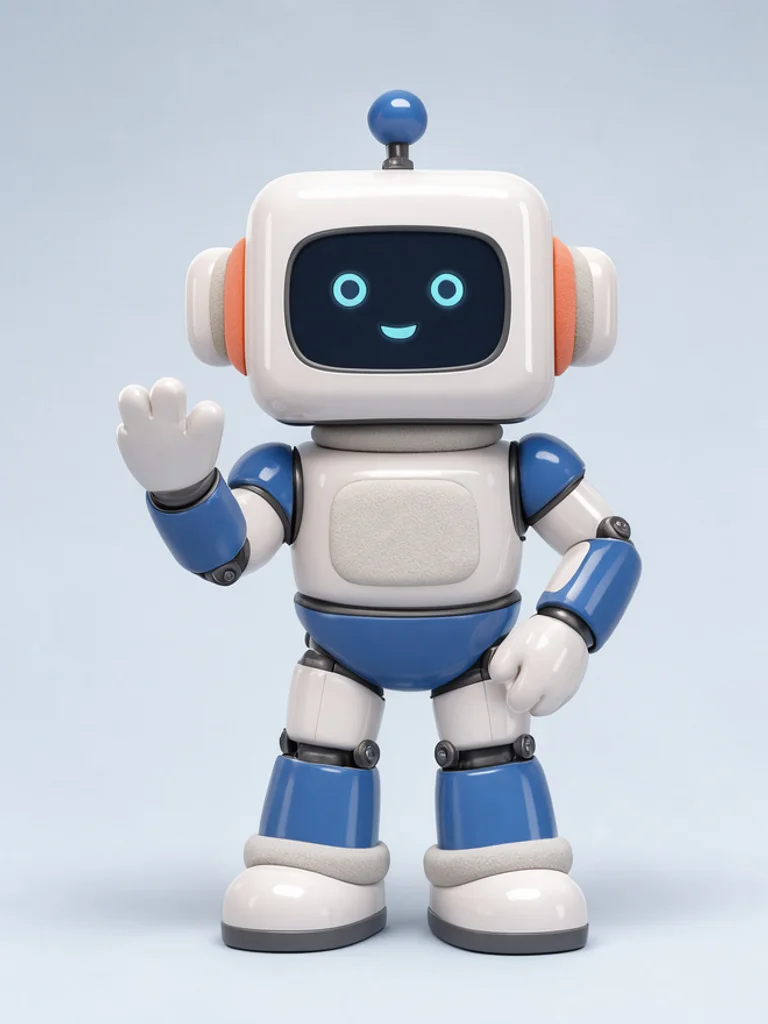
A glossy 3D figure suits an app icon, an onboarding screen or a launch page, because the lighting matches the rendered product shots around it. Generate it once and crop the same file for the icon and the hero image.

Chibi mascots survive being shrunk to 112 pixels in a chat window. Ask for a waving pose, a plain background and a thick outline, then cut the character out and turn it into a set of reactions for your community.
Create your first image in under a minute. No design skills, no sign-up.
STEP 1
Write what you want in plain words, the way you would tell a friend. Already have a picture? Click + or paste it with Ctrl+V, and the Free AI Mascot Generator uses it as a reference.
STEP 2
Choose a style and aspect ratio if you like, then press Generate. Your free image is ready in a few seconds, with no account and no watermark.
STEP 3
Save the result with one click, or generate again with a tweak to the prompt. Downloads come without a watermark.
It is a tool that turns a written description into an image of a brand character, usually an animal or a friendly object. Teams use it to explore mascot directions for sports clubs, small brands, apps and events before paying an illustrator.
For most people starting a brand character, yes, it is the best place to begin. Free AI Image gives you four mascot styles, lets you build on a logo or sketch you already have, and hands you a clean download with no watermark and no account. That makes it the best value when you want to see your mascot before paying a designer.
Yes. Generating and downloading cost nothing, you do not need an account, and the image has no watermark. You can try several directions for the same brief before choosing one.
Yes. Once you buy credits, a model menu appears in the workspace and you can pick a stronger Pro model such as GPT Image 2 or Nano Banana Pro. They follow detailed briefs and small props more closely, and each image costs credits, while the free model stays free.
Say what the character is, what it is doing and which two or three colours it wears. A friendly otter holding a coffee mug, teal and cream, big smile is enough. Leave out the company name, because lettering comes out garbled, and skip vague words like modern, which the model reads as a grey gradient.
Yes. Upload a PNG, JPG or WEBP file up to 10 MB with the plus button, or paste it with Ctrl+V, then describe the change. A rough sketch, an old mascot or a photo of a plush toy all work as a starting point for the shape.
The dropdown offers Cartoon, Flat vector, Glossy 3D and Chibi, or describe another style in the prompt. Cartoon suits packaging, Flat vector suits logos and jerseys, Glossy 3D suits apps and launch pages, and Chibi suits stickers and emotes.
No. The output is a normal image with a background, not an SVG and not a PNG with transparency. Ask for a plain cream or white background, then trace or cut the character out in a design tool if you need a vector or a cutout.
Yes, the terms of service allow commercial use without attribution. Check the result against existing trademarks before you register it, and avoid prompting for characters, logos or sports marks you do not own.
Press Download under the image. Keep the description you used in a note, so you can regenerate the same character later with a different prop, expression or colour and still land close to the approved version.

 AI Sticker Generator
 AI Anime Generator
 AI Avatar Generator
 AI Cartoon Generator
 AI Clip Art Generator
 AI Coloring Page Generator