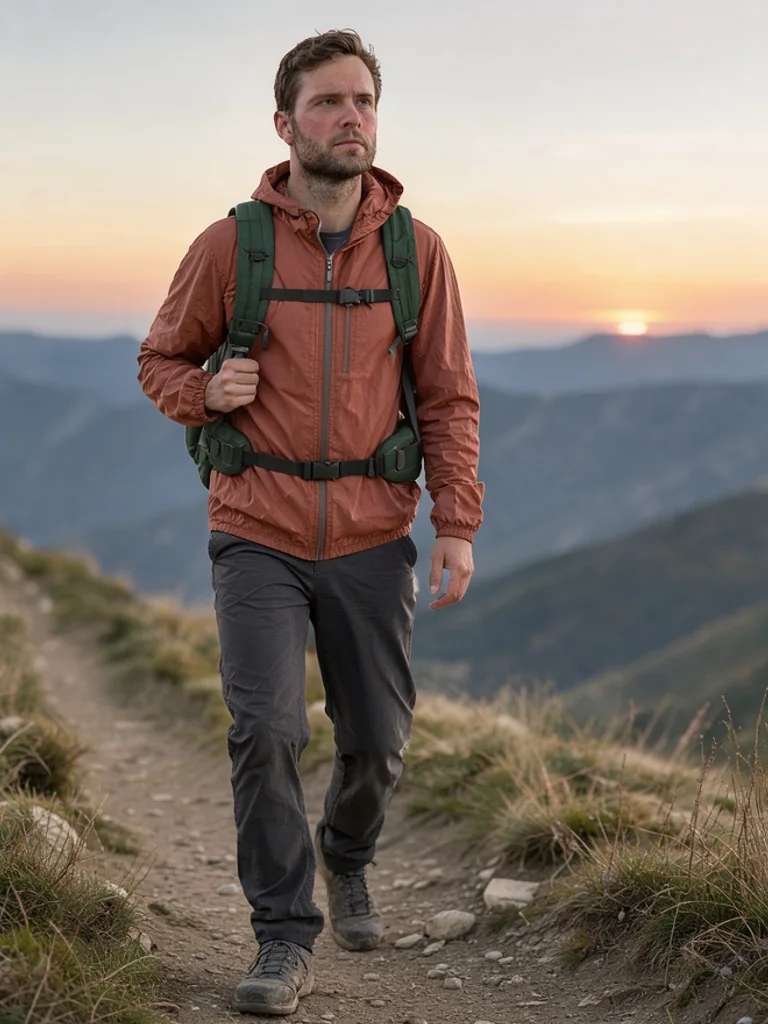
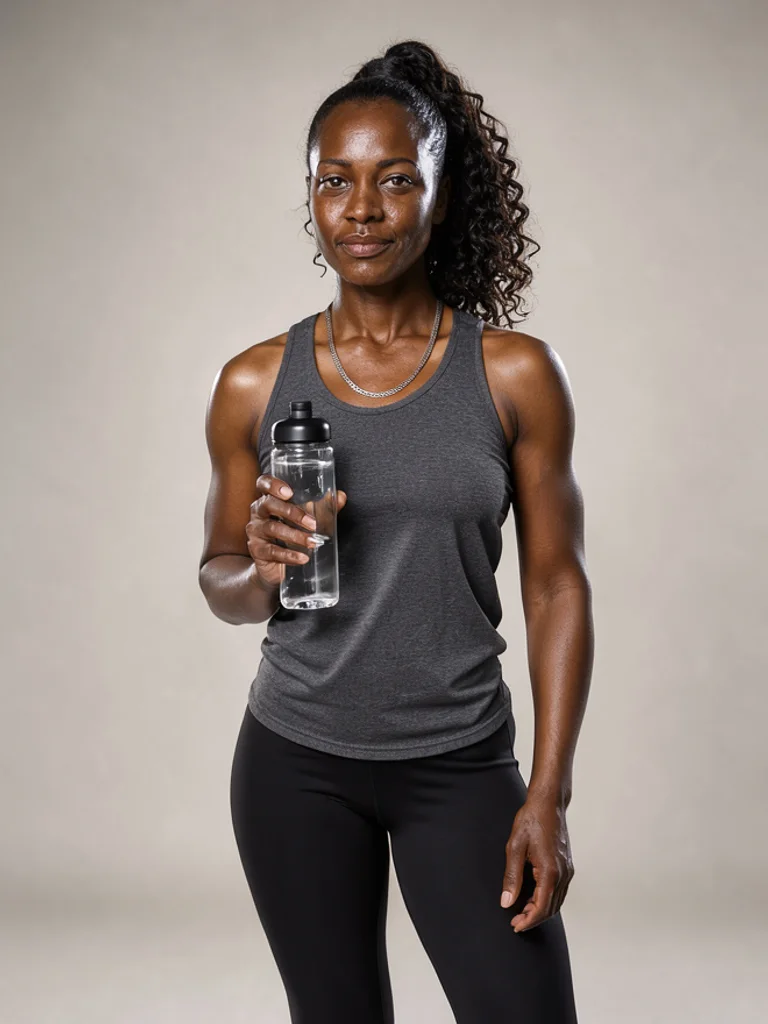
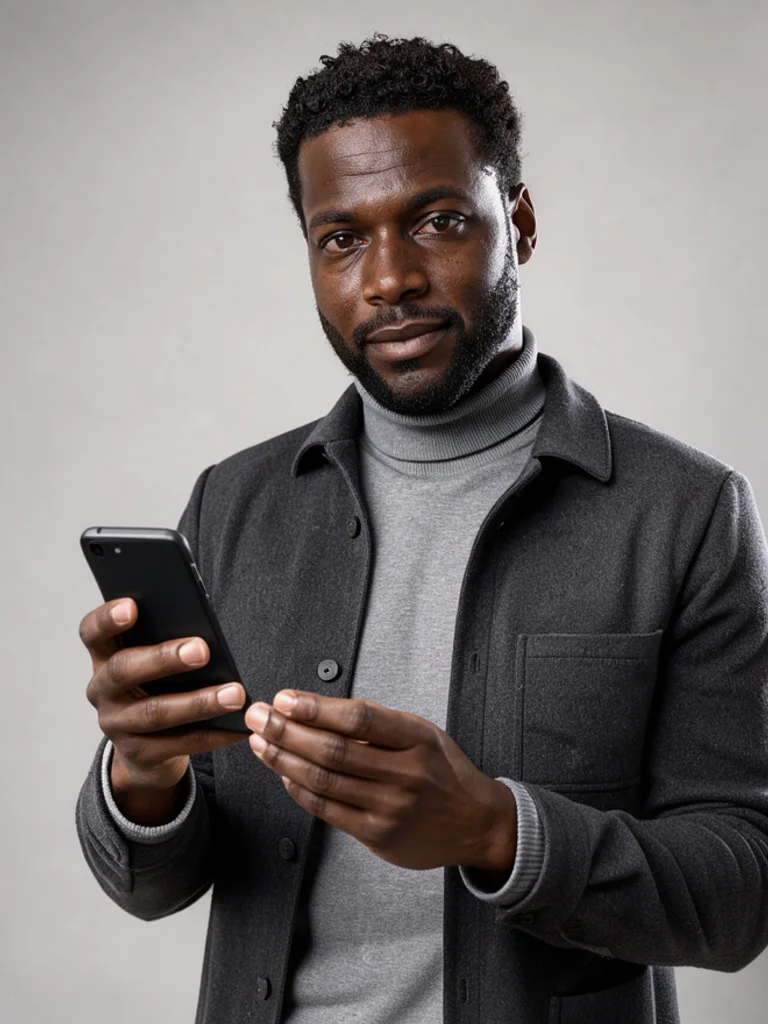
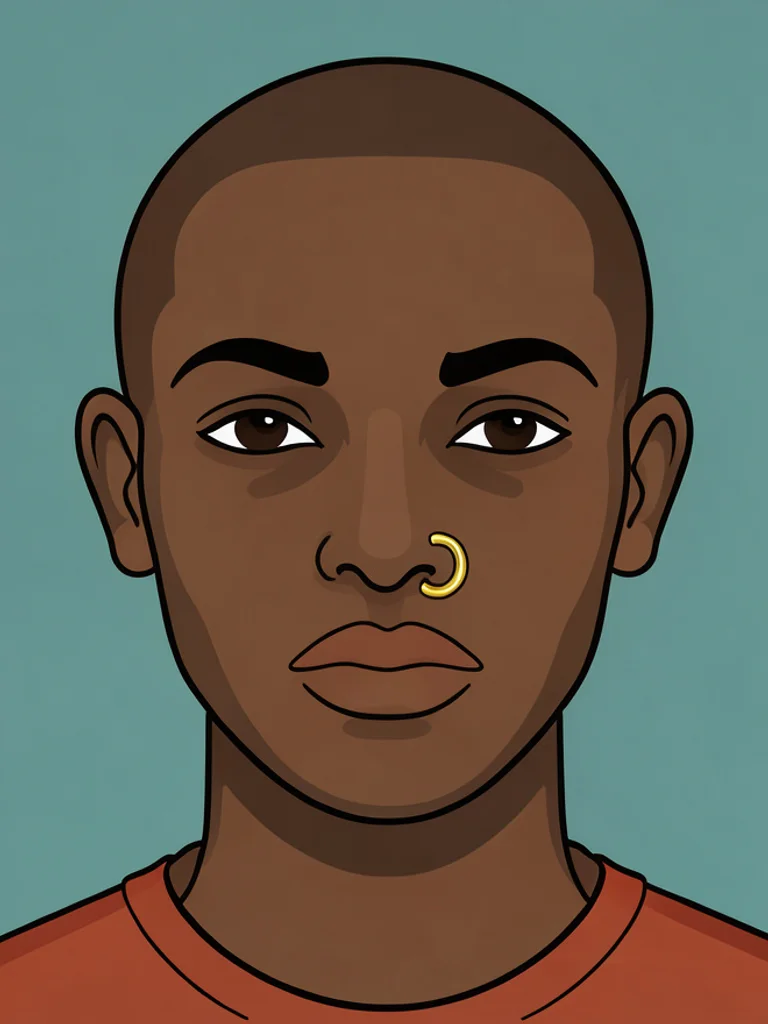
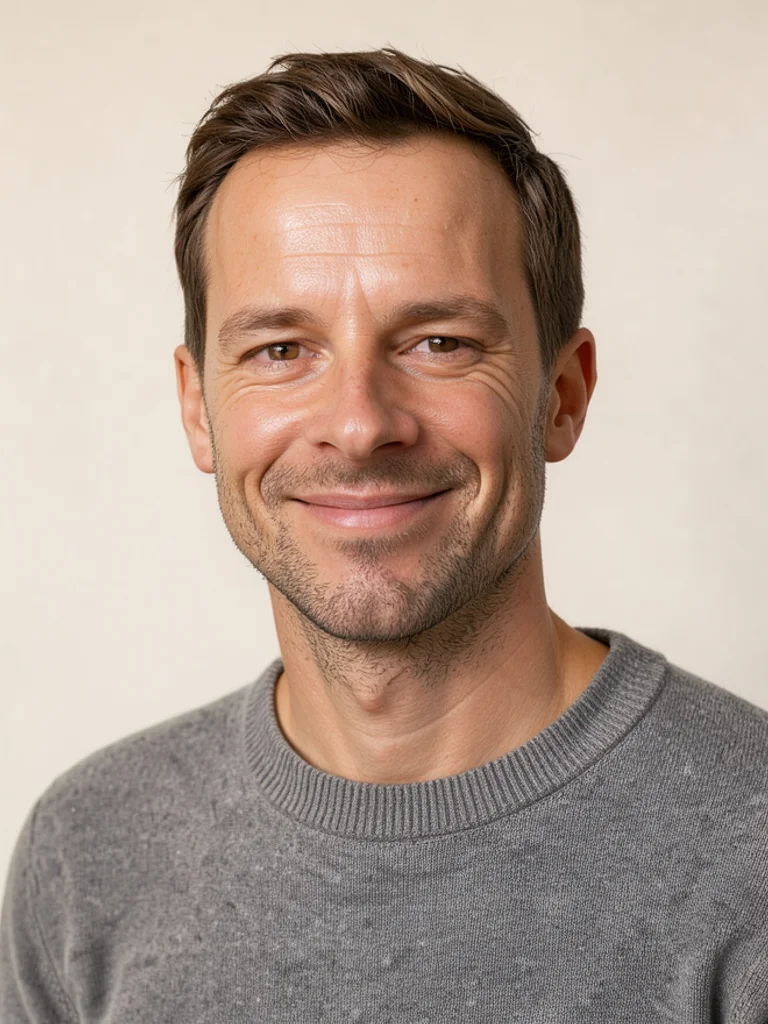
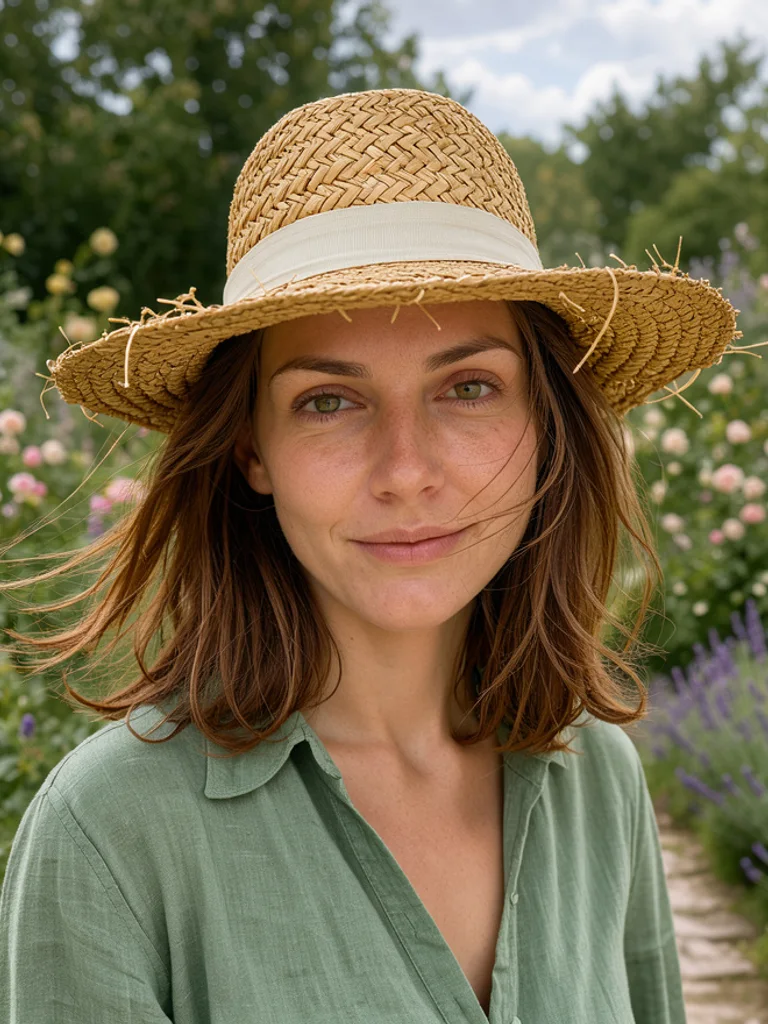
You describe the persona in plain words: age, build, hair, what they are wearing, where they are standing. Then you pick a look from the dropdown and press generate. Behind the box, a fixed instruction adds the camera language a good photo needs, such as lens length, light direction and skin texture, so a six word brief still comes back as a finished frame instead of a flat illustration.
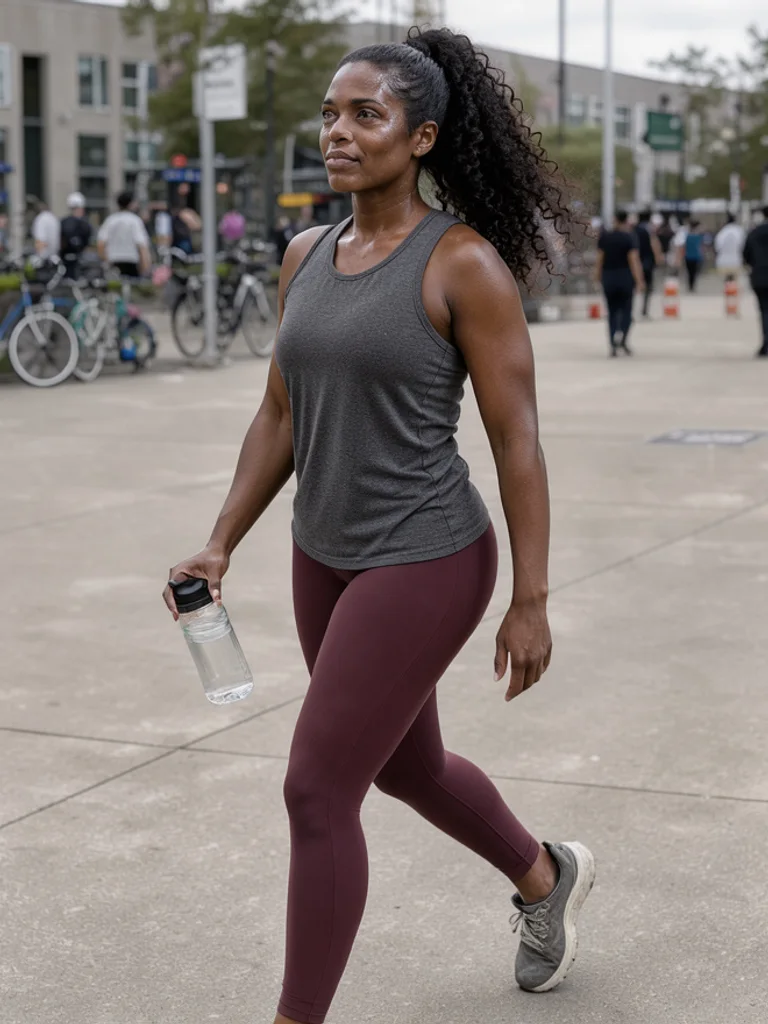
If you already have a face you want to keep, upload one photo first. The Free AI Influencer Generator uses it as a reference for the next image, so you can move the same person from a kitchen to a rooftop without losing the features people recognise. When a result is close but not right, change one thing and generate again: the jacket, the time of day, the distance from the camera. Across a week of posts, the AI Influencer Generator is doing the work of a small shoot: one brief, several frames, no studio booking.
The prompts that work best name a place and a moment rather than a mood. A cafe table by the window at 4pm, a gym mirror after a session, a crosswalk in light rain. Add the camera too, like phone photo or 50mm portrait, and skip words such as beautiful or viral, which push every image toward the same glossy look. If a background creeps in that you did not ask for, say empty street or plain wall next time.
What you get back is an ordinary image file, roughly 1,000 pixels on the long side. It is not a layered file, not a vector, and the model will still get fingers and small logos wrong if you look closely. Treat the output as the frame, then crop, colour correct and write the caption yourself before it goes anywhere near a client. Keep the description with the file, because the AI Influencer Generator only repeats a persona when the wording repeats too.





 AI Avatar Generator
 AI Character Generator
 AI Face Generator
 AI Headshot Generator
 AI Portrait Generator
 AI Human Generator