Free AI Image Your free image tools for the AI era.
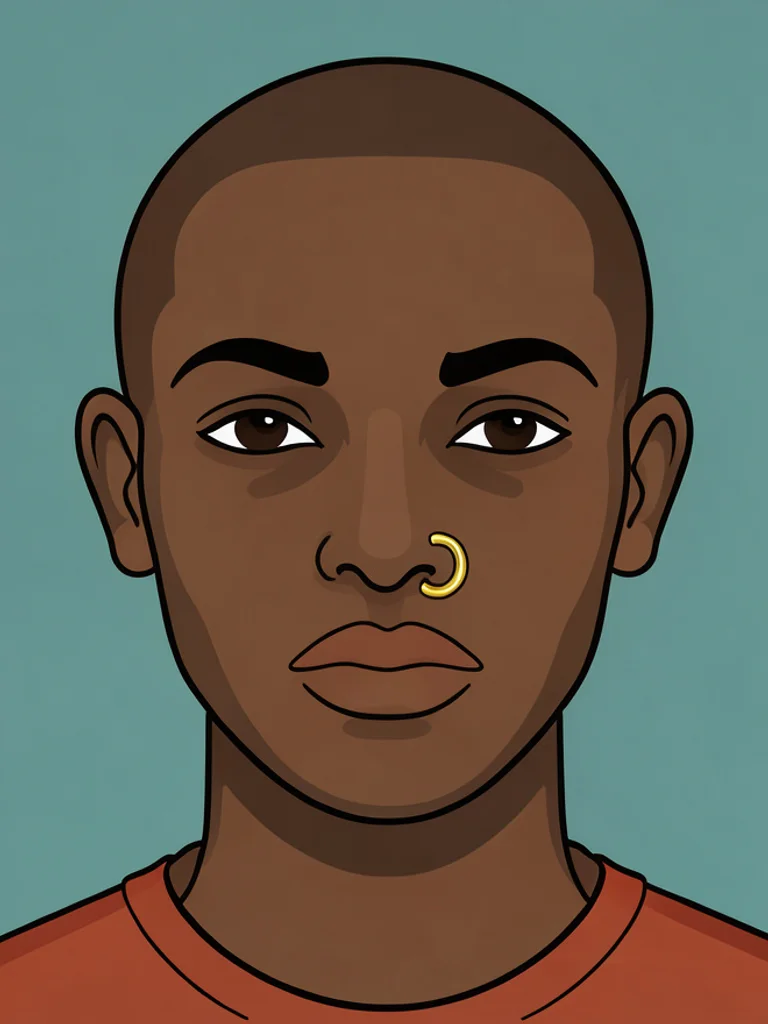
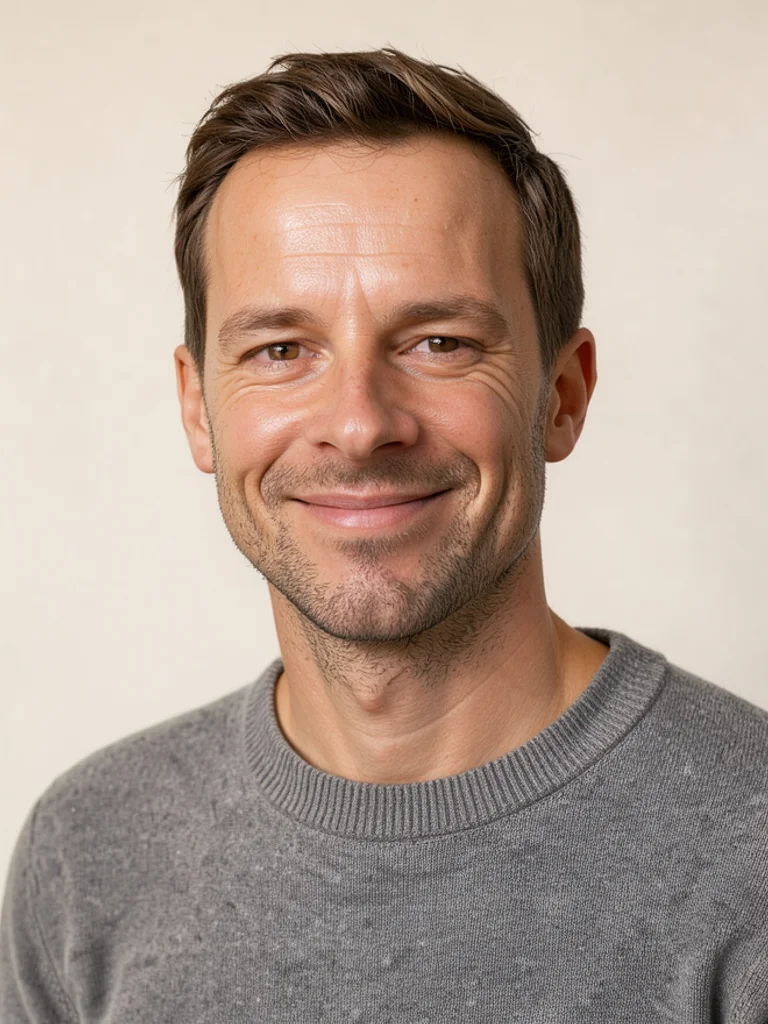
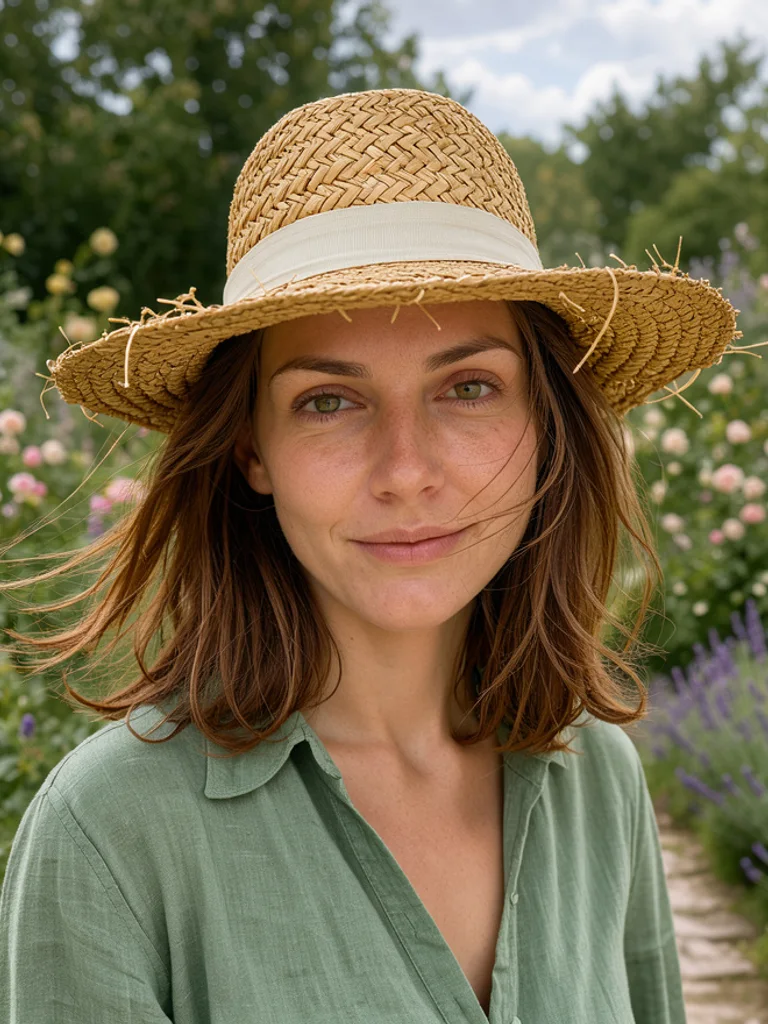
Photoreal portrait of a young street musician playing trumpet on a wet cornerStudio headshot of an architect in her forties in a linen shirtIllustrated character of a shrine maiden with long black hair

Free AI Human Generator

People who look real, full body or close-up, from words. Free, no sign-up.

0 / 1,260
Aspect Ratio
Advanced

Available with credits. See pricing

Images per run

Output format

No idea? Try one:

People who look like someone, from one line of description

Photoreal

Looks like a photograph taken with a real camera: natural skin, soft daylight, and a person who could be sitting across from you. Use it for mockups, ads, and any place a stock photo would normally go.

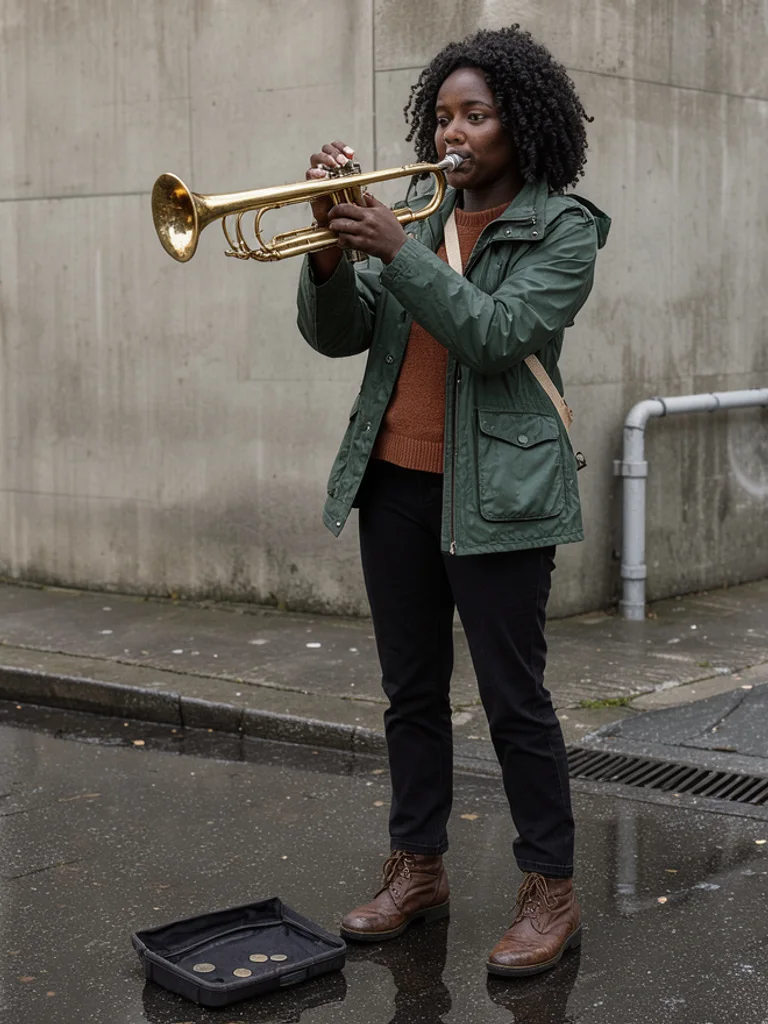
Photoreal portrait of a young street musician playing trumpet on a wet corner
“a street musician in her twenties playing trumpet on a wet corner”
Photoreal portrait of a baker in his fifties holding a tray of rye bread
“a baker in his fifties holding a tray of rye bread”

Images powered by our free model

How the Free AI Human Generator works

Type who you want to see: an age, a build, what the person wears, where they stand, and what they are doing. Then pick a look such as Photoreal, Full body, Studio headshot, or Illustrated. The Free AI Human Generator turns that line into one picture of one person, with the framing and the light of the look you chose. A hidden template adds the parts most people forget to mention, like natural proportions, correct hands, and a background that stays out of the way.

You can also start from a picture you already have. Click + or paste one photo, and the AI Human Generator keeps that face while your words change the clothes, the room, and the time of day. Generate once, then change a single detail at a time: the jacket, the age, the light, or the look itself. Two or three short rounds usually land closer than one long description, because each round tells you what the model misunderstood.

A prompt that works names the person first and the scene second. Say woman in her thirties, short curly hair, denim jacket, leaning on a fence at dusk rather than beautiful woman. Age, wardrobe, and place give the model something to draw, while adjectives only ask it to try harder. If a hand, a smile, or a stance looks wrong, change that one phrase and generate again instead of rewriting the whole sentence.

What you download is one ordinary image, about 1,000 pixels on the long side. It is not a layered file, a vector, or a cut-out with a transparent background, and the next picture will not automatically be the same person. Treat the result as the finished picture for a page, a deck, or a profile, or as a reference to draw from when the person needs to be consistent.

Photoreal portrait of a hiker with a red backpack resting on a ridge at sunrise

Why choose us

Say the framing once

A headshot, a waist-up portrait, and a head-to-toe shot want different lenses, crops, and backgrounds. Naming the framing in the first line saves you from fighting the result afterwards, and a full-body request keeps the shoes, the posture, and the whole outfit inside the picture instead of guessing at the knee.

Start from a photo you already have

Add one picture and the result keeps that face while your words set the clothes, the room, and the light. Useful when a layout needs one specific person, or when you want a second version of the same look without describing a face from nothing.

One description, three kinds of person

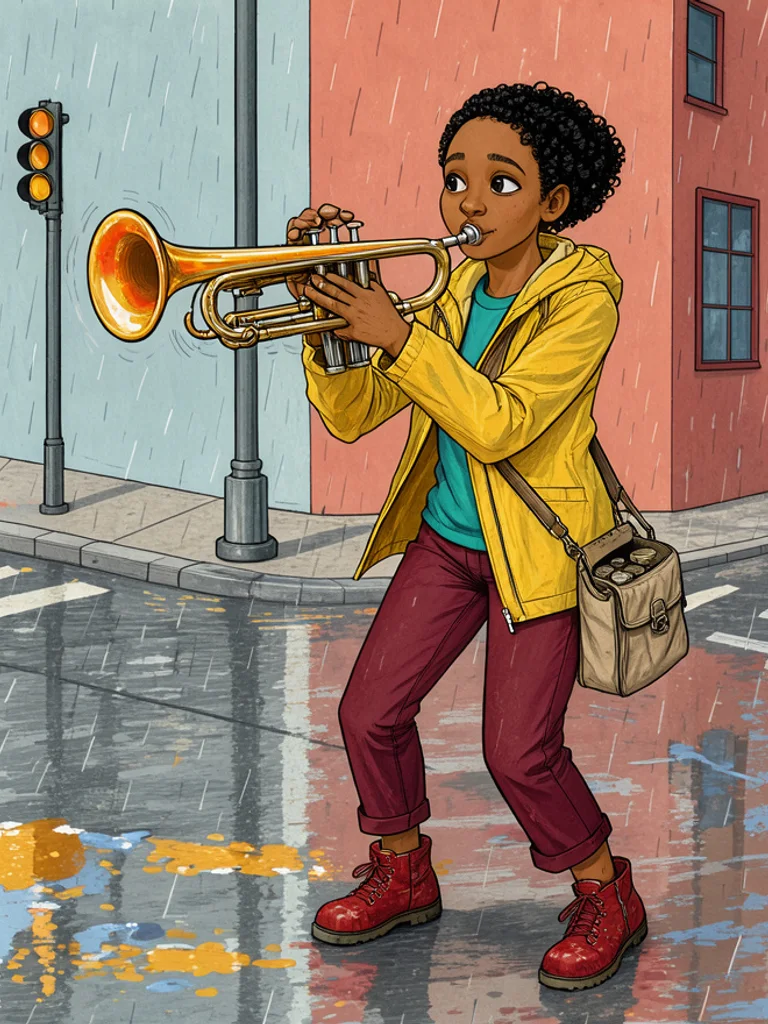
Write the street musician once and render her as a photoreal close-up, a full-body shot, and a drawing. The words stay the same, and the look changes the skin, the light, the lens, and the line. Generate the same sentence in a few looks and keep the one that fits the page in front of you.

Free, with no account to create

Generating and downloading cost nothing, there is no sign-up, and the images carry no watermark. Try a few different ideas and keep the one you like without paying or logging in.

What you can make with the Free AI Human Generator

  • Photoreal portrait of a baker in his fifties holding a tray of rye bread

    People for a layout that has none

    Fill a hero image, a testimonial block, or an app screen before the real photo shoot happens. Describe the role and the setting, and the Free AI Human Generator gives you someone who fits the space you designed.

  • Illustrated character of a shrine maiden with long black hair

    A character for a story or a game

    Describe the hair, the costume, and the mood, then pick Illustrated for a drawn character or Photoreal for someone who looks like a cast member. One picture at a time is enough for a cast sheet, a pitch, or a tabletop campaign.

  • Studio headshot of a bearded engineer in a work shirt

    A casting reference before the shoot

    Show a client the kind of face and wardrobe you mean instead of describing it in a meeting. A studio headshot is easy to compare side by side, and you can change the age, the hair, or the outfit in one word.

  • Studio headshot of a young barista with curly hair and a canvas apron

    A profile picture that is not you

    Make an avatar for a work account, a fictional host, or a character you write for. A tight crop with a plain background reads clearly at small sizes, and you can download a new one whenever the character changes.

How to use the Free AI Human Generator

Create your first image in under a minute. No design skills, no sign-up.

  1. STEP 1

    Describe your idea or add a photo

    Write what you want in plain words, the way you would tell a friend. Already have a picture? Click + or paste it with Ctrl+V, and the Free AI Human Generator uses it as a reference.

  2. STEP 2

    Pick a style and generate

    Choose a style and aspect ratio if you like, then press Generate. Your free image is ready in a few seconds, with no account and no watermark.

  3. STEP 3

    Download your image

    Save the result with one click, or generate again with a tweak to the prompt. Downloads come without a watermark.

FAQs about the Free AI Human Generator

What is an AI human generator?

An AI human generator turns a written description into a picture of a person who does not exist: a face, a half-body portrait, or a full-body figure. People use it for mockups, advertisements, story and game characters, and profile pictures when a real photo is unavailable or not wanted.

Is the Free AI Human Generator better than BasedLabs or This Person Does Not Exist?

For most people starting out, yes, it is the best place to begin. Free AI Image gives you 4 ready-made styles, lets you start from your own photo or sketch, and hands you a clean download with no watermark and no account. That makes it the best value when you want to try an idea before paying for anything.

Is the Free AI Human Generator really free?

Yes. You can generate and download people for free, without signing up and without a watermark on the picture. Save the result from under the image, then change the prompt if you want another version of the same person.

Can I use more advanced AI models for better people pictures?

Yes. After you buy credits, a model menu appears in the generator and you can switch to Pro models such as GPT Image 2 or Nano Banana Pro for finer skin, hands, and detail that follows the prompt more closely. Each Pro image uses credits, and the free model stays free.

How do I write a good prompt for an AI human generator?

Name the person, then the place: age, hair, build, clothes, posture, and what they are doing. Add where they stand and what the light is like. Skip words like beautiful or professional on their own, because they do not tell the model what to draw.

Can I start from my own photo?

Yes. Click + or press Ctrl+V to add one PNG, JPG, or WEBP up to 10 MB. The photo carries the face, and your words decide the clothes, the setting, and whether the result is photographic or drawn.

Which looks can I create?

Photoreal, Full body, Studio headshot, and Illustrated, or describe another look in your prompt. Photoreal is a natural camera portrait, Full body keeps head to toe in frame, Studio headshot gives a tight crop on a plain background, and Illustrated draws the person instead of photographing them.

Will the next picture show the same person?

Not automatically. Each generation starts fresh, so the same description gives a similar type of person rather than the identical face. To keep a face, upload the picture you liked as a reference and describe the new scene around it.

Can I use these AI people commercially?

Yes. Under the site terms you can use the images commercially without adding a credit line. Do not present a generated person as a real individual, and avoid logos, trademarks, or a real person's likeness in the prompt.

How do I download my picture?

Use Download under the result. You can generate again, change the prompt, or switch the look before you save. The file is a normal image, not a layered document or a cut-out with a transparent background.