Free AI Image Your free image tools for the AI era.
Product render of a glass perfume bottle on a marble slabArchitectural render of a modernist villa at duskIsometric render of a small kitchen corner with warm light

Free AI 3D Render Generator

Studio-quality 3D renders from a written brief. Free, no sign-up.

0 / 1,199
Aspect Ratio
Advanced

Available with credits. See pricing

Images per run

Output format

No idea? Try one:

Renders that look lit in a studio, not in a viewport

Product render

One object, one surface, a key light with a clear edge. This is the look of a launch page or an ecommerce hero: the material reads as glass, brushed metal or matte plastic instead of a flat colour.

Product render of a glass perfume bottle on a marble slab
“a glass perfume bottle on a marble slab”
Product render of wireless headphones on a dark surface
“wireless headphones resting on a dark stone surface”

Images powered by our free model

How the Free AI 3D Render Generator works

You describe the object or the room, the material it is made of, and the light. A glazed ceramic vase on a concrete plinth, softbox from the left, pale grey backdrop. Pick a look, press generate, and the hidden instruction adds the camera angle, the contact shadow and the surface detail that make a flat description read as a rendered scene.

The Free AI 3D Render Generator is most useful before a model exists. Architects use it to show a client a facade at dusk while the geometry is still being drawn, and product teams use it to test whether a shape reads well in glass before committing to a CAD model that takes a week to render.

The words that change a render most are material, camera and light, in that order. Matte, glossy, translucent and brushed each give the object a different weight. Then say where the light comes from, because a single clear source creates the highlight and the shadow that make a form legible. If the object looks like a drawing, add a surface for it to sit on and a background for it to reflect.

What you get is a rendered image, around 1,000 pixels on the long side. It is not a mesh, not a GLB or OBJ file, and you cannot rotate it or open it in Blender. Treat it as a visualisation for a slide, a store page or a mood board, and rebuild the geometry separately if the asset has to go into a game or a production pipeline.

Architectural render of a concrete stair hall with a skylight

Why choose us

Materials you can name

Glass, brushed aluminium, glazed ceramic, raw concrete and matte plastic each behave differently under light. Naming the material, rather than the colour, is what produces the reflections and soft shadows that make a render look expensive.

Camera and light in the same sentence

Say three quarter view, 50mm, softbox from the left and the composition follows. Adding a surface and one background element, such as a stone slab or a plaster wall, stops the object from floating in an empty grey room.

One bottle, three lighting setups

The same perfume bottle arrives as a glossy product shot, a matte clay study and a small isometric scene. Product renders sell the material, clay renders check the silhouette, and isometric versions fit into explainer graphics without redrawing anything.

Free, with no account to create

Generating and downloading cost nothing, there is no sign-up, and the images carry no watermark. Try a few different ideas and keep the one you like without paying or logging in.

What you can make with the Free AI 3D Render Generator

  • Product render of wireless headphones on a dark surface

    Product visuals before a prototype

    A render of the bottle, the headset or the vase on a clean surface is enough for a landing page or a pitch. Generate two materials for the same object and the client can choose without waiting for samples.

  • Architectural render of a kitchen with dramatic window light

    Interior and facade studies

    Test a warm evening facade against a bright morning interior before any model is finished. It is a quick way to agree on the mood of a space, and cheap enough to produce three directions in an afternoon.

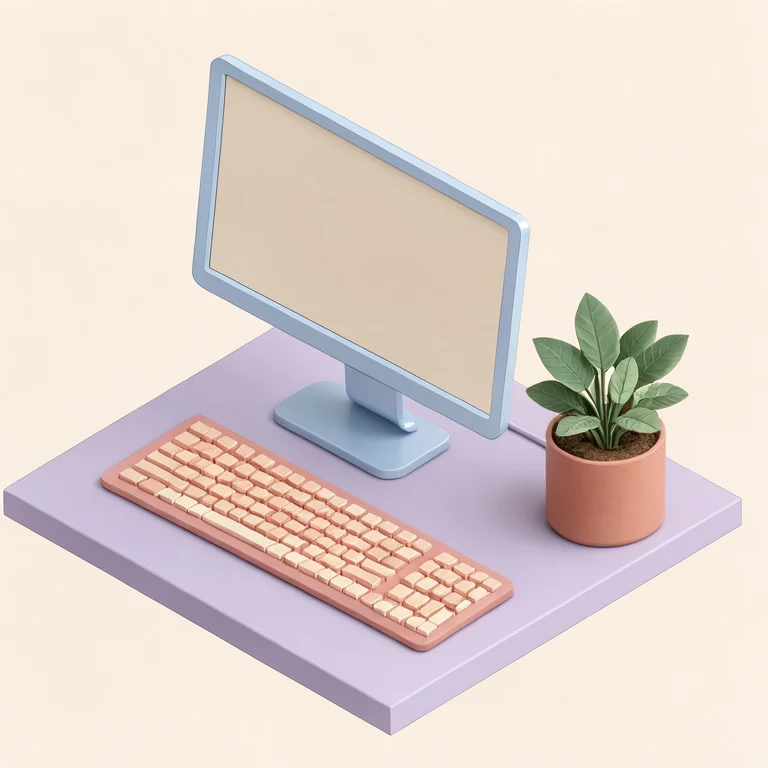
  • Isometric render of a desk setup with monitor and plant

    Diagrams that do not look like clip art

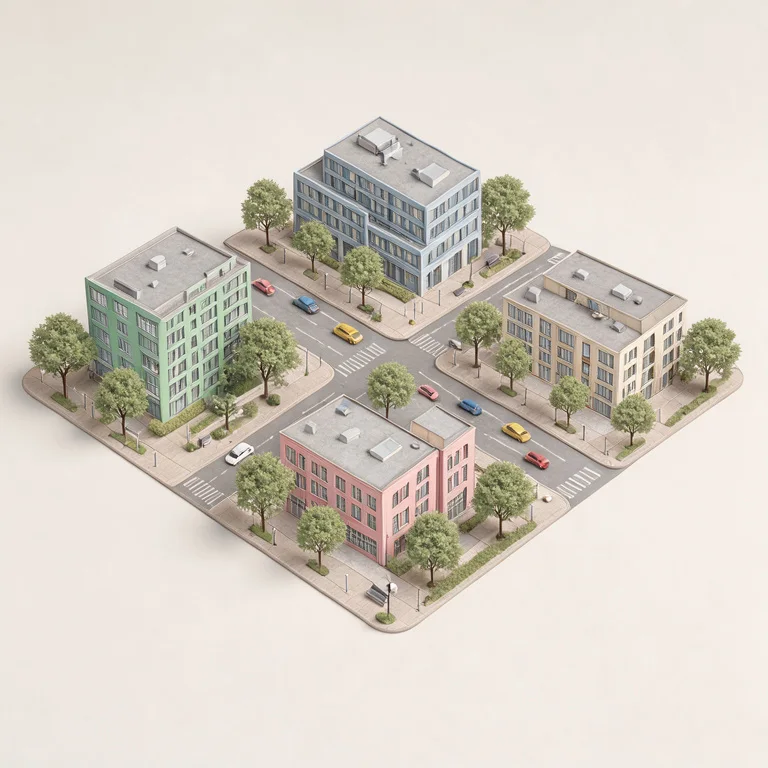
    Isometric scenes give an app onboarding screen or an explainer a consistent geometry. Generate the desk, the kitchen and the shop front with the same description structure, so they look like one set.

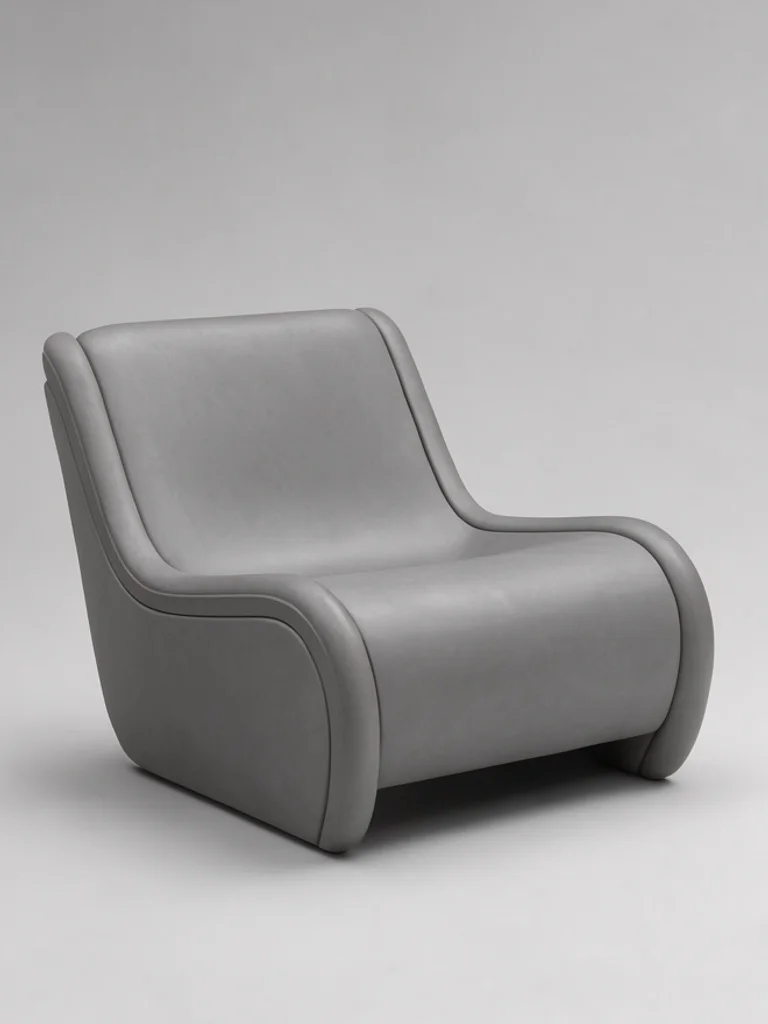
  • Clay render of a curved lounge chair in soft light

    Form studies

    A clay render removes colour and texture, which is the fastest way to see whether a shape works. Use it early, then switch to the product look once the proportions are agreed and you need to show material.

How to use the Free AI 3D Render Generator

Create your first image in under a minute. No design skills, no sign-up.

  1. STEP 1

    Describe your idea or add a photo

    Write what you want in plain words, the way you would tell a friend. Already have a picture? Click + or paste it with Ctrl+V, and the Free AI 3D Render Generator uses it as a reference.

  2. STEP 2

    Pick a style and generate

    Choose a style and aspect ratio if you like, then press Generate. Your free image is ready in a few seconds, with no account and no watermark.

  3. STEP 3

    Download your image

    Save the result with one click, or generate again with a tweak to the prompt. Downloads come without a watermark.

FAQs about the Free AI 3D Render Generator

What is an AI 3D render generator?

It is a tool that turns a written description into an image that looks rendered in 3D software, with real materials, light and shadow. It is used for product visuals, architectural studies and diagrams, without modelling or setting up a scene.

Is the Free AI 3D Render Generator better than NightCafe or FreeArtGen?

For most people starting out, yes, it is the best place to begin. Free AI Image gives you 4 ready-made styles, lets you start from your own photo or sketch, and hands you a clean download with no watermark and no account. That makes it the best value when you want to try an idea before paying for anything.

Is the Free AI 3D Render Generator really free?

Yes. You can generate and download renders without paying, with no account and no watermark. There is no credit card step before the first image.

Can I use more advanced AI models for better renders?

Yes. After buying credits, a model menu appears in the workspace and you can switch to a Pro model such as GPT Image 2 or Nano Banana Pro. They follow long material and lighting descriptions more closely, and they cost credits per image while the free model stays free.

How do I write a good prompt for a 3D render?

Name the object, the material, the light and the camera, in that order. A matte ceramic vase on a concrete plinth, softbox from the left, three quarter view covers everything the render needs. Skip words like realistic or high quality, and add a surface for the object to stand on.

Can I turn my own sketch into a render?

Yes. Upload a PNG, JPG or WEBP file up to 10 MB, or paste it with Ctrl+V, then describe the materials and the light. A rough sketch of a facade or a product keeps its proportions while the render adds glazing, concrete and shadows.

What render styles can I create?

The dropdown offers Product render, Architectural, Isometric and Clay render, or describe another style in the prompt. Product suits store pages, Architectural suits presentations, Isometric suits diagrams, and Clay suits early form studies.

Do I get a 3D model file?

No. The result is a still image, not an OBJ, GLB or STL file, and it cannot be rotated or imported into Blender. Use it as a visualisation or a reference, and model the real asset separately if it has to go into production.

Can I use AI renders commercially?

Yes, the terms of service allow commercial use without attribution, including store pages and client decks. Do not present a render as a photograph of a real product, and avoid copying a competitor's design or a trademarked shape.

How do I download my render?

Press Download under the image. If you need the same object from another angle, keep the description and change only the camera words, so the material and the light stay consistent across the set.