
Free AI Sticker Generator
Die-cut sticker designs from text or a photo. Free, no sign-up.
Stickers ready to cut, from a few words
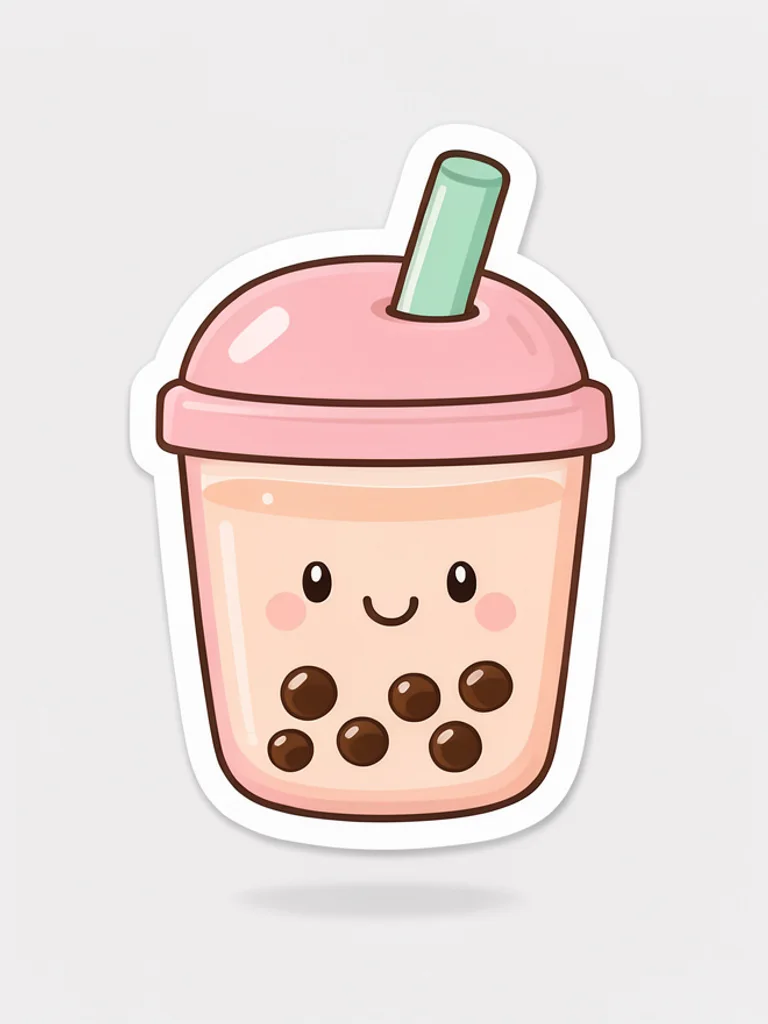
Kawaii
Pastel colors, round shapes and happy little faces. The go-to look for planners, laptops and chat sticker packs.
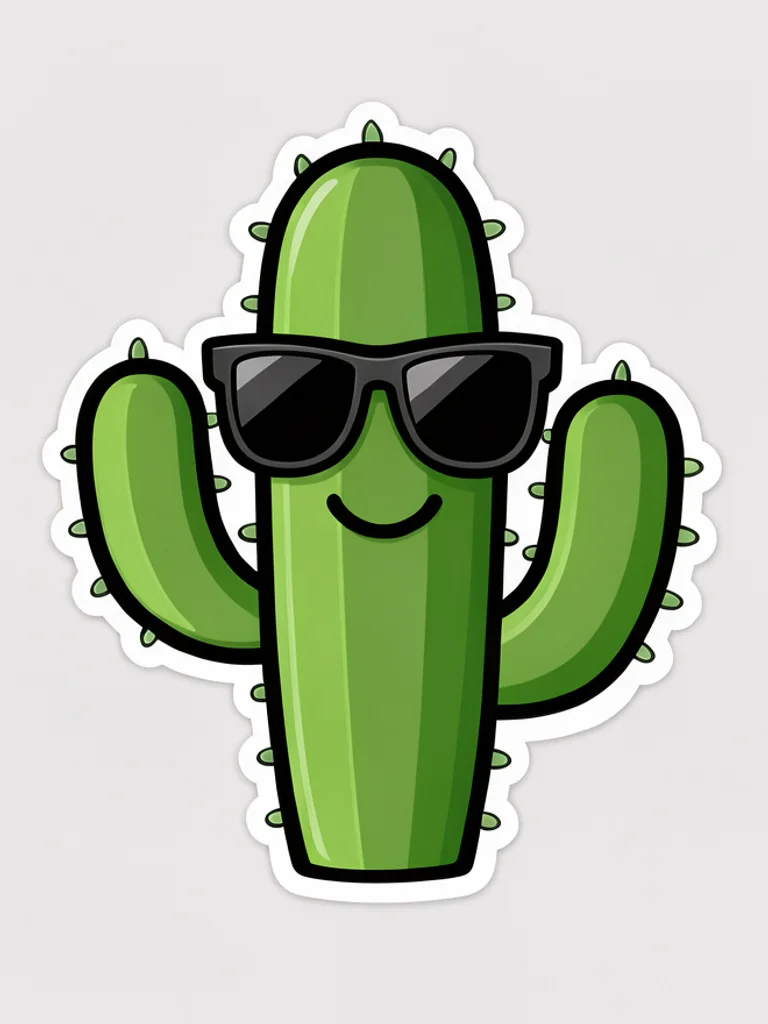
Cartoon
Thick outlines and vibrant flat colors that stay readable from across the room. Ideal for funny ideas and water bottles.
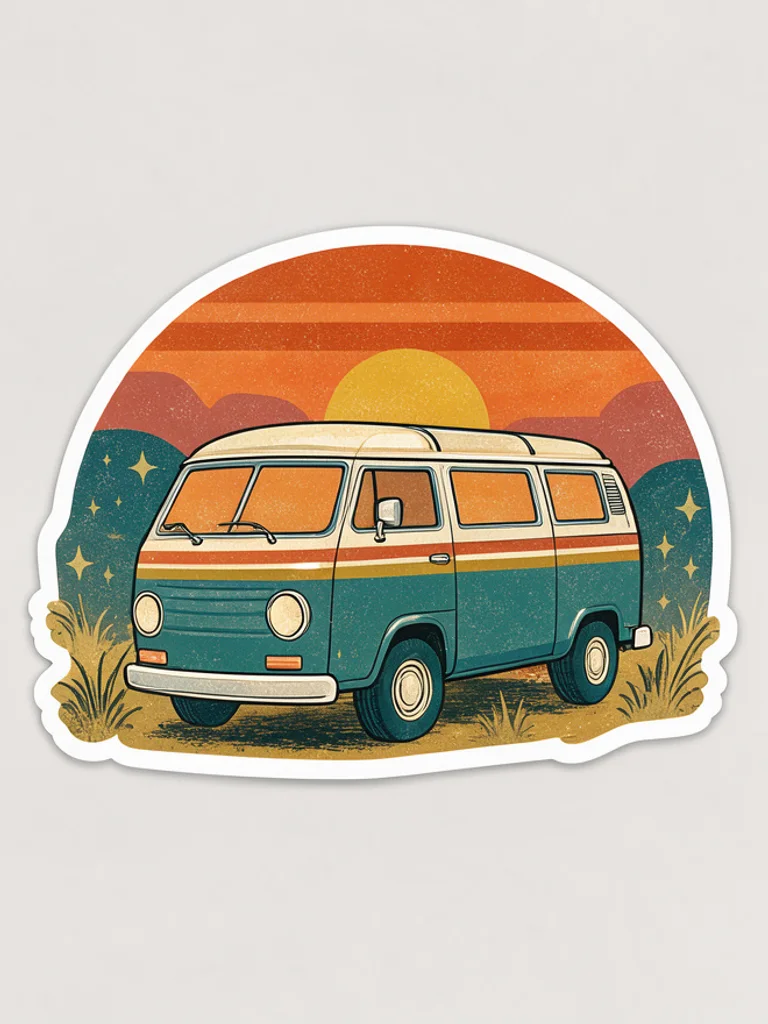
Retro
Warm 70s colors and soft grain, like a vintage travel patch. Great for outdoor brands, camp themes and road trips.
3D vinyl
Glossy, rounded shapes that look like a vinyl toy. Eye-catching on social posts and product packaging.

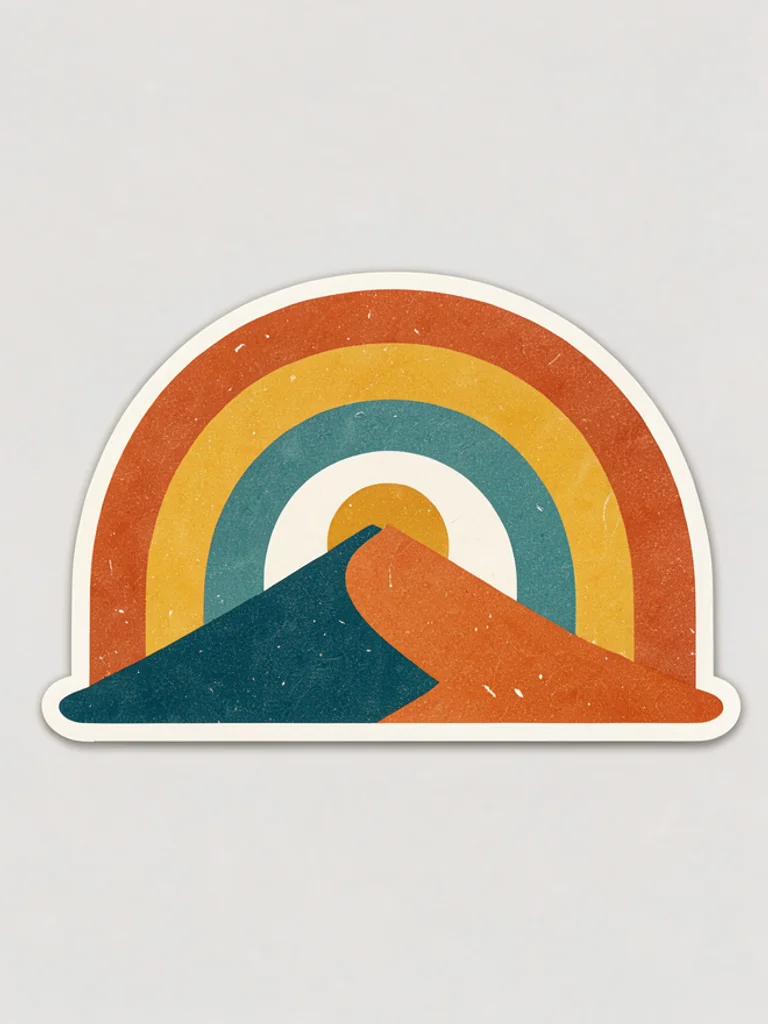
Line art
A clean black line drawing with one soft accent color. Minimal and elegant for journals, cafés and small brands.
Images powered by our free model
Why your stickers are ready to print and cut
One idea, three kinds of sticker
The same idea fits a different sticker sheet in each style. Kawaii gives soft pastel colors and happy faces, retro gives warm faded tones like a vintage badge, and 3D vinyl gives a glossy, puffy look like a toy.
Prompt: “a sleepy cat on a cloud”


Die-cut look built in
Every design comes as a single subject with a clean white border on a plain background, the shape a cutting machine or a print shop expects, so you do not have to draw the outline yourself.
A few words is enough
Describe the subject and the generator adds bold outlines and a simple, readable shape that still works at small sizes, so a short line like a sleepy cat on a cloud already looks like a finished sticker.
How it compares to other sticker generators
| Feature | Free AI Image | Adobe Firefly | Picsart |
|---|---|---|---|
| Free to use | Yes | Daily free limit | Limited free tries |
| No sign-up needed | Yes | No (Adobe ID) | Not stated |
| No watermark on free images | Yes | Not stated | Not stated |
| Styles to choose from | 5 styles | Not stated | Not stated |
| Upload a reference image | Yes | Yes | Not stated |
Checked on Nov 20, 2026. Other tools may have changed since.
How the Free AI Sticker Generator works
Describe your sticker idea, such as a pizza slice riding a skateboard, and pick a style. The Free AI Sticker Generator draws it as a die-cut sticker: one centered design with a thick white border that follows its shape, on a plain light background so you can see exactly where to cut.
Styles change the whole personality of a sticker, from soft kawaii faces to glossy 3D vinyl and minimal line art. The AI Sticker Generator can also turn your own photo, pet or logo sketch into a sticker design; click + to add one and describe the look you want.
Stickers are seen small, so simple ideas win. Use one subject with a clear expression or action and avoid tiny details or text, which become unreadable at sticker size. Funny combinations, like a cactus in sunglasses, make memorable stickers.
The download is a flat image with the white border drawn in, not a transparent cut file. Remove the background in an image editor or with a background remover, then print it on sticker paper or send it to a print shop.

What you can make with the Free AI Sticker Generator
-

Laptop and water bottle stickers
Design a sticker that is really yours, from an inside joke to your favorite snack, and print it on vinyl sticker paper.
-
Chat and social sticker packs
Create a matching set in one style for WhatsApp, Telegram or Discord, or to decorate your social posts.
-

Small business and packaging
Seal orders with a thank-you sticker or add a mascot to packaging, labels and stalls at markets.
-

Planners, journals and crafts
Decorate planners, scrapbooks and handmade cards with pastel and line art stickers you designed yourself.
How to use the Free AI Sticker Generator
Create your first image in under a minute. No design skills, no sign-up.
-
STEP 1
Describe your idea or add a photo
Write what you want in plain words, the way you would tell a friend. Already have a picture? Click + or paste it with Ctrl+V, and the Free AI Sticker Generator uses it as a reference.
-
STEP 2
Pick a style and generate
Choose a style and aspect ratio if you like, then press Generate. Your free image is ready in a few seconds, with no account and no watermark.
-
STEP 3
Download your image
Save the result with one click, or generate again with a tweak to the prompt. Downloads come without a watermark.

FAQs about the Free AI Sticker Generator
What is an AI sticker generator?
An AI sticker generator creates sticker designs from a short text description. You describe an idea, and the AI draws it as a die-cut sticker with a white border, ready to print or use in chats.
What is the best Free AI Sticker Generator?
The best choice depends on the sticker styles you need, whether the design has a clean border and whether you must sign up first. The Free AI Sticker Generator on Free AI Image lets you create and download sticker designs right away without an account, in kawaii, cartoon, retro, 3D vinyl or line art style.
Is the Free AI Sticker Generator really free?
Yes. You can generate and download sticker designs for free, without signing up and without a watermark.
Can I use more advanced AI models for better sticker designs?
Yes. After you buy credits on the pricing page, a model menu appears in the generator and you can switch to Pro models such as GPT Image 2 or Nano Banana Pro for finer detail and closer prompt following. Each Pro image uses credits; the free model stays free.
How do I write a good prompt for a sticker?
Describe one subject with a clear expression or action, such as a sleepy cat on a cloud. Keep it simple and avoid words or tiny details, since stickers are viewed small; the style menu takes care of the border and look.
Can I turn a photo into a sticker?
Yes. Click + under the prompt or paste an image with Ctrl+V to add one PNG, JPG or WEBP file up to 10 MB, then describe what you want. The generator redraws your photo, pet or logo sketch as a sticker in the style you choose.
What sticker styles can I create?
You can choose kawaii, cartoon, retro, 3D vinyl or line art, or describe another look such as holographic, pixel art or anime in your prompt.
Can I print the stickers?
Yes. The download has the white border drawn in on a light gray background, not a transparent file, so remove the background with the background remover first, then print on sticker paper or use a cutting machine to trace the border.
Can I use AI stickers commercially?
Yes. Stickers you create, including free ones, can be used for personal and commercial projects such as merch, packaging or sticker shops, with no attribution required. Avoid characters, logos or trademarks you do not have the rights to.
How do I download my sticker?
When your sticker is ready, press Download under the result to save it. You can also generate again or edit the prompt to try another version of the same idea.
 AI Anime Generator
 AI Avatar Generator
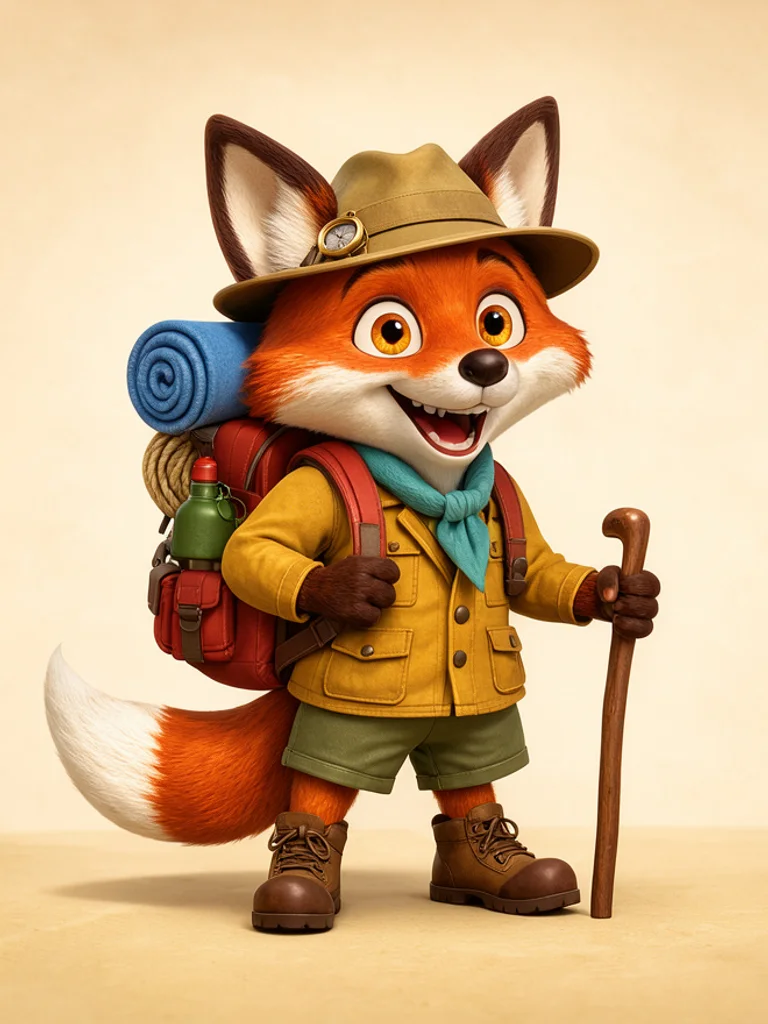 AI Cartoon Generator
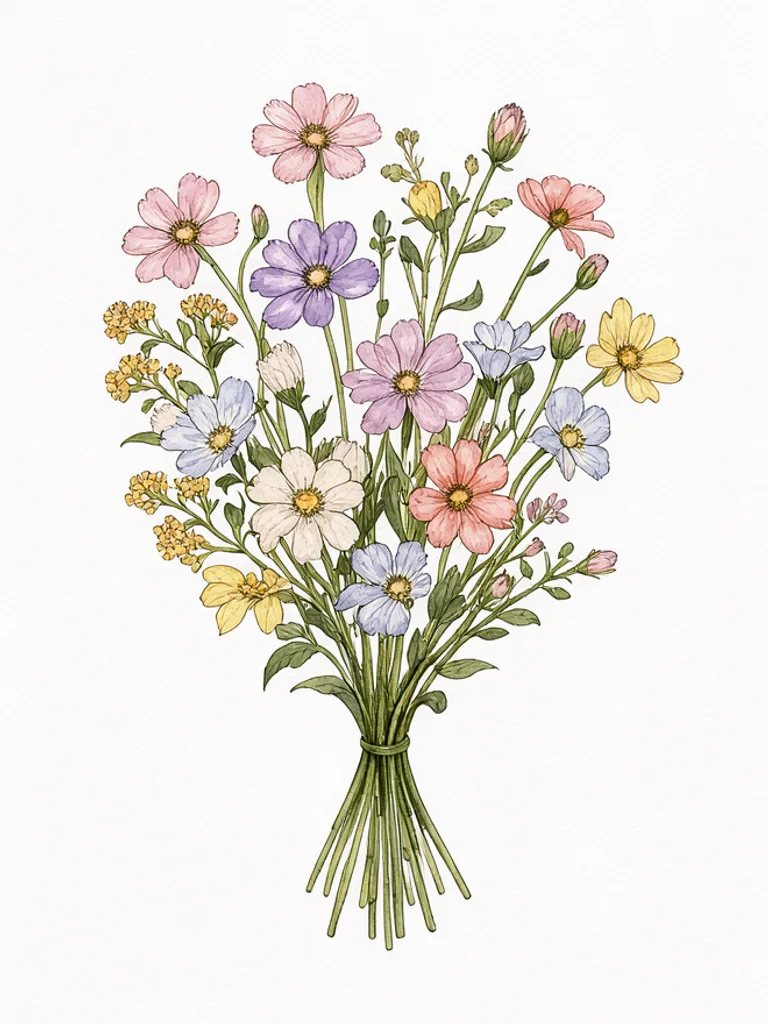 AI Clip Art Generator
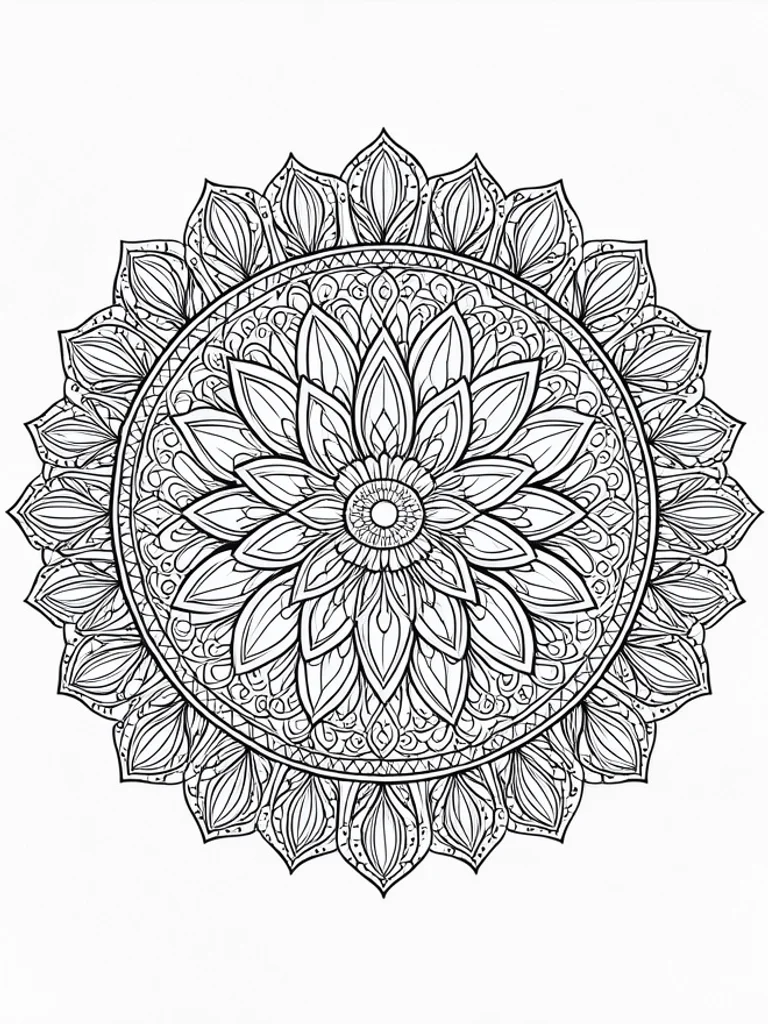 AI Coloring Page Generator
 AI Pixel Art Generator