
8 Best AI Tattoo Generators in 2026 for Free Sketches, Try-On, and Stencils
These eight AI tattoo generators cover three stages of a design: sketching an idea for free, previewing its placement, and preparing linework for a stencil.
Have a sketch you want to refine? Adobe Firefly lets you upload it as a visual reference while you explore variations.
Already like the design and want to see it on your forearm? Tat Ink lets you position and resize the artwork on a photo of your arm.
Have a tattoo idea but no drawing yet? Use Free AI Image’s AI Tattoo Generator to turn a short description into a free sketch without signing up.
The 8 Best AI Tattoo Generators and What Each Does Best
1. Adobe Firefly: explore variations on an existing sketch
Adobe Firefly accepts a visual reference alongside your prompt. If you’ve drawn a rose inside a crescent moon, upload the sketch and ask for simpler petals. Compare the new outline with your original before committing to the change.
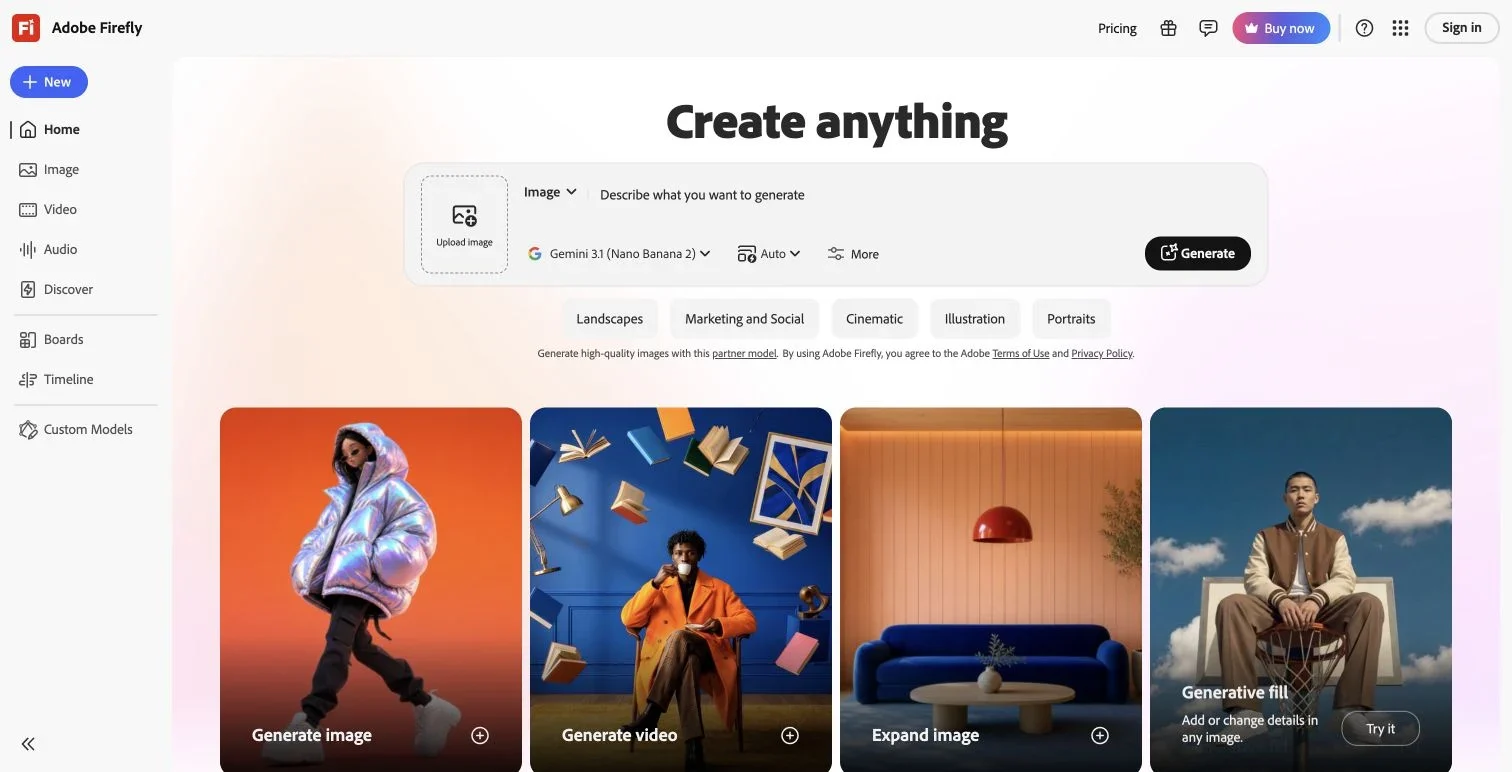
In this archived Firefly workspace, the reference upload sits to the left of the prompt.
2. Free AI Image: sketch a tattoo idea from text
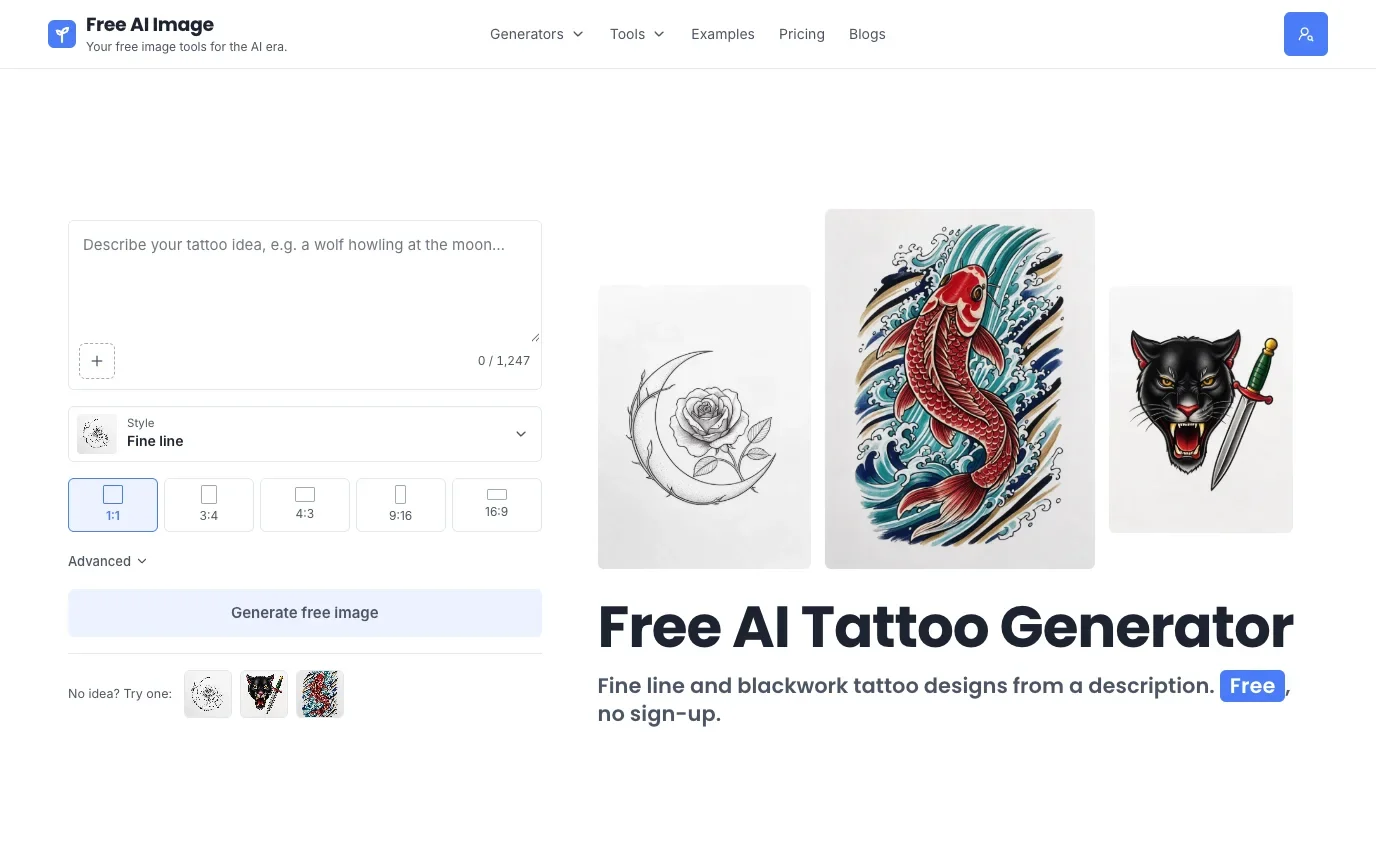
Free AI Image’s tattoo generator creates high-quality tattoo designs from a short description or a reference image. Generation and watermark-free downloads are free, with no sign-up required. Choose from eight tattoo styles: fine line, traditional, Japanese, blackwork, geometric, watercolor, black and grey realism, and tribal. Try “a koi swimming upstream” in fine line and blackwork to see how the same fish looks in delicate outlines and solid black shapes.
3. Tat Ink: preview a finished design on a body photo
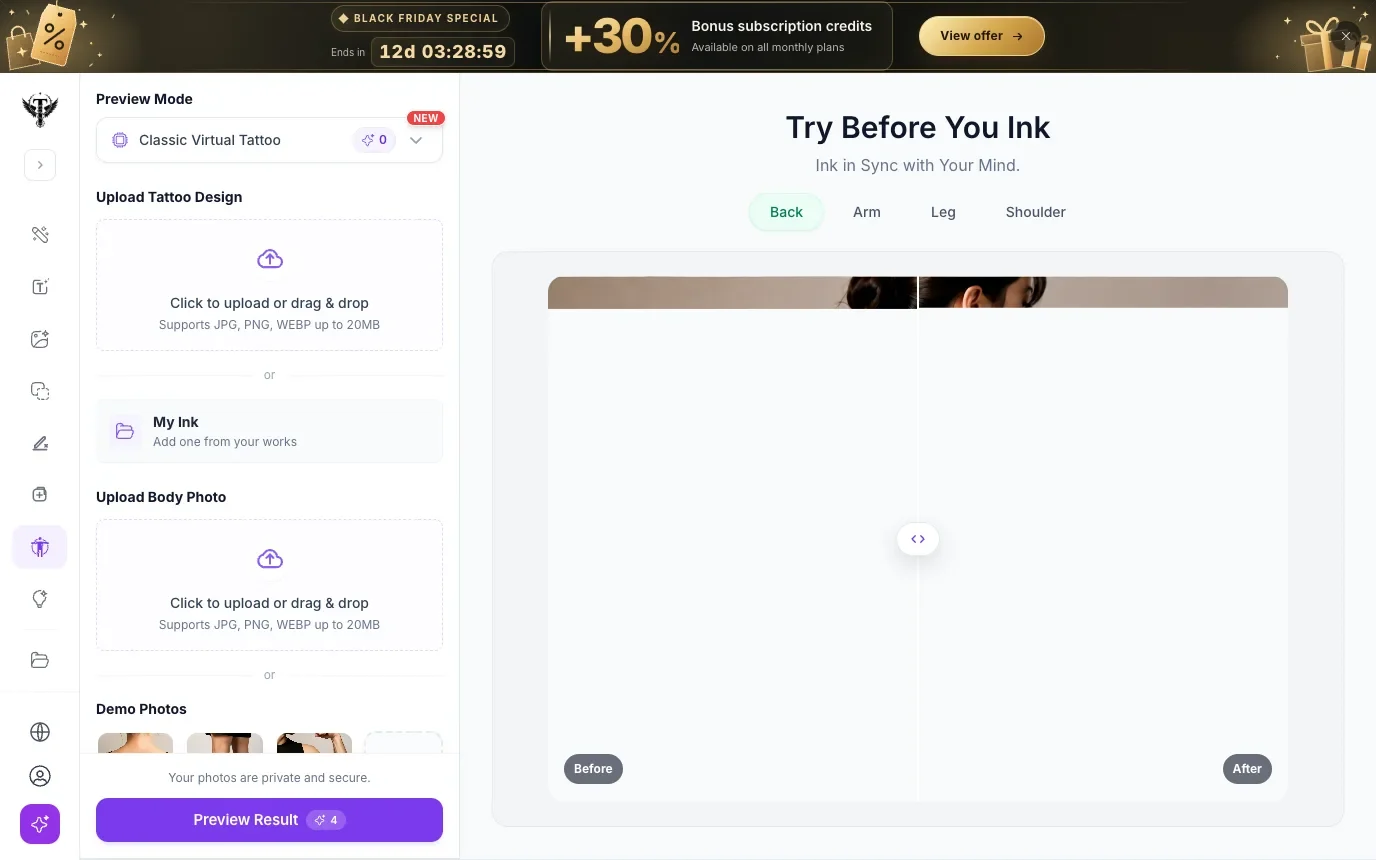
Tat Ink’s virtual try-on takes two inputs: the tattoo design and a body photo. Use it when you’re happy with the artwork and want to decide where it should sit. Keep the scale steady while comparing two angles.
4. BlackInk AI: refine linework and export a stencil
BlackInk AI offers line-weight controls and a high-resolution stencil converter on Pro. Choose it once you have settled on the drawing and your artist wants an outline to adapt. The designer and the Stencil Maker are separate entries in the interface.
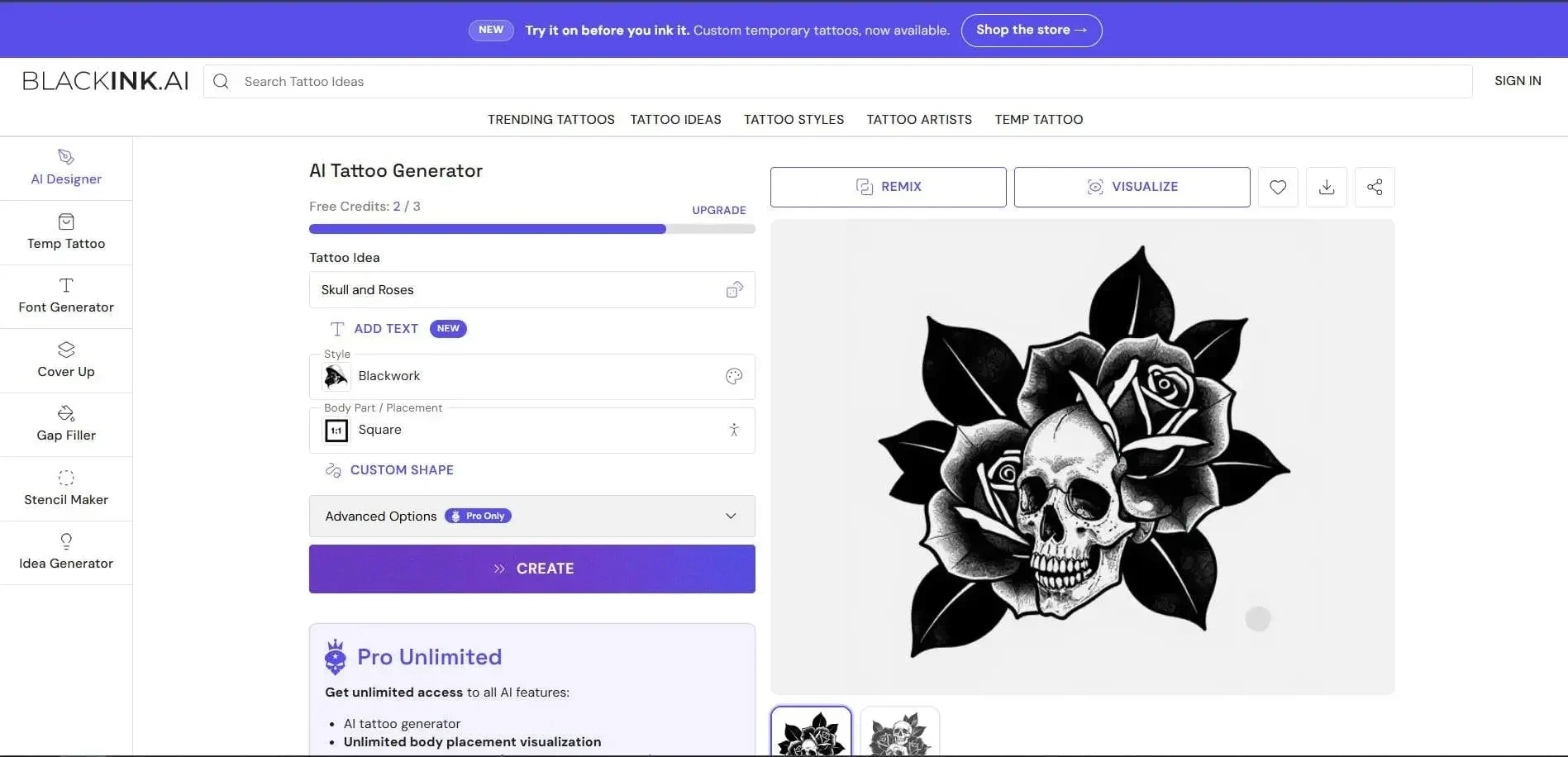
Design workspace shown in the BlackInk AI product gallery on PeerPush.
5. Fotor: turn a photo into a design and try it on
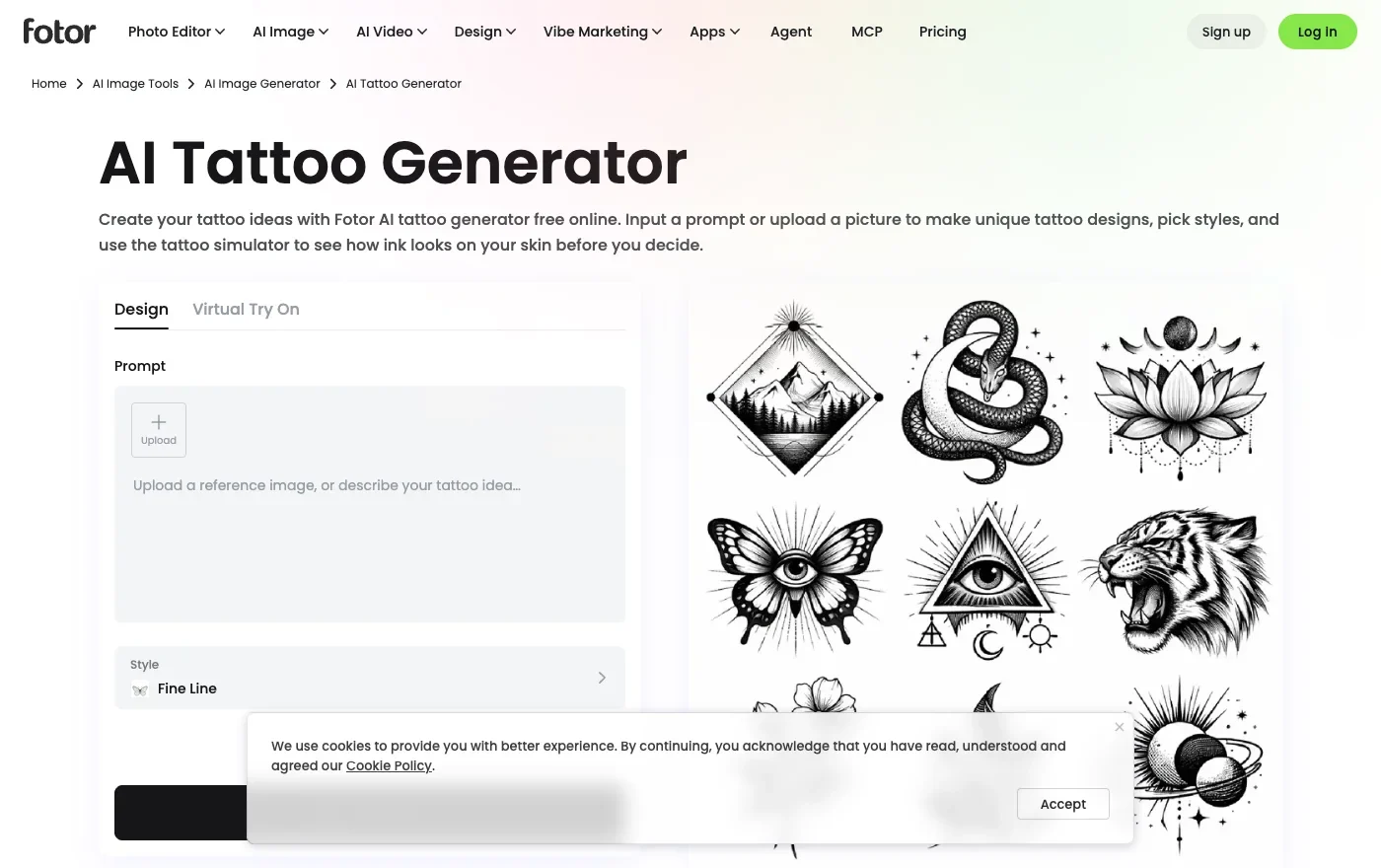
Fotor has two tabs that suit someone starting with a personal photo. In Design, upload a picture, such as a photo of your dog, and choose an art style to reinterpret it as a tattoo. Switch to Virtual Try On when you have a drawing you want to place on a body photo. Save the drawing as well as the placement preview so you can compare the linework on its own.
6. Ink Studio AI: plan a composition for a particular body part
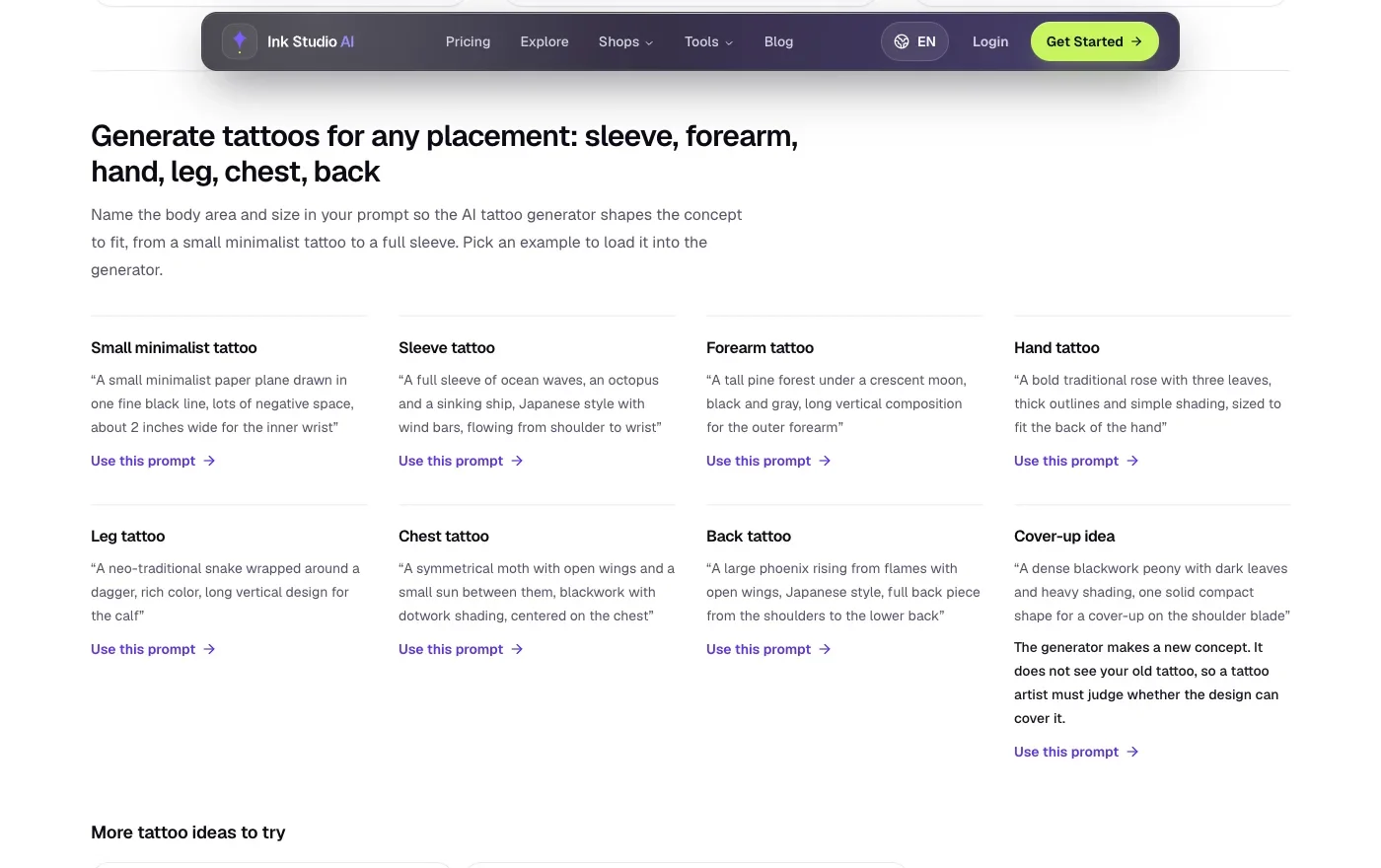
Ink Studio AI offers editable prompt examples for placements including the forearm, shoulder, and sleeve. The difference matters if you already know where the tattoo will go: a tall pine tree might follow the forearm, while a sleeve calls for a motif that wraps. Pick the closest example, keep its shape instructions, and substitute your own subject. The site lists one free generation for new accounts after sign-in.
7. TattoosAI: put a name to a tattoo style you like
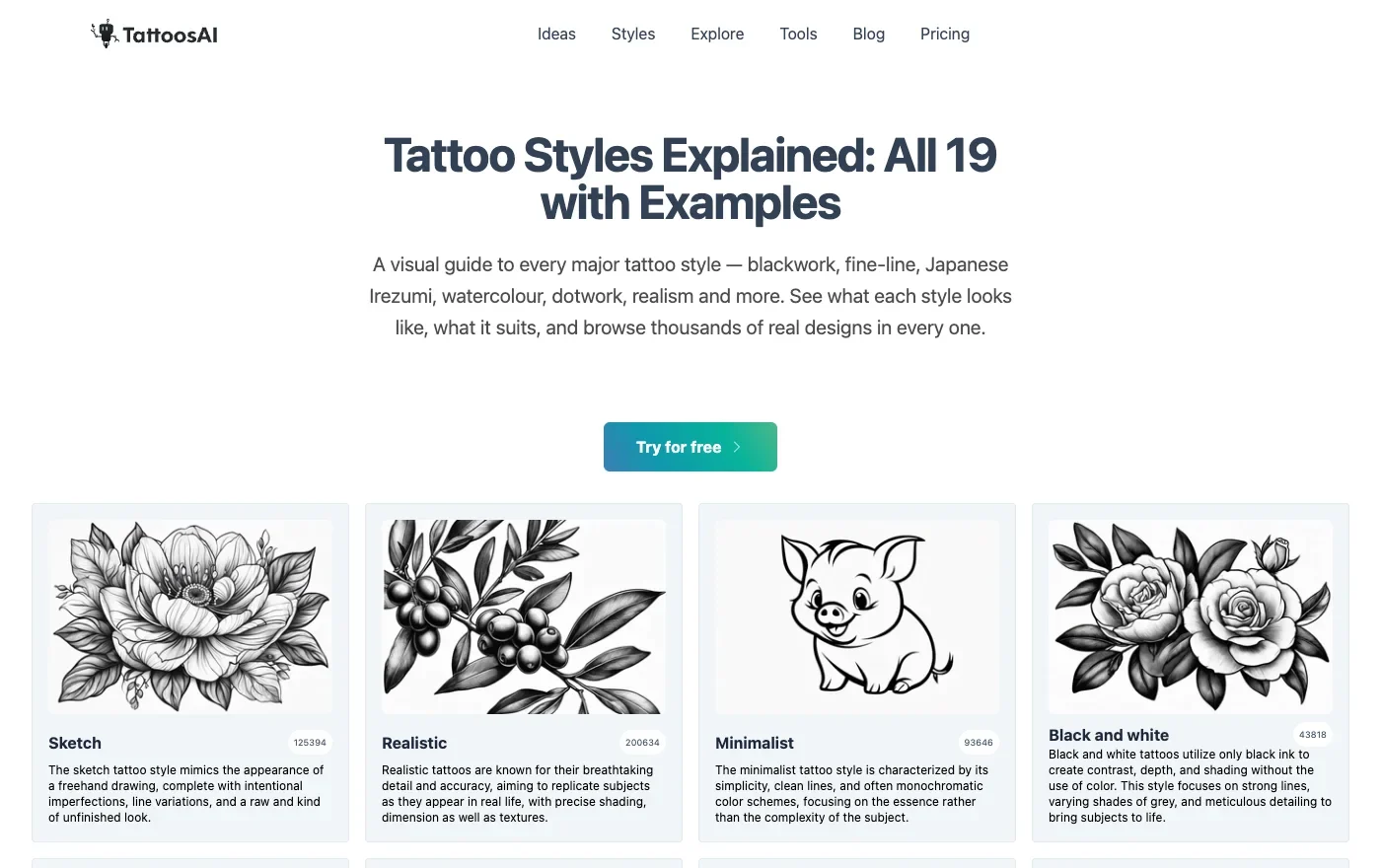
If you know the subject but struggle to describe the look, start with the TattoosAI illustrated style guide. Its sketch, minimalist, and black-and-white examples give you visual references for what those labels mean. Take the style name you like into the generator with your own prompt. If the design is personal, check the plan first: the site says basic-plan designs appear in its exploration gallery. TattoosAI generator and FAQ
8. wizard.tattoo: try a temporary version before committing
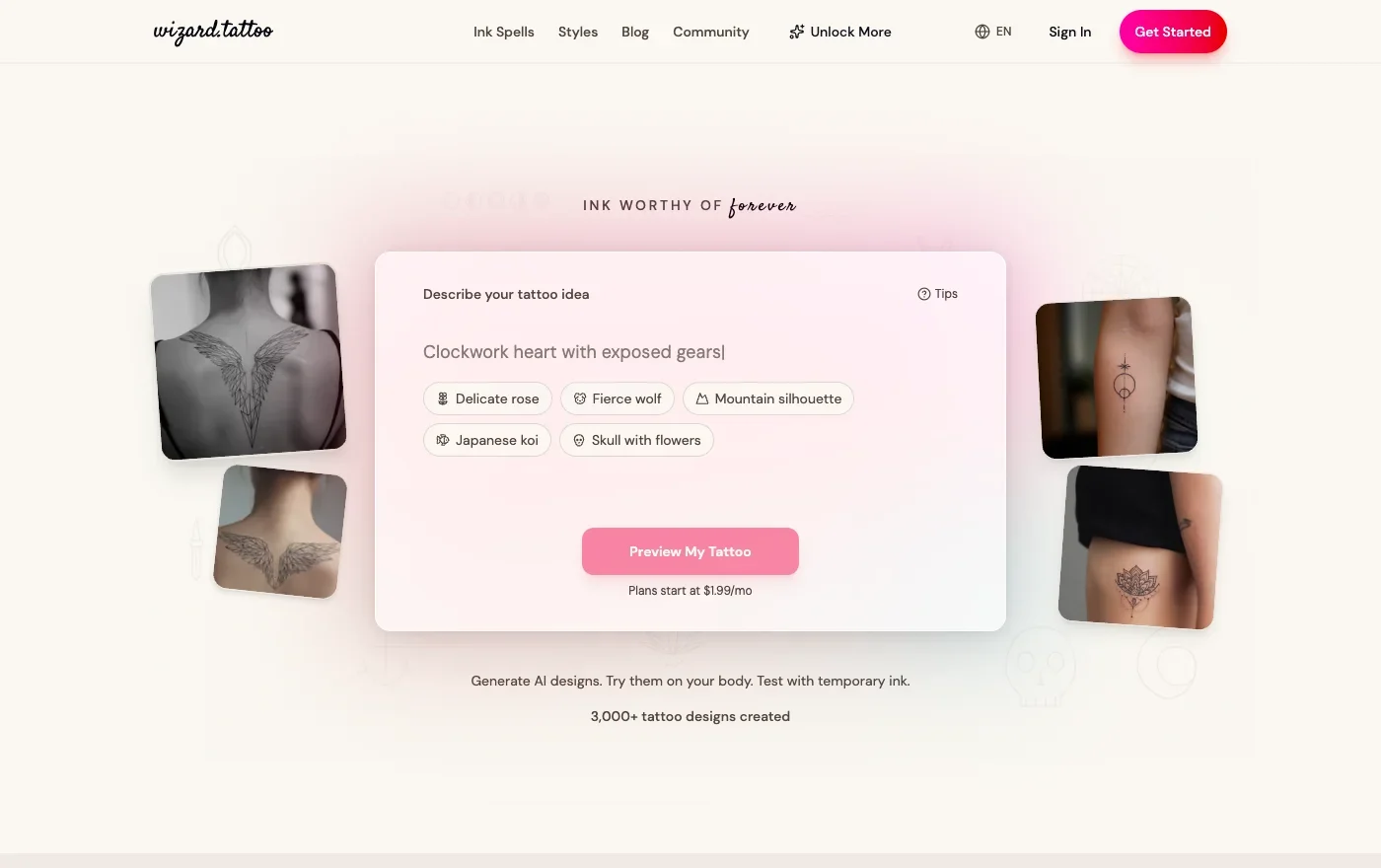
wizard.tattoo lets you order a temporary tattoo when you want to judge the size on your arm. You can describe a design, refine it, and preview its placement on a body photo. Wear the temporary version with a short sleeve to see how much of the design shows. Check order availability and cost before choosing it for that step.
Which AI Tattoo Generator Should You Choose?
If you already have artwork, choose according to what you want to change. Firefly takes a sketch as a reference for a new version. Tat Ink keeps the drawing and lets you change its position on a body photo. BlackInk Pro makes sense when your artist has asked for a stencil.
If you are still choosing a motif, start with Free AI Image. Try the same subject in fine line and blackwork, then save the version you want to discuss with your artist.
How to Use Free AI Image’s Tattoo Generator
- Open the AI Tattoo Generator on Free AI Image and enter a short description in Your idea. Try a koi swimming up a waterfall.
- Choose a style such as Fine line, Blackwork, or Japanese. Pick an aspect ratio to suit the shape of the design.
- Select Generate free image. Download the sketch you like, or keep your description and change the style for another version.
In these three koi designs, look at the thin outlines around the scales in fine line, the white gaps between dark waves in blackwork, and the red fish against blue water in the Japanese version.
| Fine line | Blackwork | Japanese |
|---|---|---|
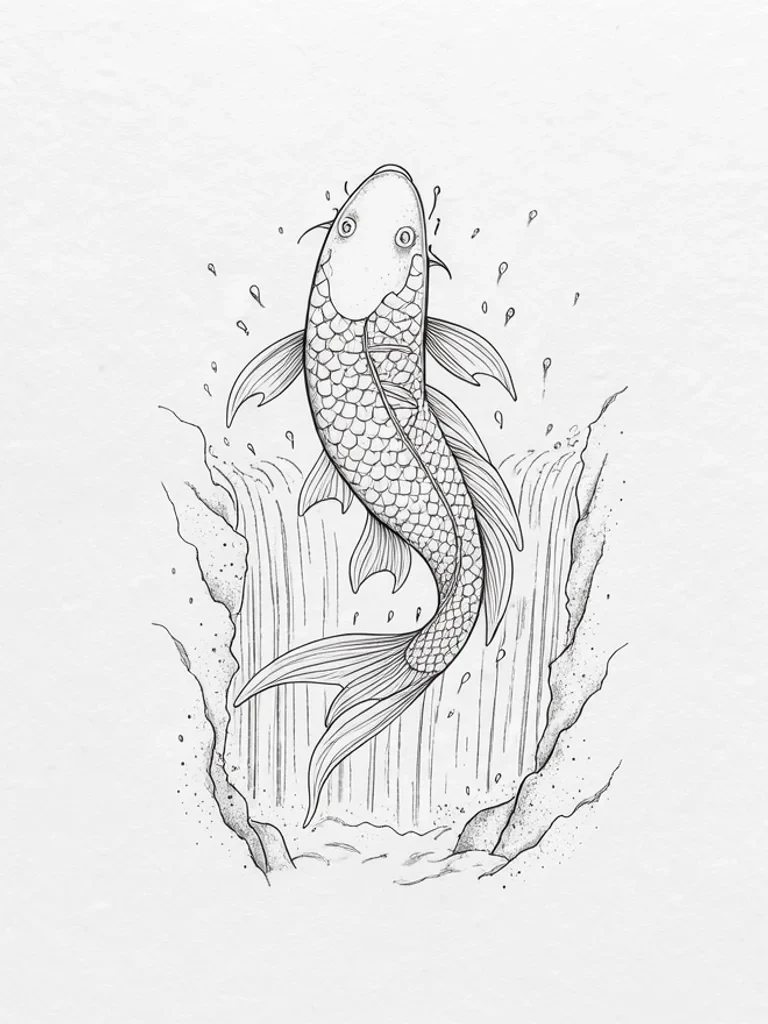 | 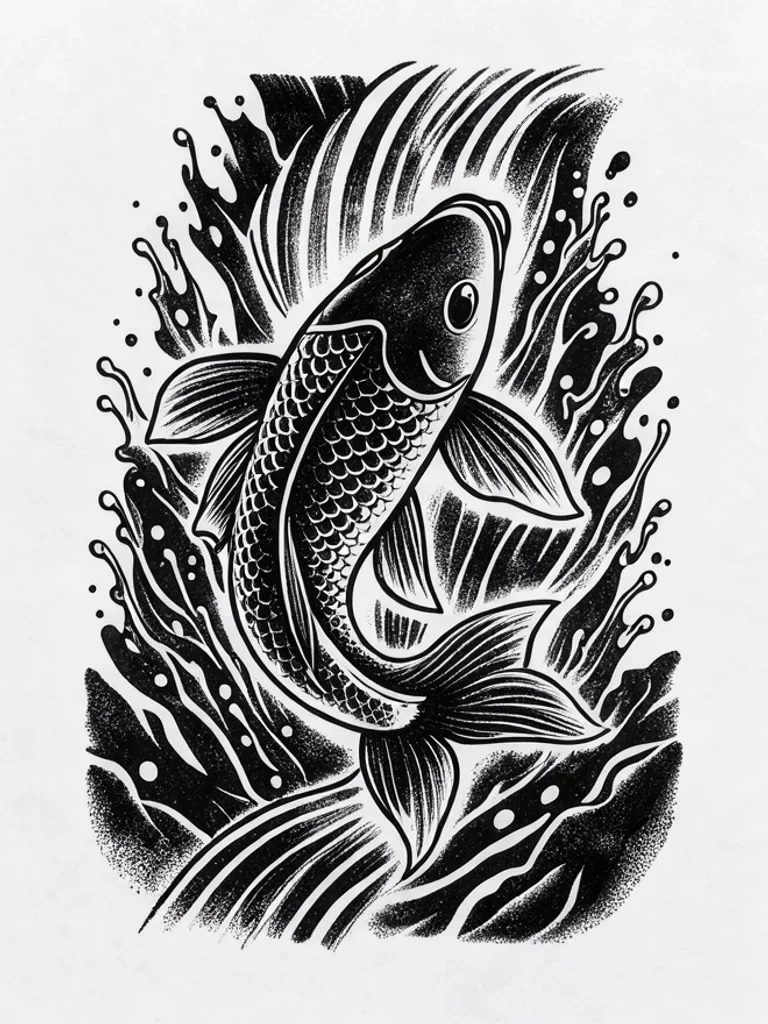 | 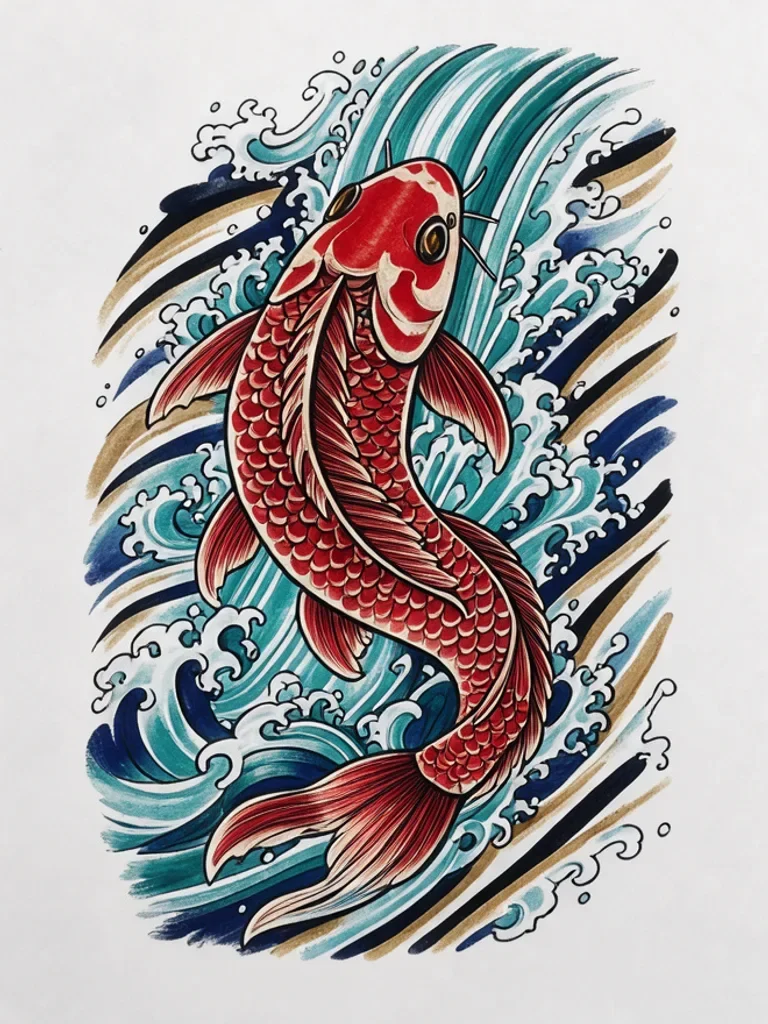 |
Free AI Image Tattoo Generator FAQ
What kind of file can I take to an artist? The generator produces a flat design on a plain background. You can share that image as a visual reference for your artist to adapt into a stencil.