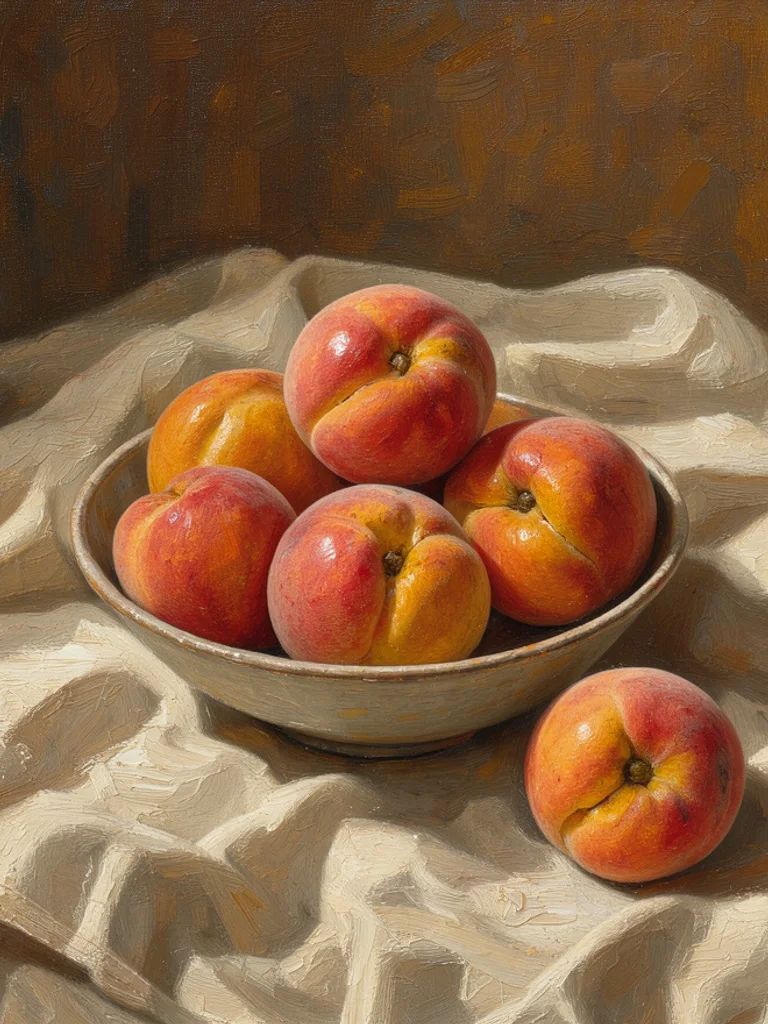
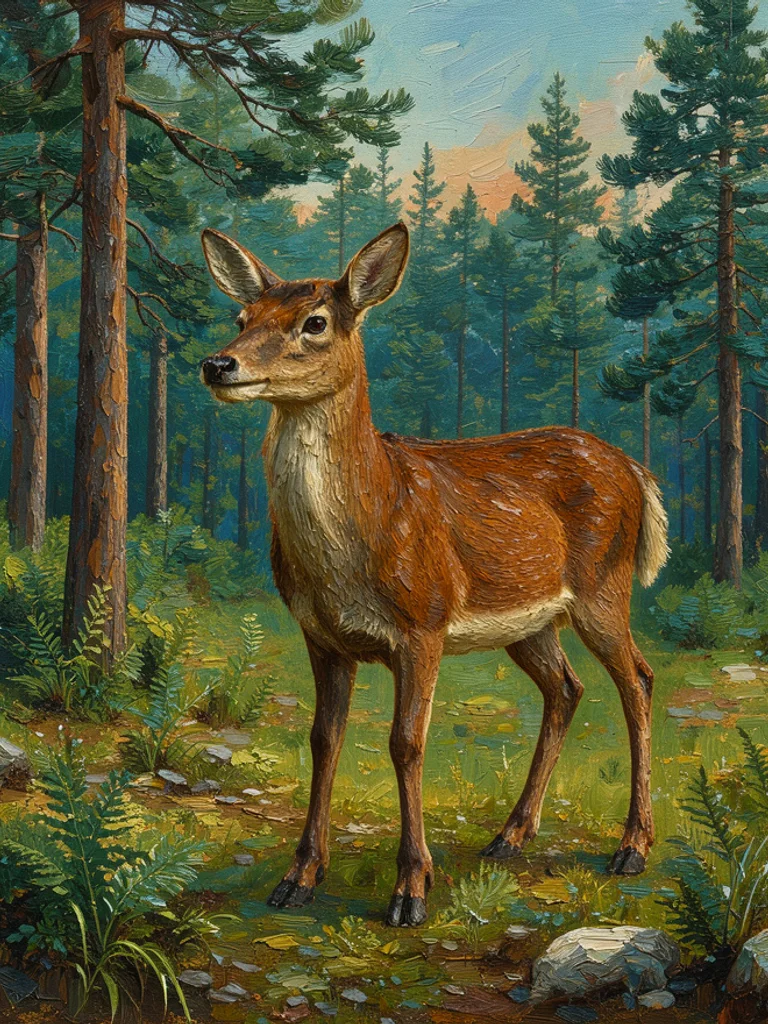
Type a subject and a place, such as a bowl of peaches or a harbor in the morning, and choose oil, watercolor, or impressionist. The Free AI Painting Generator adds the marks of that medium: brush texture, a centered scene, and no written signature. A short line then reads as a painting instead of a sharpened photo with a color filter on top.
You can also start from a picture you already took. Click + or paste one photo, pick a medium, and the AI Painting Generator follows the pose and the layout while it repaints the surface. Change one word, switch from oil to watercolor, and generate again. Keep the version whose light and edges match what you wanted to hang or study.
A useful prompt names one subject, where it is, and the light. Say morning, sunset, or window light if the hour matters, and say close-up or wide view if the crop matters. Skip artist names and requests for a signature or a caption. Those pull letters onto the paint, and letters come out wrong. If a face or a hand looks muddy, change the pose and generate once more with the AI Painting Generator.
What you download is one ordinary picture, about 1,000 pixels on the long side. It is not a stretched canvas, a layered painting file, or a vector. The AI Painting Generator does not prepare a large-format print, and it will not keep the same face in the next picture. Print a small copy if you like, or use the image as a study before you paint the scene yourself.






 AI Anime Generator
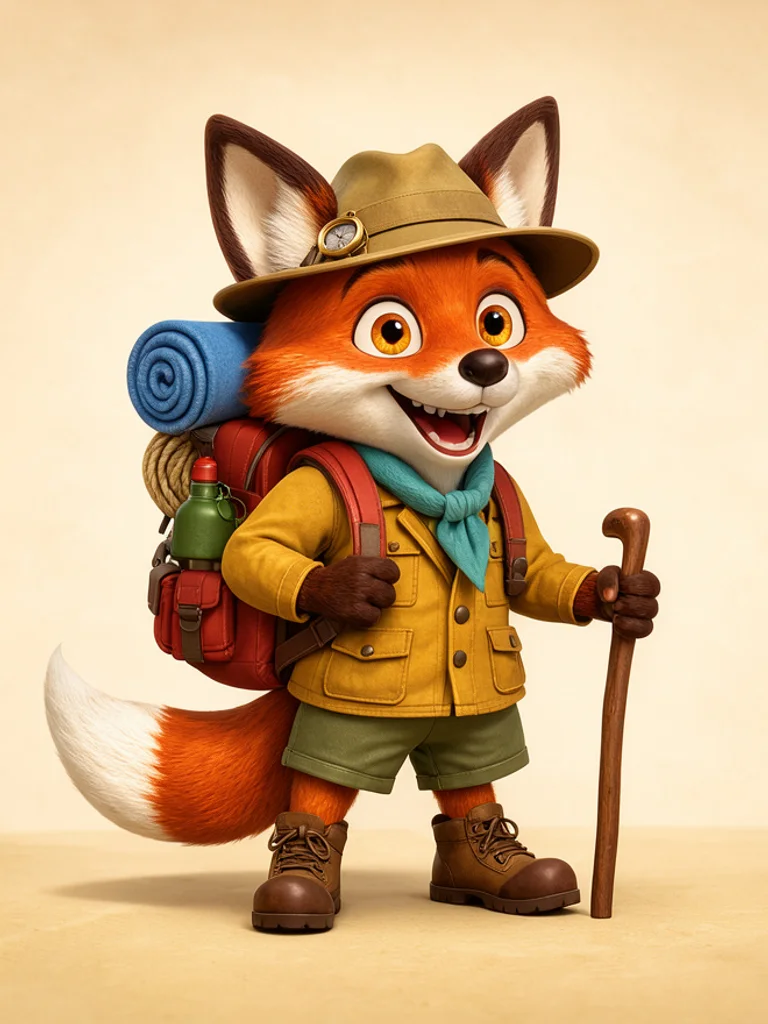 AI Cartoon Generator
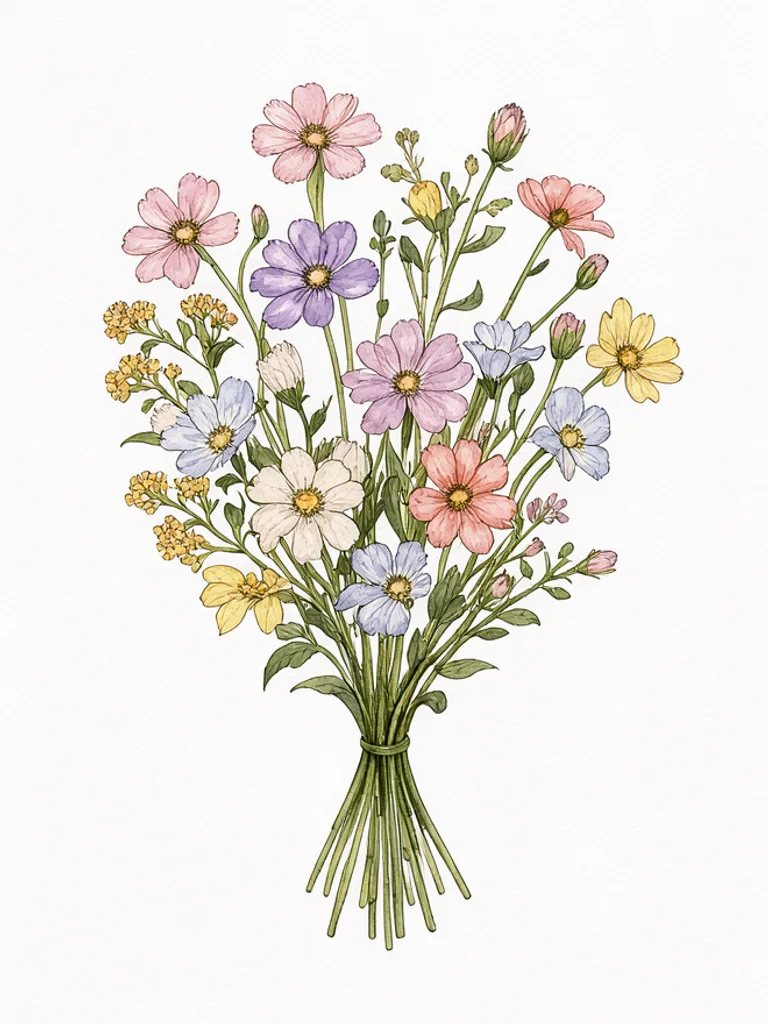 AI Clip Art Generator
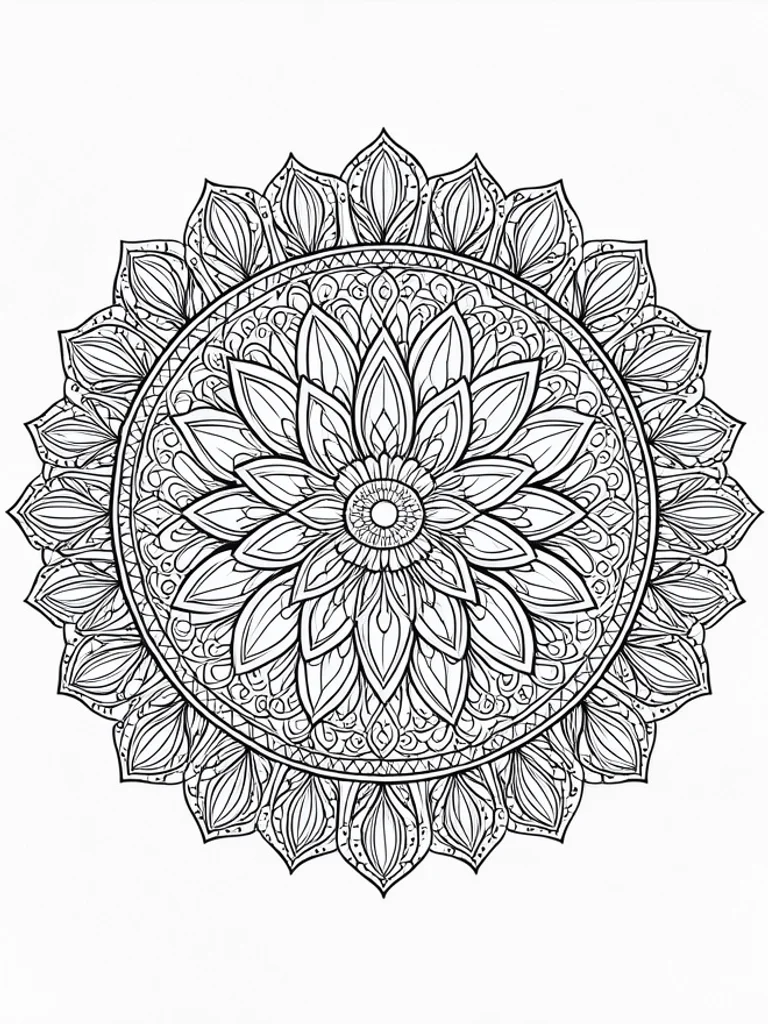 AI Coloring Page Generator
 AI Pixel Art Generator
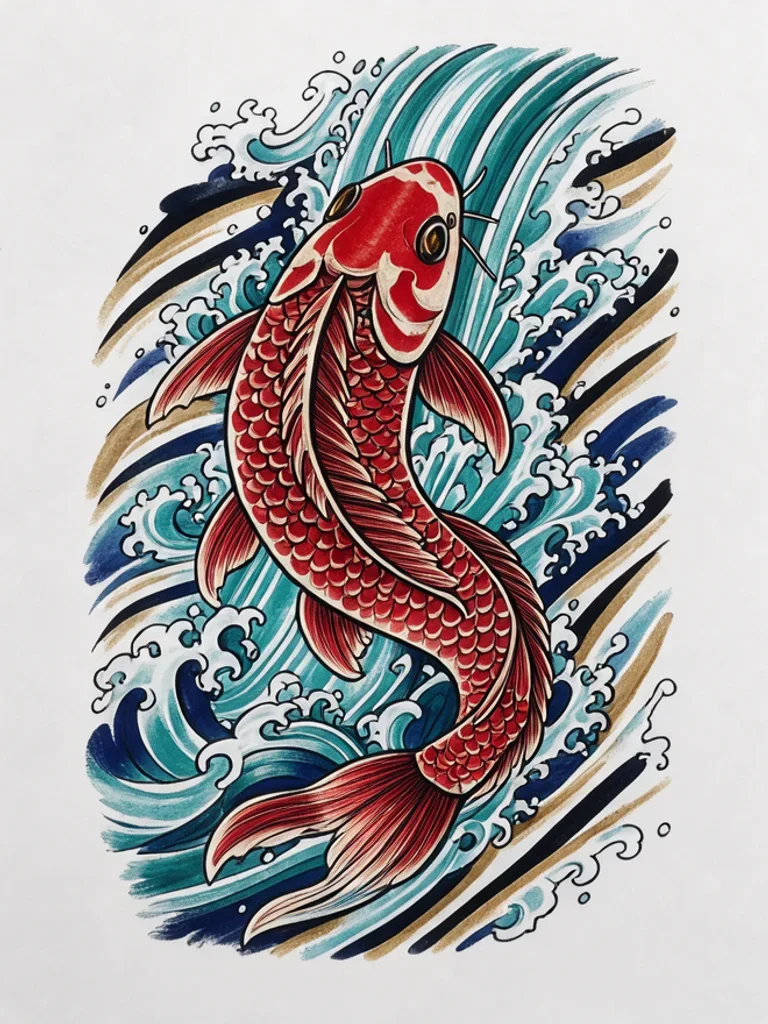 AI Tattoo Generator