


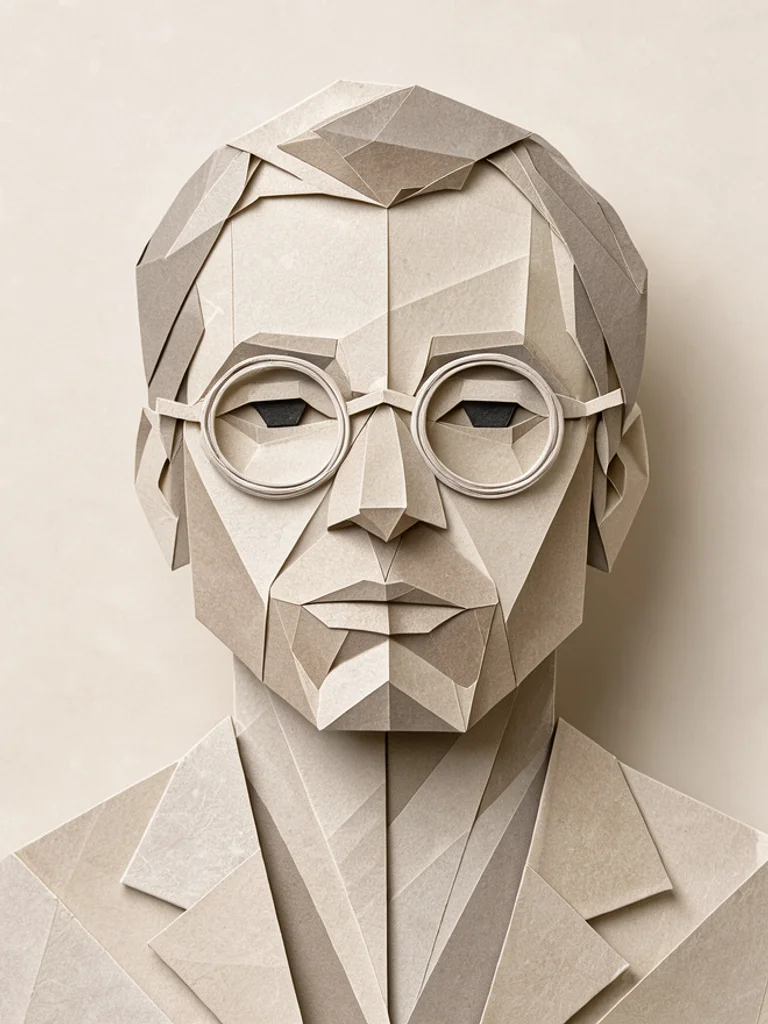
A few words is enough
Name the subject and one pose. The generator adds paper, creases, and a plain ground, so a line like a crane with its wings half open already reads as origami. You do not have to list valley folds or step numbers.
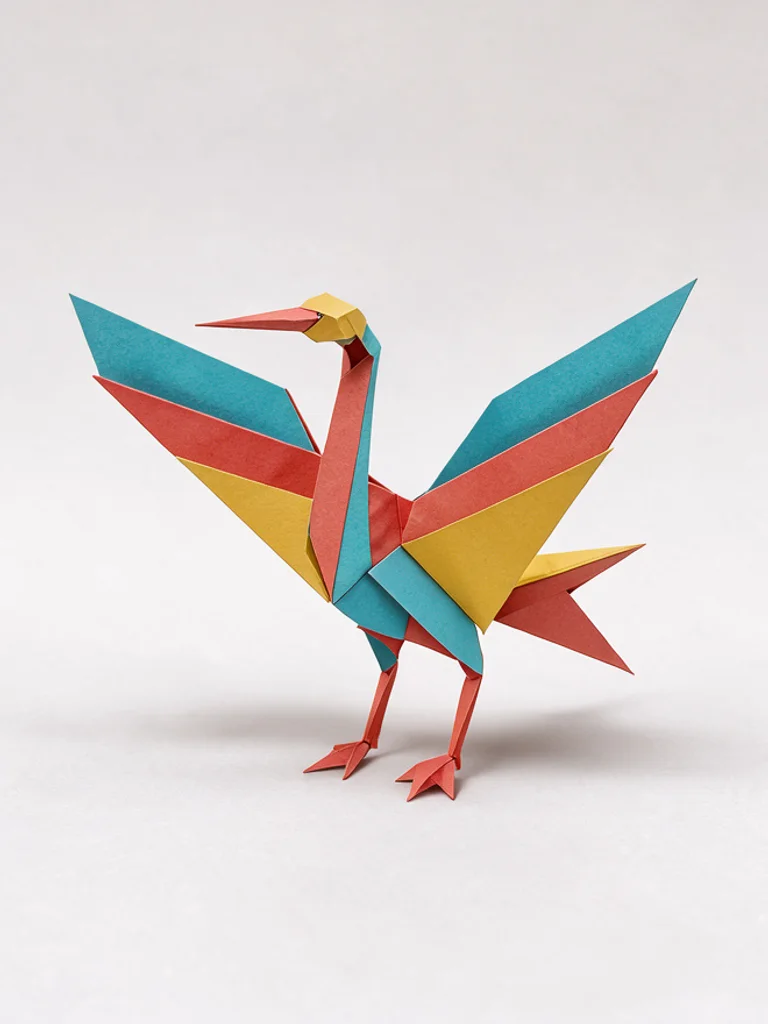
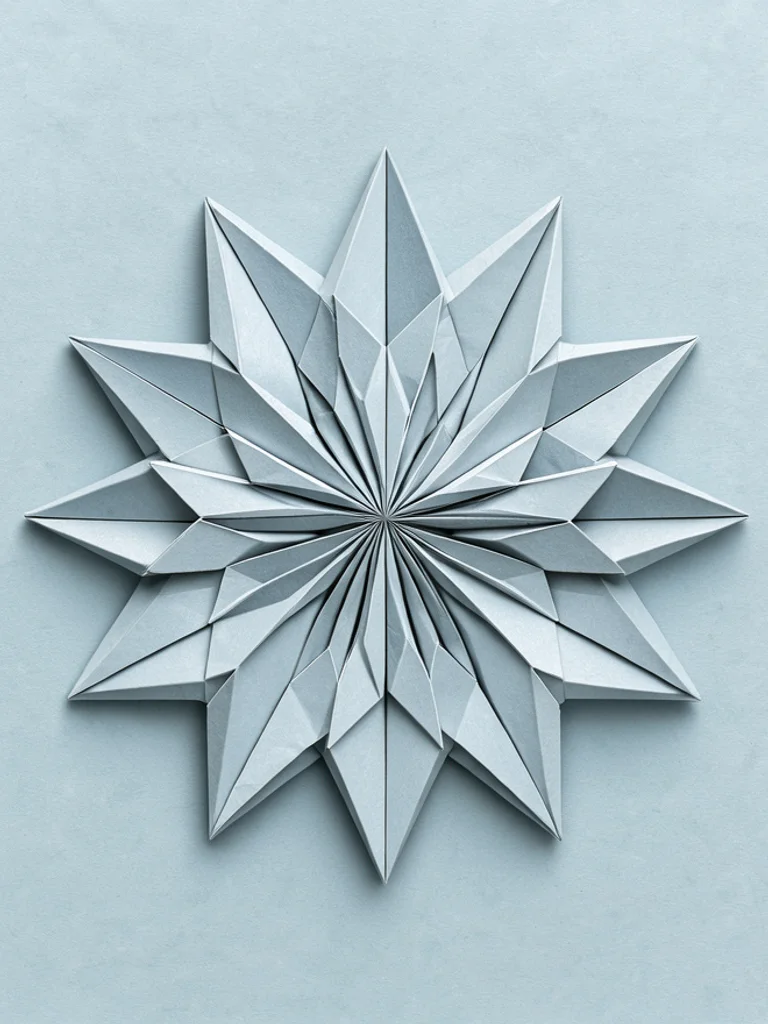
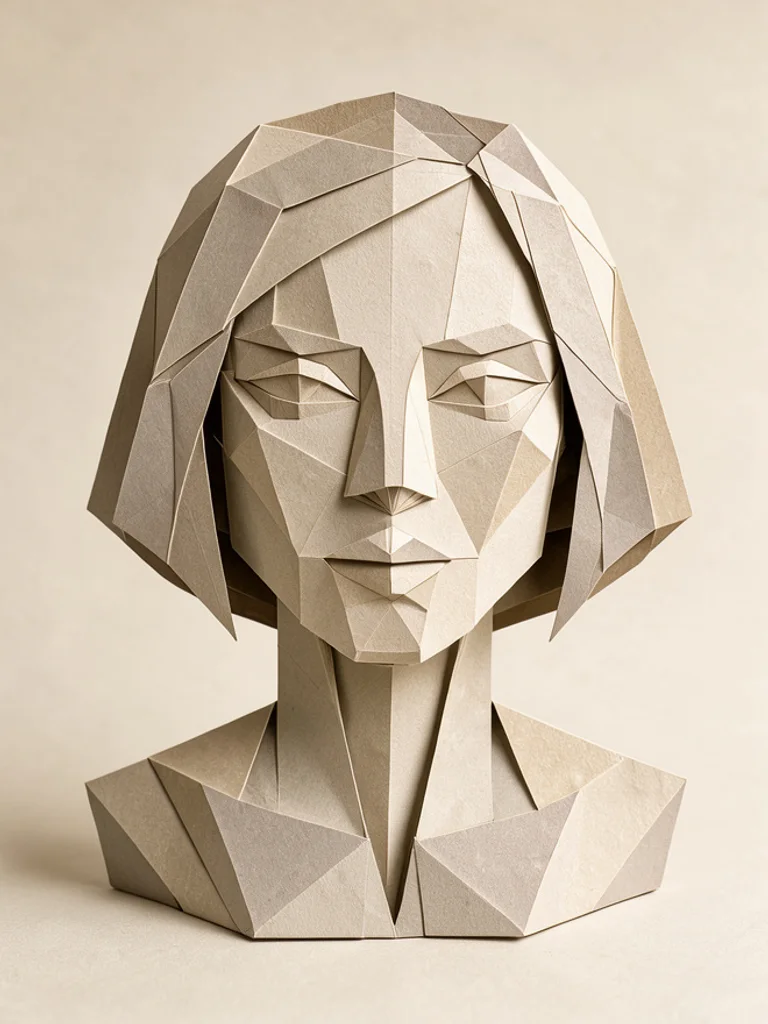
Paper animals and geometric folds from text or a photo. Free, no sign-up.
Colored paper, crisp creases, and an animal or object you could set on a table. Use it for cranes, foxes, boats, and flowers when the subject should stay recognizable.
Sharp faces and repeating units, closer to a modular model than to an animal. Use it for stars, boxes, and birds reduced to planes.
A face built from flat paper planes, with the creases still visible. Use it for a bust or a headshot-like study, not for a full animal.
Images powered by our free model
Type an animal, a shape, or a face, such as a crane or a many-pointed star, and choose paper animal, geometric, or paper portrait. The Free AI Origami Art Generator adds crisp creases, a paper surface, and a single centered subject, with no letters and no diagram. A short line then reads as folded paper rather than a cartoon animal or a photo with a filter.
You can also start from a picture you already have. Click + or paste one photo, pick a look, and the AI Origami Art Generator rebuilds that pose as paper planes. Change one word or switch from a paper animal to a geometric model and generate again. Keep the version whose creases match the subject you wanted to see on the table.
A useful prompt names one subject and one pose or part, such as wings half open or a short bob. Say close-up if you want a face, and name the paper color if it matters. Do not ask for step numbers, arrows, or a crease map. Those requests pull in lettering, and letters on the picture come out wrong. This is a picture of a finished fold, not a lesson. If a beak or an ear looks melted, simplify the pose and generate once more with the AI Origami Art Generator.
What you download is one ordinary picture, about 1,000 pixels on the long side. It is not a crease pattern, a numbered tutorial, or a 3D file you can print. The AI Origami Art Generator will not tell you how to fold the model, and the picture is not a pattern you can cut. Use it as a reference for the finished look, then fold the real paper yourself if you want the object.
Name the subject and one pose. The generator adds paper, creases, and a plain ground, so a line like a crane with its wings half open already reads as origami. You do not have to list valley folds or step numbers.
Add a portrait or a pet and the folds follow that pose and that face. It is one paper reading of the photo, useful when you want to see the planes before you try to fold anything yourself.
The same fox can be a colored paper animal, a geometric solid, or a face made of planes. Paper animals keep the ears and the tail readable. Geometric folds turn the body into sharp faces. A paper portrait keeps only the head and lets the creases cross the cheeks. Generate them together and keep the one that matches the model you had in mind.
Generating and downloading cost nothing, there is no sign-up, and the images carry no watermark. Try a few different ideas and keep the one you like without paying or logging in.
Describe a crane, a fox, or a boat when you want the finished model before you fold it. The AI Origami Art Generator gives you one still, not the steps.
Upload a clear portrait or a pet and pick a look. The pose stays close to your photo, so the creases follow a real subject instead of a generic animal.
Try a star or a lidded box when you care about the planes more than a face. The AI Origami Art Generator keeps the form sharp and the ground plain.
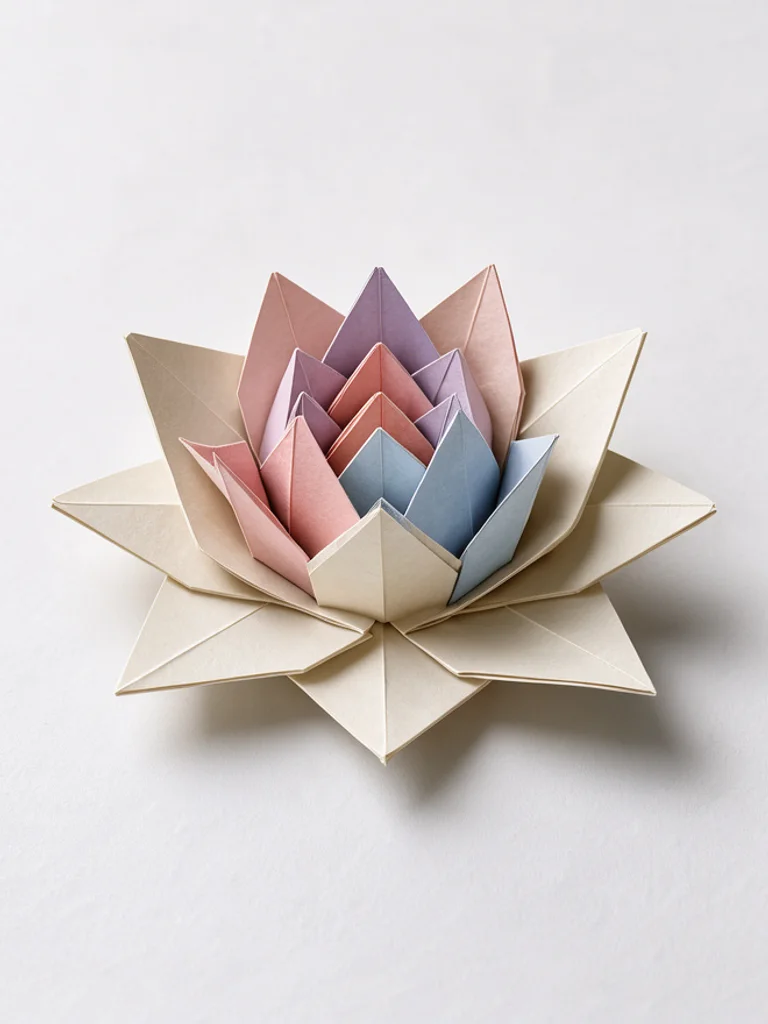
A lotus or a boat on a table is enough for a card image or a study. Crop it after download if you need a square.
Create your first image in under a minute. No design skills, no sign-up.
STEP 1
Write what you want in plain words, the way you would tell a friend. Already have a picture? Click + or paste it with Ctrl+V, and the Free AI Origami Art Generator uses it as a reference.
STEP 2
Choose a style and aspect ratio if you like, then press Generate. Your free image is ready in a few seconds, with no account and no watermark.
STEP 3
Save the result with one click, or generate again with a tweak to the prompt. Downloads come without a watermark.
An AI origami art generator turns a short description into one picture of a folded paper subject. People use the pictures as finished-model studies, photo restyles, and card art. It does not teach the folds.
For most people starting out, yes, it is the best place to begin. Free AI Image gives you 3 ready-made styles, lets you start from your own photo or sketch, and hands you a clean download with no watermark and no account. That makes it the best value when you want to try an idea before paying for anything.
Yes. You can generate and download origami figures for free, without signing up and without a watermark. Save the picture from the result, then change the prompt if you want another model.
Yes. After you buy credits on the pricing page, a model menu appears in the generator and you can switch to Pro models such as GPT Image 2 or Nano Banana Pro for finer detail and closer prompt following. Each Pro image uses credits. The free model stays free.
Name one subject and one pose, such as wings half open or a short bob. Add a paper color if it matters. Leave out step numbers, arrows, and crease maps. The AI Origami Art Generator shows the finished paper, not the instructions.
Yes. Click + or press Ctrl+V to add one PNG, JPG, or WEBP up to 10 MB. The reference steers the pose and the face, and the look you pick decides whether the result is an animal, a geometric model, or a paper portrait.
Paper animal, Geometric, and Paper portrait, or describe another paper look in the prompt. Paper animal is a folded creature or object. Geometric is sharp planes. Paper portrait is a faceted face. The AI Origami Art Generator starts on Paper animal.
No. Each result is a picture of a finished paper model. It is not a crease pattern, a numbered tutorial, or a file you can send to a printer. Fold the real paper from your own knowledge or from a separate diagram.
Yes. You can use the images commercially under the site terms, and you do not have to add a credit line. Do not copy someone else's logo, trademark, or characters. You are responsible for the rights in any photo you upload.
Use Download under the result. You can generate again or edit the prompt if you want another version. The AI Origami Art Generator saves a normal image, not a diagram or a 3D file.

 AI Anime Generator
 AI Cartoon Generator
 AI Clip Art Generator
 AI Coloring Page Generator
 AI Pixel Art Generator
 AI Tattoo Generator