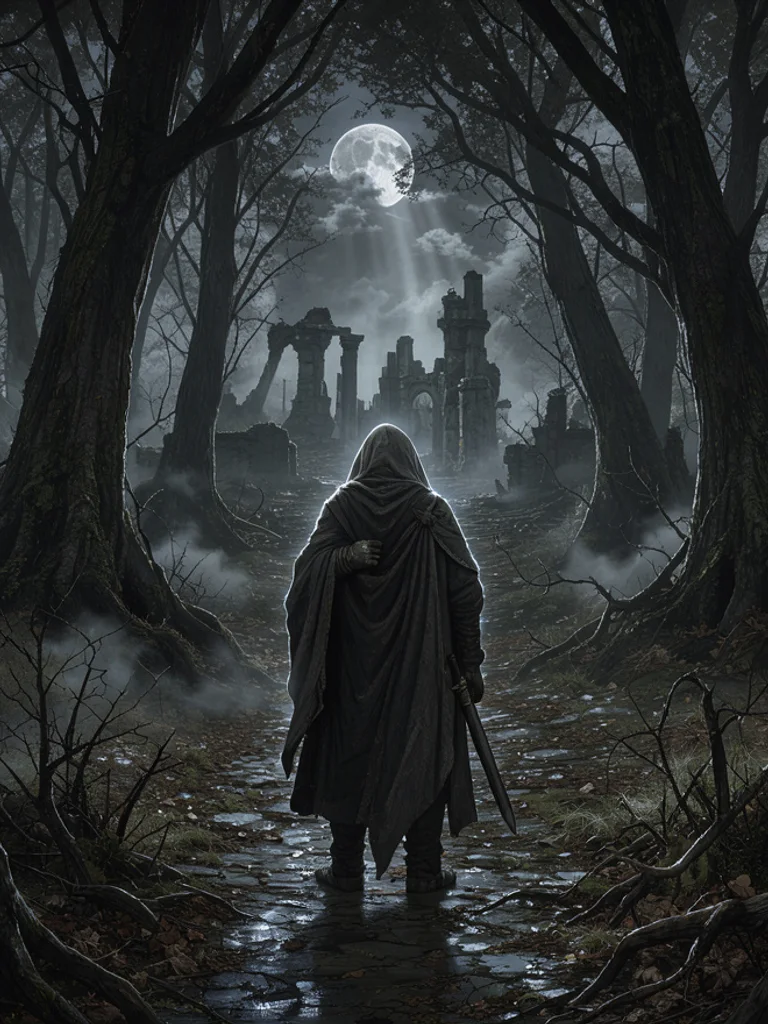
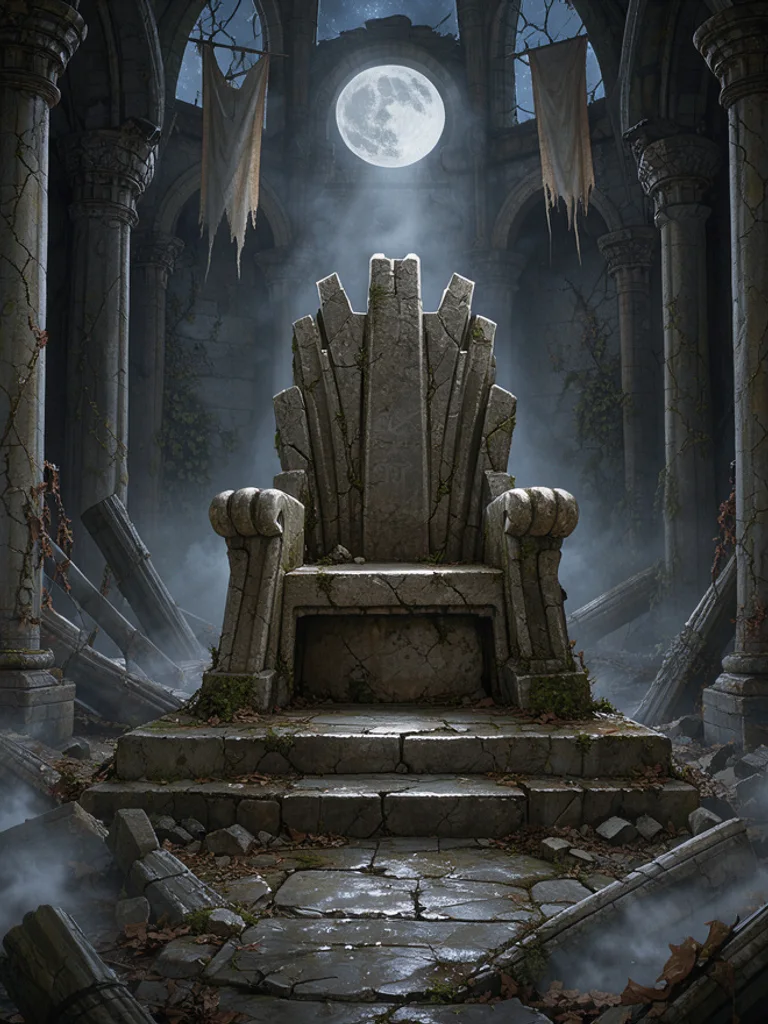
Type a hero, a place, or a creature, such as a knight at a gate or a dragon on a cliff, and choose epic, dark, ethereal, or creature. The Free AI Fantasy Art Generator adds painterly detail, cinematic light, and a single centered scene, with no letters on the picture. A short line then reads as fantasy art instead of a photo with a costume filter.
You can also start from a photo you already have. Click + or paste one portrait, pick a look, and the AI Fantasy Art Generator follows the pose while it changes the clothes and the setting. Change one word or switch from epic to dark and generate again. Keep the version whose light matches the scene you had in mind for the story.
A useful prompt names one subject, where they are, and the light. Say dusk, moonlight, or candlelight if the hour matters, and say close-up or wide gate if the crop matters. Skip titles, runes, and captions, because letters on the picture come out wrong. Skip the names of existing books and games as well. If a hand or a wing looks muddled, change the pose and generate once more with the AI Fantasy Art Generator.
What you download is one ordinary picture, about 1,000 pixels on the long side. It is not a character sheet, a battle map, or a video. The AI Fantasy Art Generator will not keep the same face in the next picture, and it will not lay out a page of panels. Use the image as a story beat, a cover draft, or a study, then draw the version you want to keep.







 AI Anime Generator
 AI Cartoon Generator
 AI Clip Art Generator
 AI Coloring Page Generator
 AI Pixel Art Generator
 AI Tattoo Generator