Free AI Image Your free image tools for the AI era.
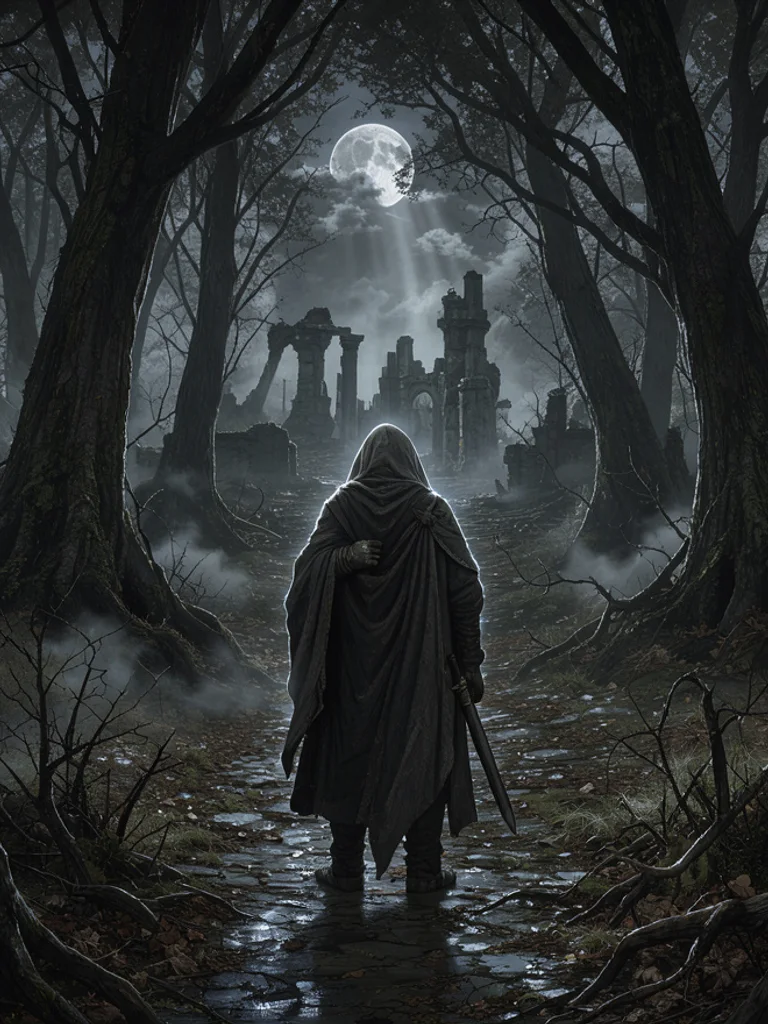
Epic fantasy art of a wizard reading in a candlelit libraryDark fantasy art of a cloaked figure on a path through a black forestEthereal fantasy art of a fairy seated beside a moonlit pool

Free AI Fantasy Art Generator

Epic, dark and ethereal fantasy art from text or a photo. Free, no sign-up.

0 / 1,279
Aspect Ratio
Advanced

Available with credits. See pricing

Images per run

Output format

No idea? Try one:

Fantasy art that looks painted by hand, from one line

Epic

Bright daylight, clear color, and a hero or a castle at a readable scale. Use it for quest scenes, royal portraits, and the first picture of a story that should feel open rather than grim.

Epic fantasy art of a wizard reading in a candlelit library
“a wizard reading in a candlelit library”
Epic fantasy art of a queen in gold armor on a white horse
“a queen in gold armor on a white horse”

Images powered by our free model

How the Free AI Fantasy Art Generator works

Type a hero, a place, or a creature, such as a knight at a gate or a dragon on a cliff, and choose epic, dark, ethereal, or creature. The Free AI Fantasy Art Generator adds painterly detail, cinematic light, and a single centered scene, with no letters on the picture. A short line then reads as fantasy art instead of a photo with a costume filter.

You can also start from a photo you already have. Click + or paste one portrait, pick a look, and the AI Fantasy Art Generator follows the pose while it changes the clothes and the setting. Change one word or switch from epic to dark and generate again. Keep the version whose light matches the scene you had in mind for the story.

A useful prompt names one subject, where they are, and the light. Say dusk, moonlight, or candlelight if the hour matters, and say close-up or wide gate if the crop matters. Skip titles, runes, and captions, because letters on the picture come out wrong. Skip the names of existing books and games as well. If a hand or a wing looks muddled, change the pose and generate once more with the AI Fantasy Art Generator.

What you download is one ordinary picture, about 1,000 pixels on the long side. It is not a character sheet, a battle map, or a video. The AI Fantasy Art Generator will not keep the same face in the next picture, and it will not lay out a page of panels. Use the image as a story beat, a cover draft, or a study, then draw the version you want to keep.

Epic fantasy art of a wizard reading in a candlelit library

Why choose us

A few words is enough

Name the figure and the place. The generator adds painterly detail, cinematic light, and a centered scene, so a line like a wizard in a candlelit library already reads as fantasy art. You do not have to invent a magic system or a map.

Start from your own photo

Add a portrait and the picture keeps that pose while it changes the clothes, the light, and the background. It is one interpretation of that photo, useful when you want to see yourself or a friend as a hero before you draw a final version.

One idea, three kinds of fantasy

The same knight at a gate can be an epic daylight scene, a dark ruin, or an ethereal glow. Epic keeps color clear and the figure heroic. Dark drops the light and adds mist. Ethereal pales the palette and softens the edges. Generate them together, then keep the mood that fits the story.

Free, with no account to create

Generating and downloading cost nothing, there is no sign-up, and the images carry no watermark. Try a few different ideas and keep the one you like without paying or logging in.

What you can make with the Free AI Fantasy Art Generator

  • Epic fantasy art of a queen in gold armor on a white horse

    A character for a story

    Describe hair, clothes, and one pose when the cast is still an idea. The AI Fantasy Art Generator gives you a single portrait to react to, not a sheet of turnarounds.

  • Ethereal fantasy art of a fairy seated beside a moonlit pool

    A photo turned into a hero

    Upload a clear portrait and pick a look. The pose stays close to your photo, which helps when you want a costume and a background without losing who is in the picture.

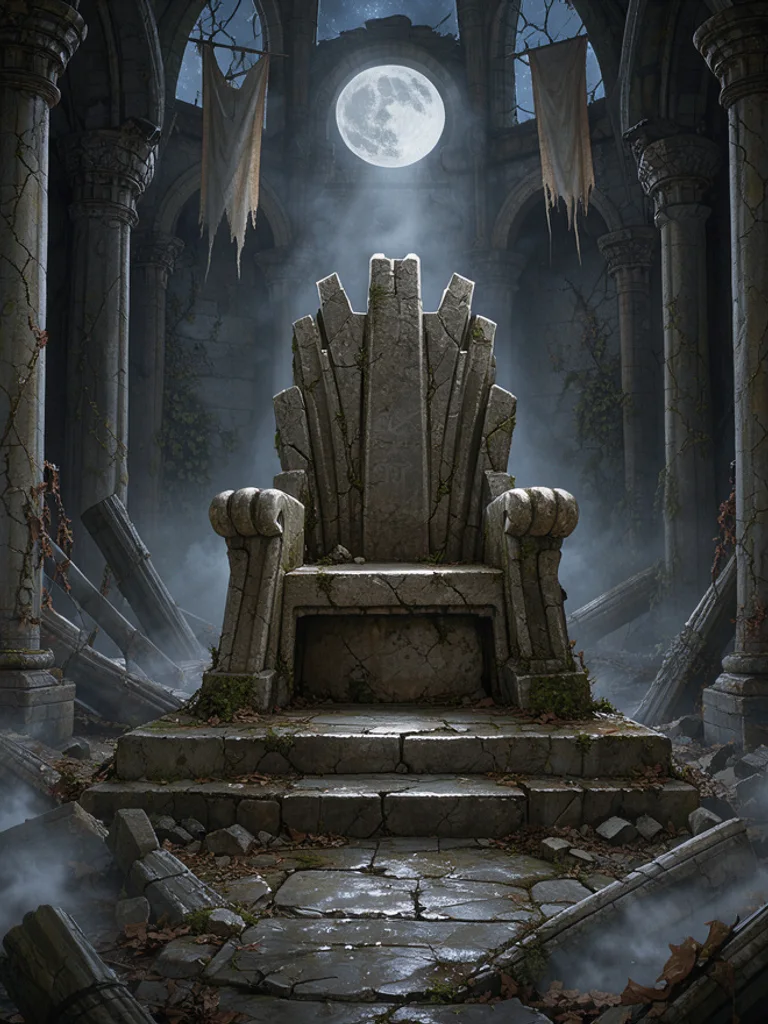
  • Dark fantasy art of an empty stone throne in a ruined hall

    A place in the story

    Try one gate, hall, or forest path before you draw a map. The AI Fantasy Art Generator is a way to test the mood of a location as a single view.

  • Fantasy creature art of a dragon coiled on a sea cliff

    A creature design

    Put the animal large in the frame and name the ground it stands on. Use the picture as a design note, then redraw the parts you want to keep.

How to use the Free AI Fantasy Art Generator

Create your first image in under a minute. No design skills, no sign-up.

  1. STEP 1

    Describe your idea or add a photo

    Write what you want in plain words, the way you would tell a friend. Already have a picture? Click + or paste it with Ctrl+V, and the Free AI Fantasy Art Generator uses it as a reference.

  2. STEP 2

    Pick a style and generate

    Choose a style and aspect ratio if you like, then press Generate. Your free image is ready in a few seconds, with no account and no watermark.

  3. STEP 3

    Download your image

    Save the result with one click, or generate again with a tweak to the prompt. Downloads come without a watermark.

FAQs about the Free AI Fantasy Art Generator

What is an AI fantasy art generator?

An AI fantasy art generator turns a short description into one picture of a hero, a place, or a creature. People use the pictures as story beats, cover drafts, and character studies.

Is the Free AI Fantasy Art Generator better than a1.art or Media.io?

For most people starting out, yes, it is the best place to begin. Free AI Image gives you 4 ready-made styles, lets you start from your own photo or sketch, and hands you a clean download with no watermark and no account. That makes it the best value when you want to try an idea before paying for anything.

Is the Free AI Fantasy Art Generator really free?

Yes. You can generate and download fantasy illustrations for free, without signing up and without a watermark. Save the picture from the result, then change the prompt if you want another scene.

Can I use more advanced AI models for better fantasy illustrations?

Yes. After you buy credits on the pricing page, a model menu appears in the generator and you can switch to Pro models such as GPT Image 2 or Nano Banana Pro for finer detail and closer prompt following. Each Pro image uses credits. The free model stays free.

How do I write a good prompt for an AI fantasy illustration?

Name one subject, the place, and the light, such as dusk or candlelight. Add close-up or a wide gate if the crop matters. Leave out runes, titles, and the names of existing books or games. The AI Fantasy Art Generator paints the scene; it does not letter it.

Can I turn my own photo or sketch into a fantasy illustration?

Yes. Click + or press Ctrl+V to add one PNG, JPG, or WEBP up to 10 MB. The reference steers the pose, and the look you pick decides whether the scene is epic, dark, ethereal, or built around a creature.

What fantasy illustration styles can I create?

Epic, Dark, Ethereal, and Creature, or describe another look in the prompt. Epic is bright and heroic. Dark is mist and ruin. Ethereal is pale light. Creature puts the beast in front. The AI Fantasy Art Generator starts on Epic.

Can I keep the same character in the next picture?

No. Each generation is a new picture, and the face will not stay locked from one result to the next. Describe the character again, or upload the same photo, if you want another attempt at a similar idea.

Can I use AI fantasy illustrations commercially?

Yes. You can use the images commercially under the site terms, and you do not have to add a credit line. Do not copy someone else's logo, trademark, or characters. You are responsible for the rights in any photo you upload.

How do I download my fantasy illustration?

Use Download under the result. You can generate again or edit the prompt if you want another version. The AI Fantasy Art Generator saves a normal image, not a character sheet or a map.