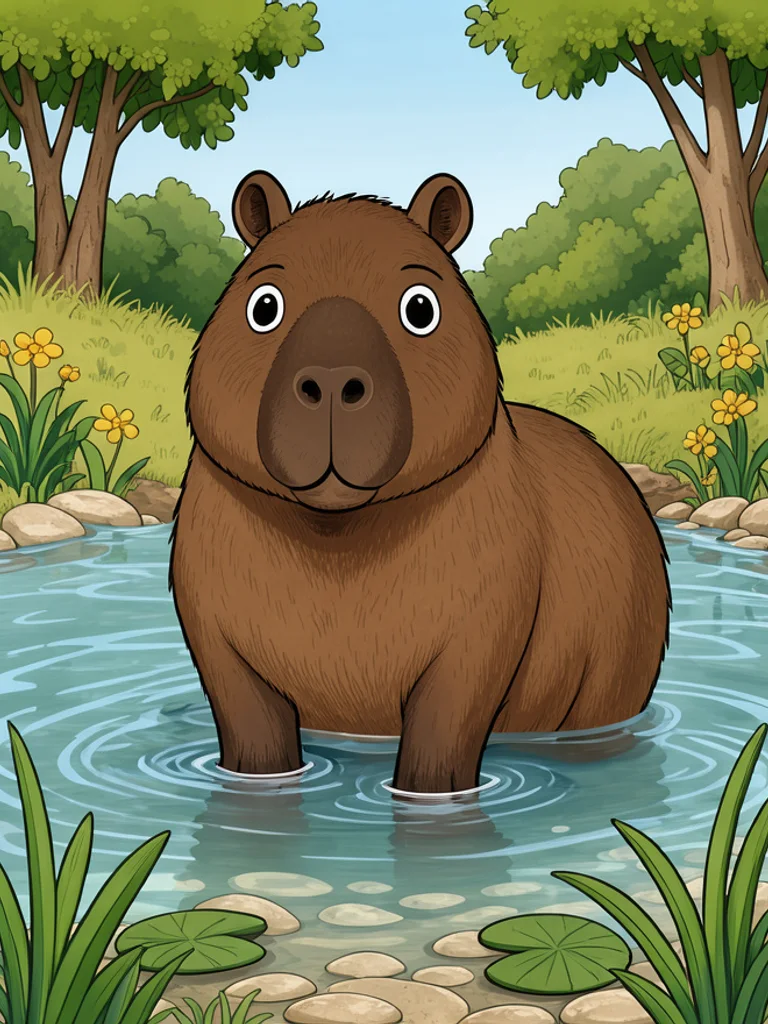
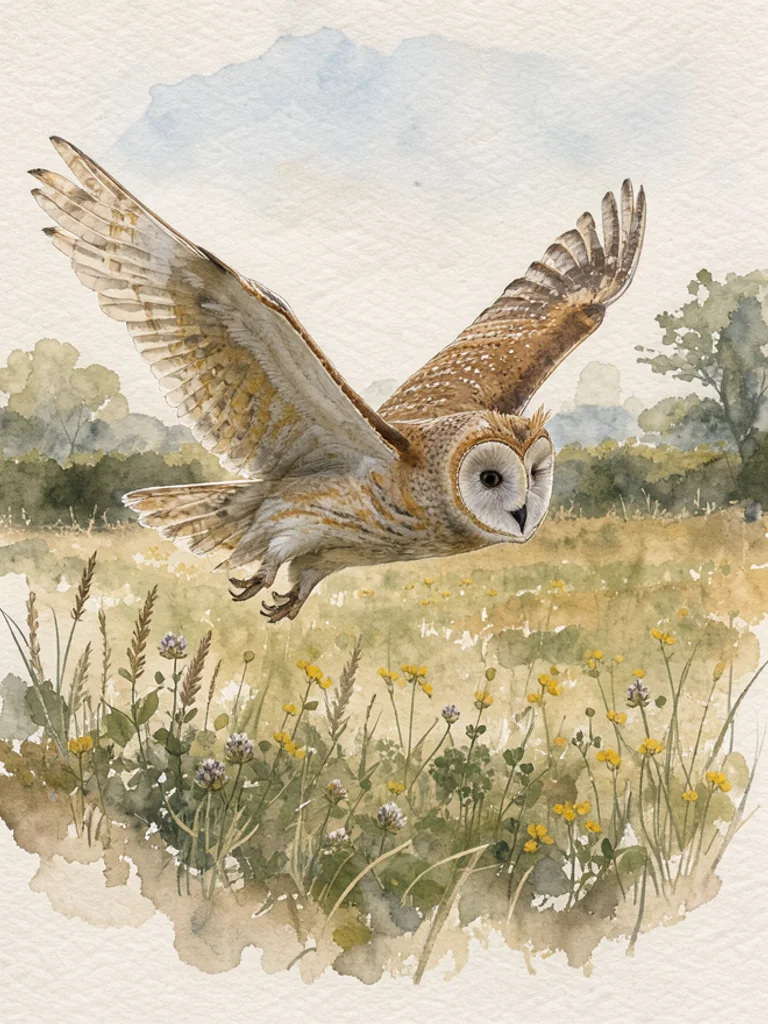
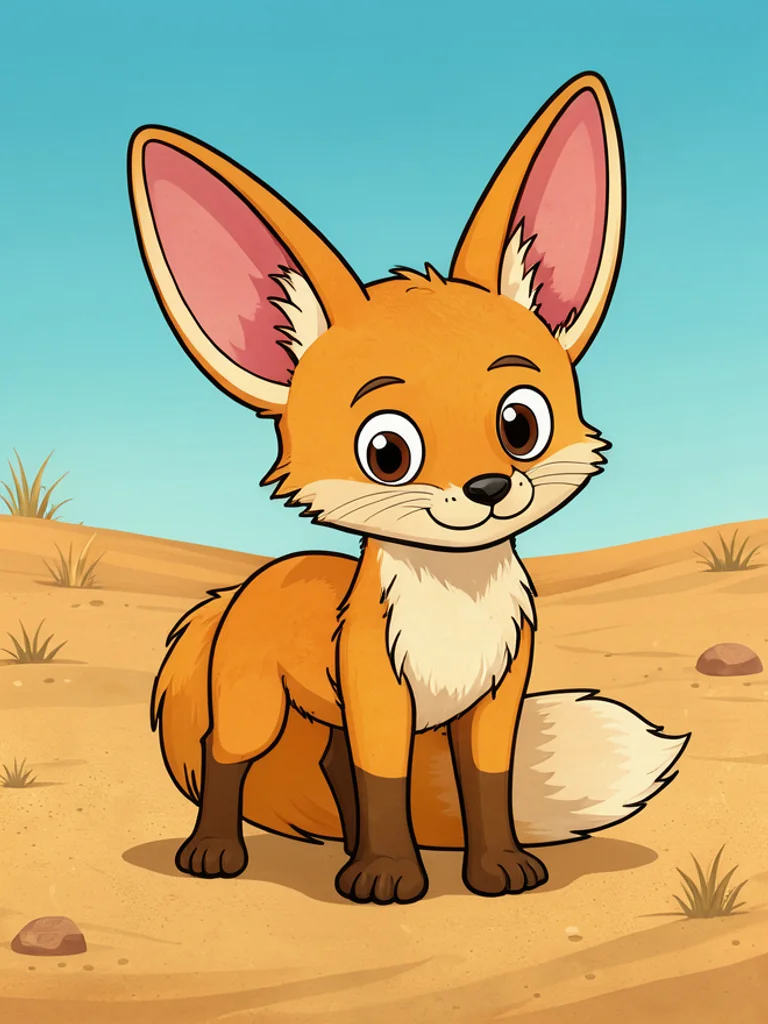
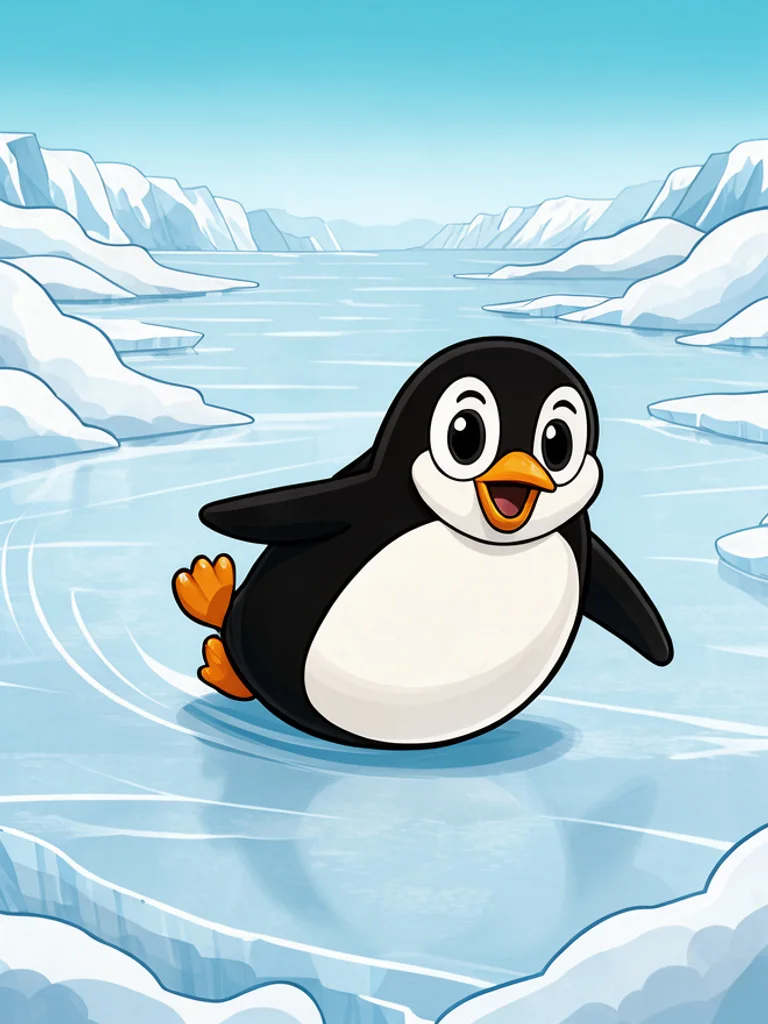
Start with the species, because that single word does most of the work. A red fox, a snow leopard, a capybara. Then add a pose and a place: sitting in tall grass, crossing a ridge, standing in a shallow river. The hidden instruction adds the framing and surface detail a real animal photo needs, so a five word description still comes back with fur, eye shine and a believable shadow.
If you have a reference, upload one photo with the plus button and describe the change you want. The Free AI Animal Generator then works from that animal rather than a generic version of the species, which helps when the markings matter: a particular dog, a horse with a white sock, a cat with one blue eye. That is the main reason to reach for the AI Animal Generator instead of an image search: the animal you need may not have been photographed the way you want it.
The prompt trick that separates a good animal image from a bad one is habitat plus distance. Say low eye-level camera, thick grass, overcast light for a wildlife look, or full body on a plain background for a character sheet. Avoid stacking adjectives; one place, one behaviour and one light condition beat a paragraph. If the legs come out wrong, ask for a simpler pose rather than more detail.
What you get is a normal image file, around 1,000 pixels on the long side, not a cutout and not a layered file. Fine markings, teeth and eyes can go wrong when you zoom in, and the animal will not be a scientifically accurate specimen. Check the whole frame, then crop and retouch before it goes on a wall or into a book. Keep the habitat in the next prompt too, because the AI Animal Generator reads place and light as one instruction.







 AI Anime Generator
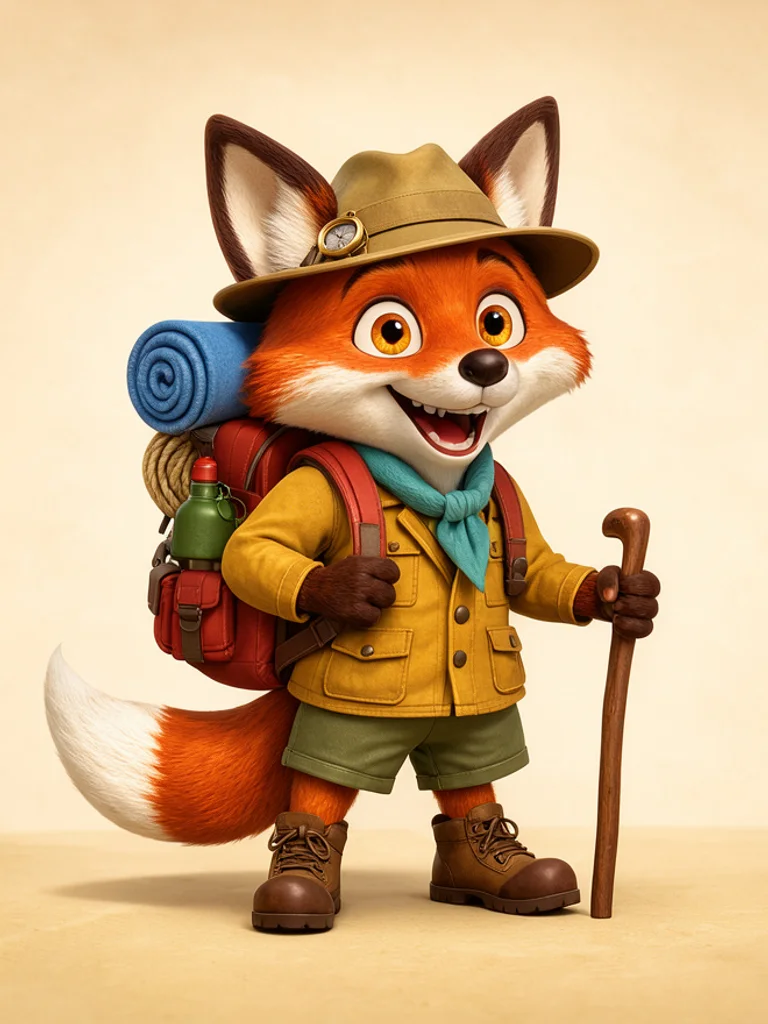 AI Cartoon Generator
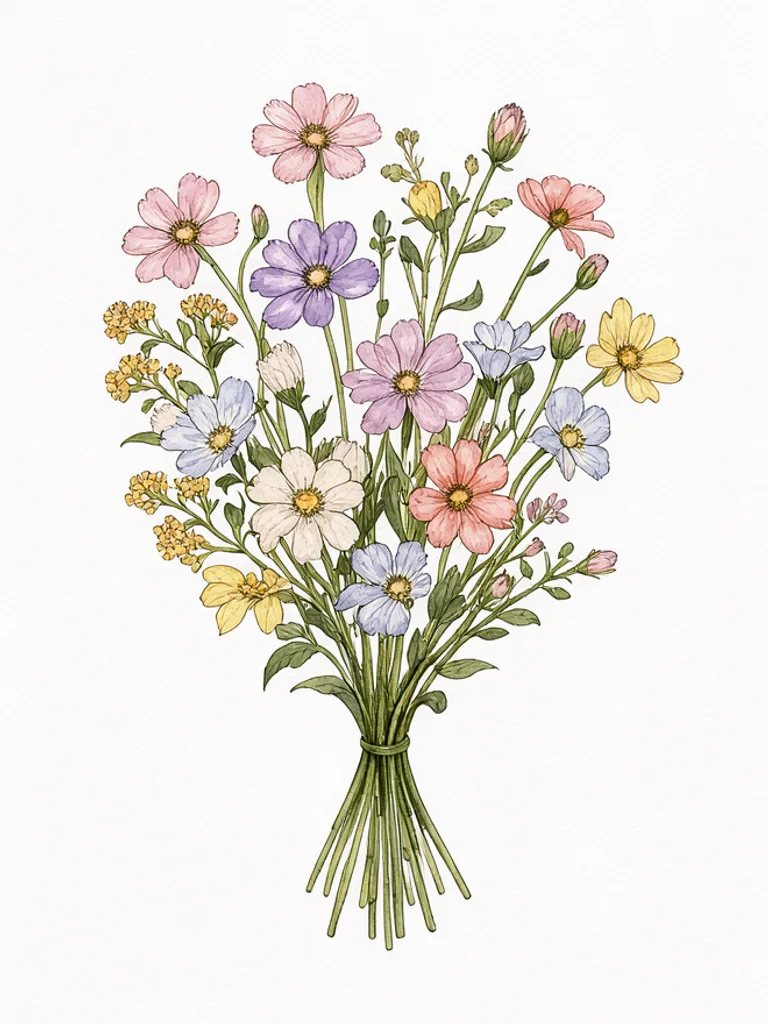 AI Clip Art Generator
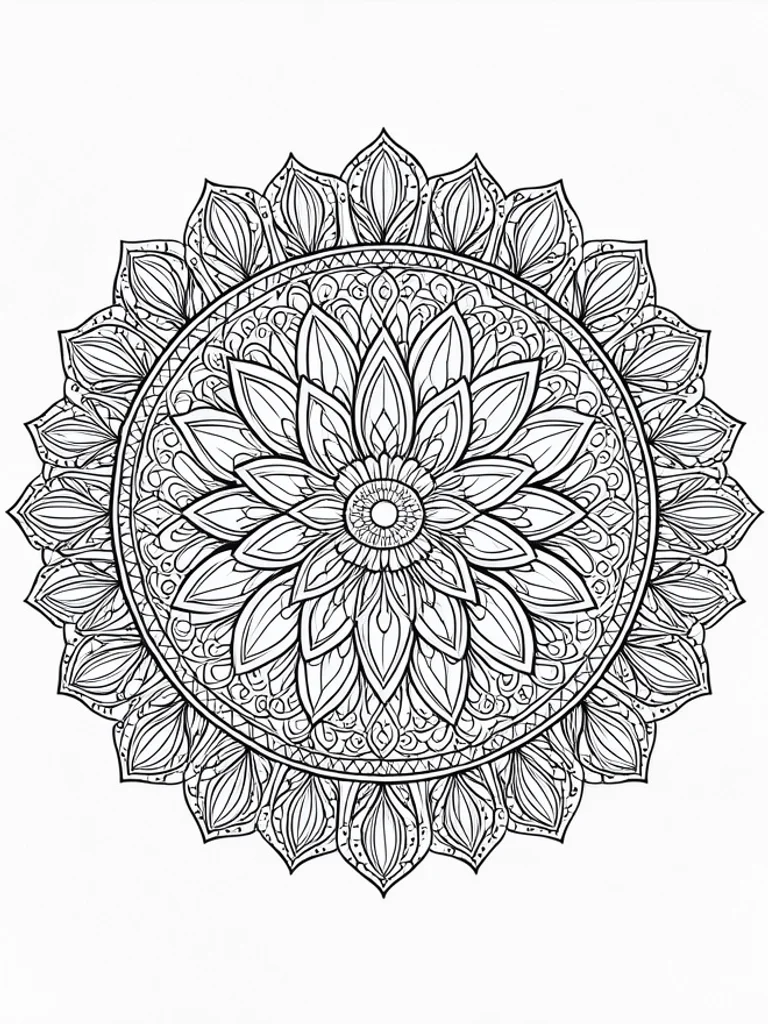 AI Coloring Page Generator
 AI Pixel Art Generator
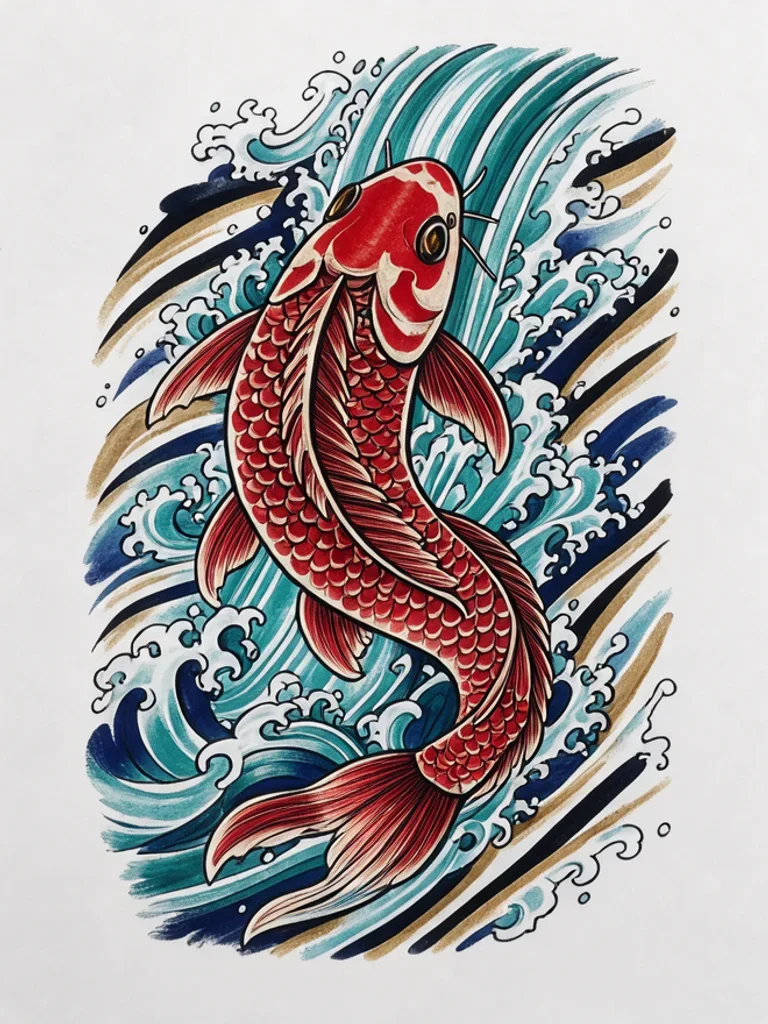 AI Tattoo Generator