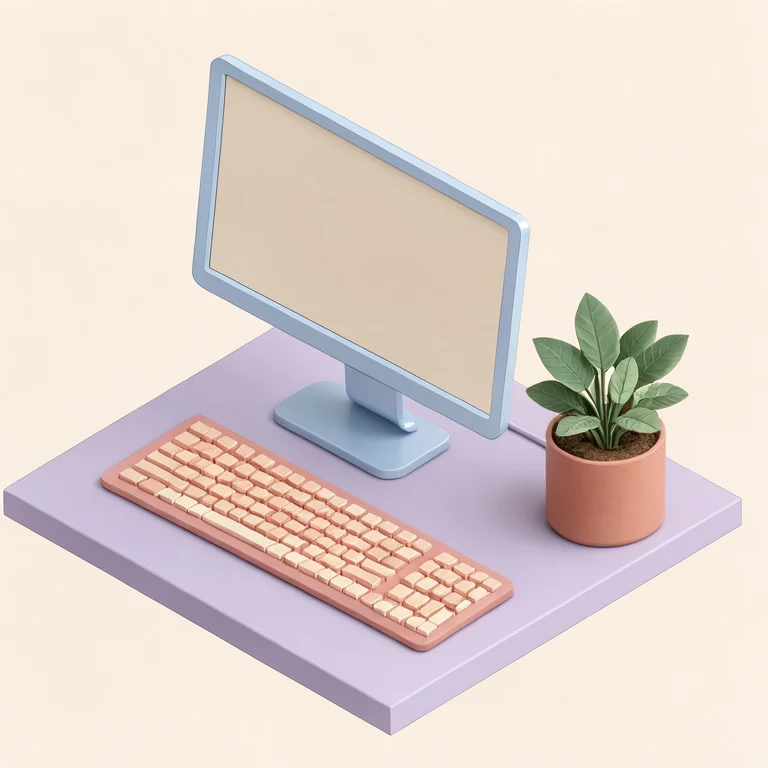
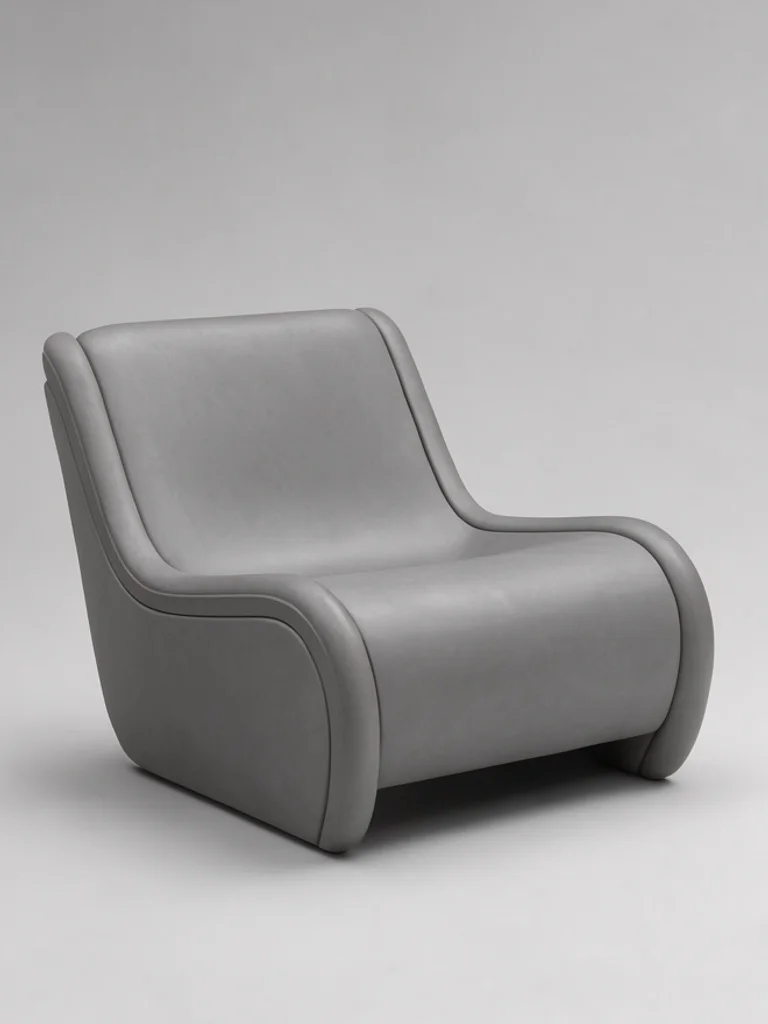
You describe the object or the room, the material it is made of, and the light. A glazed ceramic vase on a concrete plinth, softbox from the left, pale grey backdrop. Pick a look, press generate, and the hidden instruction adds the camera angle, the contact shadow and the surface detail that make a flat description read as a rendered scene.
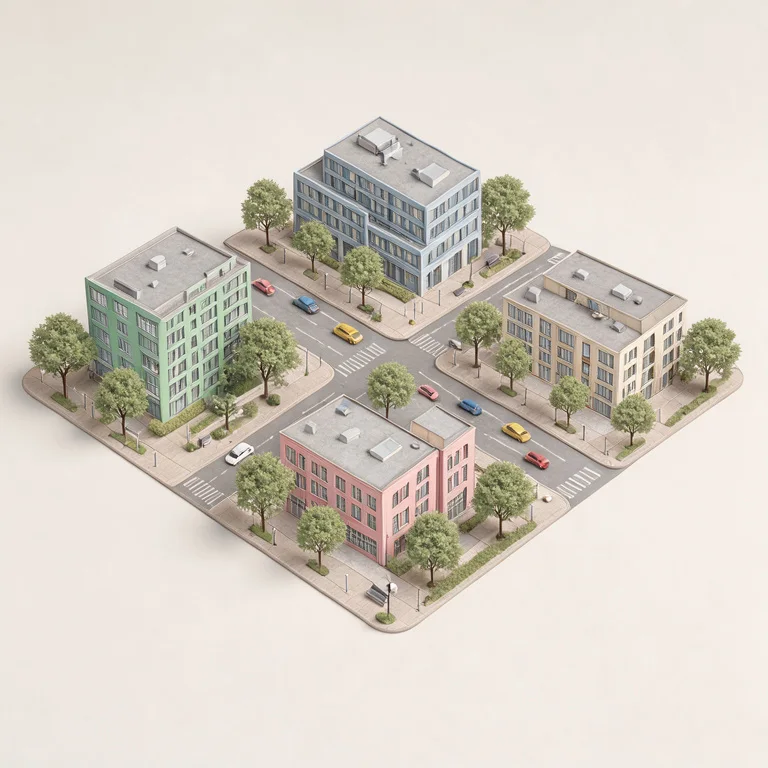
The Free AI 3D Render Generator is most useful before a model exists. Architects use it to show a client a facade at dusk while the geometry is still being drawn, and product teams use it to test whether a shape reads well in glass before committing to a CAD model that takes a week to render.
The words that change a render most are material, camera and light, in that order. Matte, glossy, translucent and brushed each give the object a different weight. Then say where the light comes from, because a single clear source creates the highlight and the shadow that make a form legible. If the object looks like a drawing, add a surface for it to sit on and a background for it to reflect.
What you get is a rendered image, around 1,000 pixels on the long side. It is not a mesh, not a GLB or OBJ file, and you cannot rotate it or open it in Blender. Treat it as a visualisation for a slide, a store page or a mood board, and rebuild the geometry separately if the asset has to go into a game or a production pipeline.




 AI Wallpaper Generator
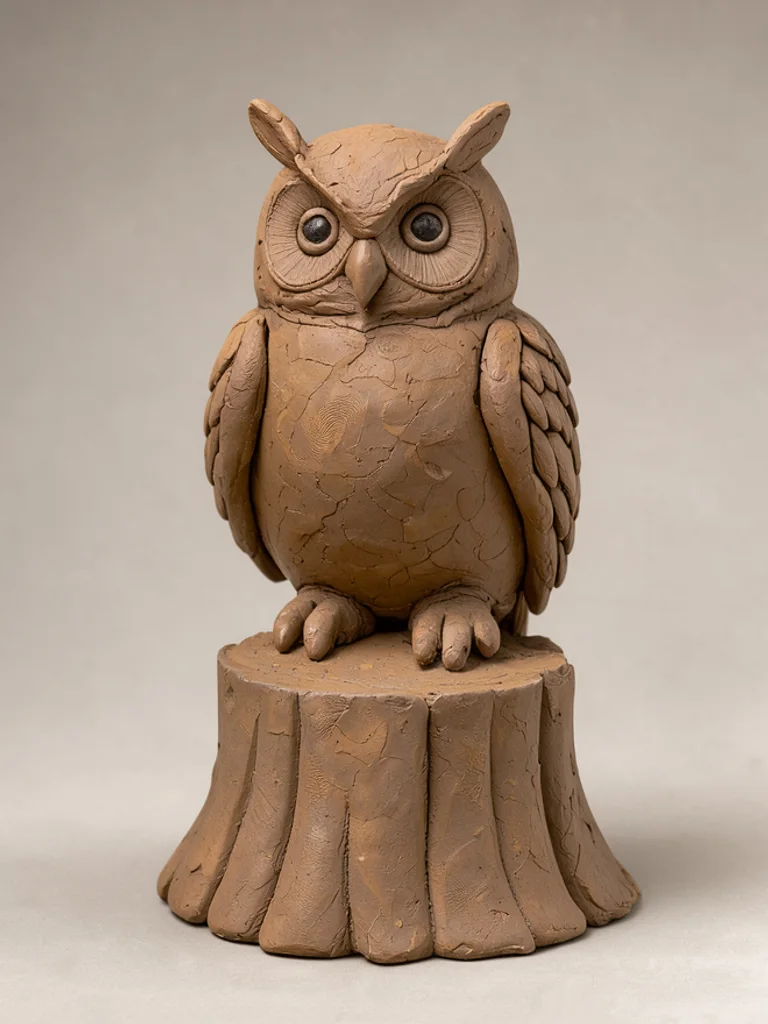 AI Clay Art Generator
 AI Action Figure Generator
 AI Plush Toy Generator
 AI Anime Generator
 AI Avatar Generator