
Free AI Wallpaper Generator
Phone and desktop wallpapers from a short description. Free, no sign-up.
Wallpapers worth unlocking your phone for
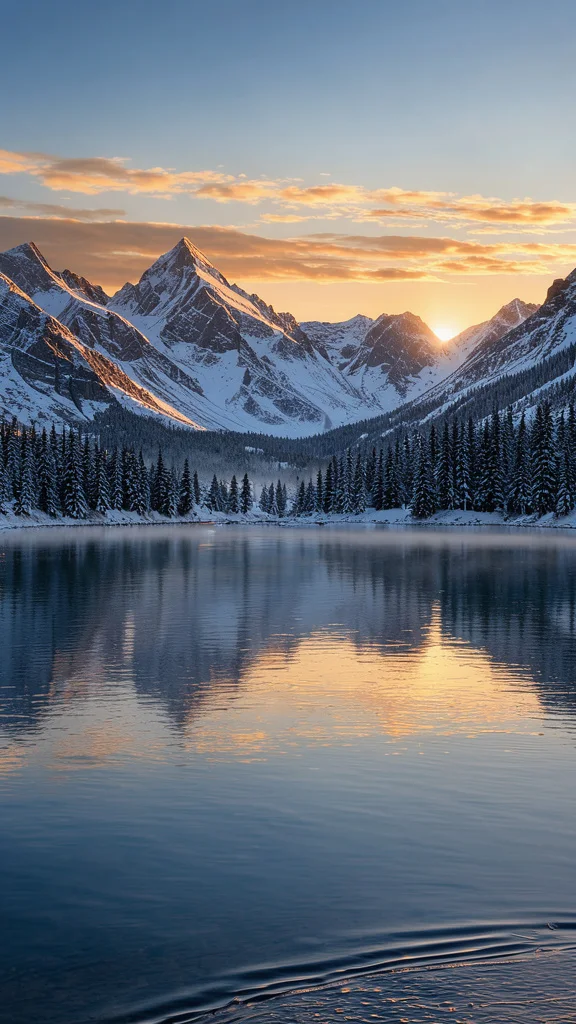
Nature
Golden hour landscapes with rich natural color: mountains, lakes, fields and coastlines.
Minimal
Simple shapes, soft gradients and plenty of empty space, so app icons and desktop files stay easy to see.
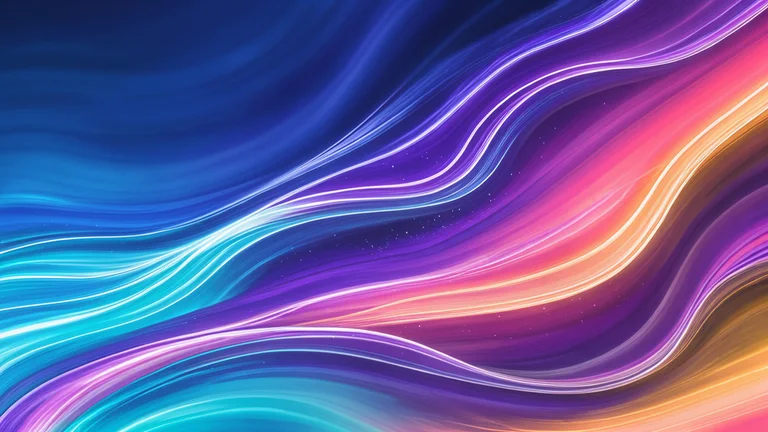
Abstract
Flowing shapes and vivid gradients with glossy depth. Colorful without competing with your screen content.

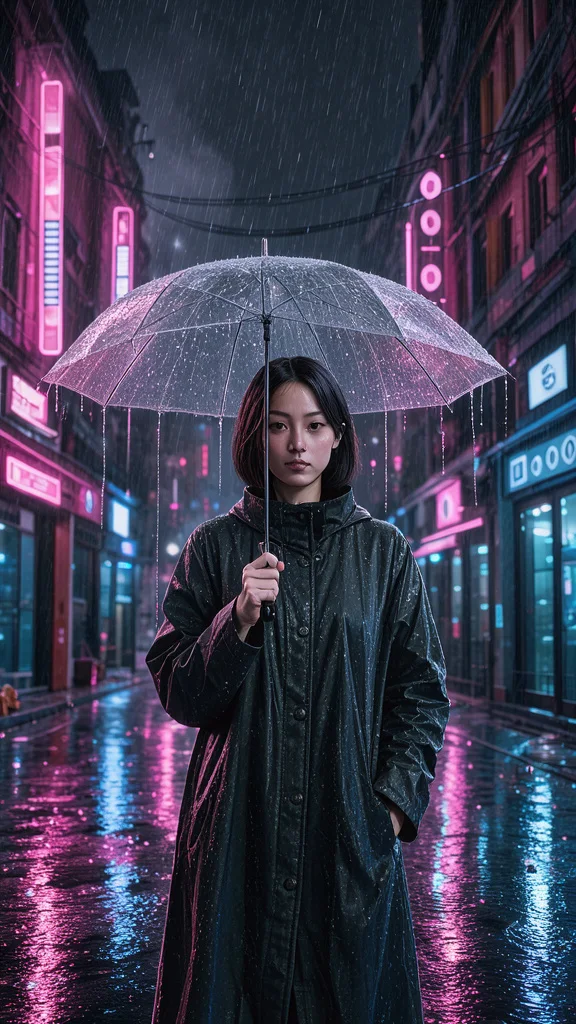
Cyberpunk
Neon pink and blue light, rain and reflections at night. A favorite for gaming setups and dark mode.
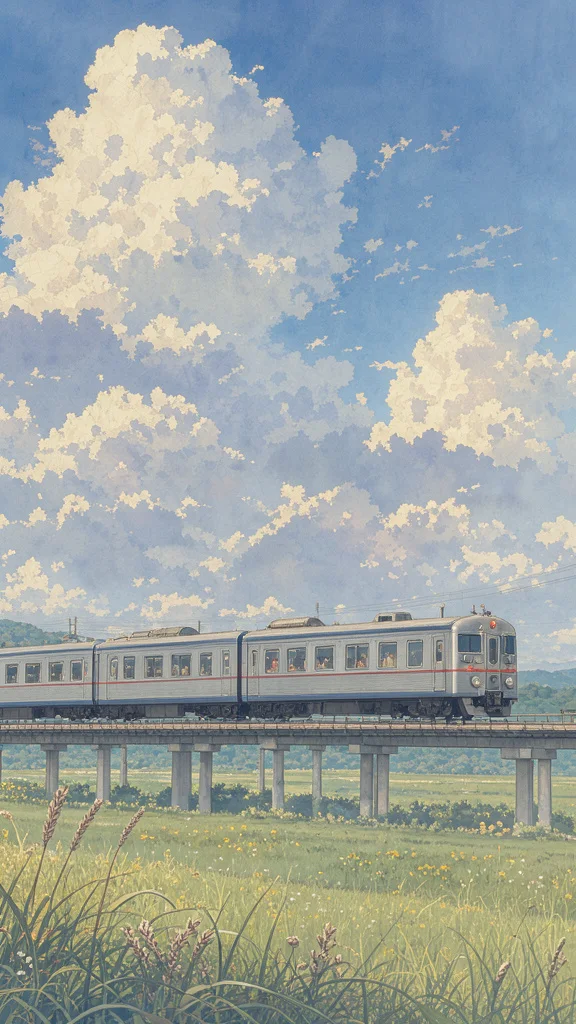
Anime
Painted skies, soft light and a nostalgic mood, like a background from an anime film.

Images powered by our free model
Why your wallpaper fits your screen
One scene, three kinds of wallpaper
The same scene sets a different mood on your screen in each style. Nature gives a rich photographic landscape, minimal reduces it to calm shapes that keep icons readable, and anime turns it into a bright illustrated sky.
Prompt: “snowy mountains above a still lake at sunrise”


Phone and desktop shapes
Choose 9:16 for a phone lock screen or 16:9 for a laptop or monitor before you generate. The scene is composed for that shape, with open space where the clock, widgets or desktop icons go.
A few words is enough
Describe a place or a mood and the generator adds the lighting, depth and color a good wallpaper needs, so a short line like snowy mountains above a lake already looks like a finished background.
How it compares to other wallpaper generators
| Feature | Free AI Image | Wallpapers.com | Higgsfield |
|---|---|---|---|
| Free to use | Yes | 1 free a day | 10 free credits |
| No sign-up needed | Yes | No (after first try) | Not stated |
| No watermark on free images | Yes | Yes | Not stated |
| Styles to choose from | 5 styles | 6 styles | 6 styles |
| Upload a reference image | Yes | Not stated | Yes |
Checked on Nov 20, 2026. Other tools may have changed since.
How the Free AI Wallpaper Generator works
Describe a scene or a mood, such as snowy mountains above a still lake at sunrise, pick a style and choose the shape of your screen: 9:16 for phones or 16:9 for desktops. The Free AI Wallpaper Generator composes the picture with calm areas for your clock, icons and files, and keeps text out of the image.
Styles go from realistic nature to minimal gradients, abstract color, neon cyberpunk and anime skies. The AI Wallpaper Generator can also restyle your own photo, such as a holiday picture or your pet, as a wallpaper; click + to add one.
Good wallpaper prompts set a place, a time of day and a color mood: a lavender field at sunset, a rainy neon street at night. Fewer, bigger shapes look better behind icons than busy scenes full of small details.
Free wallpapers are about 1,000 pixels on the long side, which looks good on phones and small screens; on large or 4K monitors they can look soft. Generate a matching pair in 9:16 and 16:9 to use the same look on your phone and computer.

What you can make with the Free AI Wallpaper Generator
-

Phone lock and home screens
Make a wallpaper that matches your mood or season, with open sky at the top for the clock and calm space for icons.
-

Desktop and laptop backgrounds
Create a wide 16:9 background with soft colors that keeps your files and windows easy to see.
-

Gaming and streaming setups
Neon cyberpunk scenes and anime skies set the tone for a gaming PC, stream overlay or Discord server banner.
-
Matching sets for every device
Use the same prompt in 9:16 and 16:9 for a phone and desktop pair that share one look.
How to use the Free AI Wallpaper Generator
Create your first image in under a minute. No design skills, no sign-up.
-
STEP 1
Describe your idea or add a photo
Write what you want in plain words, the way you would tell a friend. Already have a picture? Click + or paste it with Ctrl+V, and the Free AI Wallpaper Generator uses it as a reference.
-
STEP 2
Pick a style and generate
Choose a style and aspect ratio if you like, then press Generate. Your free image is ready in a few seconds, with no account and no watermark.
-
STEP 3
Download your image
Save the result with one click, or generate again with a tweak to the prompt. Downloads come without a watermark.

FAQs about the Free AI Wallpaper Generator
What is an AI wallpaper generator?
An AI wallpaper generator creates background images for phones and computers from a text description. You describe a scene or mood, choose the screen shape, and the AI paints a wallpaper in the style you pick.
What is the best Free AI Wallpaper Generator?
The best choice depends on the styles you like, whether it fits your screen shape and whether you must sign up first. The Free AI Wallpaper Generator on Free AI Image lets you create and download wallpapers right away without an account, for phones in 9:16 and desktops in 16:9.
Is the Free AI Wallpaper Generator really free?
Yes. You can generate and download wallpapers for free, without signing up and without a watermark.
Can I use more advanced AI models for better wallpapers?
Yes. After you buy credits on the pricing page, a model menu appears in the generator and you can switch to Pro models such as GPT Image 2 or Nano Banana Pro for finer detail and closer prompt following. Each Pro image uses credits; the free model stays free.
How do I write a good prompt for a wallpaper?
Name a place, a time of day and a color mood, such as a lavender field at sunset with warm purple tones. Choose 9:16 or 16:9 before you generate, and prefer a few big shapes over busy details so icons stay readable.
Can I turn my own photo into a wallpaper?
Yes. Click + under the prompt or paste an image with Ctrl+V to add one PNG, JPG or WEBP file up to 10 MB, then describe what you want. The generator restyles your photo as a wallpaper in the style you choose, such as anime or minimal.
What wallpaper styles can I create?
You can choose nature, minimal, abstract, cyberpunk or anime, or describe another look such as space, dark aesthetic or watercolor in your prompt.
Will it fit my phone or desktop screen?
Pick 9:16 in the aspect ratio row for phones and 16:9 for desktops, and your device crops the small remaining difference. Free images are about 1,000 pixels on the long side, so they look best on phones and small screens and can look soft on 4K monitors.
Can I use AI wallpapers commercially?
Yes. Wallpapers you create, including free ones, can be used for personal and commercial projects such as app backgrounds, stream graphics or website headers, with no attribution required. Avoid characters, logos or trademarks you do not have the rights to.
How do I download my wallpaper?
When your wallpaper is ready, press Download under the result to save it. You can also generate again or edit the prompt to try another version of the same idea.
 AI Anime Generator
 AI Avatar Generator
 AI Cartoon Generator
 AI Clip Art Generator
 AI Coloring Page Generator
 AI Pixel Art Generator