
Free AI Tattoo Generator
Fine line and blackwork tattoo designs from a description. Free, no sign-up.
Tattoo flash that looks hand-drawn, from one line
Fine line
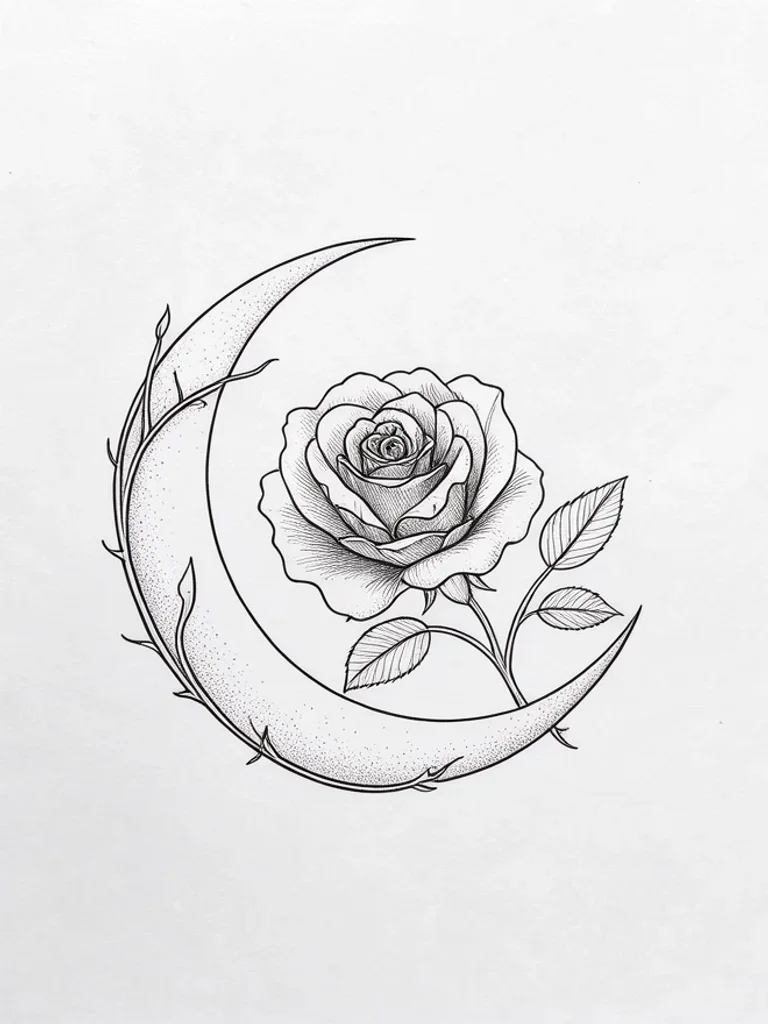
Thin single-needle lines and light stippling for small, delicate pieces on the wrist, ankle or behind the ear. Keep the design simple: very fine detail can soften as a tattoo ages.
Traditional
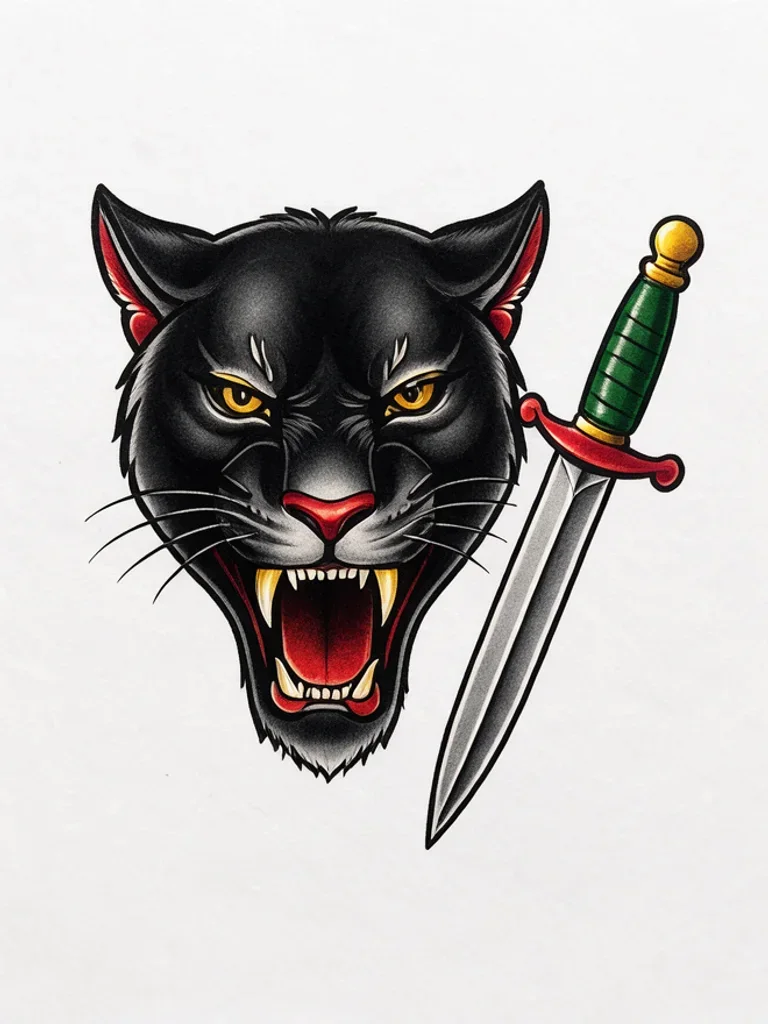
American traditional uses bold black outlines and a small palette of red, yellow and green. Classic subjects such as panthers, swallows and roses read clearly from a distance and hold up well over the years.
Japanese
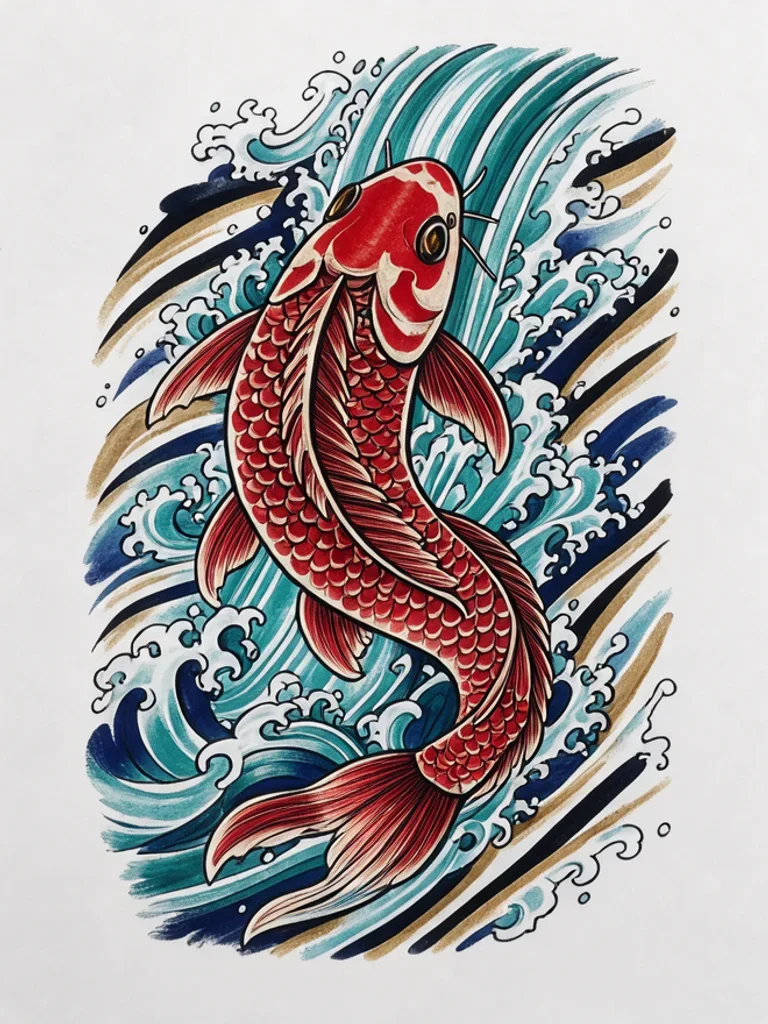
Japanese irezumi combines bold outlines with flowing water, wind and clouds. Koi and dragons are traditional subjects, and the style suits larger areas such as the forearm, back or a full sleeve.
Blackwork
Solid black fills, negative space and dotwork shading give high-contrast designs that stay readable on most skin tones. Good for bold symbols, animals and ornamental pieces.


Geometric
Precise lines, symmetry and sacred-geometry patterns, often combined with an animal or a mandala. Symmetrical designs look best centred on the forearm, sternum or between the shoulder blades.


Watercolor
Soft splashes and drips of colour behind a thin black outline, like paint on paper. Watercolor works best at medium size; the outline keeps the shape readable as the colours fade over time.


Realism
Black and grey realism uses smooth shading instead of outlines to build a lifelike portrait of a person, pet or animal. It needs room for detail, so plan it at palm size or larger.

Tribal
Bold black flowing shapes with sharp curved points and no shading. Tribal designs follow the shape of the body well, which makes them popular as armbands and on the shoulder, calf or back.


Images powered by our free model
Why your tattoo designs are easy to take to an artist
One idea, three tattoo styles
The same idea reads very differently on skin depending on the style. Japanese gives bold flowing waves and blossoms, fine line gives delicate single-needle detail, and blackwork gives solid black shapes that stay sharp for years. Compare them before you choose.
Prompt: “a koi fish swimming up a waterfall”


Clean flash on a plain background
Each design is drawn like tattoo flash: one centered piece with clear outlines on a plain background, so your artist can see the idea at a glance and redraw it as a stencil that fits your body.
A few words is enough
Name the subject and the generator adds the line weight, shading and composition each tattoo style needs, so a short line like a koi fish swimming up a waterfall already looks like a design from a studio wall.
How it compares to other tattoo generators
| Feature | Free AI Image | Fotor | Dreamina |
|---|---|---|---|
| Free to use | Yes | Yes | Daily free credits |
| No sign-up needed | Yes | Yes | No |
| No watermark on free images | Yes | Yes | Not stated |
| Styles to choose from | 8 styles | 6 named | 4+ named |
| Upload a reference image | Yes | Yes | Yes |
Checked on Nov 20, 2026. Other tools may have changed since.
How the Free AI Tattoo Generator works
Type the subject you have in mind, such as a koi fish or a rose wrapped around a moon, and pick a style. The Free AI Tattoo Generator adds the details a beginner would not think to write: crisp outlines, a plain white background and no body or skin in the picture, so the result looks like flash you could print rather than a photo of a tattoo.
You can also start from your own sketch, a photo of your pet or a meaningful object. Click + or paste the image, choose a style, and the AI Tattoo Generator redraws it as a tattoo design while keeping the shape you gave it. Change one word or the style and generate again to compare directions side by side.
What you get is a concept, not a stencil. A tattoo artist will still resize the design for your body, adjust line weights so they hold up in skin, and turn it into a stencil. Bring two or three directions to your consultation; it makes the conversation faster and gives the artist a clear starting point.
Designs that age well are usually simple. Bold outlines, enough space between lines and a limited number of tiny details stay sharp for years, while very small text and hairline details tend to blur. If a generated design is busy, regenerate it with words like simple, minimal or bold outlines.

What you can design with the Free AI Tattoo Generator
-

Ideas for your first tattoo
Not sure what to get? Try the same idea in fine line, traditional and blackwork and see which one feels like you before you book an appointment.
-

Pets, people and personal symbols
Add a photo of your dog, a hand-drawn sketch or a meaningful object as a reference, and the generator redraws it as a tattoo design you can show your artist.
-

Sleeves and larger pieces
Explore how bold subjects such as dragons, koi and waves could fill a larger area before committing hours of tattooing to a sleeve, back or thigh piece.
-
Flash sheets for tattoo artists
Artists can sketch out small walk-in designs or quick variations for a client in minutes, then redraw the ones that work in their own hand.
How to use the Free AI Tattoo Generator
Create your first image in under a minute. No design skills, no sign-up.
-
STEP 1
Describe your idea or add a photo
Write what you want in plain words, the way you would tell a friend. Already have a picture? Click + or paste it with Ctrl+V, and the Free AI Tattoo Generator uses it as a reference.
-
STEP 2
Pick a style and generate
Choose a style and aspect ratio if you like, then press Generate. Your free image is ready in a few seconds, with no account and no watermark.
-
STEP 3
Download your image
Save the result with one click, or generate again with a tweak to the prompt. Downloads come without a watermark.

FAQs about the Free AI Tattoo Generator
What is an AI tattoo generator?
An AI tattoo generator creates tattoo designs from a text description or a reference image. It draws your idea as tattoo flash in the style you choose, so you can explore designs without drawing skills.
What is the best Free AI Tattoo Generator?
The best choice depends on how many styles you need, whether you want to try ideas instantly and whether you are asked to sign up first. The Free AI Tattoo Generator on Free AI Image lets you create and download tattoo designs right away without an account, then refine the style or prompt until the design fits.
Is the Free AI Tattoo Generator really free?
Yes. You can generate and download tattoo designs for free, without signing up and without a watermark.
Can I use more advanced AI models for better tattoo designs?
Yes. After you buy credits on the pricing page, a model menu appears in the generator and you can switch to Pro models such as GPT Image 2 or Nano Banana Pro for finer detail and closer prompt following. Each Pro image uses credits; the free model stays free.
How do I write a good prompt for an AI tattoo?
Name the subject, the style and the line work, for example a wolf head in geometric style with thin lines. Say whether you want black ink only or colour, and keep it to one main subject; extra objects make the design harder to tattoo.
Can I turn my own photo or sketch into a tattoo design?
Yes. Click + under the prompt or paste an image with Ctrl+V to add one PNG, JPG or WEBP file up to 10 MB, then describe the style you want. The generator redraws your reference as a tattoo design.
What tattoo styles can I create?
You can choose fine line, traditional, Japanese, blackwork, geometric, watercolor, black and grey realism or tribal, or describe another style in your prompt.
Can I take an AI tattoo design to my tattoo artist?
Yes, as a reference. Your artist will adjust the size, placement and line weight for your skin and turn it into a stencil, so bring two or three directions rather than one final file.
Can I use AI tattoo designs commercially?
Yes. Designs you create, including free ones, can be used for personal and commercial projects such as flash sheets, prints or client concepts, with no attribution required. Avoid logos, trademarks or characters you do not have the rights to.
How do I download my tattoo design?
When your design is ready, press Download under the result to save it. You can also generate again or edit the prompt to try another version of the same idea.
 AI Anime Generator
 AI Cartoon Generator
 AI Clip Art Generator
 AI Coloring Page Generator
 AI Pixel Art Generator
 AI Sketch Generator