
Free AI Sketch Generator
Pencil, charcoal and ink sketches from text or a photo. Free, no sign-up.
Sketches that look drawn by hand, from one line
Pencil
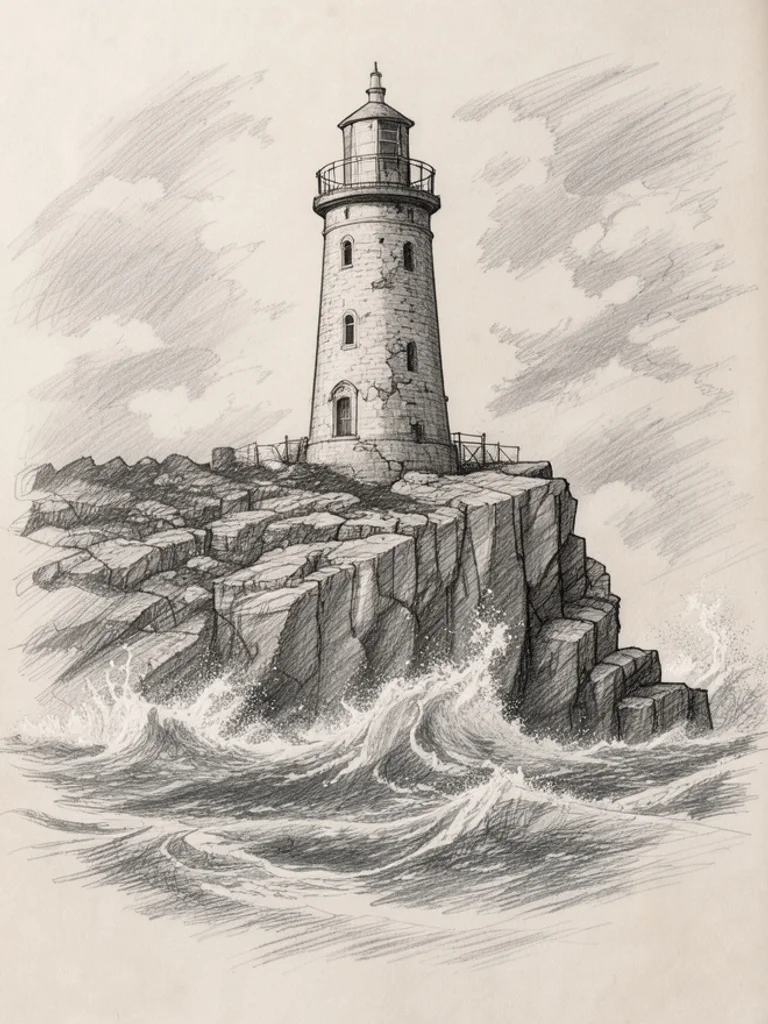
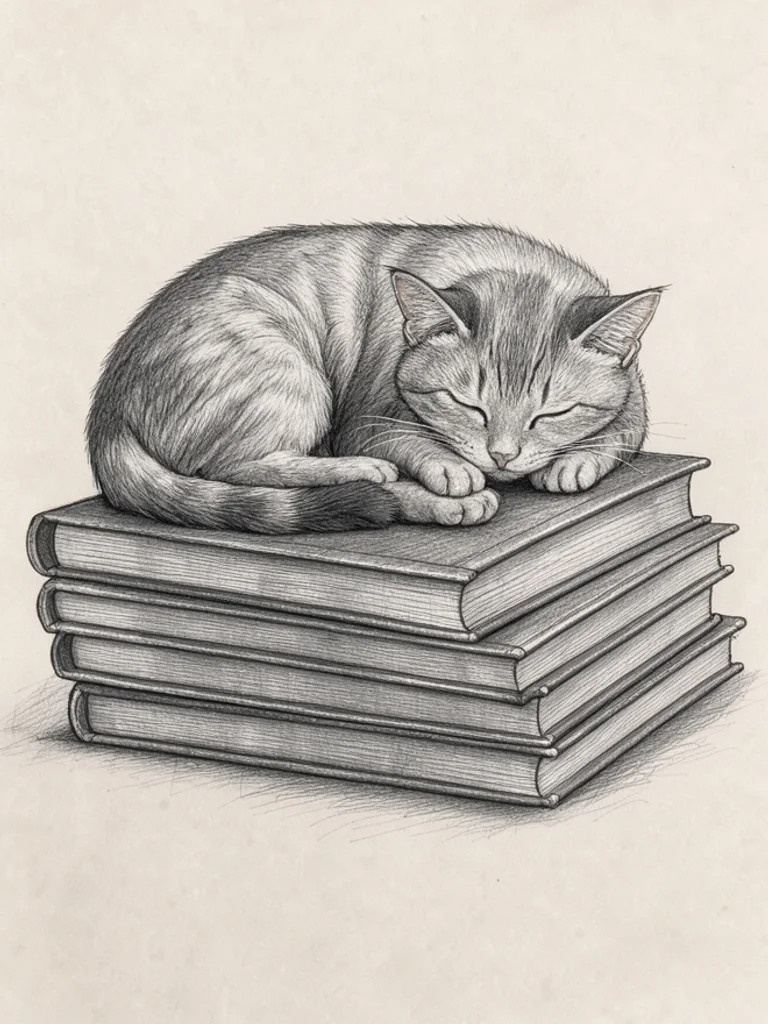
Soft graphite shading and fine hatching that look like a page from a real sketchbook. The safest choice for portraits, animals and quiet everyday scenes.
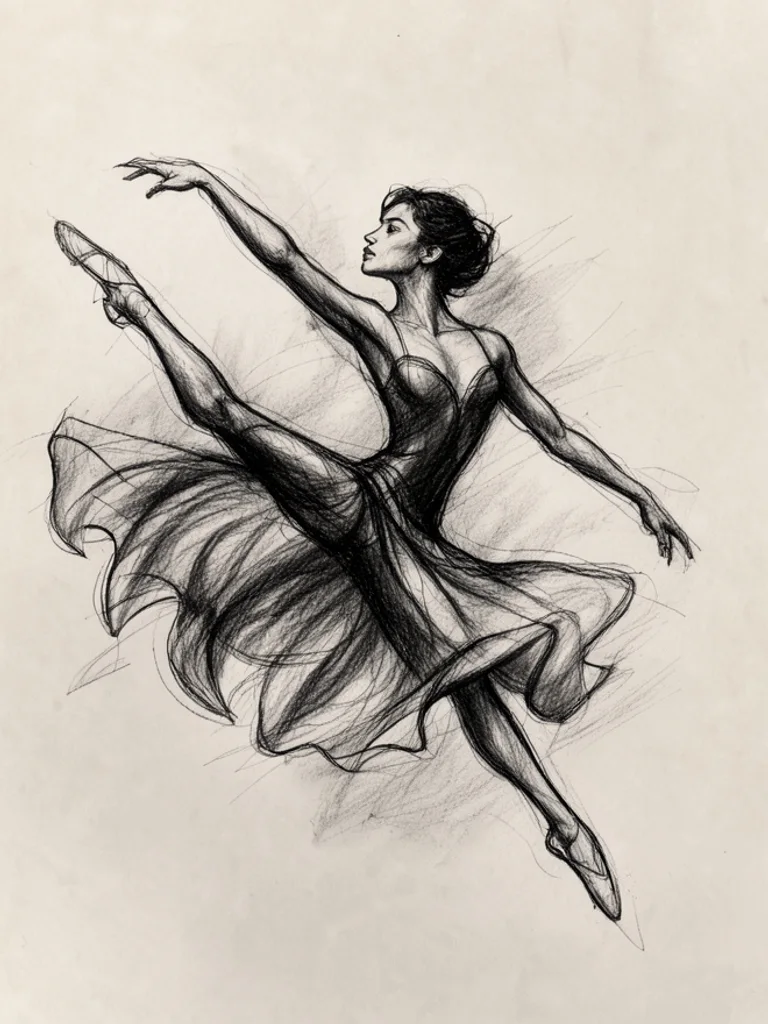
Charcoal
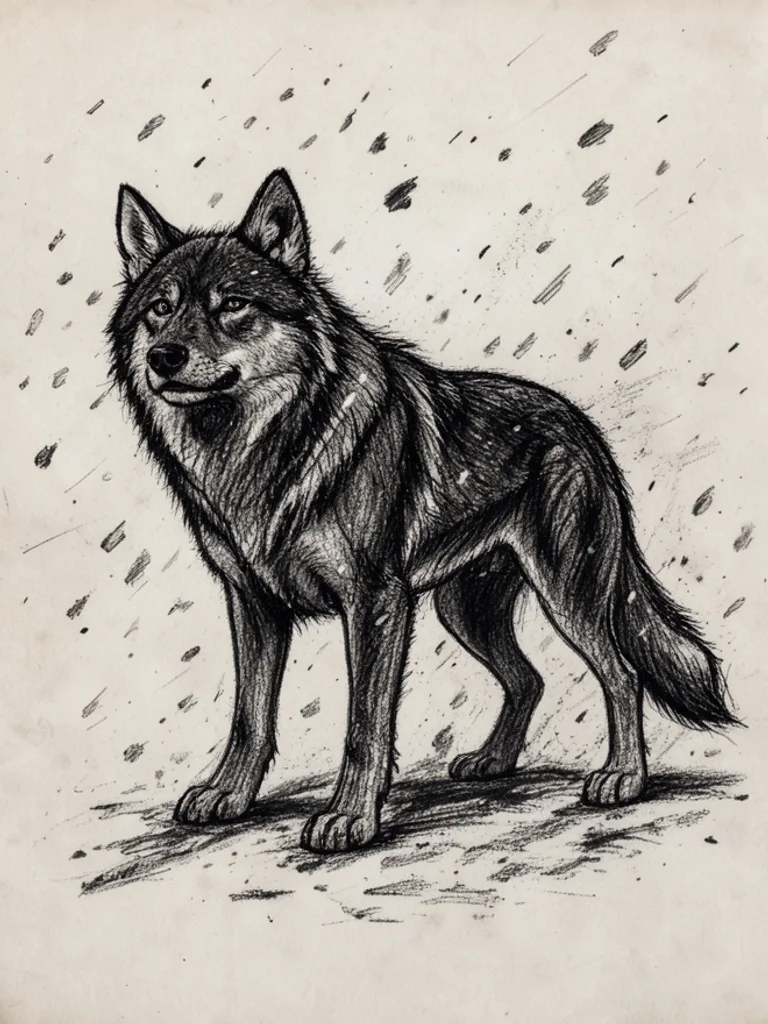
Deep blacks, smudged shadows and bold strokes for drama and movement. Use it for figures in motion, animals and moody scenes that need strong contrast.
Pen & ink
Confident black ink lines with crosshatched shadows, like an illustrator's travel journal. Great for streets, machines and detailed objects.

Line art
Clean outlines with no shading and plenty of white space. Ideal when you want to color the drawing yourself, trace it or use it as a simple illustration.
Concept sketch
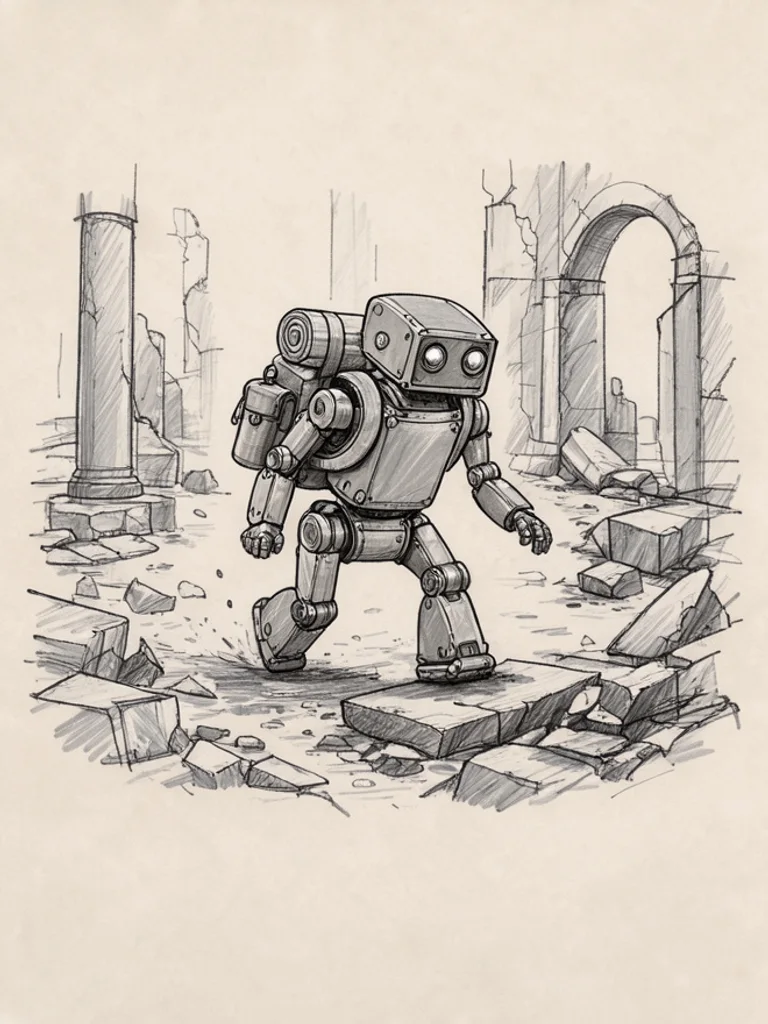
Loose construction lines and gray marker tones, the way designers explore an idea before the final art. Use it for characters, creatures, vehicles and props.
Architectural
Precise perspective lines with light marker shading for houses, interiors and streets. A quick way to picture a building or room idea before it is designed properly.
Images powered by our free model
Why your sketches come out looking hand-drawn
One idea, three kinds of sketch
Pick a style and the same idea is drawn with a different tool. Pencil gives soft graded shading, charcoal gives deep smudged darks, and pen and ink builds tone from crisp hatched lines. Compare them side by side, then keep the one that suits your project.
Prompt: “an old lighthouse on rocky cliffs above crashing waves”


A few words is enough
You only describe the subject. The generator adds what a good sketch needs: paper texture, visible strokes, one clear subject and no color, so a short line like an old lighthouse already reads as a finished drawing.
Start from your own photo
Add a photo of a pet, a street or a person you want to draw, and the sketch follows its pose and composition. It is a quick way to get a clean study to trace, practise shading on or turn into a gift.
How it compares to other sketch generators
| Feature | Free AI Image | SketchMe.App | Flixier |
|---|---|---|---|
| Free to use | Yes | No (paid packs) | Free trial |
| No sign-up needed | Yes | Not stated | Not stated |
| No watermark on free images | Yes | No free tier | Not stated |
| Styles to choose from | 6 styles | 6 styles | Not stated |
| Upload a reference image | Yes | Yes (selfies) | Not stated |
Checked on Nov 20, 2026. Other tools may have changed since.
How the Free AI Sketch Generator works
Type what you want to see, such as an old lighthouse or a cat asleep on books, and choose a style. The Free AI Sketch Generator adds what makes a drawing look hand-made: visible strokes, plain sketchbook paper, a centered composition and no color, so the result reads as a sketch rather than a filtered photo.
You can also start from your own photo. Click + or paste an image, pick pencil, charcoal or another style, and the AI Sketch Generator redraws it as a sketch while keeping the pose and shapes of your picture. Change one word or switch the style and generate again to compare versions side by side.
Good sketch prompts name one clear subject and say how it should be drawn. Add the medium if you want something specific, such as soft graphite or bold ink, and words for the line work: loose and gestural, or tight and detailed. Short scenes work better than crowded ones, because a sketch needs empty paper around the subject to breathe.
Each result is a flat image about 1,000 pixels on the long side, not a layered or vector file. Use it as a reference to trace or study, a storyboard frame, a gift idea or the starting point for your own drawing. Artists often redraw the parts they like by hand and keep the composition the Free AI Sketch Generator found.

What you can sketch with the Free AI Sketch Generator
-
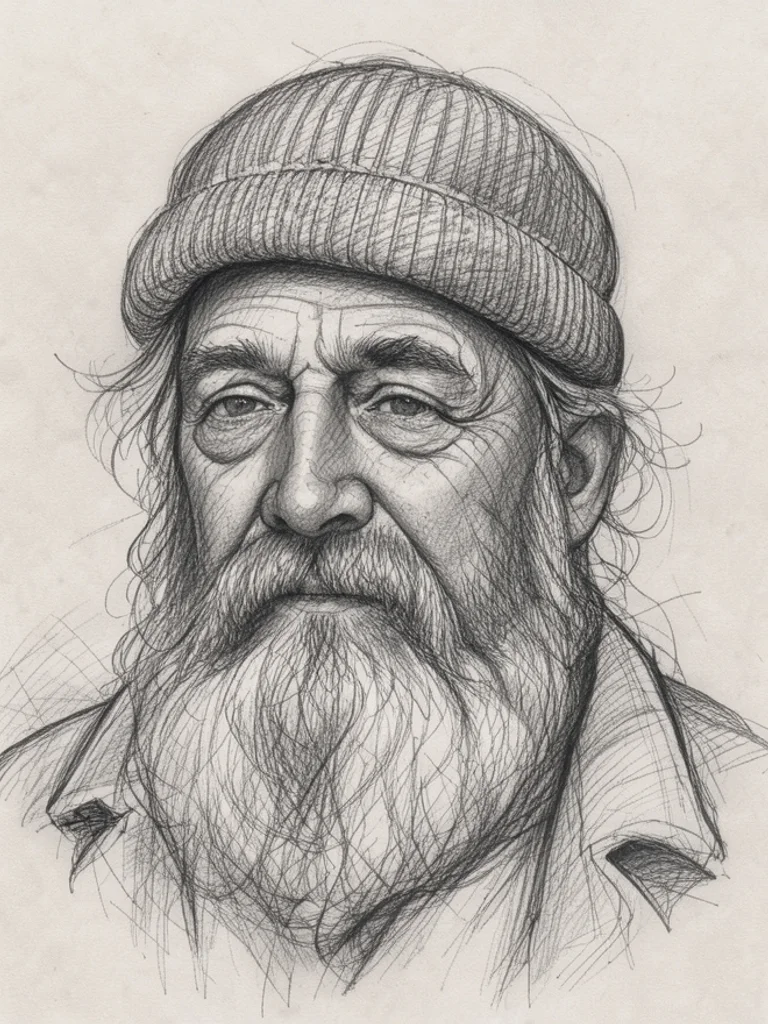
References for drawing practice
Generate a portrait, an animal or a still life in pencil and copy it in your own sketchbook. Seeing how shading and hatching are built makes it easier to learn them.
-
Storyboards and character ideas
Rough out scenes, characters and props for a comic, game or short film in minutes, then keep the strongest frames and redraw them in your own style.
-

House and room ideas
Picture an extension, a cabin or a redesigned room as a quick architectural sketch before talking to a designer or builder about what you have in mind.
-

Cards, gifts and coloring pages
Turn a favorite animal, place or memory into a sketch for a handmade card, a framed print or a line drawing that children can color in.
How to use the Free AI Sketch Generator
Create your first image in under a minute. No design skills, no sign-up.
-
STEP 1
Describe your idea or add a photo
Write what you want in plain words, the way you would tell a friend. Already have a picture? Click + or paste it with Ctrl+V, and the Free AI Sketch Generator uses it as a reference.
-
STEP 2
Pick a style and generate
Choose a style and aspect ratio if you like, then press Generate. Your free image is ready in a few seconds, with no account and no watermark.
-
STEP 3
Download your image
Save the result with one click, or generate again with a tweak to the prompt. Downloads come without a watermark.

FAQs about the Free AI Sketch Generator
What is an AI sketch generator?
An AI sketch generator turns a text description or a photo into an image that looks drawn by hand, in pencil, charcoal, ink or line art. It lets you get a sketch of any idea without drawing it yourself.
What is the best Free AI Sketch Generator?
The best choice depends on the sketch styles you need, how realistic the strokes look and whether you have to sign up first. The Free AI Sketch Generator on Free AI Image creates and downloads sketches right away without an account, and you can switch the style or edit the prompt until the drawing fits.
Is the Free AI Sketch Generator really free?
Yes. You can generate and download sketches for free, without signing up and without a watermark.
Can I use more advanced AI models for better sketches?
Yes. After you buy credits on the pricing page, a model menu appears in the generator and you can switch to Pro models such as GPT Image 2 or Nano Banana Pro for finer detail and closer prompt following. Each Pro image uses credits; the free model stays free.
How do I write a good prompt for an AI sketch?
Name one subject and say how it should be drawn, for example an old bicycle, soft pencil, loose lines. Mention the medium or the amount of shading if it matters, and keep the scene simple so the sketch has room around the subject.
Can I turn my own photo into a sketch?
Yes. Click + under the prompt or paste an image with Ctrl+V to add one PNG, JPG or WEBP file up to 10 MB, then choose a style. The generator redraws your photo as a sketch while keeping its main shapes.
What sketch styles can I create?
You can choose pencil, charcoal, pen and ink, line art, concept sketch or architectural, or describe another style in your prompt.
Can I use an AI sketch as a reference for my own drawing?
Yes. Many people trace or copy AI sketches to practice proportions and shading, or use them to plan a composition before drawing it properly. Line art works best for tracing, pencil for studying light and shadow.
Can I use AI sketches commercially?
Yes. Sketches you create, including free ones, can be used for personal and commercial projects such as prints, cards or client concepts, with no attribution required. Avoid logos, trademarks or characters you do not have the rights to.
How do I download my sketch?
When your sketch is ready, press Download under the result to save it. You can also generate again or edit the prompt to try another version of the same idea.
 AI Anime Generator
 AI Cartoon Generator
 AI Clip Art Generator
 AI Coloring Page Generator
 AI Pixel Art Generator
 AI Tattoo Generator