
Free AI Product Photo Generator
Studio product photos from a snapshot of your product. Free, no sign-up.
Studio-quality product shots, no studio needed
White background
A clean listing shot on pure white with soft light and a gentle shadow. The standard for marketplace main images.

Studio set
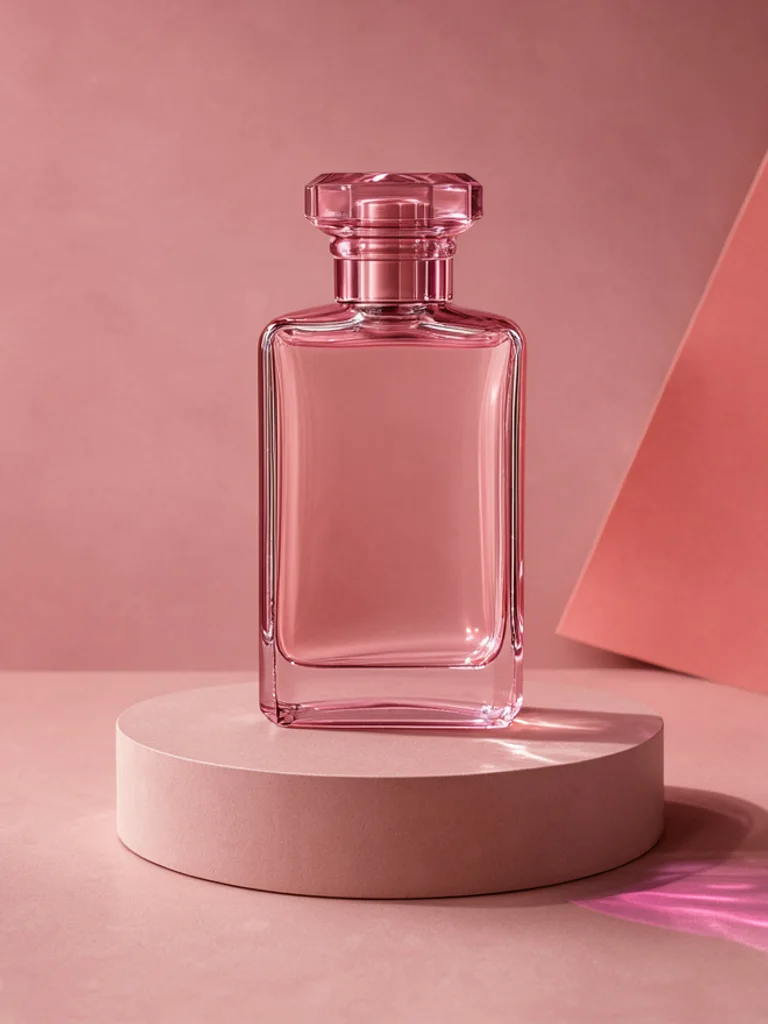
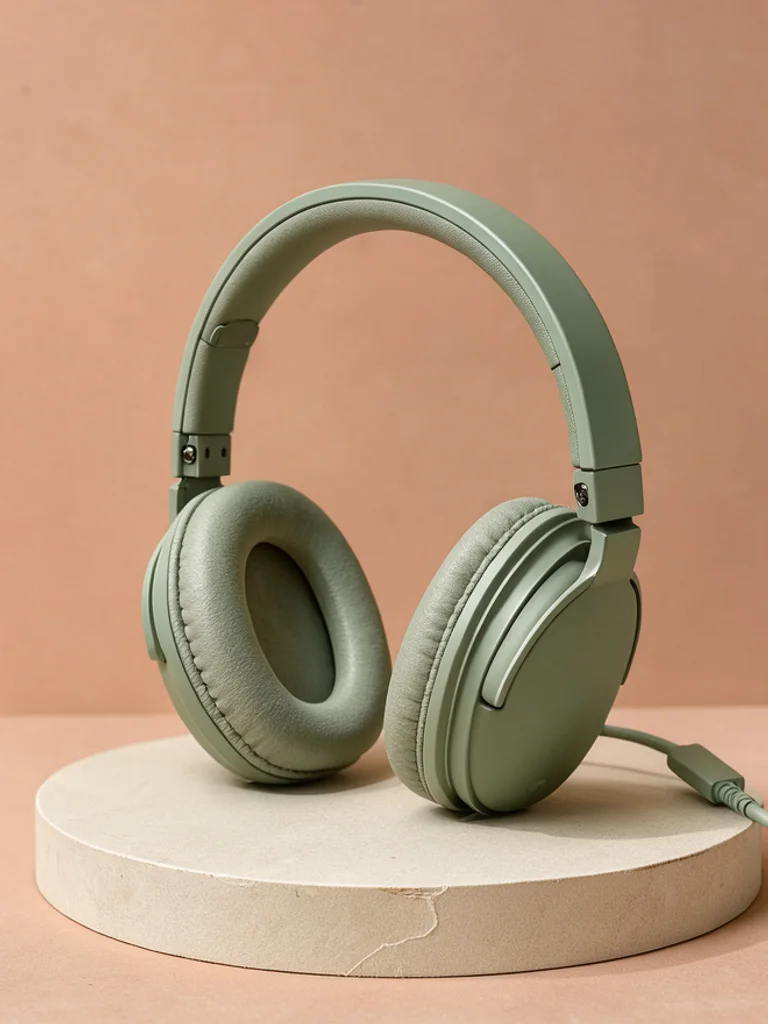
Colored backdrops and simple podiums, like a modern brand shoot. Great for hero images, ads and launches.
Lifestyle
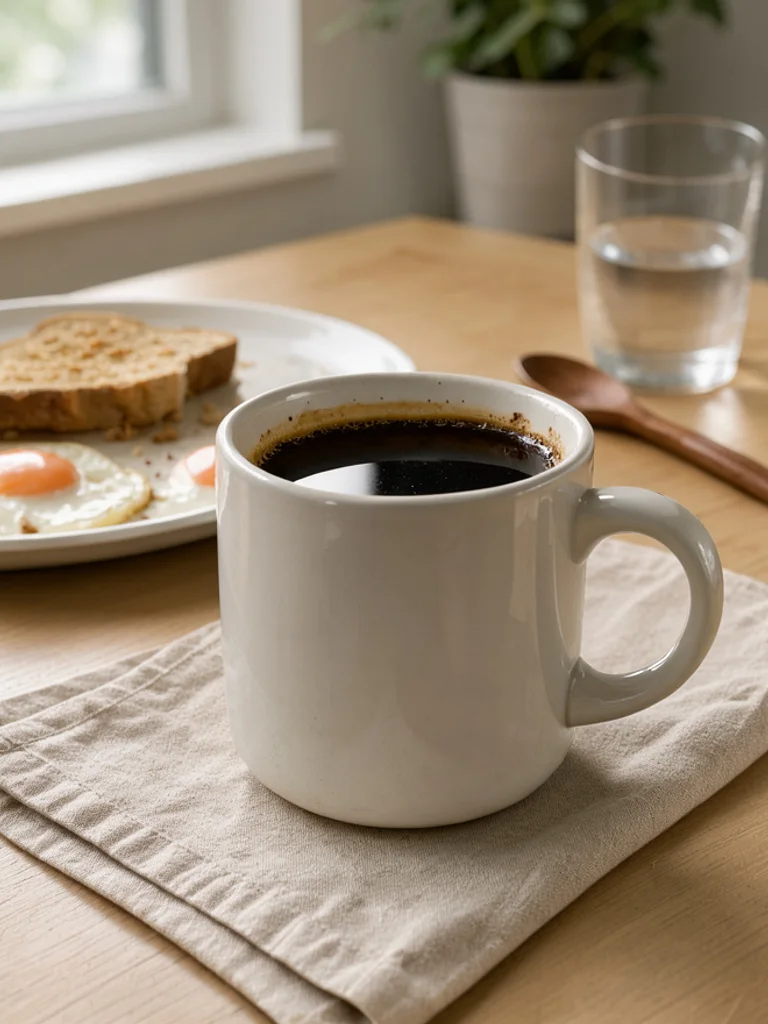
Your product in a real home with natural window light, so shoppers can picture it in their own life.
Luxury
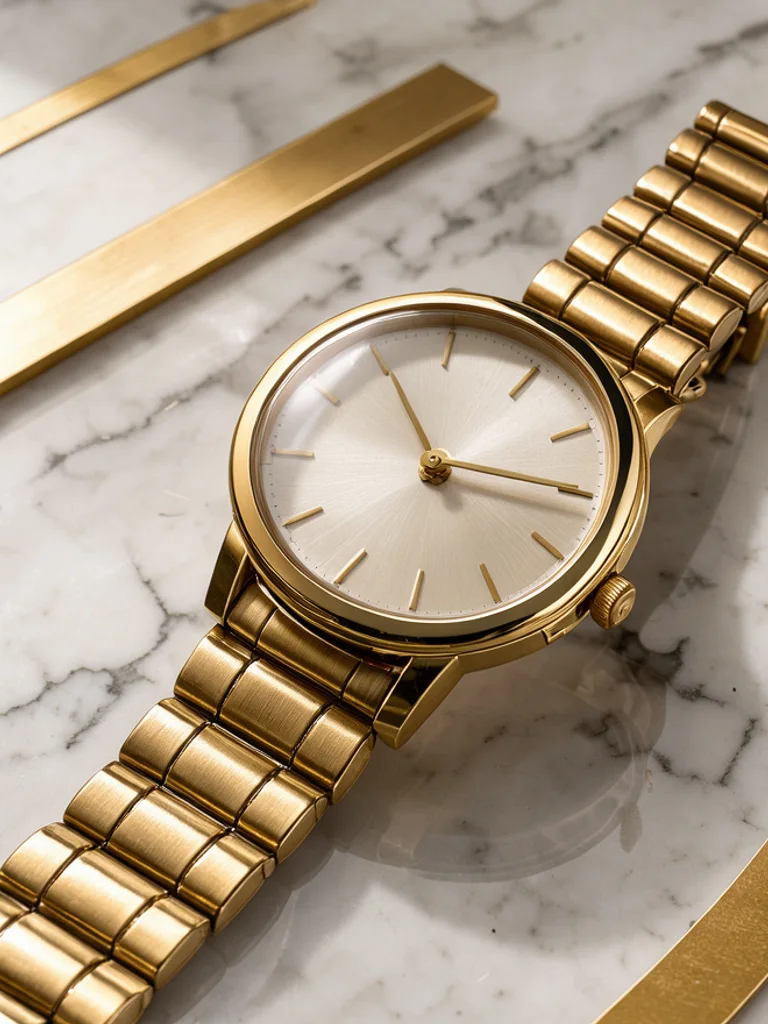
Marble, gold accents and dramatic soft light for a premium editorial feel. Suits jewelry, watches and skincare.

Natural outdoor
Natural stone, moss and dappled sunlight for organic, handmade and outdoor products.

Images powered by our free model
Why your product photos look shot in a studio
One product, three kinds of shoot
Each style is a different photo shoot for the same product. White background gives the clean shot marketplaces ask for, lifestyle places it in a real everyday scene, and natural outdoor adds daylight and texture for social posts and ads.
Prompt: “a pair of white canvas sneakers”


Lighting and staging done for you
Describe the product in a few words. The generator adds soft studio lighting, realistic shadows and a centered composition, so a short line like a pair of white sneakers already looks like a professional catalog shot.
Start from your own product snapshot
Add a phone photo of your product and the result keeps its shape and colors while placing it in the scene you chose. Check small details such as logos and labels before you publish.
How it compares to other product photo generators
| Feature | Free AI Image | Picsart | Fotor |
|---|---|---|---|
| Free to use | Yes | Free start | Free, with credits |
| No sign-up needed | Yes | Not stated | Not stated |
| No watermark on free images | Yes | Not stated | Yes |
| Styles to choose from | 5 styles | Not stated | Not stated |
| Upload a reference image | Yes | Yes | Yes |
Checked on Nov 20, 2026. Other tools may have changed since.
How the Free AI Product Photo Generator works
Describe the product and, if you like, where it should be, such as a ceramic mug on a breakfast table, then pick a style. The Free AI Product Photo Generator adds what a product photographer would set up: sharp focus on the product, realistic materials and reflections, and lighting that matches the scene you chose.
To show your real product, click + and add a clear photo of it, then pick a style. The AI Product Photo Generator uses it as a reference and places the product in a new scene. A well-lit photo on a plain background gives the most faithful result; always compare the shape, colors and labels with your item before publishing.
Good prompts name the product, its material and color, and one scene detail: a matte green headphone on a stone podium, a gold watch on marble. Short prompts with one product work better than complex arrangements of many items.
Use the results for listings, ads, social posts and mockups. Images of products you do not actually sell, or that change how your product really looks, can mislead buyers, so treat generated scenes as a presentation of the real item.
What you can make with the Free AI Product Photo Generator
-
Store and marketplace listings
Create clean white background shots and extra angles for product pages on Shopify, Etsy and other marketplaces.
-
Ads and social posts
Place one product in many scenes to test which background gets the most clicks before booking a real photoshoot.
-

Launches and seasonal campaigns
Give a new product or a holiday promotion its own look, from cozy home scenes to bright studio colors.
-

Mockups and pitch decks
Show a product idea in a real setting for a pitch, a crowdfunding page or a supplier brief before it exists.
How to use the Free AI Product Photo Generator
Create your first image in under a minute. No design skills, no sign-up.
-
STEP 1
Describe your idea or add a photo
Write what you want in plain words, the way you would tell a friend. Already have a picture? Click + or paste it with Ctrl+V, and the Free AI Product Photo Generator uses it as a reference.
-
STEP 2
Pick a style and generate
Choose a style and aspect ratio if you like, then press Generate. Your free image is ready in a few seconds, with no account and no watermark.
-
STEP 3
Download your image
Save the result with one click, or generate again with a tweak to the prompt. Downloads come without a watermark.

FAQs about the Free AI Product Photo Generator
What is an AI product photo generator?
An AI product photo generator creates product images from a text description or a photo of your product. You describe the item and the scene, and the AI renders it with studio lighting, realistic materials and a fitting background.
What is the best Free AI Product Photo Generator?
The best choice depends on how realistic the materials look, whether it can use a photo of your real product and whether you must sign up first. The Free AI Product Photo Generator on Free AI Image lets you create and download product photos right away without an account, with white background, studio, lifestyle, luxury and outdoor scenes.
Is the Free AI Product Photo Generator really free?
Yes. You can generate and download product photos for free, without signing up and without a watermark.
Can I use more advanced AI models for better product photos?
Yes. After you buy credits on the pricing page, a model menu appears in the generator and you can switch to Pro models such as GPT Image 2 or Nano Banana Pro for finer detail and closer prompt following. Each Pro image uses credits; the free model stays free.
How do I write a good prompt for a product photo?
Name the product, its material and color, then one scene detail, for example a ceramic mug on a wooden breakfast table. Choose the background type from the style menu, and keep to one product per image for the cleanest result.
Can I use a photo of my own product?
Yes. Click + under the prompt or paste an image with Ctrl+V to add one PNG, JPG or WEBP file up to 10 MB, then describe what you want. The generator uses your photo as a reference and places the product in the scene you choose; compare shape, colors and labels with the real item before you publish.
What product photo styles can I create?
You can choose white background, studio set, lifestyle, luxury or natural outdoor, or describe another scene such as a beach, a kitchen counter or a holiday table in your prompt.
Can I use these images on Amazon or Shopify?
Yes, as long as they show your real product accurately. White background shots suit main listing images; check each marketplace's rules on backgrounds and image size, since some ask for larger images to enable zoom.
Can I use AI product photos commercially?
Yes. Product photos you create, including free ones, can be used for personal and commercial projects such as store listings, ads or social campaigns, with no attribution required. Avoid characters, logos or trademarks you do not have the rights to.
How do I download my product photo?
When your product photo is ready, press Download under the result to save it. You can also generate again or edit the prompt to try another version of the same idea.
 AI Anime Generator
 AI Avatar Generator
 AI Cartoon Generator
 AI Clip Art Generator
 AI Coloring Page Generator
 AI Pixel Art Generator