
Free AI Clip Art Generator
Clip art for slides and crafts from a short description. Free, no sign-up.
Clean, ready-to-use clipart from a few words
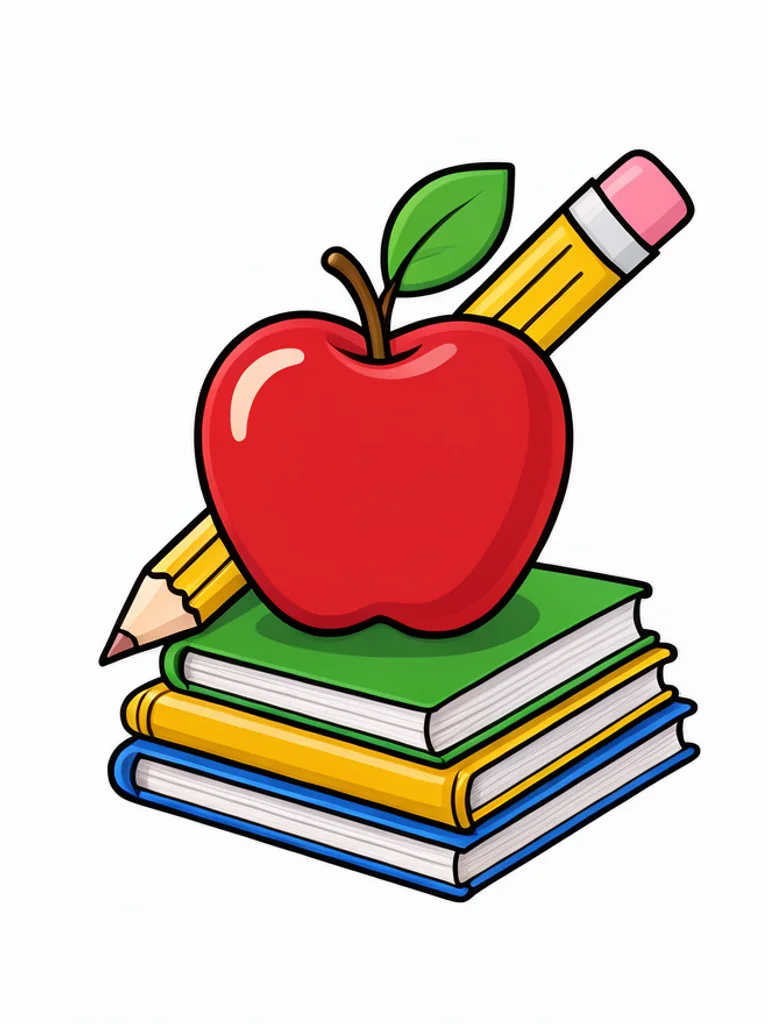
Cartoon
Bold outlines and bright flat colors that stay clear at any size. The classic choice for school, kids and fun projects.
Flat vector
Simple geometric shapes in two or three colors, without outlines. Modern and tidy for slides, websites and infographics.

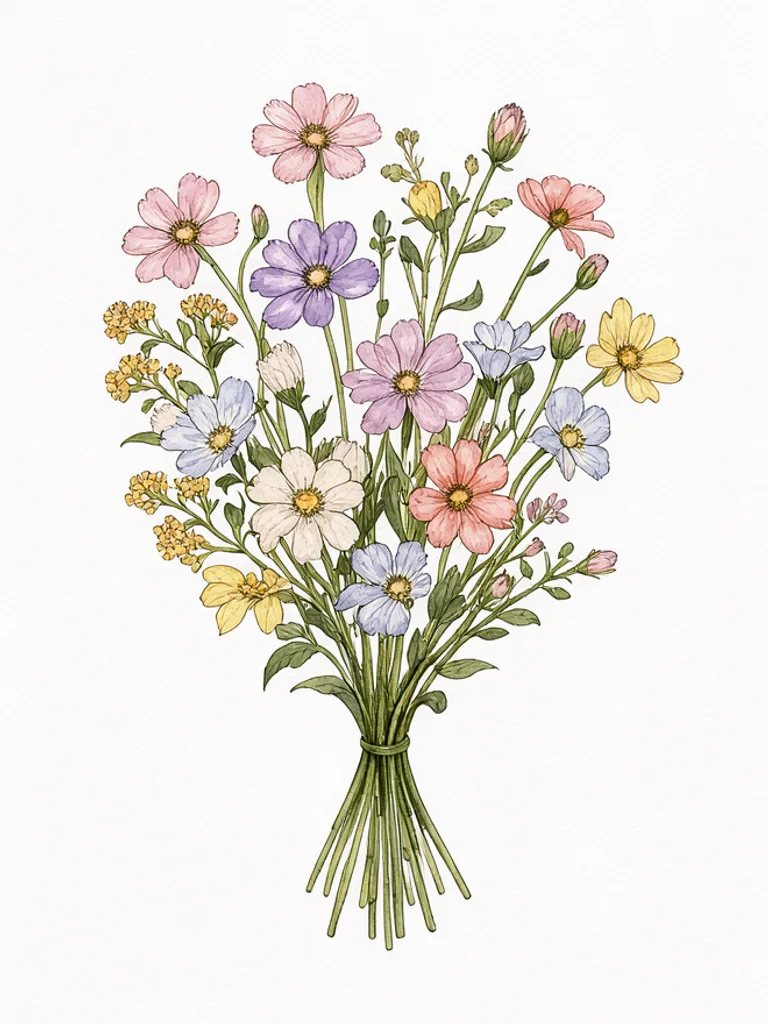
Watercolor
Soft washes and paper texture with delicate ink lines. Lovely for invitations, cards, weddings and seasonal designs.
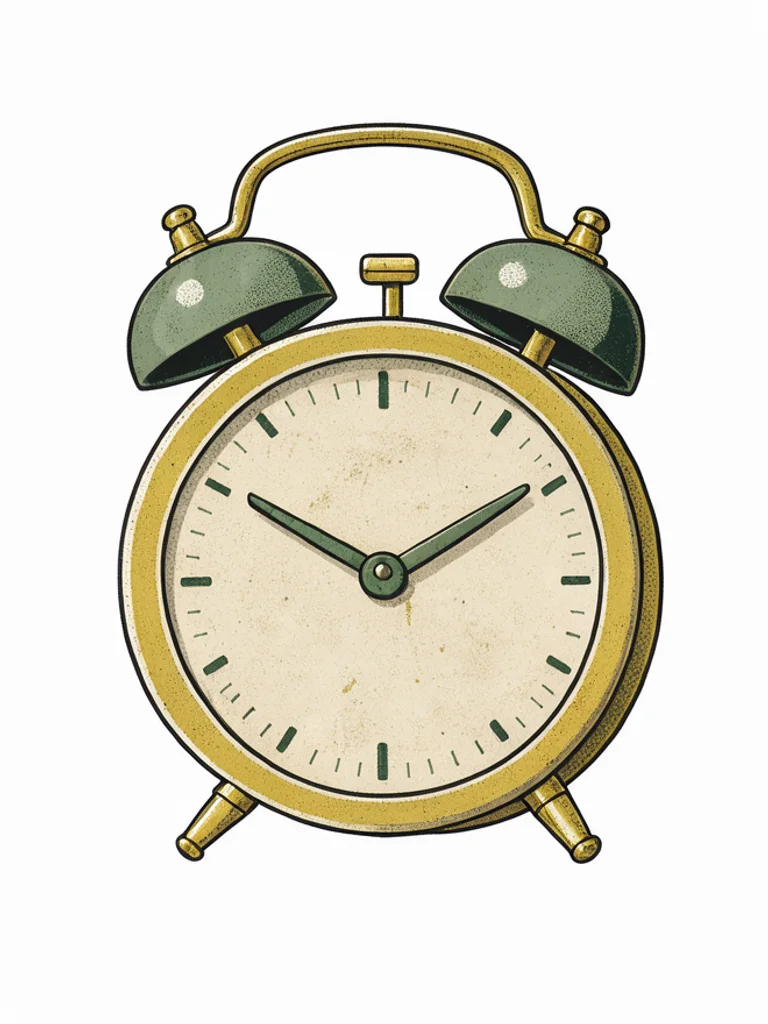
Vintage
Muted colors and light halftone texture, like an illustration from a 1950s catalog. Charming for menus, labels and posters.
Line art
Clean black outline drawings with no fill. Easy to print, color in or recolor to match any design.


Images powered by our free model
Why your clip art drops straight into a project
One object, three kinds of clip art
The same object fits a different project in each style. Cartoon gives friendly bold shapes for kids and classrooms, watercolor gives soft painted edges for invitations, and line art gives a clean outline you can color in or print in one ink.
Prompt: “a red apple with a pencil and books”


Isolated on a plain background
Each piece is drawn as a single object centered on a plain white background, so it is easy to place on slides, worksheets, cards and posters, or to cut out with any background remover.
Exactly the object you need
Stock clip art rarely has the exact thing you want. Describe it in a few words, such as a cactus in a party hat or a robot holding a ruler, and get a matching piece in the style of the rest of your set.
How it compares to other clip art generators
| Feature | Free AI Image | clip.art | Template.net |
|---|---|---|---|
| Free to use | Yes | 3 free generations | Free start |
| No sign-up needed | Yes | No | Yes |
| No watermark on free images | Yes | Not stated | Not stated |
| Styles to choose from | 5 styles | 8 styles | 11 styles |
| Upload a reference image | Yes | Not stated | Yes |
Checked on Nov 20, 2026. Other tools may have changed since.
How the Free AI Clip Art Generator works
Describe the object or theme you need, such as a red apple with a pencil and books, and pick a style. The Free AI Clip Art Generator draws one isolated subject, centered on a plain white background with clean edges, so it drops straight into a document, slide or worksheet.
The style sets the mood of your project: cartoon for school and kids, flat vector for business slides, watercolor for cards and invitations, vintage for menus and labels, and line art for coloring and printing. The AI Clip Art Generator can also redraw a photo or sketch as clip art; click + to add one.
Clip art works best when the subject is simple and recognizable. Name one object or a small group and one detail, such as a pumpkin with autumn leaves. Leave out words and labels, and add text in your document instead.
The download is a flat image on a white background. Place it on white pages as it is, or remove the background with a background remover when you need it on a colored design.

What you can make with the Free AI Clip Art Generator
-
Worksheets and classroom materials
Illustrate lessons, worksheets and bulletin boards with clip art that fits the exact topic you are teaching.
-

Presentations and documents
Add a matching set of flat icons and illustrations to slides, reports and newsletters.
-

Invitations, cards and crafts
Decorate party invitations, greeting cards and scrapbooks with watercolor or vintage clip art.
-
Menus, labels and small business
Give menus, product labels and flyers a consistent illustrated style without hiring an illustrator.
How to use the Free AI Clip Art Generator
Create your first image in under a minute. No design skills, no sign-up.
-
STEP 1
Describe your idea or add a photo
Write what you want in plain words, the way you would tell a friend. Already have a picture? Click + or paste it with Ctrl+V, and the Free AI Clip Art Generator uses it as a reference.
-
STEP 2
Pick a style and generate
Choose a style and aspect ratio if you like, then press Generate. Your free image is ready in a few seconds, with no account and no watermark.
-
STEP 3
Download your image
Save the result with one click, or generate again with a tweak to the prompt. Downloads come without a watermark.

FAQs about the Free AI Clip Art Generator
What is an AI clip art generator?
An AI clip art generator creates simple illustrations of objects or themes from a short text description. You describe what you need, and the AI draws a single clean image on a white background, ready to use in documents and designs.
What is the best Free AI Clip Art Generator?
The best choice depends on the styles you need, how clean the edges are and whether you must sign up first. The Free AI Clip Art Generator on Free AI Image lets you create and download clip art right away without an account, in cartoon, flat vector, watercolor, vintage or line art style.
Is the Free AI Clip Art Generator really free?
Yes. You can generate and download clip art images for free, without signing up and without a watermark.
Can I use more advanced AI models for better clip art images?
Yes. After you buy credits on the pricing page, a model menu appears in the generator and you can switch to Pro models such as GPT Image 2 or Nano Banana Pro for finer detail and closer prompt following. Each Pro image uses credits; the free model stays free.
How do I write a good prompt for clip art?
Name one object or a small group and one detail, such as a vintage bicycle with a basket. Pick the style from the menu and leave out words or labels; you can add text in your own document.
Can I turn a photo into clip art?
Yes. Click + under the prompt or paste an image with Ctrl+V to add one PNG, JPG or WEBP file up to 10 MB, then describe what you want. The generator redraws your photo or sketch as clip art in the style you choose.
What clip art styles can I create?
You can choose cartoon, flat vector, watercolor, vintage or line art, or describe another look such as kawaii, doodle or 3D in your prompt.
Does the clip art have a transparent background?
No, it comes on a plain white background, which works as it is on white pages. For colored backgrounds, remove the white with the background remover and save it as a PNG.
Can I use AI clip art commercially?
Yes. Clip art images you create, including free ones, can be used for personal and commercial projects such as worksheets, menus or product labels, with no attribution required. Avoid characters, logos or trademarks you do not have the rights to.
How do I download my clip art?
When your clip art is ready, press Download under the result to save it. You can also generate again or edit the prompt to try another version of the same idea.
 AI Anime Generator
 AI Cartoon Generator
 AI Coloring Page Generator
 AI Pixel Art Generator
 AI Tattoo Generator
 AI Sketch Generator