
Free AI Cartoon Generator
Cartoon characters and scenes from text or a photo. Free, no sign-up.
Cartoons full of character, straight from your words
Classic 2D
Bold outlines, flat colours and big expressions, like a hand-drawn TV cartoon. The most versatile style for characters, mascots and funny scenes.
3D animated
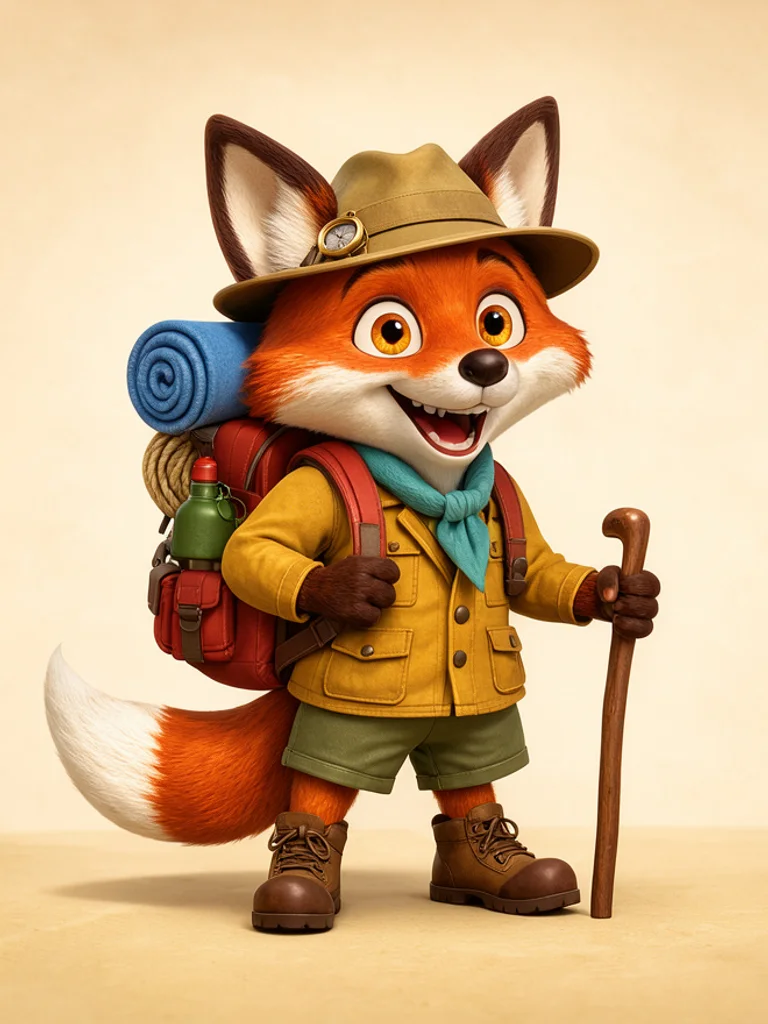
Soft rounded shapes, glossy materials and warm lighting, like a frame from an animated movie. Great for mascots, toys and characters with personality.
Flat vector
Simple geometric shapes, no outlines and a limited palette. It fits websites, presentations and explainer graphics where the picture should support the message.

Comic book
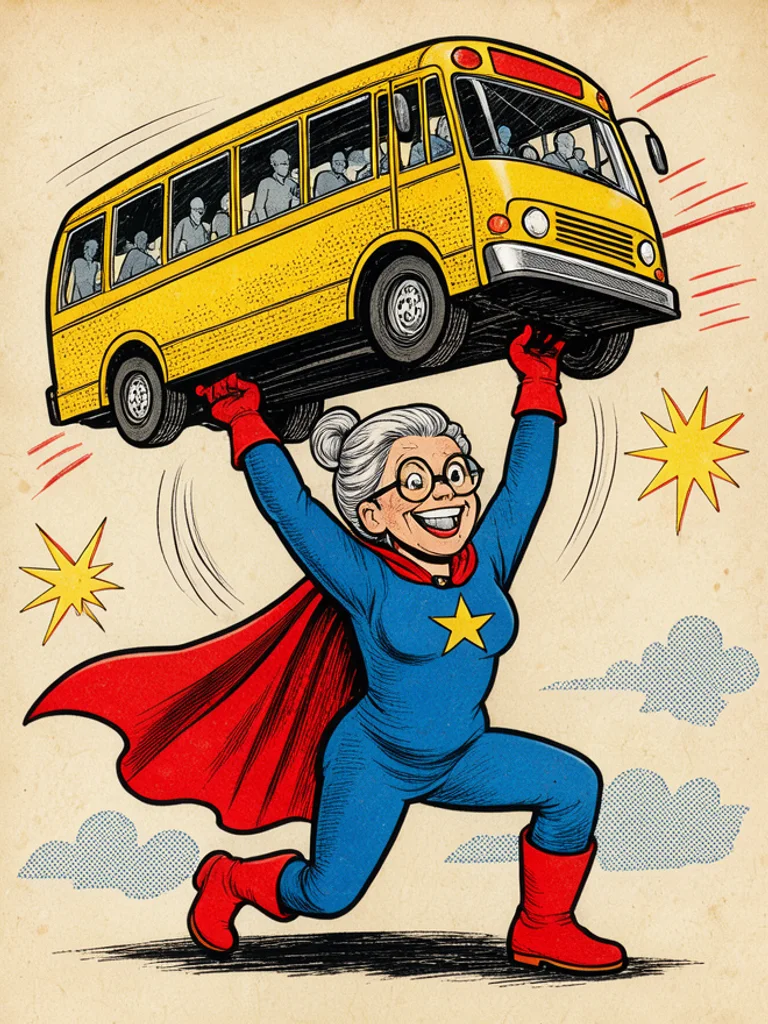
Thick ink lines, halftone dots and bold primary colours from retro comics. Use it for heroes, punchy social posts and posters; it does not add speech bubbles.
Storybook
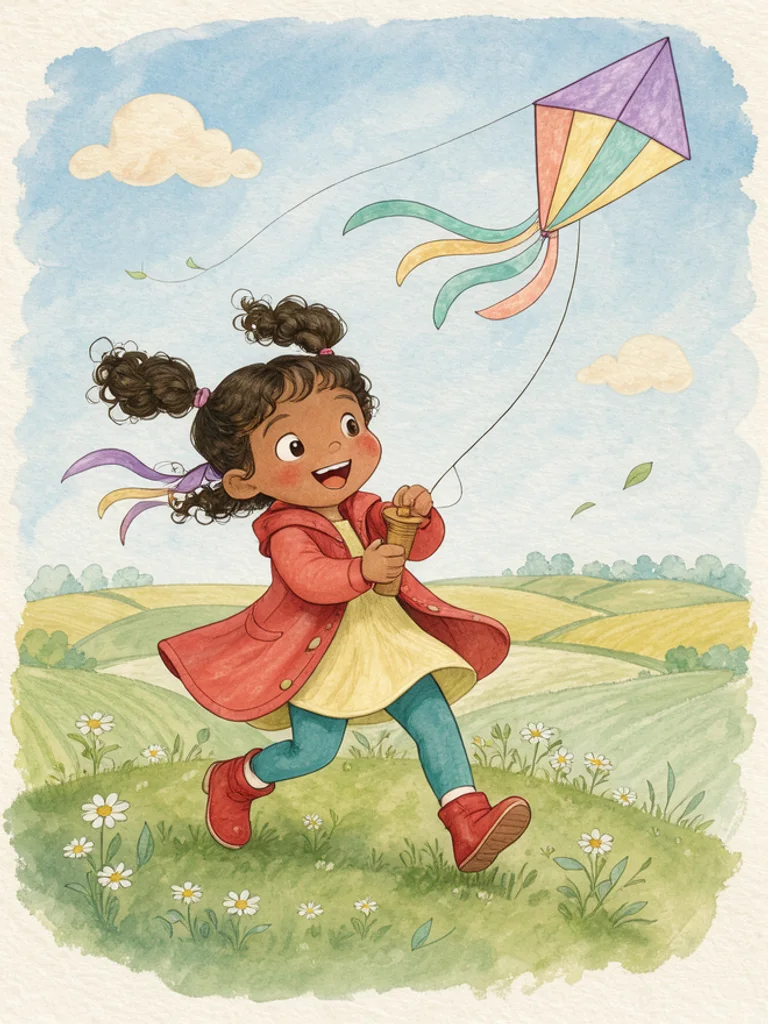
Watercolour and coloured pencil textures in gentle pastel colours, like a children's picture book. Made for bedtime stories, classroom material and cards.
Images powered by our free model
Why your cartoons look like they came from a real show
One idea, three kinds of cartoon
Change the style and the same idea moves from one kind of animation to another. Classic 2D gives bold outlines and flat colors, 3D animated gives soft lighting and rounded shapes, and storybook gives a gentle painted look made for picture books.
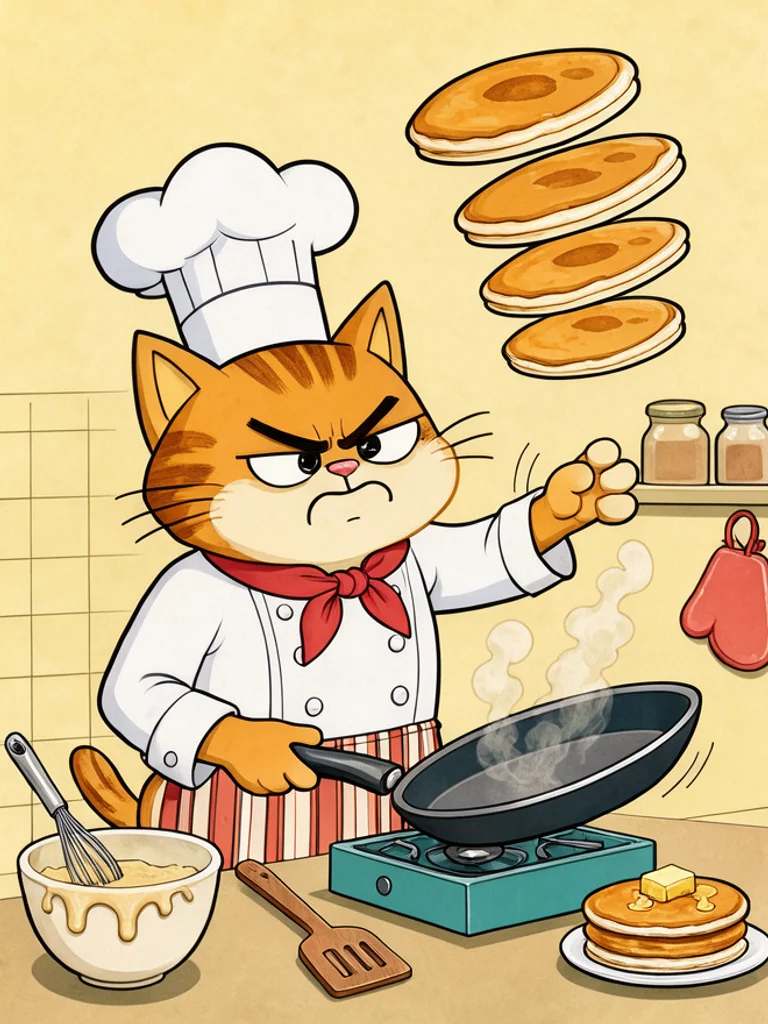
Prompt: “a grumpy cat chef flipping pancakes”


A few words is enough
Name a character and what it is doing. The generator adds clear outlines, expressive faces and a tidy background, so a short line like a grumpy cat chef flipping pancakes already becomes a complete cartoon scene.
Turn your photo into a cartoon
Add a photo of yourself, a friend or a pet and the cartoon keeps the pose and the features that make it recognizable. It works well for profile pictures, birthday cards and funny gifts.
How it compares to other cartoon generators
| Feature | Free AI Image | Adobe Firefly | Higgsfield |
|---|---|---|---|
| Free to use | Yes | Daily free limit | Free plan |
| No sign-up needed | Yes | No (Adobe ID) | Not stated |
| No watermark on free images | Yes | Not stated | Not stated |
| Styles to choose from | 5 styles | 3 named | 7 named |
| Upload a reference image | Yes | Yes | Yes |
Checked on Nov 20, 2026. Other tools may have changed since.
How the Free AI Cartoon Generator works
Describe a character doing something, such as a grumpy cat chef flipping pancakes, and pick a style. The Free AI Cartoon Generator adds what makes a picture read as a cartoon: an appealing character design, clear shapes, cheerful colours and a simple background, plus the look of the style you chose, from bold 2D outlines to soft 3D lighting.
You can also start from a photo of yourself, your pet or a drawing. Click + or paste the image, choose a style, and the AI Cartoon Generator redraws it as a cartoon while keeping the pose and layout. Switch styles to see the same idea as a comic hero, a 3D toy or a storybook page.
Cartoons work best when the joke or the action is easy to read. Give your character one clear job and one prop, and add an emotion such as grumpy, proud or surprised. Funny contrasts help: a tiny robot with a huge watering can or a grandma lifting a bus is more memorable than a character simply standing.
Each result is a single picture, not an animation or a full comic strip with text. Add lettering, speech bubbles or animation in your own editor, and generate a few versions to keep a character consistent across a series of posts or pages.

What you can make with the Free AI Cartoon Generator
-

Mascots and characters
Create a friendly mascot for a channel, shop or team, then try it in classic 2D and 3D to see which fits your brand before you hire an illustrator.
-

Social posts and memes
Turn a funny idea into a picture in seconds. Comic book and classic cartoons stand out in a feed and make simple jokes land without explanation.
-

Presentations and websites
Flat vector scenes of people at work illustrate slides, landing pages and blog posts without looking like stock photos.
-

Stories, classrooms and cards
Storybook cartoons give children's stories, worksheets and birthday cards a warm, hand-made feel. Generate one picture per page of your story.
How to use the Free AI Cartoon Generator
Create your first image in under a minute. No design skills, no sign-up.
-
STEP 1
Describe your idea or add a photo
Write what you want in plain words, the way you would tell a friend. Already have a picture? Click + or paste it with Ctrl+V, and the Free AI Cartoon Generator uses it as a reference.
-
STEP 2
Pick a style and generate
Choose a style and aspect ratio if you like, then press Generate. Your free image is ready in a few seconds, with no account and no watermark.
-
STEP 3
Download your image
Save the result with one click, or generate again with a tweak to the prompt. Downloads come without a watermark.

FAQs about the Free AI Cartoon Generator
What is an AI cartoon generator?
An AI cartoon generator creates cartoon images from a text description or a photo. You describe a character or scene, and the AI draws it with cartoon shapes, outlines and colours, so you can make cartoons without drawing skills.
What is the best Free AI Cartoon Generator?
The best choice depends on the styles you need, whether you can start without an account and whether downloads are watermarked. The Free AI Cartoon Generator on Free AI Image lets you create and download cartoons right away without signing up, in five styles you can switch between.
Is the Free AI Cartoon Generator really free?
Yes. You can generate and download cartoons for free, without signing up and without a watermark.
Can I use more advanced AI models for better cartoons?
Yes. After you buy credits on the pricing page, a model menu appears in the generator and you can switch to Pro models such as GPT Image 2 or Nano Banana Pro for finer detail and closer prompt following. Each Pro image uses credits; the free model stays free.
How do I write a good prompt for an AI cartoon?
Name the character, what it is doing and how it feels, for example a grumpy cat chef flipping pancakes. Add one prop and a simple setting, and pick the style from the menu; short, concrete prompts give cleaner cartoons than long descriptions.
Can I turn a photo into a cartoon?
Yes. Click + under the prompt or paste an image with Ctrl+V to add one PNG, JPG or WEBP file up to 10 MB, then describe the cartoon you want. The generator redraws your photo of a person, pet or object in the style you choose.
What cartoon styles can I create?
You can choose classic 2D, 3D animated, flat vector, comic book or storybook, or describe another look such as claymation or a retro newspaper cartoon in your prompt.
Can the AI add text or speech bubbles to my cartoon?
Not reliably, so it is set to leave text out. Add captions, speech bubbles or lettering afterwards in any image editor; this keeps the words sharp and easy to change.
Can I use AI cartoons commercially?
Yes. Cartoons you create, including free ones, can be used for personal and commercial projects such as mascots, social posts or merch, with no attribution required. Avoid characters, logos or trademarks you do not have the rights to.
How do I download my cartoon?
When your cartoon is ready, press Download under the result to save it. You can also generate again or edit the prompt to try another version of the same idea.
 AI Anime Generator
 AI Clip Art Generator
 AI Coloring Page Generator
 AI Pixel Art Generator
 AI Tattoo Generator
 AI Sketch Generator