

Free AI Anime Generator
Anime characters and scenes from text or a photo. Free, no sign-up.
Anime art that looks studio-made, from one sentence
Cinematic
Soft painted backgrounds, warm light and a sense of depth, like a still from an anime film. A good default for scenes, wallpapers and characters in a place.
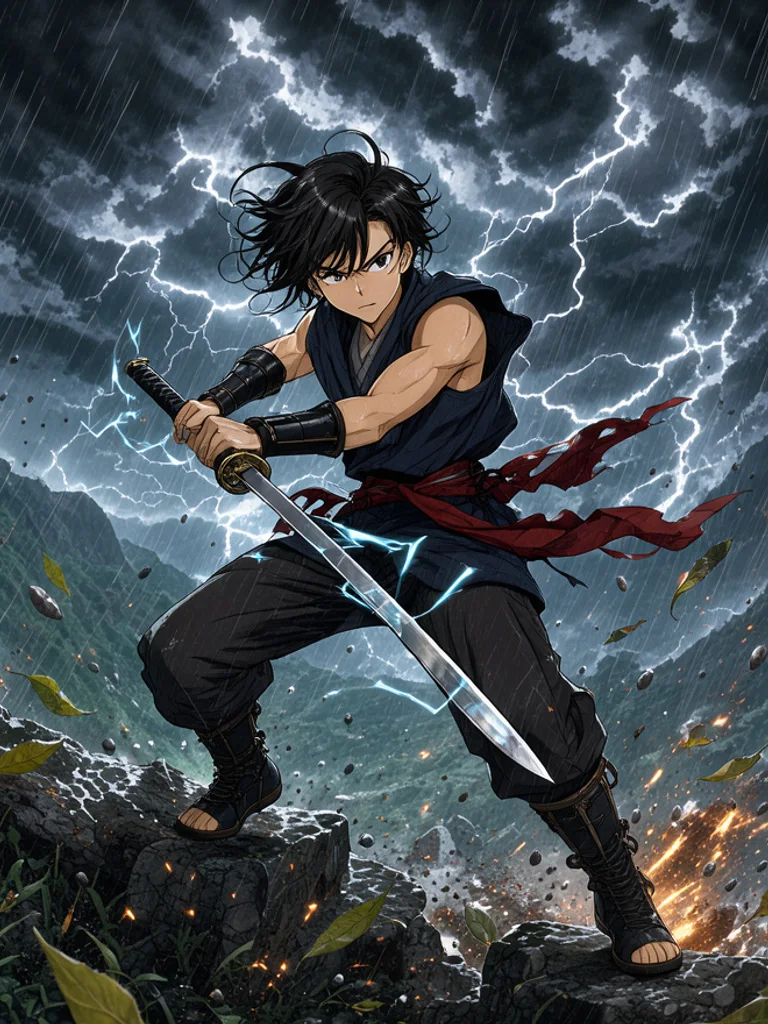
Shonen
Dynamic poses, bold linework and dramatic lighting from action anime. Use it for heroes, fights and powers; describe the action in your prompt.
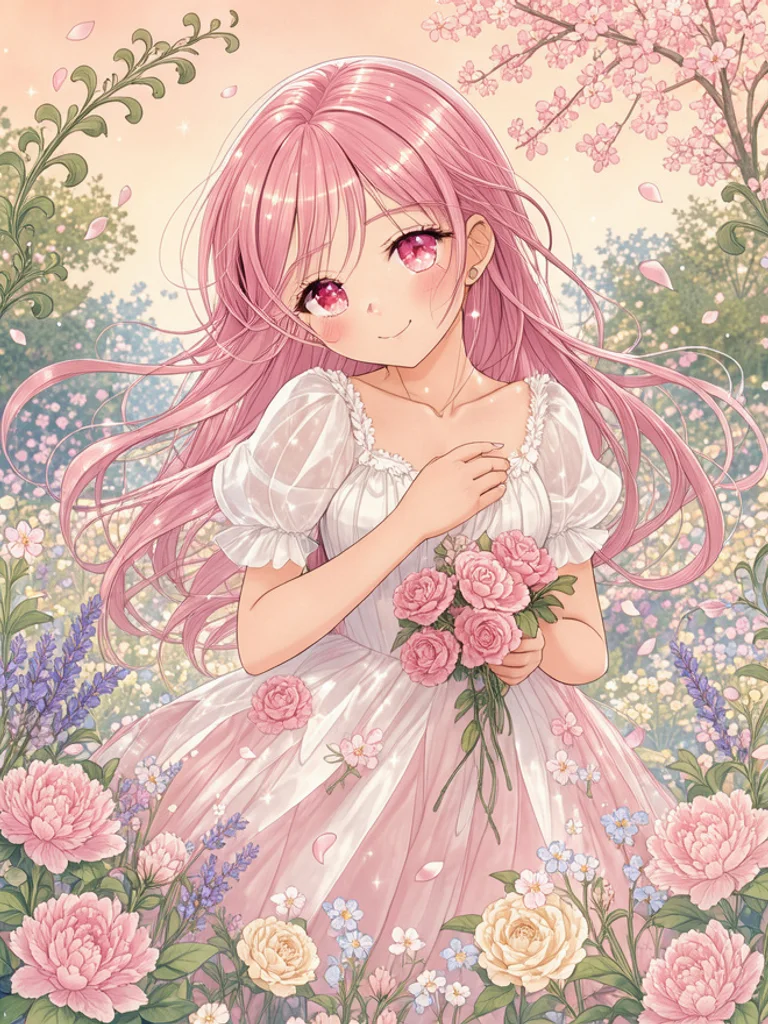
Shojo
Pastel colours, sparkling eyes, flowing hair and flowers. It suits romance, friendship and gentle portraits more than action scenes.

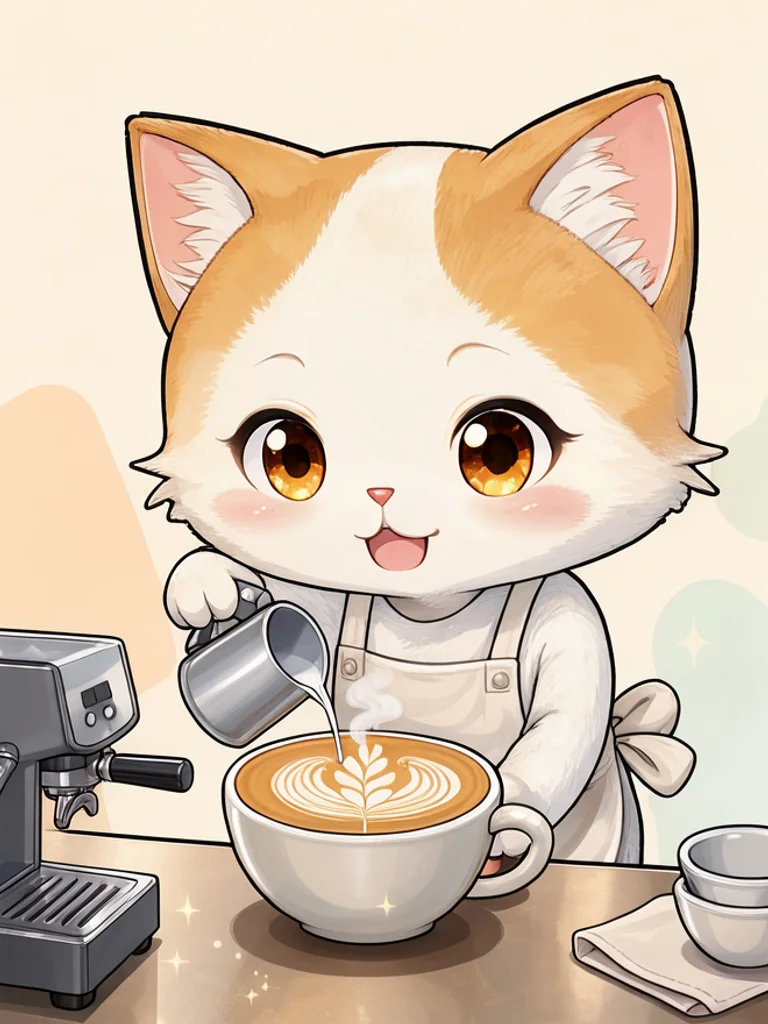
Chibi
Cute super-deformed characters with big heads and tiny bodies on a clean background. Ideal for stickers, emotes and profile pictures.
Manga (B&W)
Black and white ink with screentone shading, like a printed manga page. Good for panel ideas and moody scenes; it does not add speech bubbles.

Images powered by our free model
Why your anime art looks like it came from a studio
One scene, three kinds of anime
Each style changes the whole look, not just the colors. Cinematic gives film-like light and painted backgrounds, shojo gives soft pastel tones and sparkling eyes, and chibi turns the same scene into a cute, big-headed version. Try the same idea in each and keep your favorite.
Prompt: “a girl reading on a train at sunset”


A few words is enough
Describe who is in the scene and where. The generator adds clean line art, cel shading and anime proportions on its own, so a short line like a girl reading on a train already becomes a finished anime frame.
Your own character, in anime
Add a photo or a rough drawing of a character and the result keeps its pose and outfit while redrawing it in the style you picked. It is an easy way to make an anime version of yourself, a pet or an original character.
How it compares to other anime generators
| Feature | Free AI Image | Flixier | Anime AI Gen |
|---|---|---|---|
| Free to use | Yes | Free trial | Daily free credits |
| No sign-up needed | Yes | Not stated | Yes |
| No watermark on free images | Yes | Not stated | Not stated |
| Styles to choose from | 5 styles | 4+ named | Not stated |
| Upload a reference image | Yes | Not stated | Not stated |
Checked on Nov 20, 2026. Other tools may have changed since.
How the Free AI Anime Generator works
Describe who or what you want to see and where, such as a girl reading on a train at sunset, then pick a style. The Free AI Anime Generator adds the details that make a picture read as anime: clean line art, expressive eyes and anime colouring, plus the look of the style you chose, from soft cinematic light to black and white screentones.
Already have a picture? Click + or paste a photo, sketch or character drawing, and the AI Anime Generator redraws it in anime style while keeping the pose and layout you gave it. Change the style or one detail of your prompt and generate again to compare versions of the same character.
Good anime prompts name the character first, then the setting and the mood. Hair colour, clothing and expression help the AI keep a character recognisable, while time of day and weather set the atmosphere. One clear subject in one place works better than a long list of ideas in a single picture.
Each image is a single illustration, not an animation or a full comic page. Use it as a character design, a cover idea, a wallpaper or a reference for your own drawing, and generate several versions to build a consistent look for a story.

What you can make with the Free AI Anime Generator
-

Original characters
Design your own OC from a description: hair, outfit, personality and setting. Try the same character in shonen and shojo style to see which world it belongs to.
-

Profile pictures and stickers
Chibi characters on a clean background make friendly avatars, Discord emotes and sticker designs that stay readable at small sizes.
-

Manga and webtoon ideas
Sketch out key moments of a story as black and white manga illustrations before you draw the real panels, or use them as covers for chapters and posts.
-
Wallpapers and scenes
Cinematic scenes with warm light and painted backgrounds work as desktop and phone wallpapers or as mood boards for a game or story world.
How to use the Free AI Anime Generator
Create your first image in under a minute. No design skills, no sign-up.
-
STEP 1
Describe your idea or add a photo
Write what you want in plain words, the way you would tell a friend. Already have a picture? Click + or paste it with Ctrl+V, and the Free AI Anime Generator uses it as a reference.
-
STEP 2
Pick a style and generate
Choose a style and aspect ratio if you like, then press Generate. Your free image is ready in a few seconds, with no account and no watermark.
-
STEP 3
Download your image
Save the result with one click, or generate again with a tweak to the prompt. Downloads come without a watermark.

FAQs about the Free AI Anime Generator
What is an AI anime generator?
An AI anime generator creates anime-style images from a text description or a reference picture. You describe a character or scene, and the AI draws it with anime line art, eyes and colouring, so you can make anime art without drawing skills.
What is the best Free AI Anime Generator?
The best choice depends on the styles you need, whether you can start without an account and whether downloads are watermarked. The Free AI Anime Generator on Free AI Image lets you create and download anime art right away without signing up, in five styles you can switch between.
Is the Free AI Anime Generator really free?
Yes. You can generate and download anime images for free, without signing up and without a watermark.
Can I use more advanced AI models for better anime images?
Yes. After you buy credits on the pricing page, a model menu appears in the generator and you can switch to Pro models such as GPT Image 2 or Nano Banana Pro for finer detail and closer prompt following. Each Pro image uses credits; the free model stays free.
How do I write a good prompt for AI anime art?
Start with the character, then add hair colour, outfit and expression, and finish with the place, time of day and mood. Keep one main subject per image, and pick the style from the menu instead of naming an existing anime or studio.
Can I turn my photo into anime?
Yes. Click + under the prompt or paste an image with Ctrl+V to add one PNG, JPG or WEBP file up to 10 MB, then describe what you want. The generator redraws your photo or sketch in the anime style you choose.
What anime styles can I create?
You can choose cinematic, shonen, shojo, chibi or black and white manga, or describe another look such as retro 90s anime or cyberpunk in your prompt.
Can I make characters from existing anime?
Create your own characters instead. Characters and logos from existing series belong to their owners, so do not sell or publish them commercially without permission; an original character is yours to build on.
Can I use AI anime art commercially?
Yes. Images you create, including free ones, can be used for personal and commercial projects such as covers, merch or game concepts, with no attribution required. Avoid characters, logos or trademarks you do not have the rights to.
How do I download my anime image?
When your image is ready, press Download under the result to save it. You can also generate again or edit the prompt to try another version of the same character.
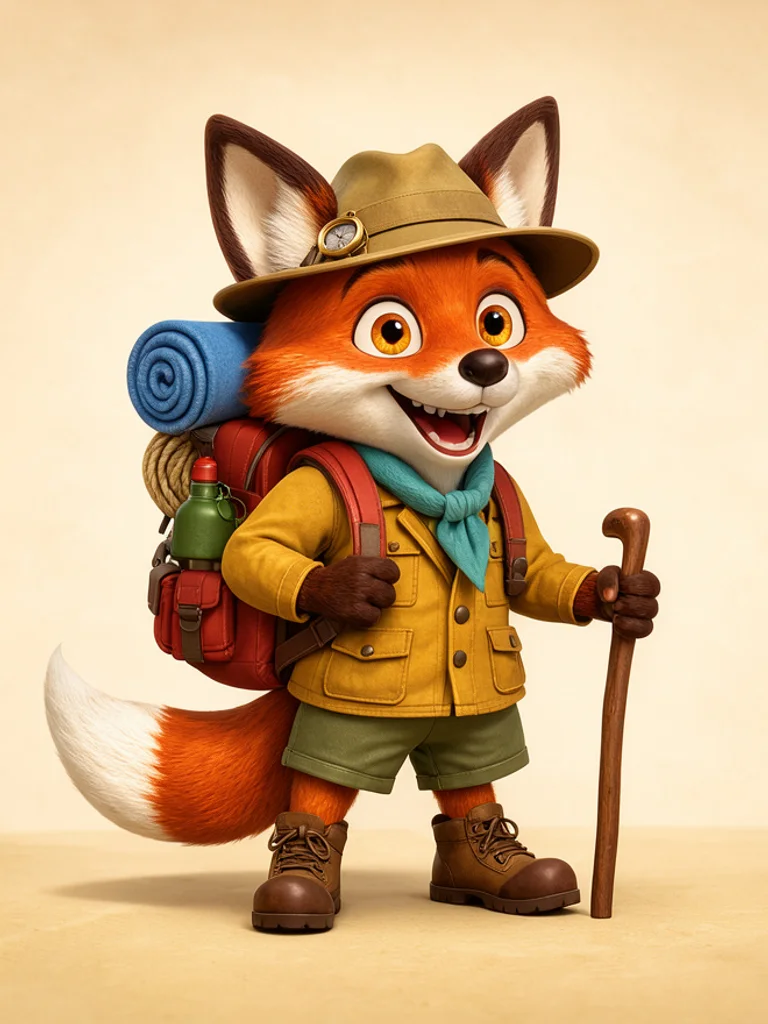 AI Cartoon Generator
 AI Clip Art Generator
 AI Coloring Page Generator
 AI Pixel Art Generator
 AI Tattoo Generator
 AI Sketch Generator